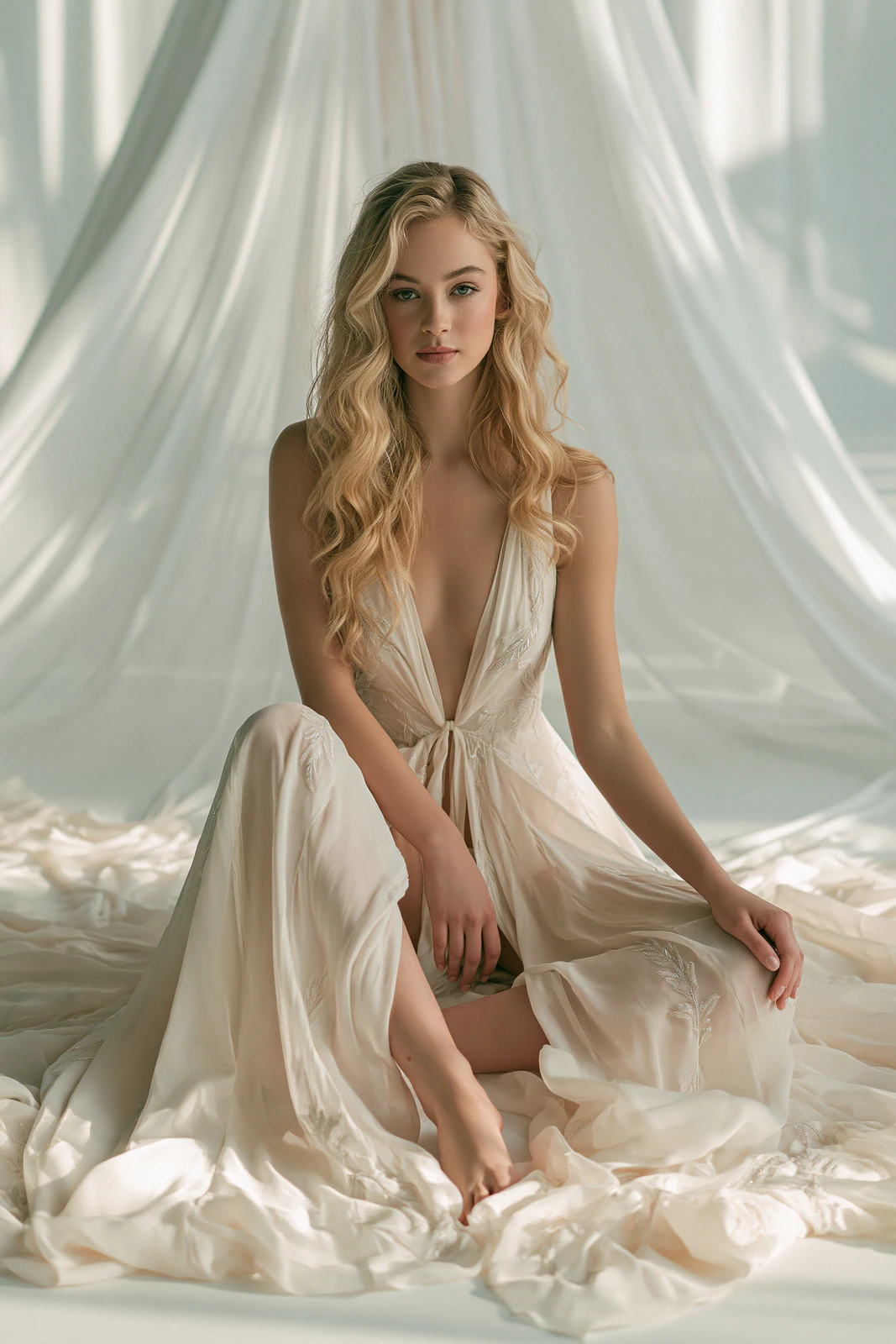
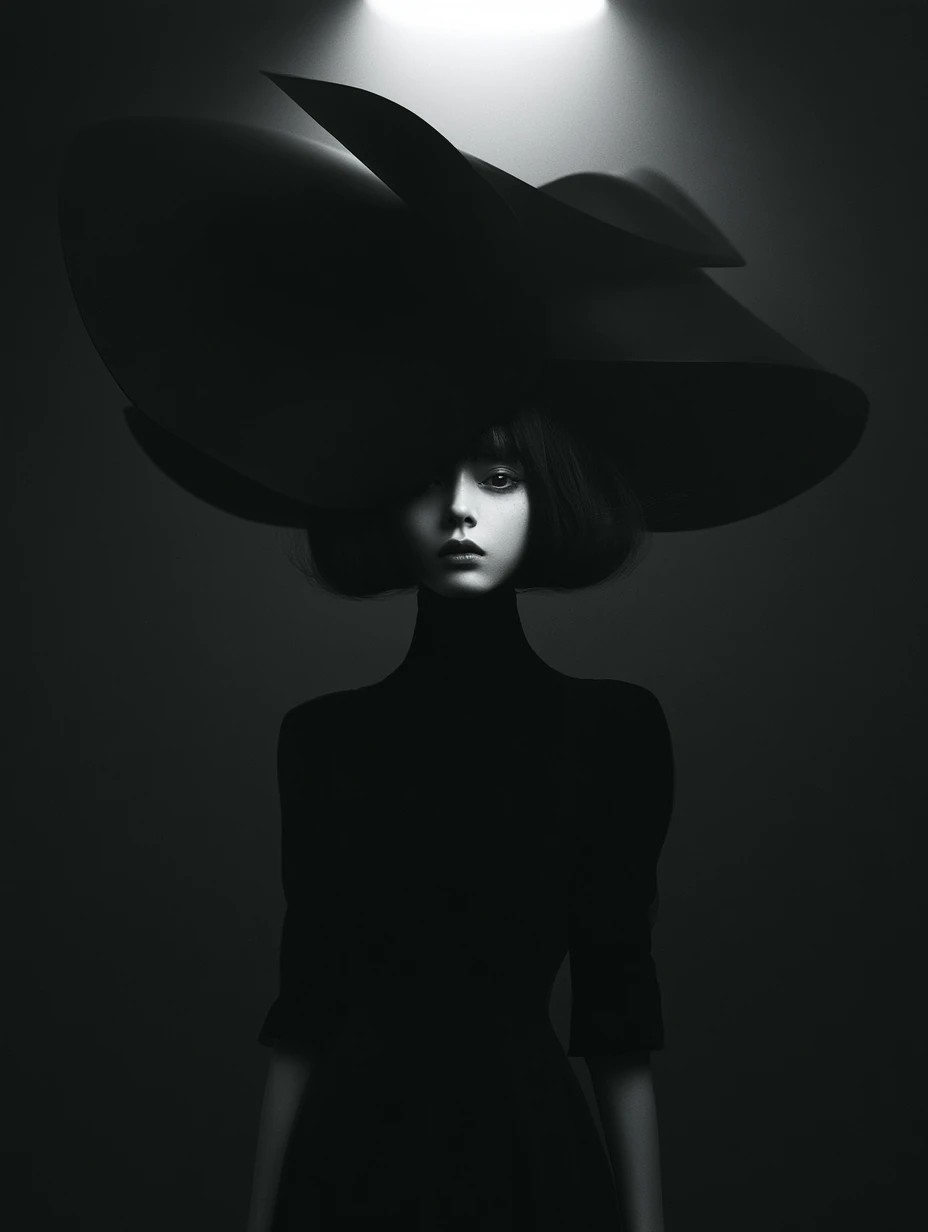
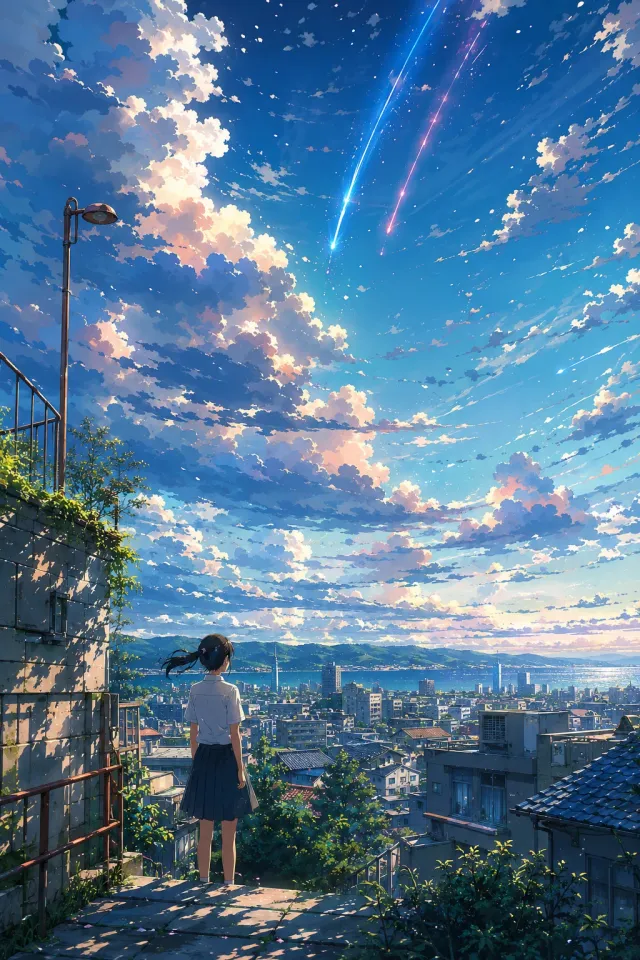
The original on the left, what the extracted prompt generated on the right. Same tool, no retouching.
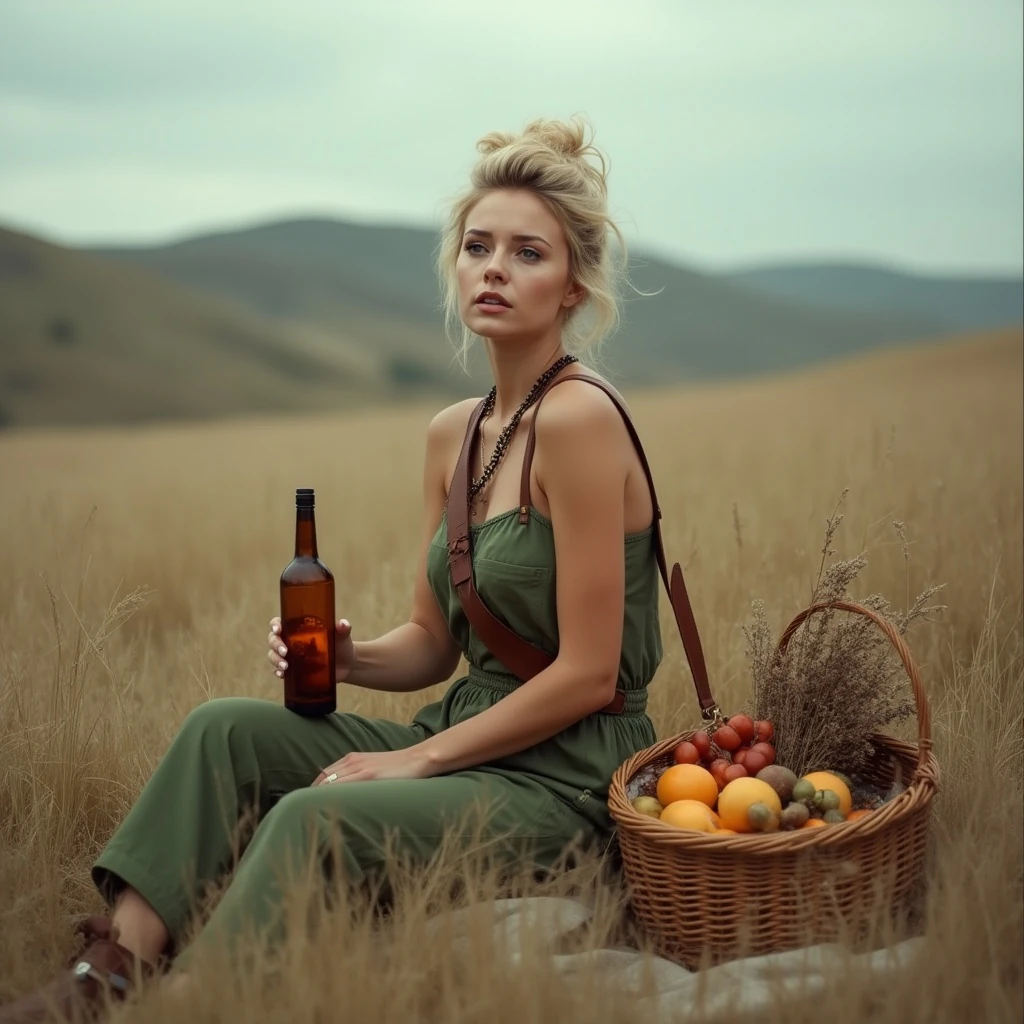
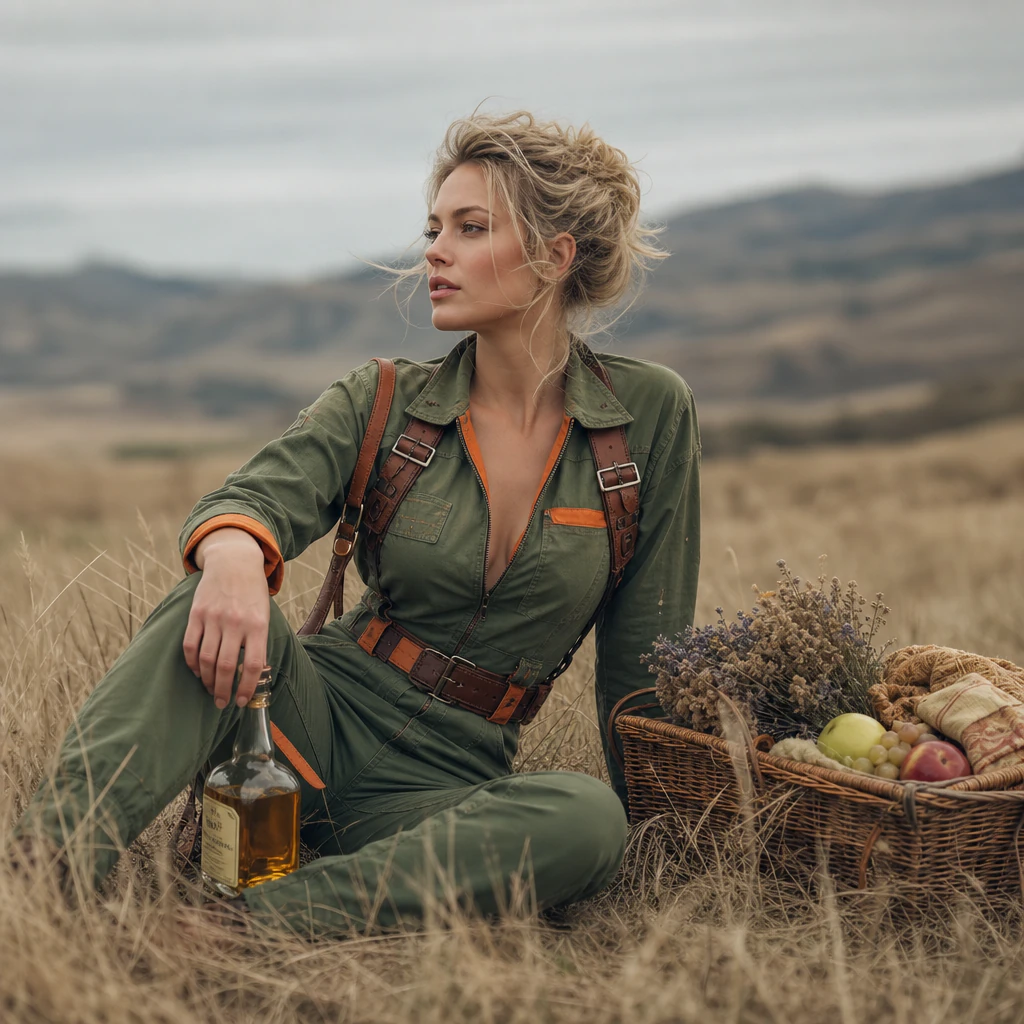
Prompt: A photorealistic portrait of a woman with blonde, windswept hair styled in an updo, wearing a green jumpsuit with orange accents and a brown leather harness. She is sitting in a field of tall, dry grass, holding a bottle of amber liquid in her right hand and looking off to the side with a thoughtful expression...
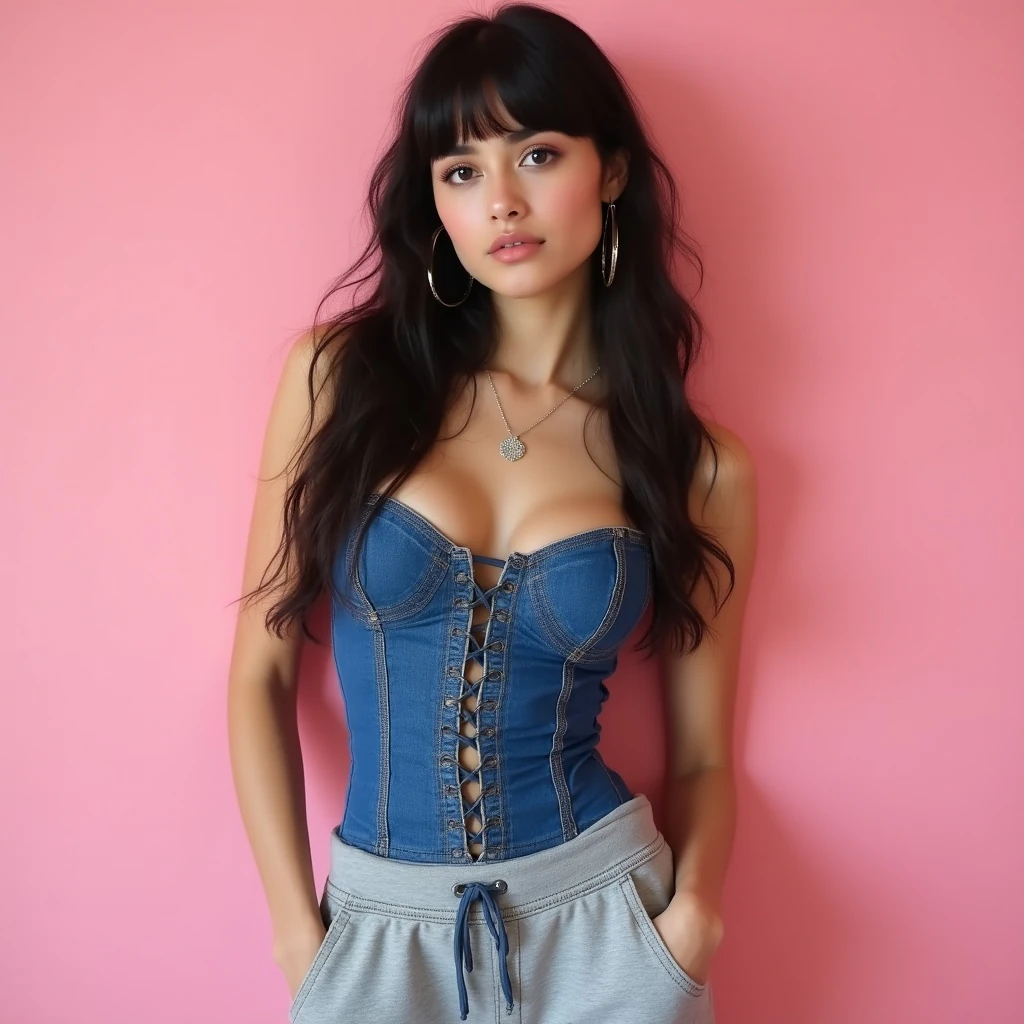
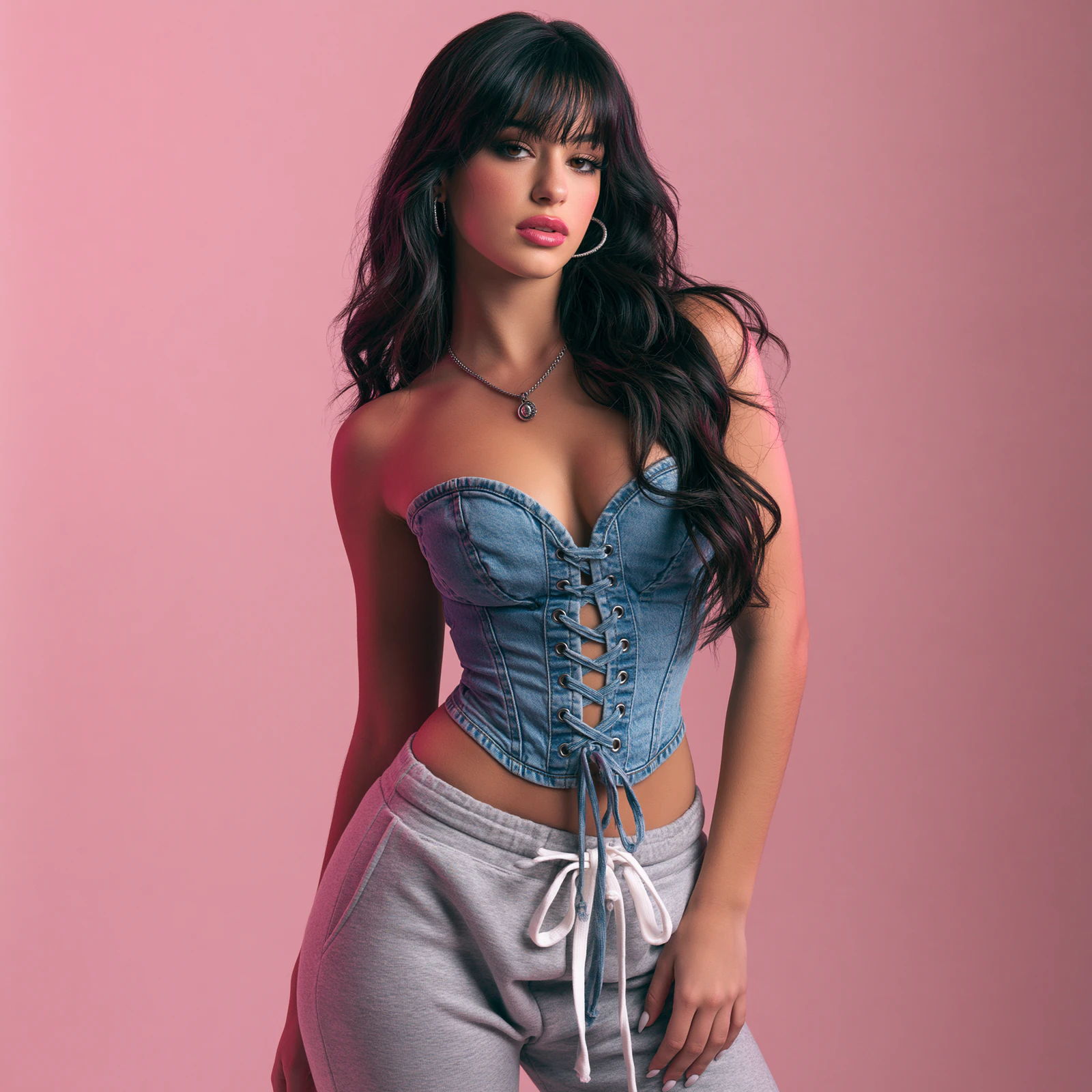
Prompt: Photorealistic portrait of a young woman with long dark wavy hair and bangs, wearing a blue denim corset top with lace-up front and grey sweatpants, large hoop earrings, circular pendant necklace. She stands against a soft pink background, hands in pockets, looking at the camera. Soft, even studio lighting. Shallow depth of field. --ar 3:4 --v 8.1 --s 150 --hd
You found a picture you want to make something like, and now you need the words for it. Upload it here and the AI writes them for you: what is in the shot, how it is lit, how it is framed, what it is drawn or shot like — in the form an image model can follow.
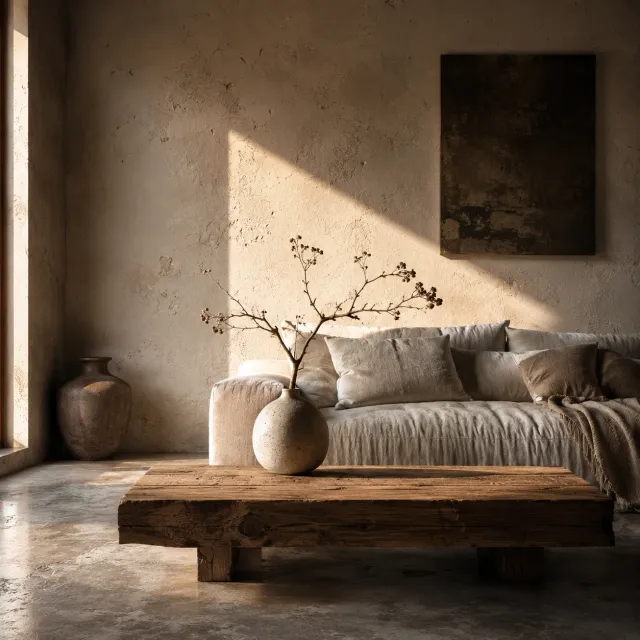
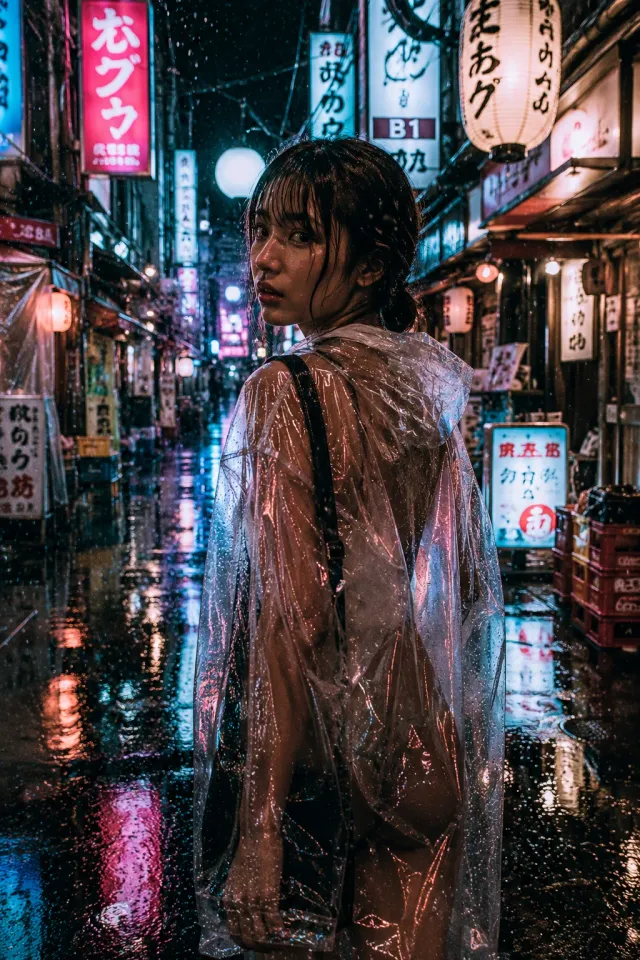
Getting a look right by hand means naming the fabric, the light, the lens and the mood, and most people run out of words halfway. The AI reads all of that off your reference and writes it down.
The generated prompt works directly with GPT Image, Midjourney, Flux, Stable Diffusion, and ComfyUI — paste it in and start creating variations of any image you find inspiring.
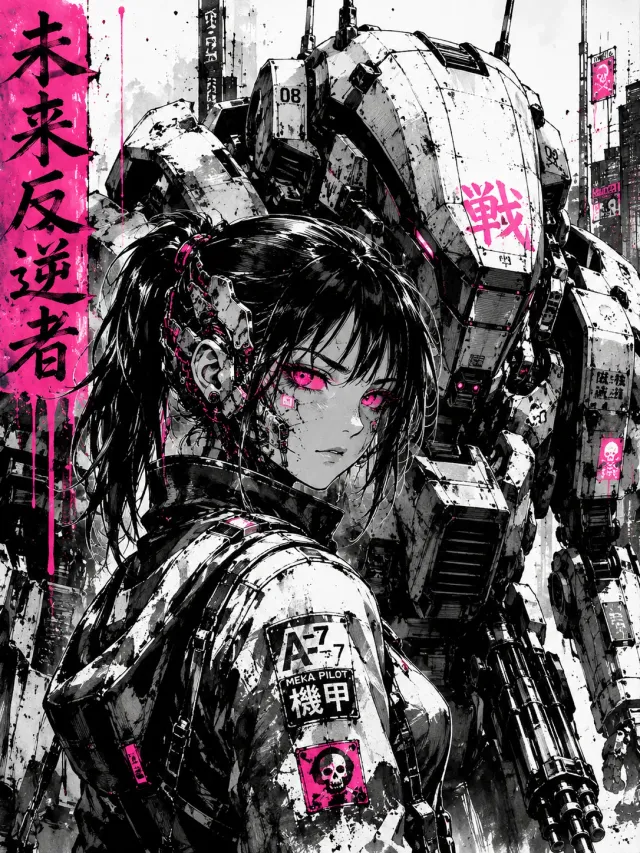
Most image to prompt tools stop you after a handful of free extractions a day. This one does not.
No daily cap, no credits, no paywall. Work through a whole reference folder in one sitting — other tools stop you at three to five a day.
You get a natural-language general prompt and a Midjourney-optimized prompt in one pass — with the right model version (--v 8.1 or --niji 7) auto-detected from the image style.
Upload and the prompt comes back in seconds. An account is optional: all it adds is a history of what you have extracted.
Images are analyzed in memory and discarded immediately. Only the text prompt is kept, and only in your own history when you're logged in.
The prompt comes back in parts, so you can change one thing without rewriting the rest:
Want to change just the lighting or swap the subject? Edit that phrase in the prompt and regenerate — no need to describe the whole image from scratch.
Only need the colors and composition, not a prompt? The AI Image Analyzer gives you the palette as hex codes and how the image is lit and framed.
Prefer to grab prompts while you browse? The Image to Prompt Chrome extension extracts a prompt from any image on any website with a single right-click.
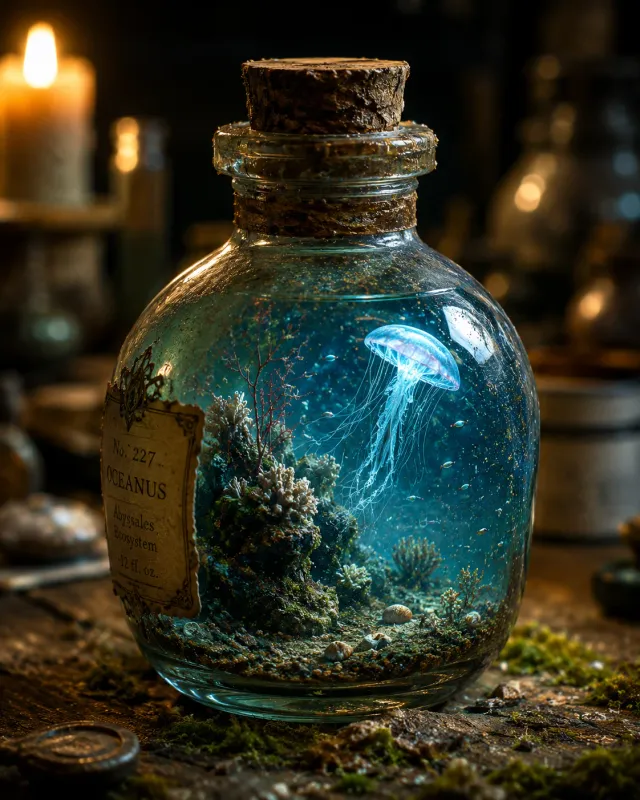
A detailed, photorealistic image of a small glass bottle, sealed with a cork, containing a miniature underwater ecosystem. A bioluminescent jellyfish floats gracefully in the clear blue water...
Drag and drop any PNG, JPG, or WebP file, or paste an image directly from your clipboard.
The AI reads the picture and writes the prompt — subject, setting, light, style — in a few seconds.
One-click copy the prompt into your favorite AI image tool, or use it directly in Vormly to generate.
Everything you need to know about our AI vision and prompting engine.
Upload any image to our free Image to Prompt Generator. The AI vision model analyzes the visual content — composition, colors, lighting, style, and subject matter — and converts it into a detailed text prompt that you can use with any AI image generation tool.
Upload the photo and the tool reverse-engineers it into a ready-to-use AI generation prompt: it reads the subject, setting, colors, lighting, and style, then writes a detailed text prompt you can paste into Midjourney, Stable Diffusion, GPT Image, or Flux to recreate or remix that look. No manual describing required — the whole photo-to-prompt conversion is automatic and free.
Yes. The generated prompts follow the structure recommended by OpenAI's official prompting guide — background/scene, subject, key details, and constraints. They work directly with GPT Image 2.0 and GPT-4o image generation.
Yes — our generated prompts are specifically optimized for Nano Banana 2. This model excels at interpreting structured, detail-rich natural language descriptions with precise control over composition, lighting, and texture. The prompts we generate follow exactly the format Nano Banana 2 performs best with: layered scene description, explicit material and color references, and clear stylistic direction — so you get high-fidelity results right out of the box.
Absolutely. The natural language prompts work with Midjourney v8 and later versions. For best results, you can append Midjourney-specific parameters like --ar, --v, or --style after the generated prompt.
Yes, it's completely free. No login, no sign-up and no credit card: upload an image and get your prompt in seconds.
There is no daily limit. Unlike most image to prompt tools that cap free users at 3-5 conversions per day, Vormly lets you extract prompts from unlimited images, every day, for free.
No. Your image is analyzed in memory and discarded immediately after the prompt is generated — it is never saved to our servers or used to train AI models. If you're logged in, only the extracted text prompt is saved to your private history.
A good prompt is specific and structured: it describes the scene/background first, then the main subject with concrete details (materials, textures, colors), followed by lighting and camera angle, and ends with constraints (e.g., "no text"). Our tool automatically follows this structure.
Yes. The prompts are model-agnostic and work with Flux (Schnell and Dev), Stable Diffusion XL, and any text-to-image model that accepts natural language descriptions. They also work well inside ComfyUI workflows.
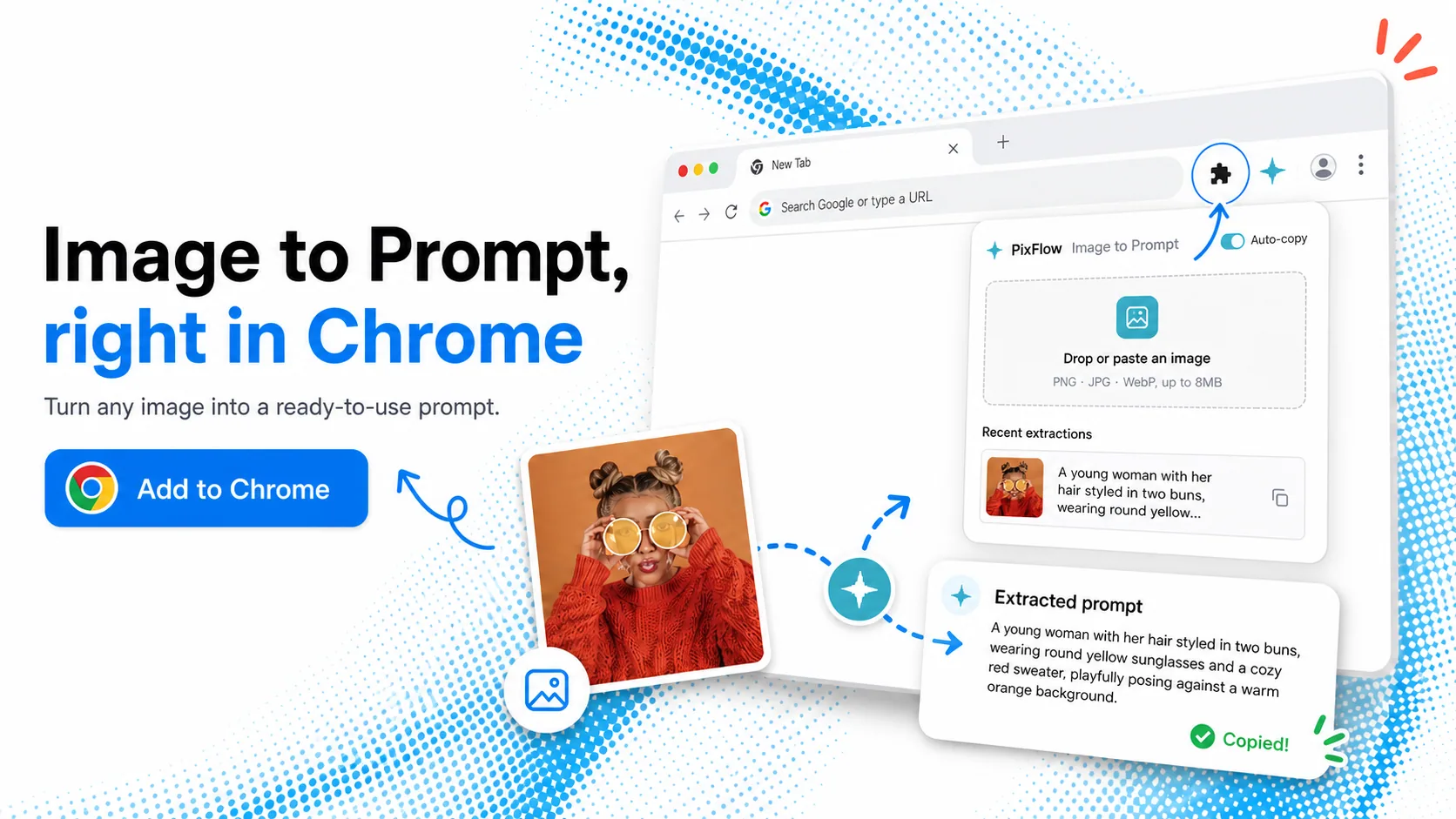
Find images while you browse? Right-click any picture on a website and get its prompt without downloading it.
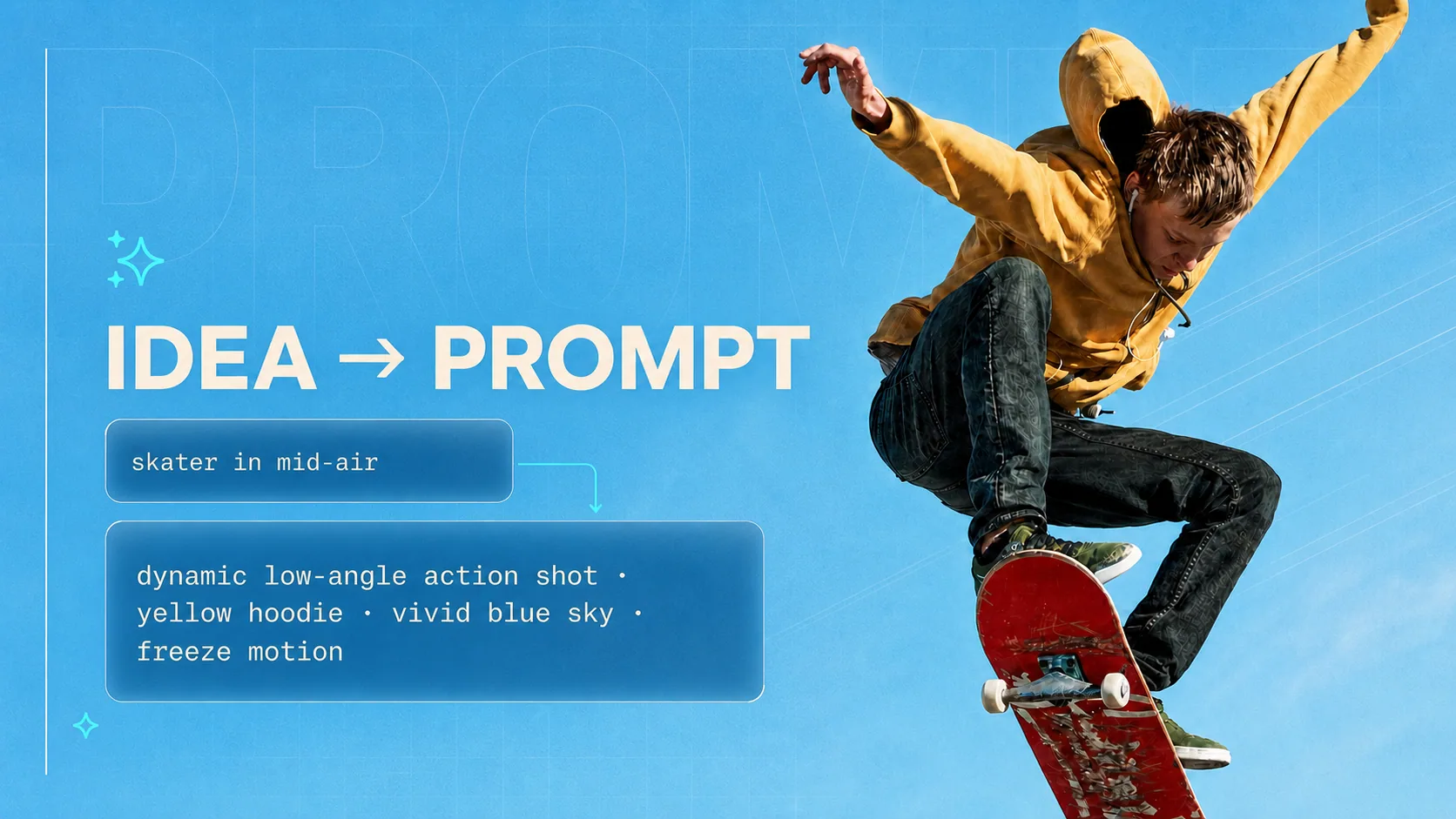
No image yet? Start from a simple idea and get a detailed prompt for Midjourney, Nano Banana, ChatGPT or Claude.
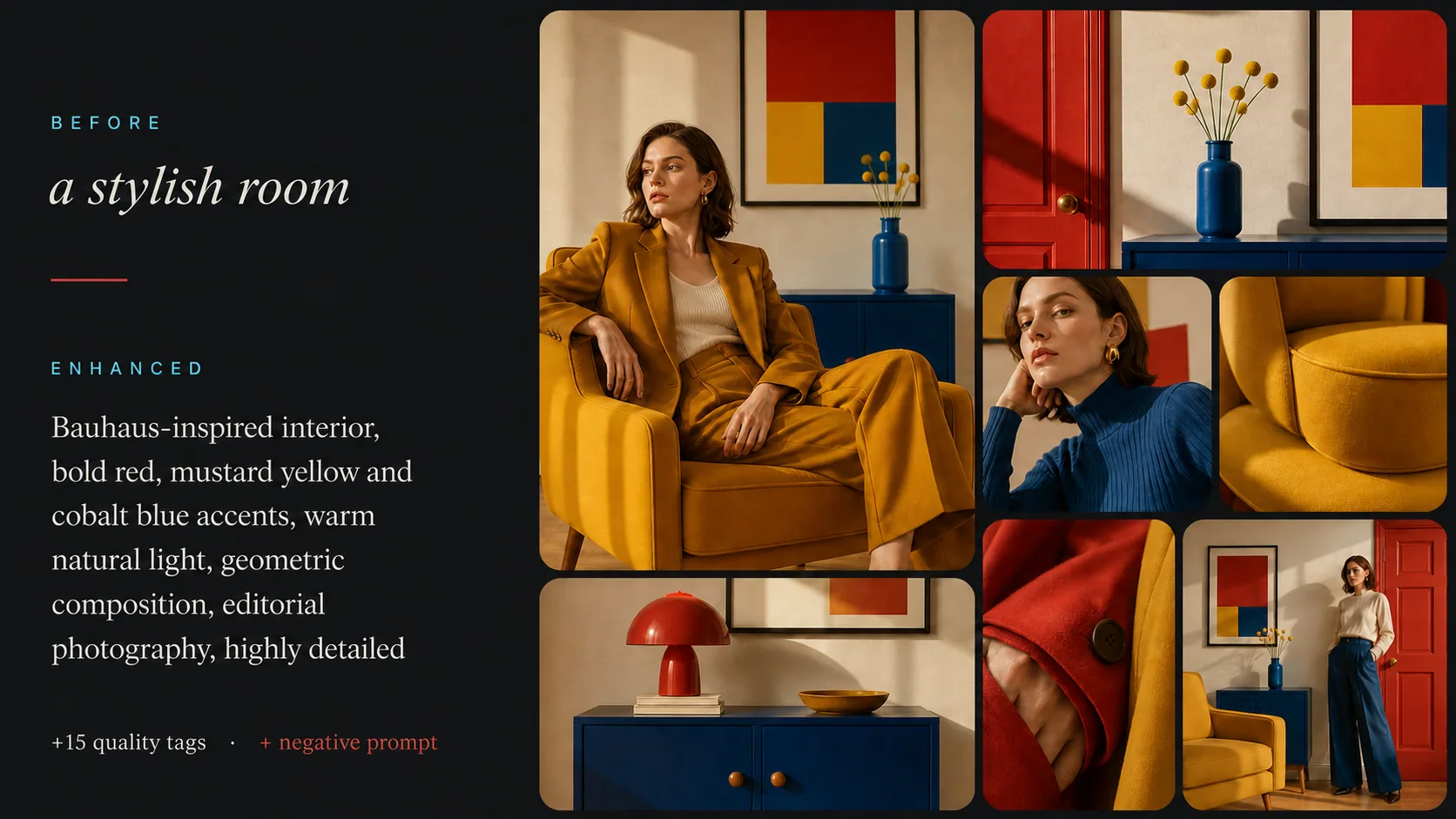
Generating with Stable Diffusion? Add a negative prompt and recommended settings for SD 1.5, SDXL or SD 3.5.
Upload any image and let our AI reverse-engineer the perfect prompt for you.
or drop a file,
paste image from clipboard
Supports PNG, JPG, WebP. You can upload multiple images at once.