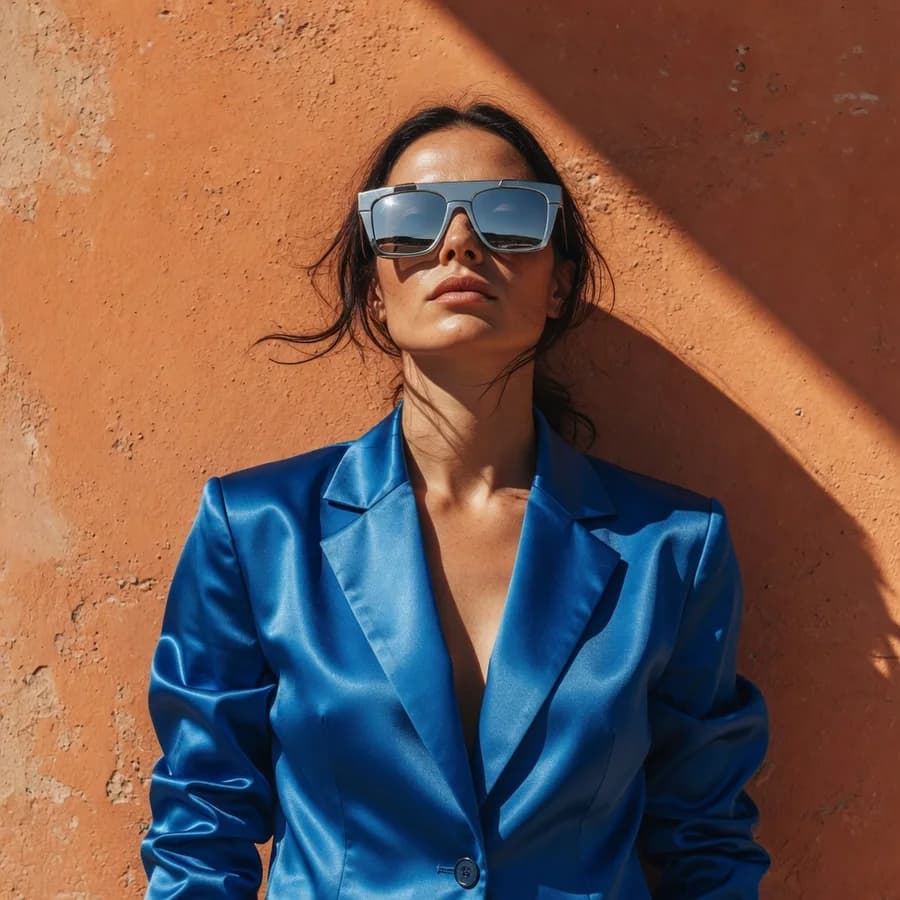
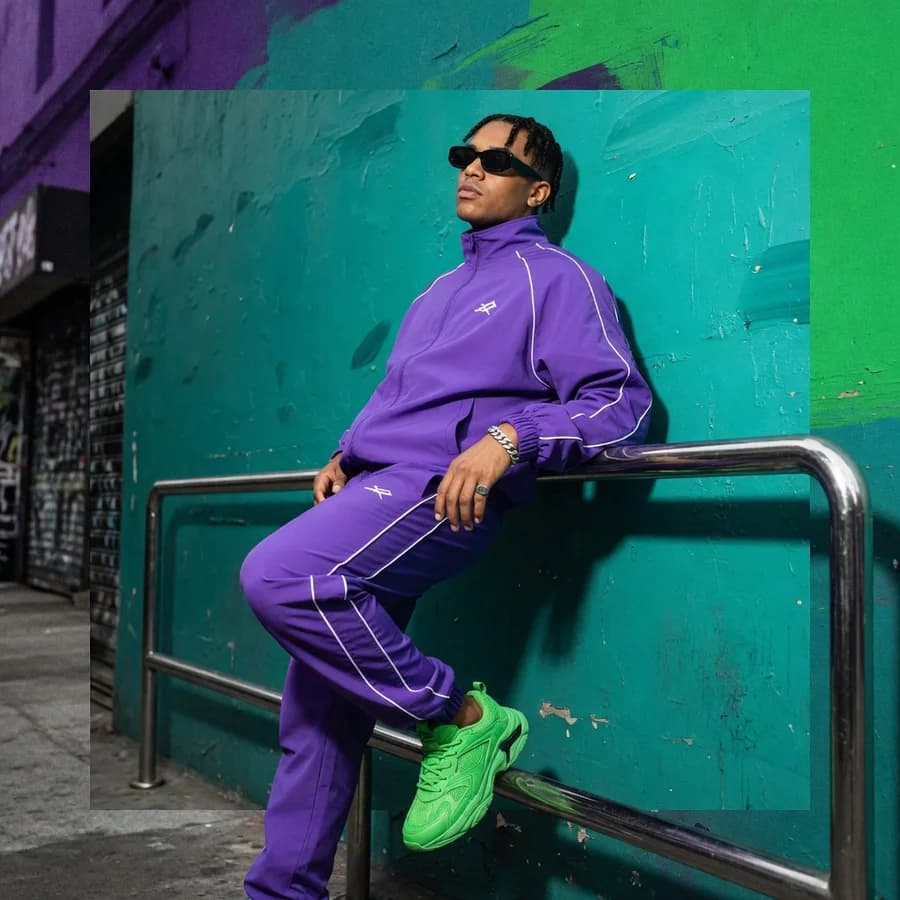
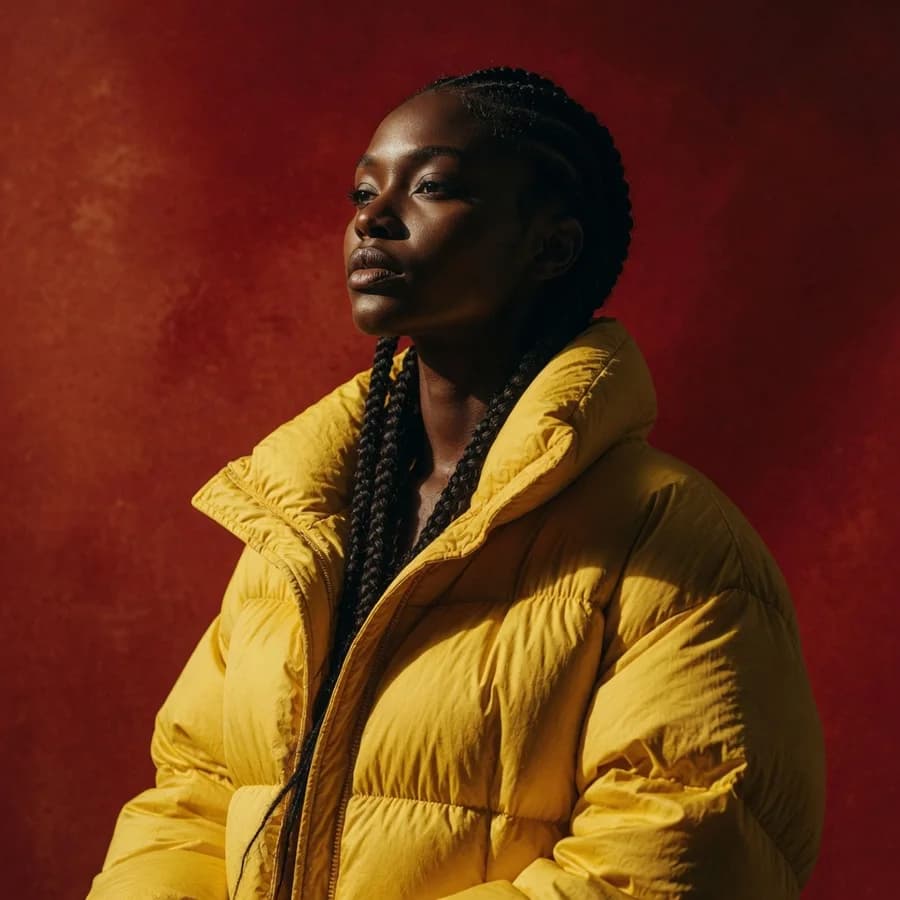
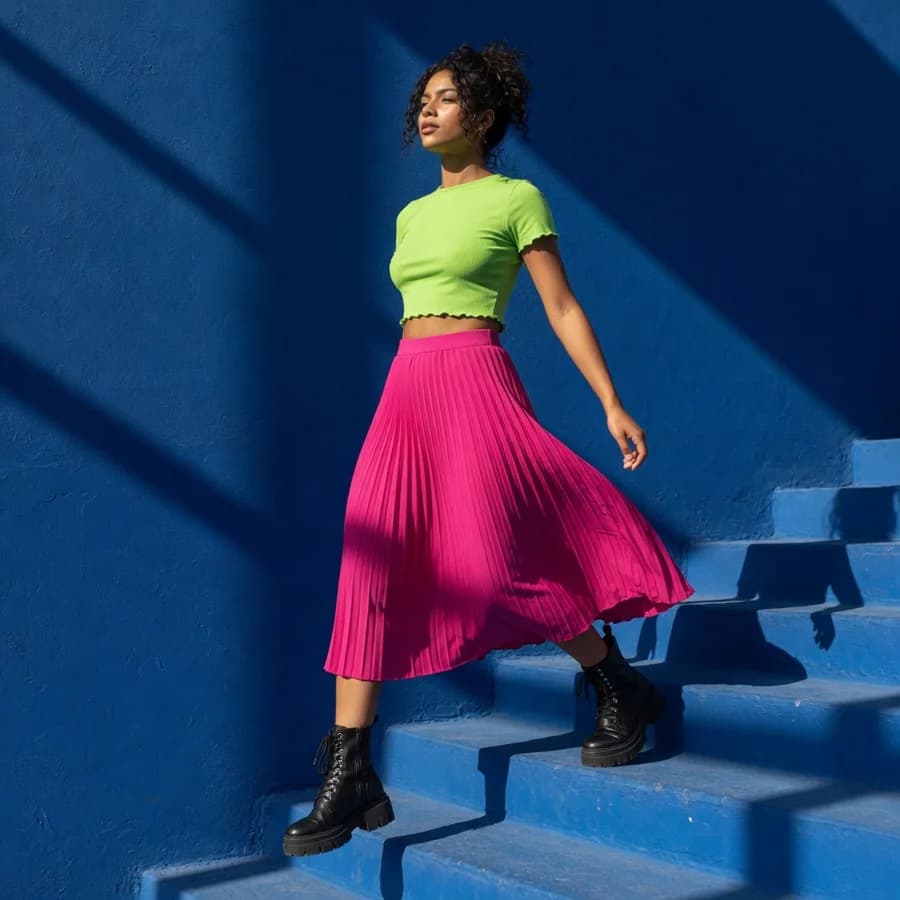
Expressive images from the Grok family — prompt in your own language.
Where Grok Imagine earns its keep, according to xAI and the people using it.
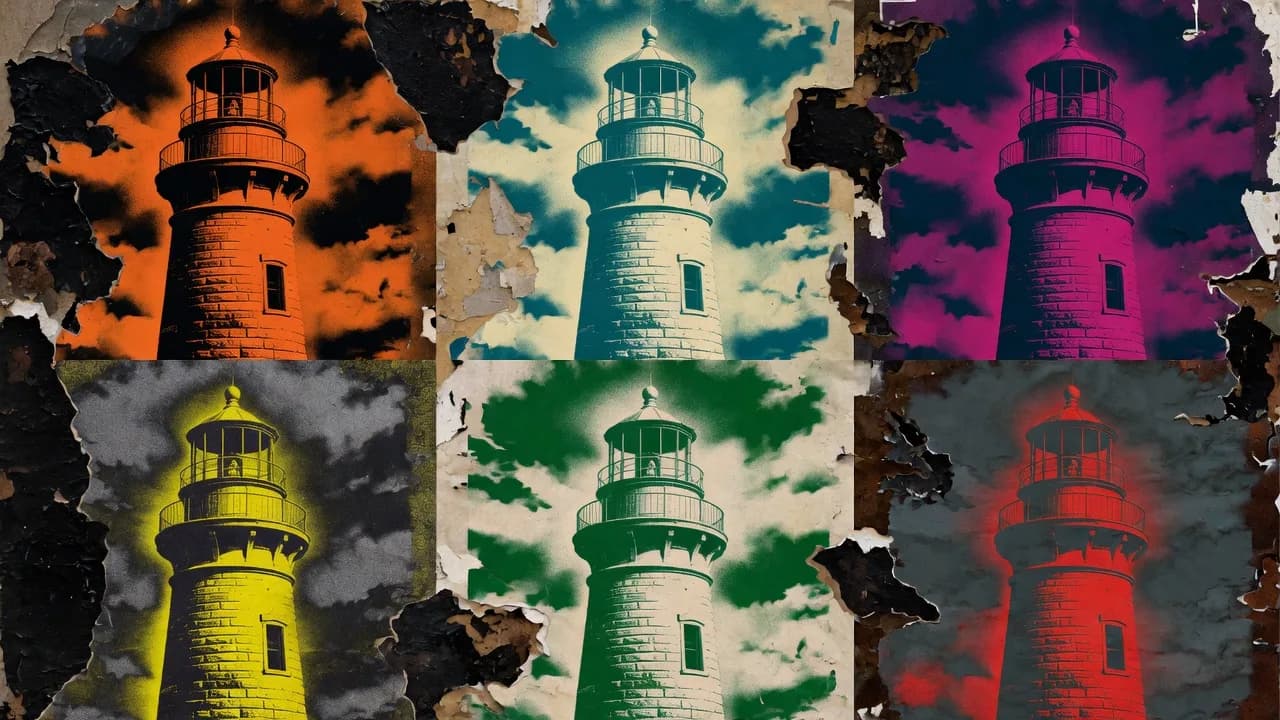
A Grok Imagine picture costs the same whatever the length of the prompt, so it pays to write the whole idea out — palette, texture, framing — and run it a few times to compare, as with these takes on one lighthouse.
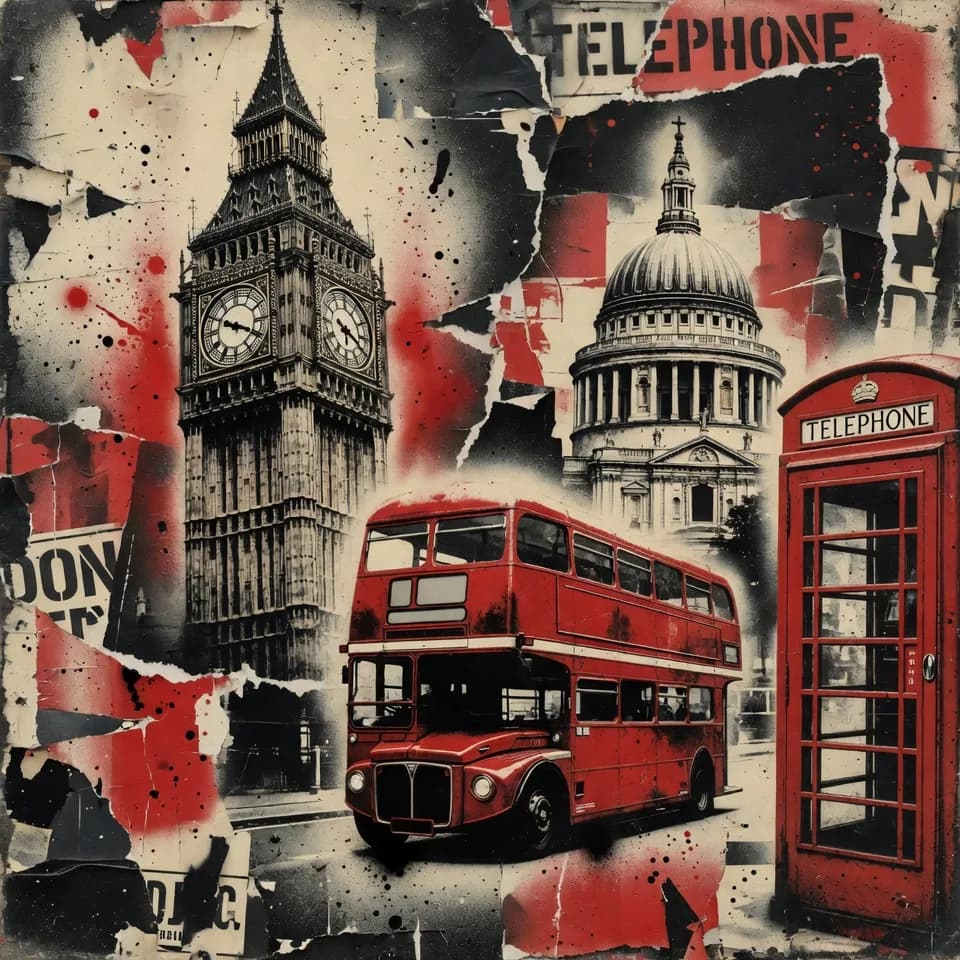
Style-forward work for posts and threads — xAI's own documented example is a collage of London landmarks in stencilled street-art style, which is the register the model sits in naturally rather than one you have to argue it into.
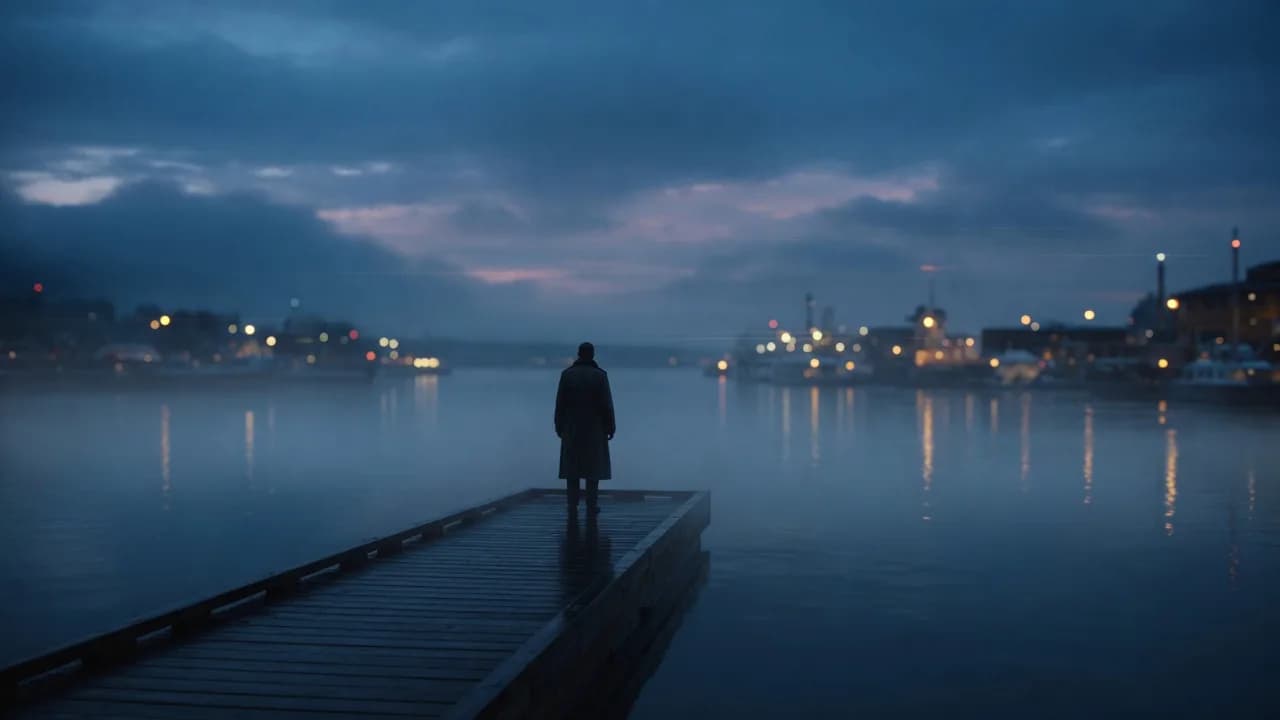
Generate the frame here and hand it straight to Grok Video, where it becomes the starting point of the shot — same family, same prompt language, no re-describing the scene to a different model that will interpret it differently.
Grok Imagine 1.5 on the web, no X Premium plan needed.
Grok Imagine is on the daily free runs for free accounts. After those, a picture is 20 credits.
Take the picture into Grok Video or Image to Video and make it move.
This page runs Grok Imagine 1.5, xAI's current image model. For moving pictures, its sibling Grok Video has a page of its own.
Any language works. Name the subject, the style and the colours; bold, graphic looks suit it. To change a picture, add it and say what differs: "same street, now at night in the rain".
A free account's daily free runs include Grok Imagine. After those, each picture is 20 credits, shown on the button.
Download the still, or take it to Image to Video, where it becomes the first frame of a clip, or to Grok Video as a reference.
How Grok Imagine is priced and how it edits, the two things this page leans on, in xAI's own docs.
A Grok Imagine picture costs 20 credits here whether your prompt is five words or five lines. xAI prices its image model per picture, not by prompt length, so describing the picture in detail costs nothing extra.
“Image generation uses flat per-image pricing regardless of prompt length.”To change a picture, add it to the prompt box and say what should be different in plain words. Grok Imagine is built to edit from a sentence like that; here it takes one picture at a time.
“Edit a source image with natural language.”Grok Imagine is xAI's image and video maker, the one inside Grok. This page runs its image model, Grok Imagine 1.5, which is quick, bold in style and reads prompts in many languages. For clips, see Grok Video.
Yes, in any browser, on this page. There is no X or Grok app to install and no X Premium plan to buy: sign in to Vormly, type the idea and generate.
Yes, to start. Grok Imagine is on the daily free runs, so a free account can make pictures with it every day at no cost. After the day's free runs, each picture costs 20 credits.
Yes, one picture at a time. Add it to the prompt box and describe the change: a new time of day, a new outfit, a new style. For edits that combine several photos, use Nano Banana. Grok Imagine is also the model behind the AI Paper Crease Remover, which smooths folds out of scanned old photos.
Yes. Grok Imagine reads prompts in many languages, so you can describe the picture the way you would say it instead of translating first.
Open Grok Video or Image to Video, add the picture as the first frame and describe how it should move. Grok Video is also on the free runs for short clips.
Say the subject, the style and the colours plainly: "a stencilled street-art lighthouse, two colours, red and black, on a concrete wall". Bold styles suit it best. Stuck? Surprise me in the prompt box writes an idea for you.
Grok Imagine is the quick, free way to get a bold, graphic picture. Nano Banana is better for editing photos and for text in the image, Midjourney for a polished, painterly look. Since Grok costs nothing on the free runs, it is a cheap first draft before a paid model.
Only when you download on a free account: the file gets a small Vormly mark in the corner. Paid plans and the free trial download the clean image.
Yes. What you generate is yours to use in ads, products, client work and social posts, with no credit to Vormly needed. New images are public by default and can appear in Explore with their prompt; on a paid plan you can make them private. A real brand's logo or a famous person's likeness in your prompt is not cleared just because a model drew it.