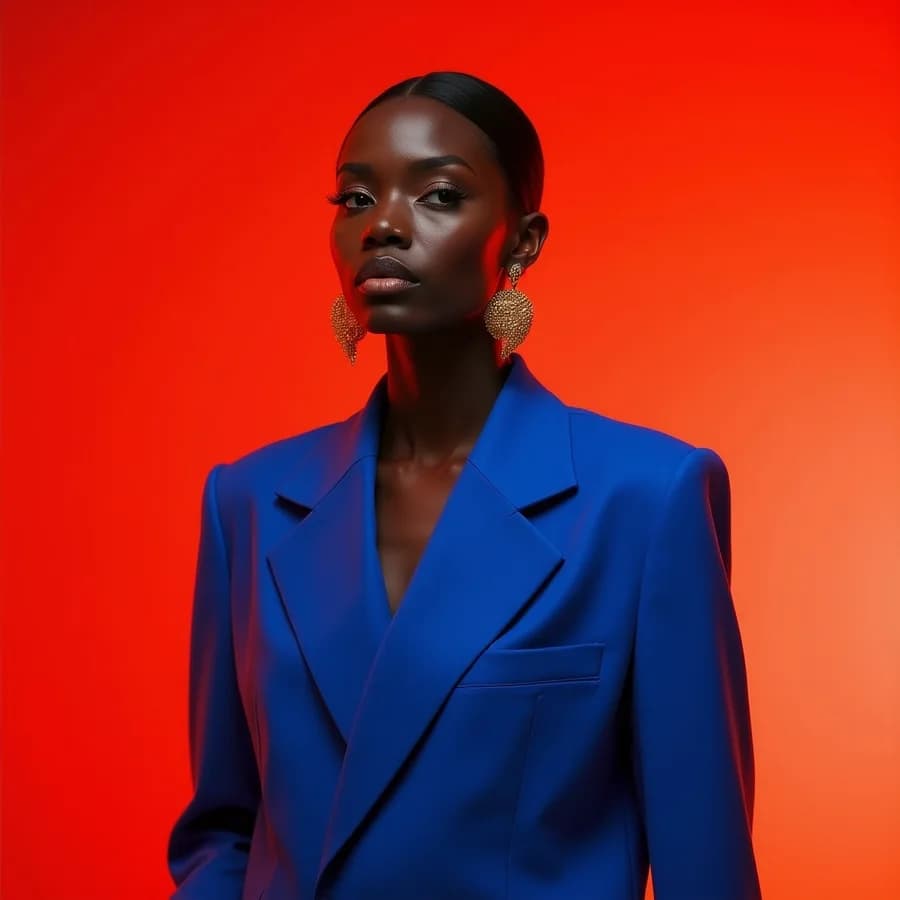
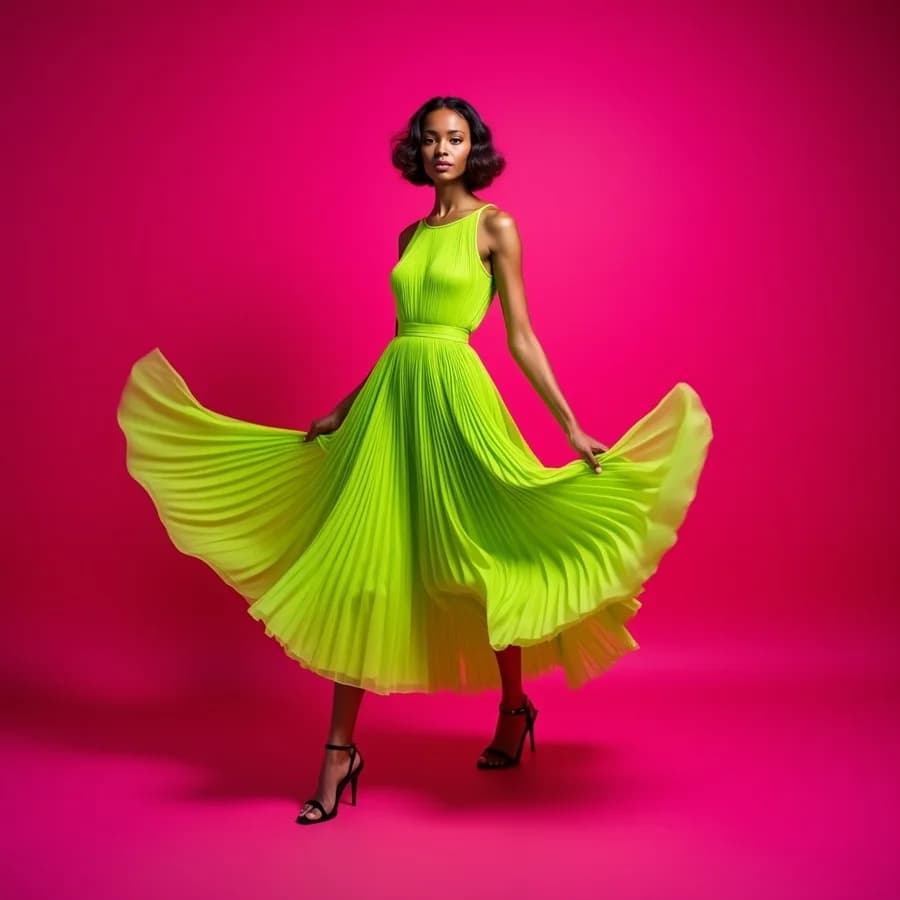
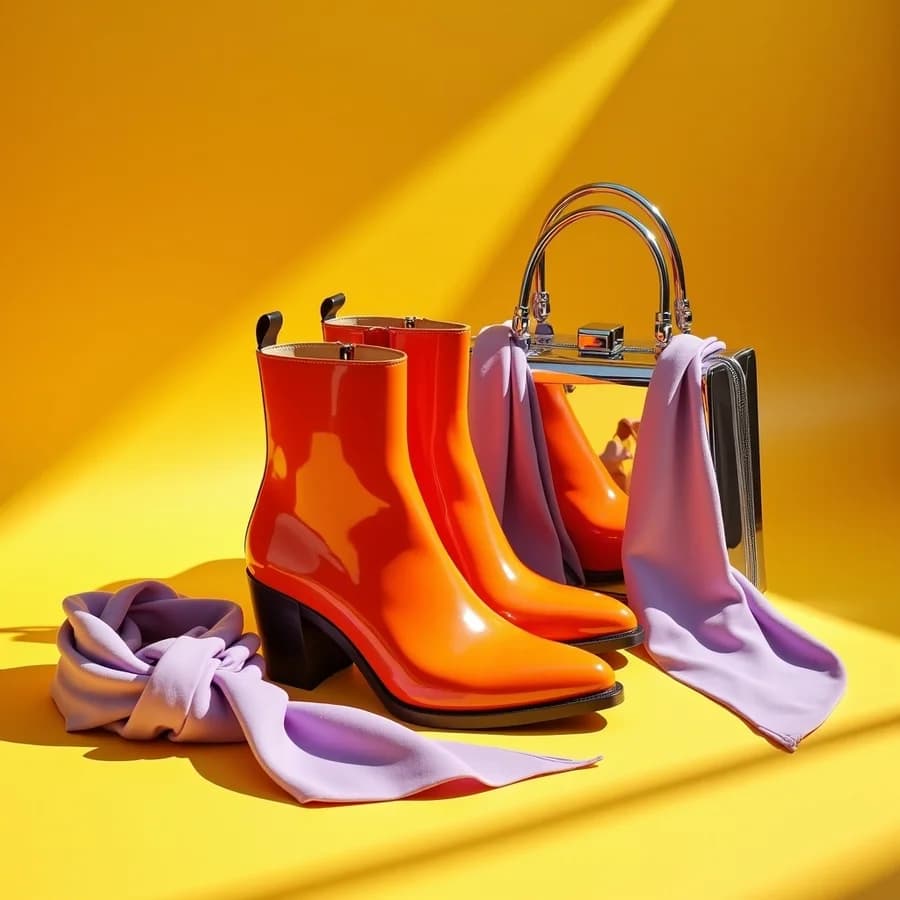
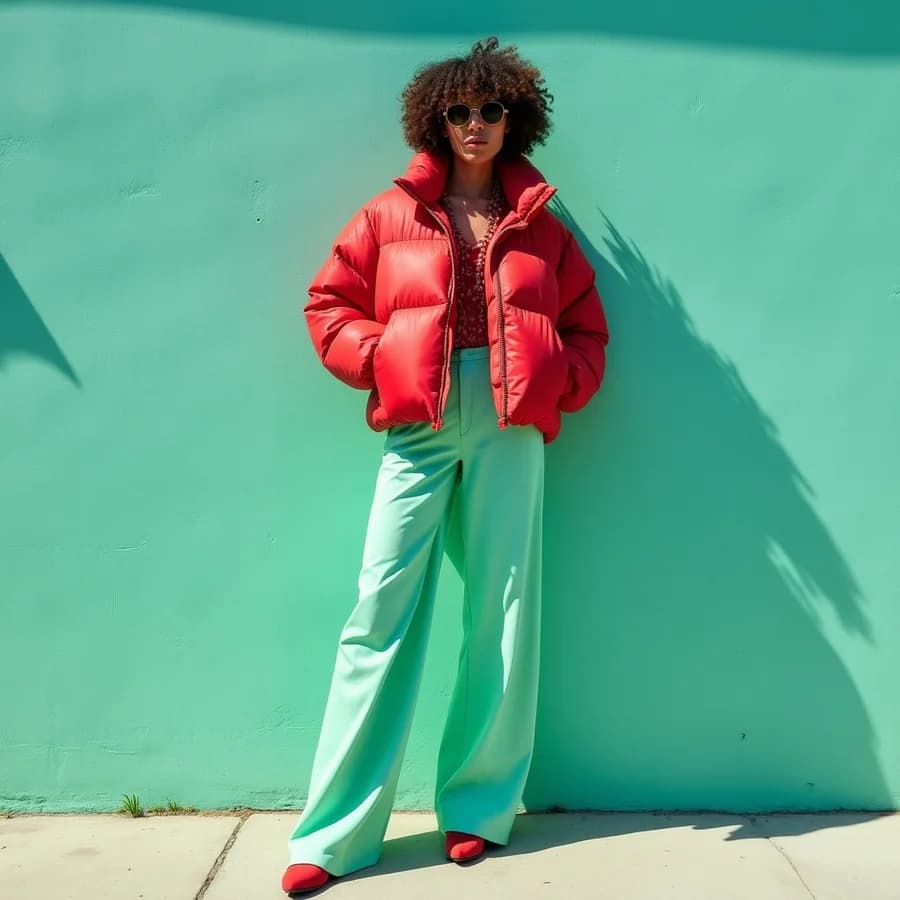
Open-weight image models — instant drafts, or edits that keep the character.
Where FLUX earns its keep, according to Black Forest Labs and the people using it.
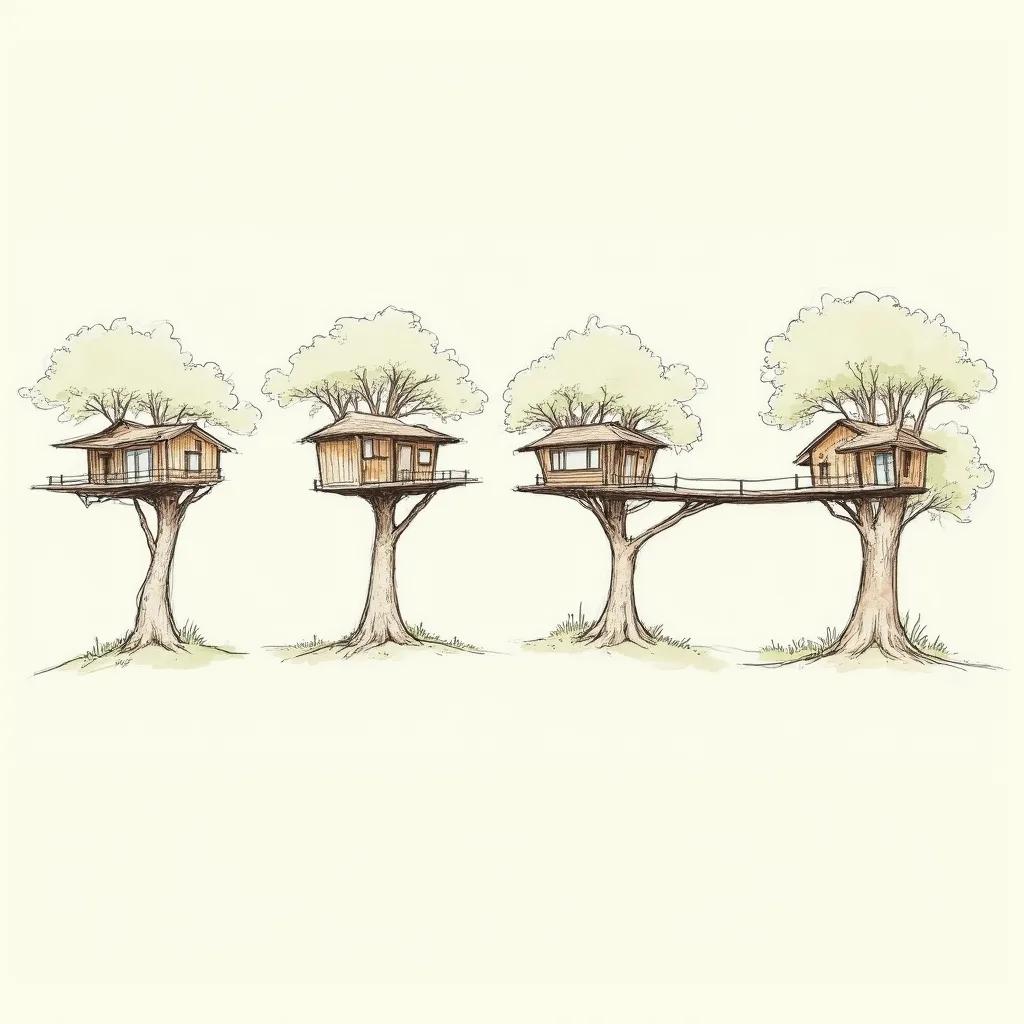
Schnell reaches an image in one to four steps, which changes what a first pass costs. Explore the whole spread — composition, palette, register — before committing credits to the version that actually has to be good.
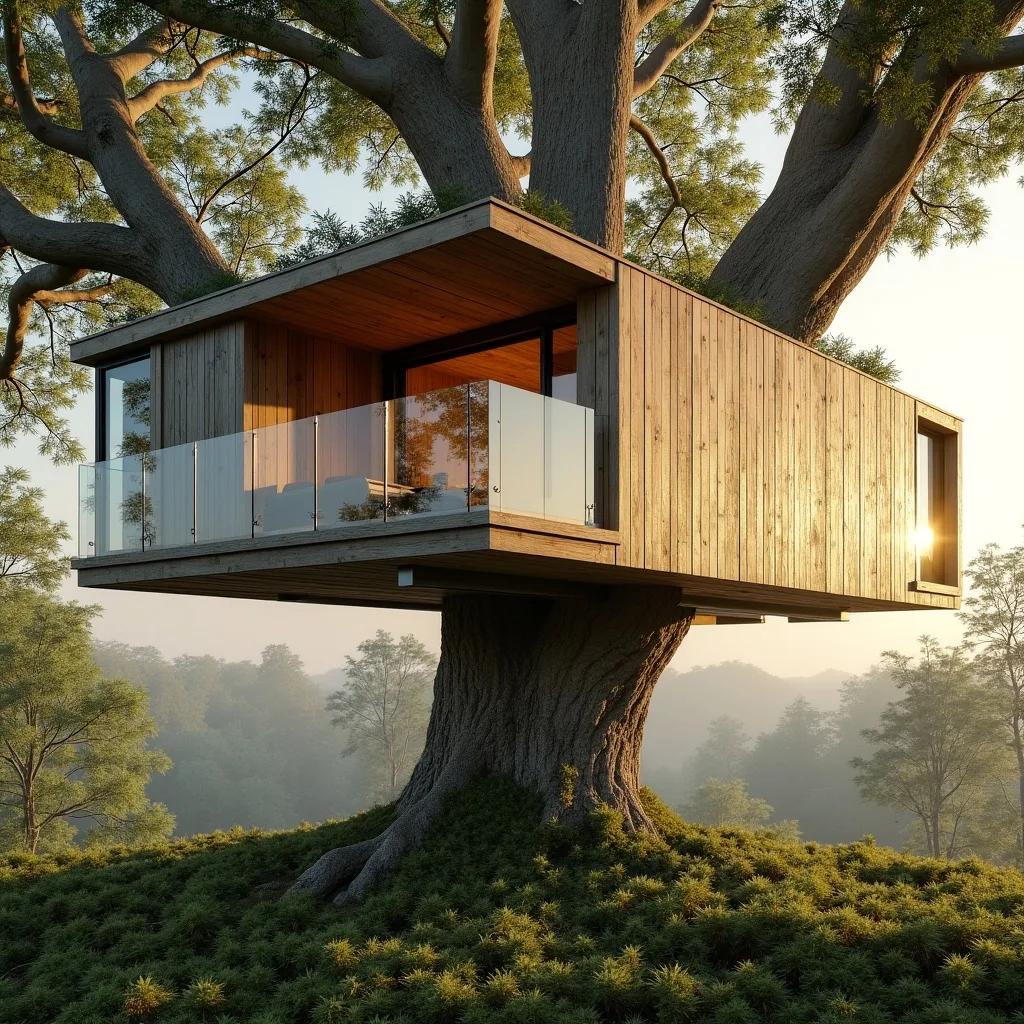
Re-run the direction that won on Dev, where the step count buys the detail and the prompt fidelity a finished image needs. Same family, same prompt language, so nothing has to be re-described between the sketch and the final.
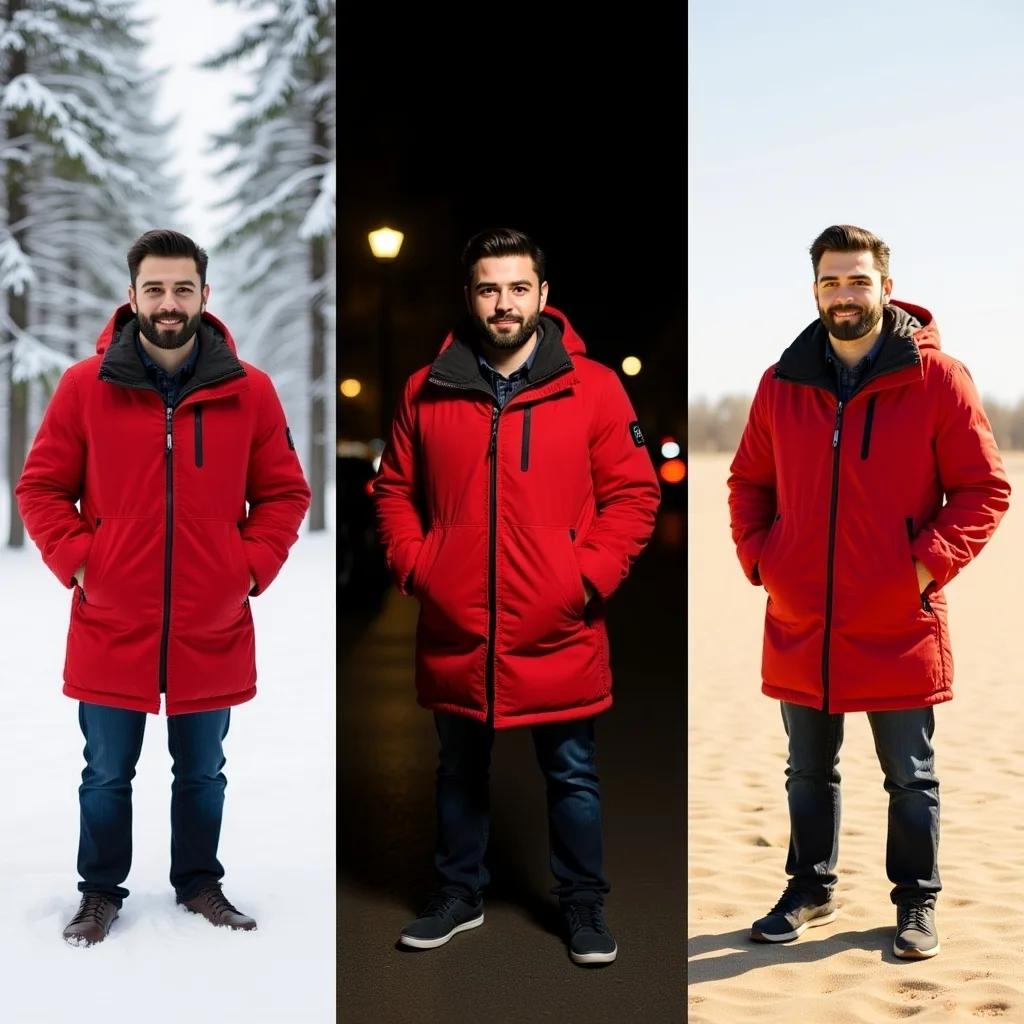
Kontext is built for editing rather than generating, and what it is built to protect is the character — put the same person through a set of scenes and environments and they stay recognisably themselves, edit after edit.
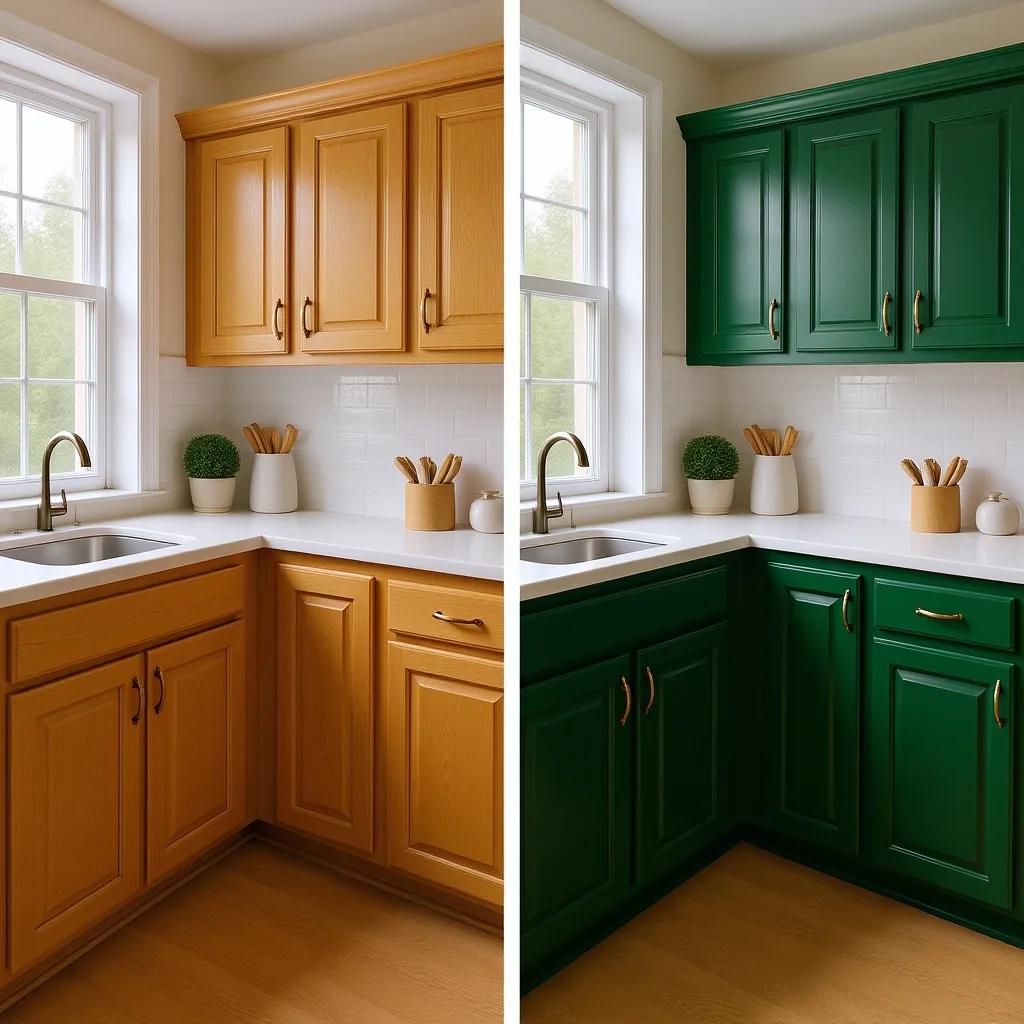
Change one region or restyle the whole frame, deliberately, rather than hoping a re-roll lands near where you were. Precise local edits and global ones are the two things Kontext exposes as separate operations.

Black Forest Labs puts Kontext [dev] ahead of open competitors and of Google's Gemini Flash Image on its own KontextBench evaluations, with Artificial Analysis confirming independently — from a 12B model small enough to run on consumer hardware.
FLUX.1 Schnell, Dev and Kontext on the web, with nothing to install or configure.
FLUX.1 Schnell is on the daily free runs, and costs 3 credits a picture after that.
Give Kontext a picture and a sentence; it changes that and keeps the rest.
FLUX.1 Dev is the one this page opens on, for detailed pictures. FLUX.1 Schnell is the quick, cheap draft model, and FLUX.1 Kontext edits a picture you give it.
Write a plain sentence and run it on Schnell a few times. It is quick and on the daily free runs, so trying five ideas costs nothing.
Run the idea you like on Dev for detail. To change a picture instead, switch to Kontext, add it and say what changes: "same kitchen, cabinet doors painted forest green".
Save it as PNG, JPG or WebP. FLUX renders at about 1K, so pick 2K or 4K on the way out to upscale it.
What Schnell and Kontext were each built for, and what you may do with the pictures, in the words of the lab that made them.
Schnell is the draft model: it finishes a picture in four steps where Dev takes 28, so trying an idea several ways is quick and costs 3 credits a picture. That speed is what Black Forest Labs trained it for.
“Trained using latent adversarial diffusion distillation, FLUX.1 [schnell] can generate high-quality images in only 1 to 4 steps.”With Kontext you give it a picture and one sentence. It can change one spot or restyle the whole frame, keep the same person recognisable from scene to scene, and keep editing the result: the three things Black Forest Labs names as what the model is for.
“The model enables iterative editing, excels at character preservation across a diverse set of scenes and environments, and allows both precise local and global edits.”Dev and Kontext are released under a licence called non-commercial, which is about running the model, not about your pictures. The same licence says you may use what the models make for any purpose, paid work included. The exception it names is training a model that competes with FLUX.
“You may use Output for any purpose (including for commercial purposes), except as expressly prohibited herein.”FLUX.1 is a family of open image models from Black Forest Labs. This page runs three: Schnell, which is built for speed, Dev, which takes longer for more detail, and Kontext, which edits a picture you give it.
FLUX runs on our servers, so there is nothing to install, no GPU and no node graph to wire up. Pick Schnell, Dev or Kontext in the box above, write the prompt and generate once you are signed in.
FLUX.1 Schnell is on the daily free runs, so a free account can use it every day at no cost, and after that it costs 3 credits a picture. FLUX.1 Dev costs 15 credits a picture and Kontext 20.
Use Schnell to try an idea many ways fast, then run the one you like on Dev for the finished picture. Kontext is for editing: give it a picture and a sentence, and it changes that and keeps the rest, including a person's face.
Yes, with FLUX.1 Kontext. Add one picture and describe the change, either in one place ("paint the cabinet doors green") or across the whole frame ("make it a watercolour"). Run it again on the result to keep going. The AI Image Editor offers Kontext too, next to a brush for changing one marked area.
FLUX itself tops out around 1K here. For a larger file, choose 2K or 4K in the download menu; an upscaler enlarges the picture for a few extra credits.
No, this page runs the standard FLUX models without custom LoRAs. To keep the same character across pictures, give Kontext a picture of them and describe the new scene.
Write natural sentences about the subject, the setting, the light and the camera. FLUX has no negative prompt, so describe what you want rather than what to avoid ("a clear blue sky", not "no clouds"). To start from a picture instead, Image to Prompt writes its prompt in a form FLUX reads.
FLUX Schnell is the cheapest way to explore, and Dev gives detailed photographic results. GPT Image is better when the picture needs words, and Nano Banana at editing photos of people. Run the same prompt on two and keep the better one.
Only when you download on a free account: the file gets a small Vormly mark in the corner. Paid plans and the free trial download the clean image.
Yes. FLUX.1 Schnell is released under Apache 2.0. Dev and Kontext come under Black Forest Labs' non-commercial licence, but that name is about running the model yourself: the same licence says the lab claims no ownership of the pictures and that you may use them for any purpose, commercial ones included. Its one limit is that you may not use them to train a model that competes with FLUX. On Vormly, new images are public by default and can appear in Explore with their prompt; on a paid plan you can make them private. A real brand's logo or a famous person's likeness in your prompt is not cleared just because a model drew it.