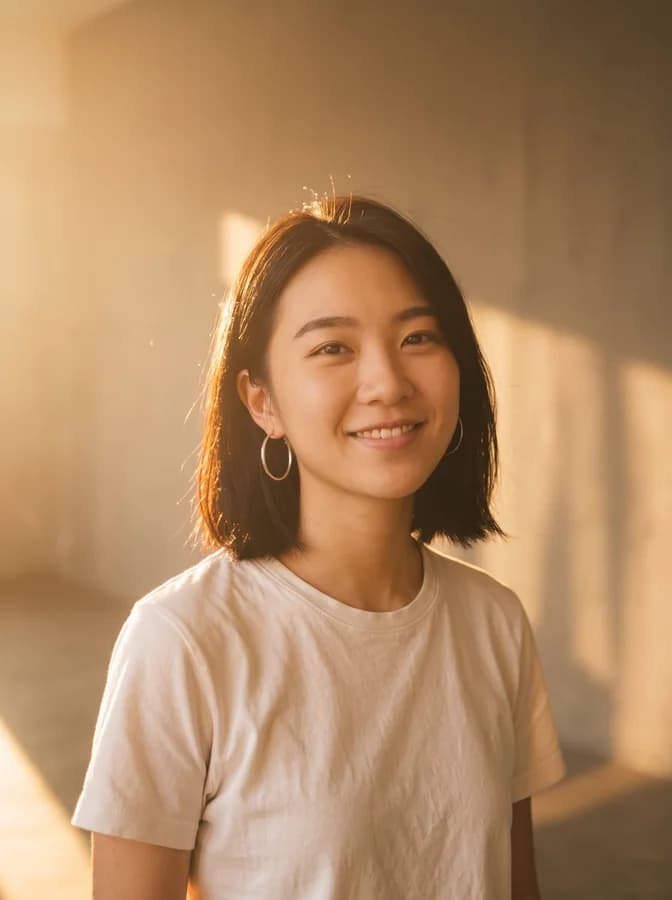
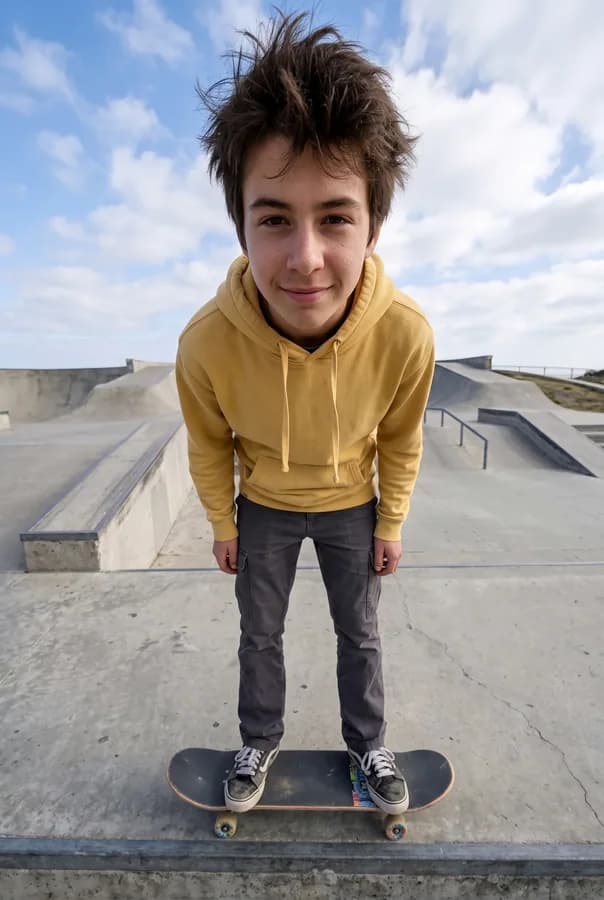
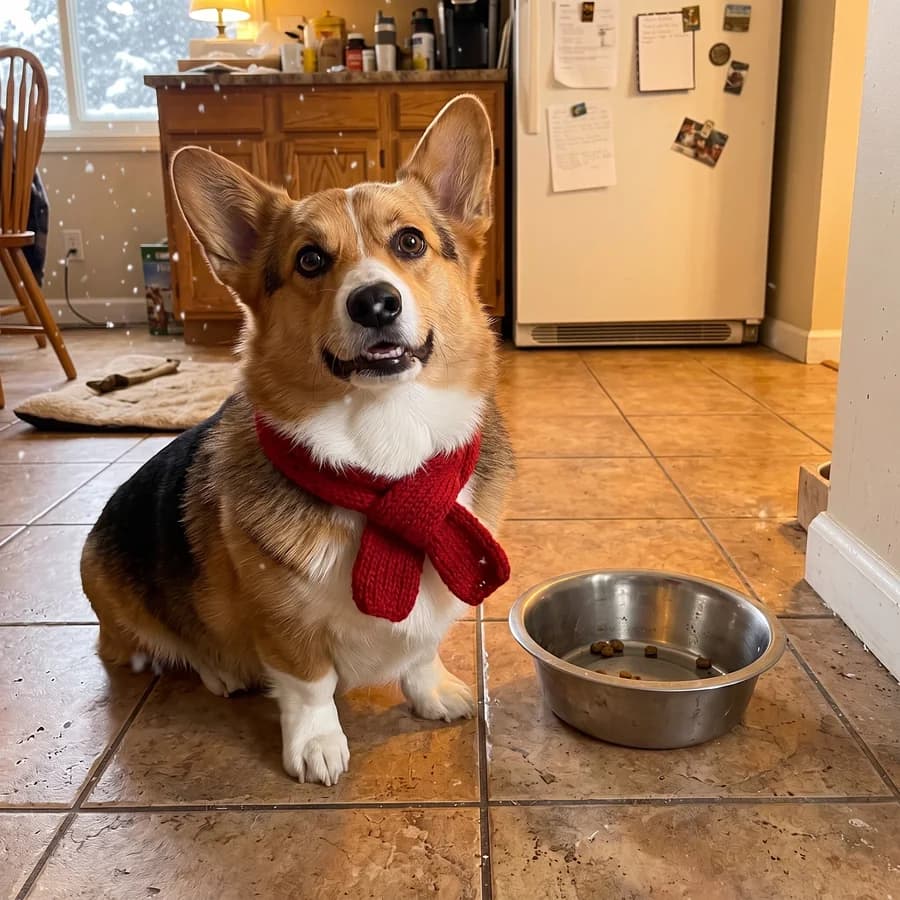
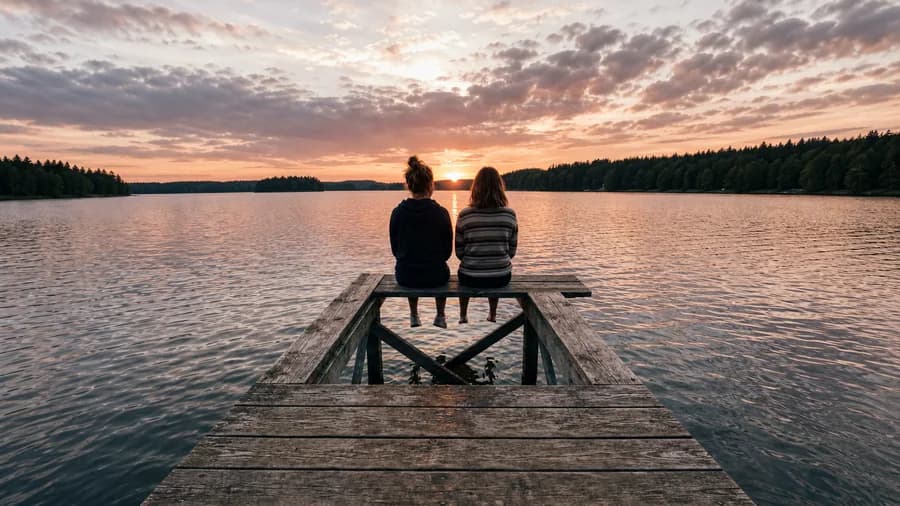
Type what should be different and the picture is redone, or brush one area and change only that. Expand the frame, relight the scene, move the camera, and crop or grade for free.
AI Edit redoes the whole picture from one sentence, on the model you pick. Change Region redoes only the area you brush or box, and keeps the rest of the picture.
Expand paints new space past the edge of the frame, Change Lighting places lights around the subject, and Change Camera Angle re-shoots it from somewhere else. When the picture is done, turn it into a video.
Crop, exposure, colour and film looks cost no credits. Every edit is a version you can go back to, saved privately to your account.
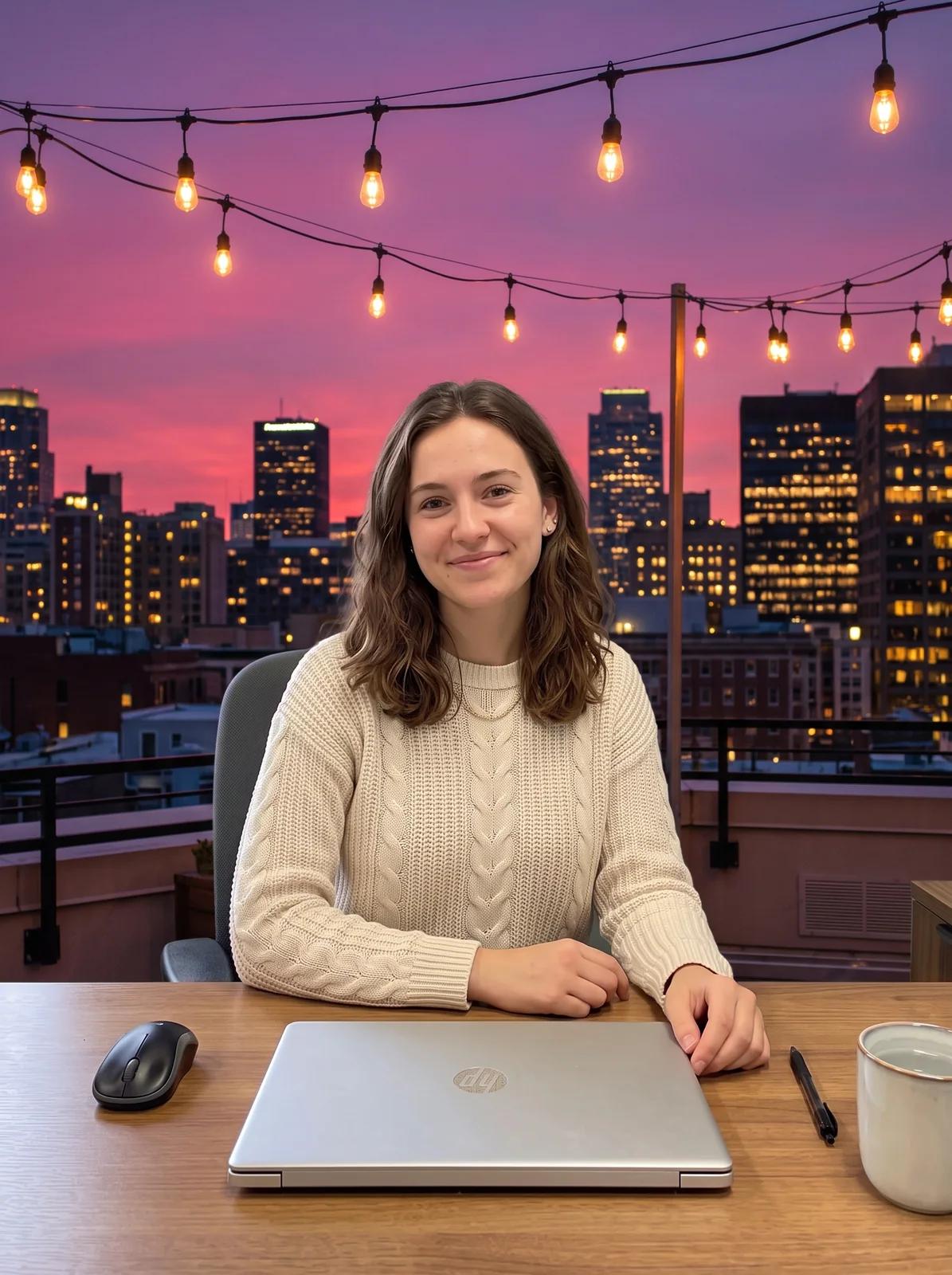 AI Edit · Nano Banana Pro
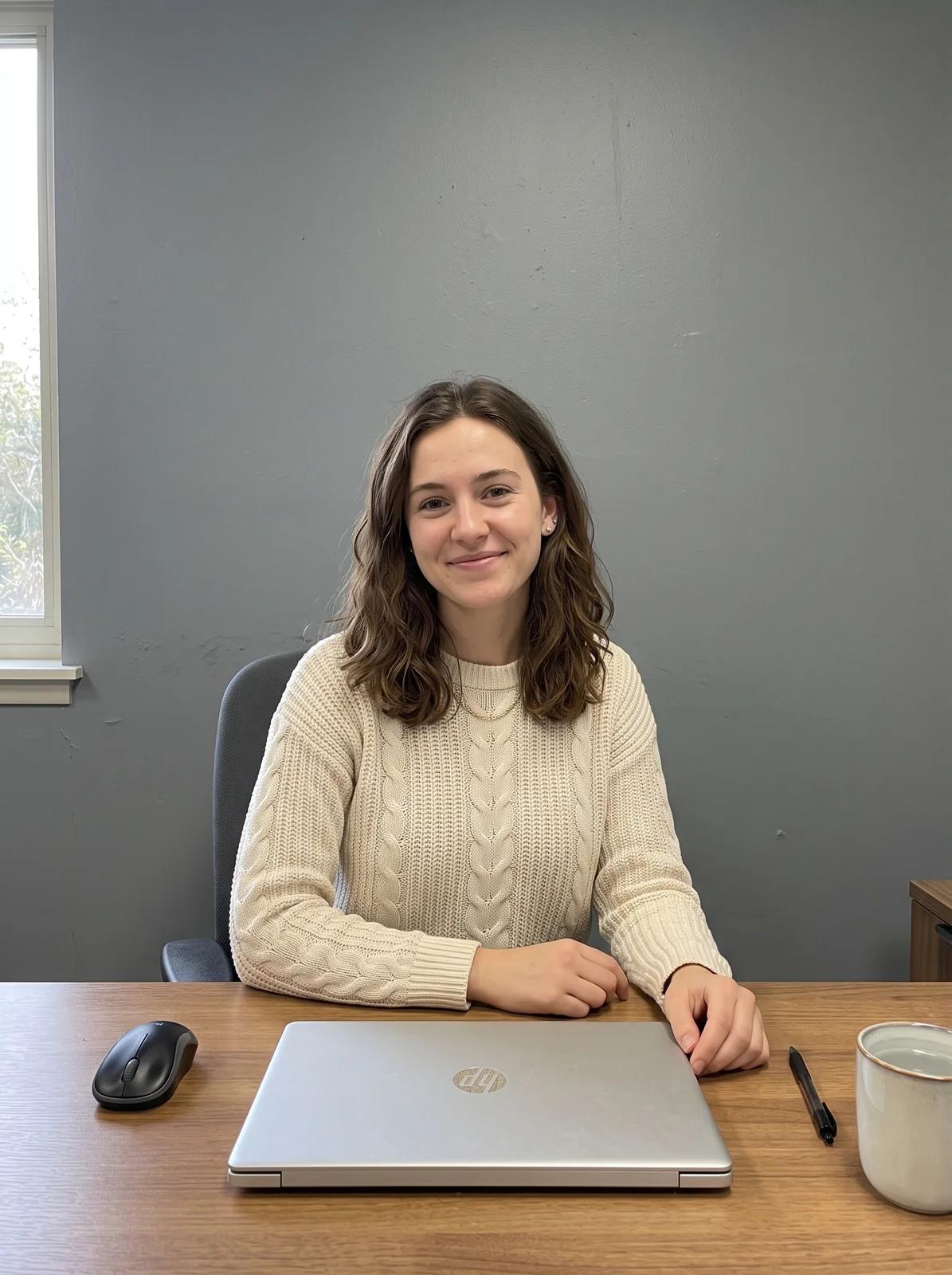 Original
Put her on a rooftop terrace at dusk, city lights and a pink sky behind her, string lights overhead. Keep her face, hair, sweater, pose and the laptop exactly the same.
Say where the person should be and what must stay. Here a desk portrait moved to a rooftop at dusk, with her face, hair, sweater and laptop unchanged. To lift the subject onto a transparent background instead, use Remove Background.
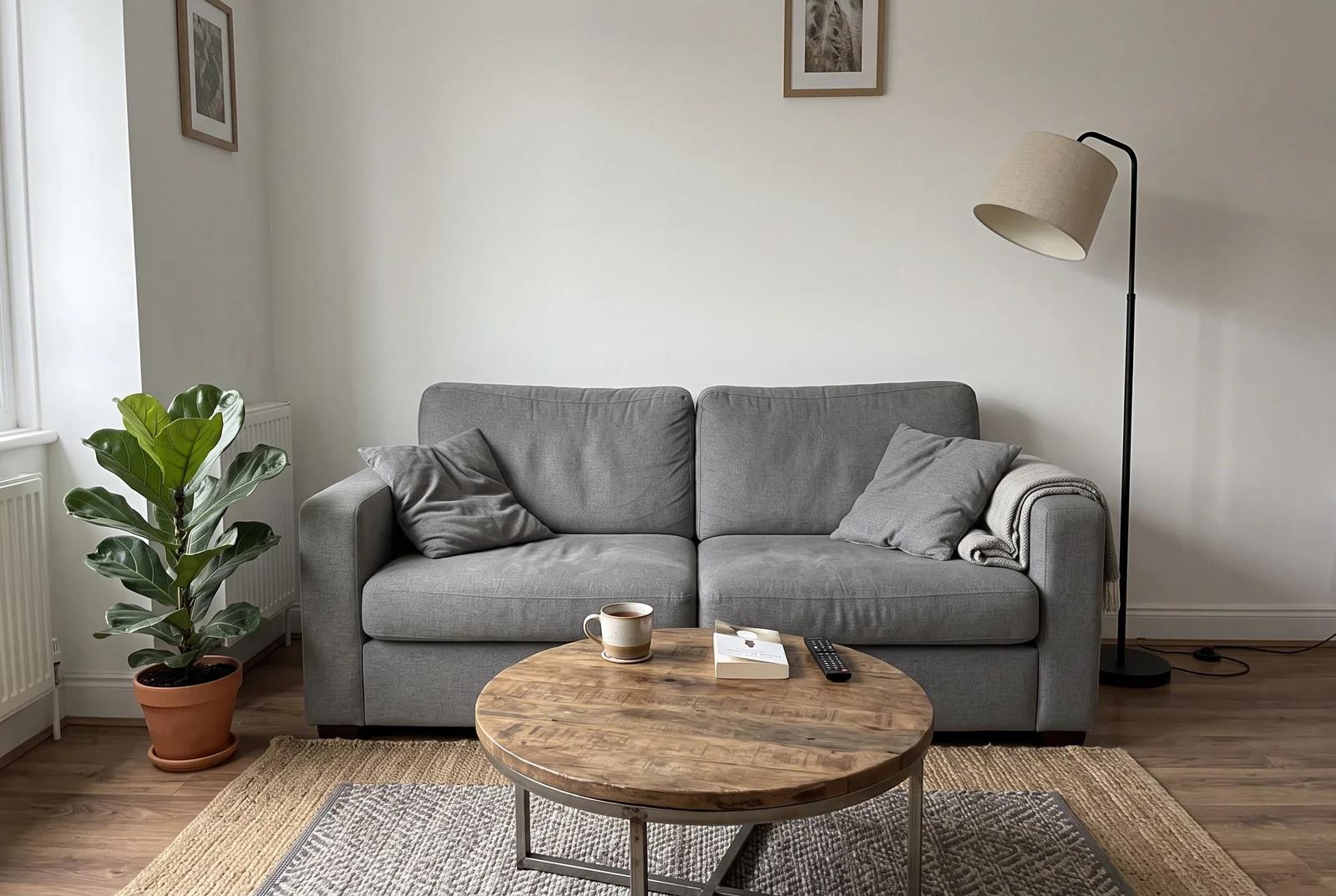 Before
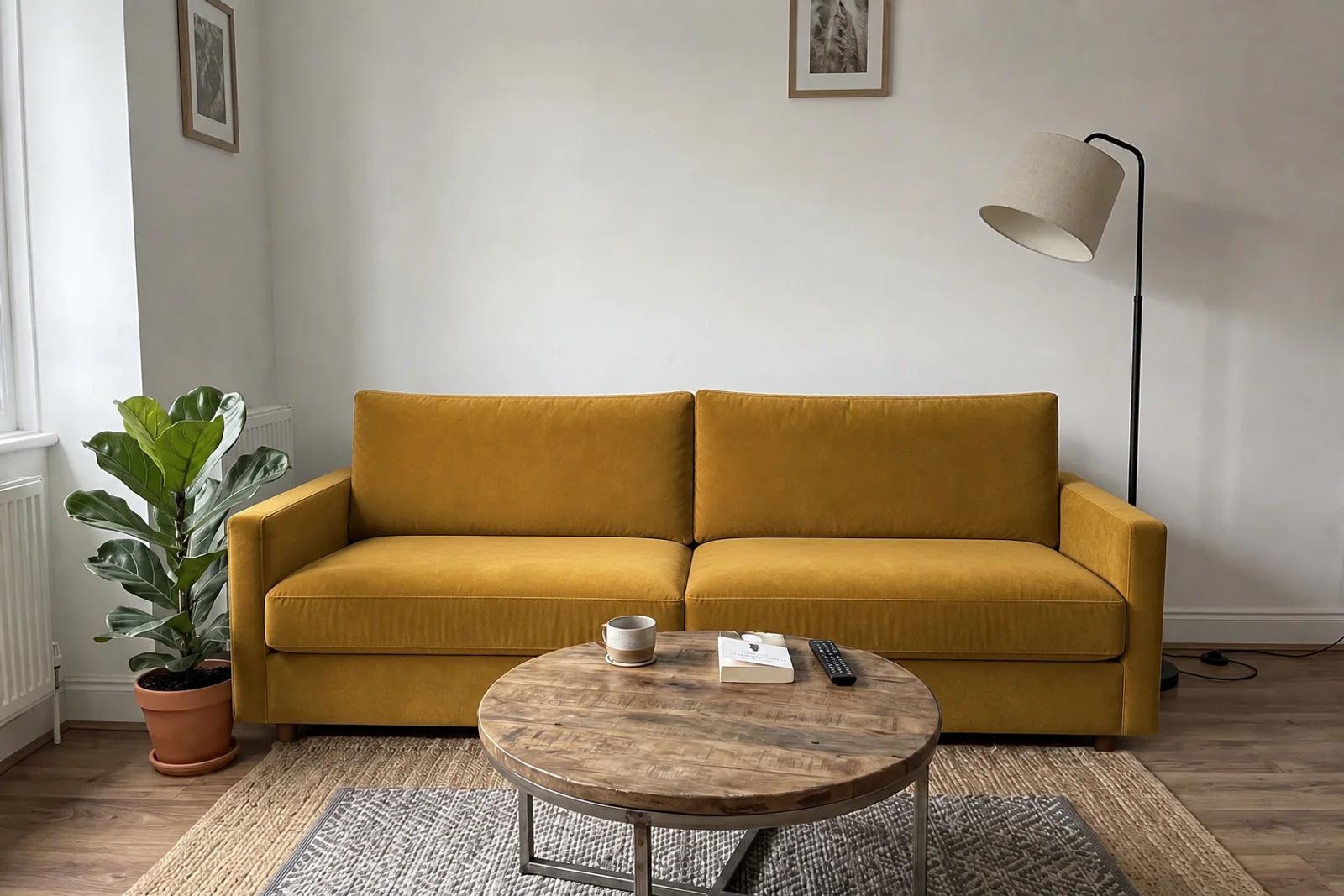 Change Region · GPT Image 2
Brushed: the sofa. "A mustard-yellow velvet sofa with the same size, shape and cushions."
Brush over the thing to change and say what it becomes. The grey sofa became mustard velvet; the walls, plant, lamp and coffee table stayed. The model redraws rather than pastes, so it also dropped the cushions and redrew the mug: compare with the previous version before you keep it.
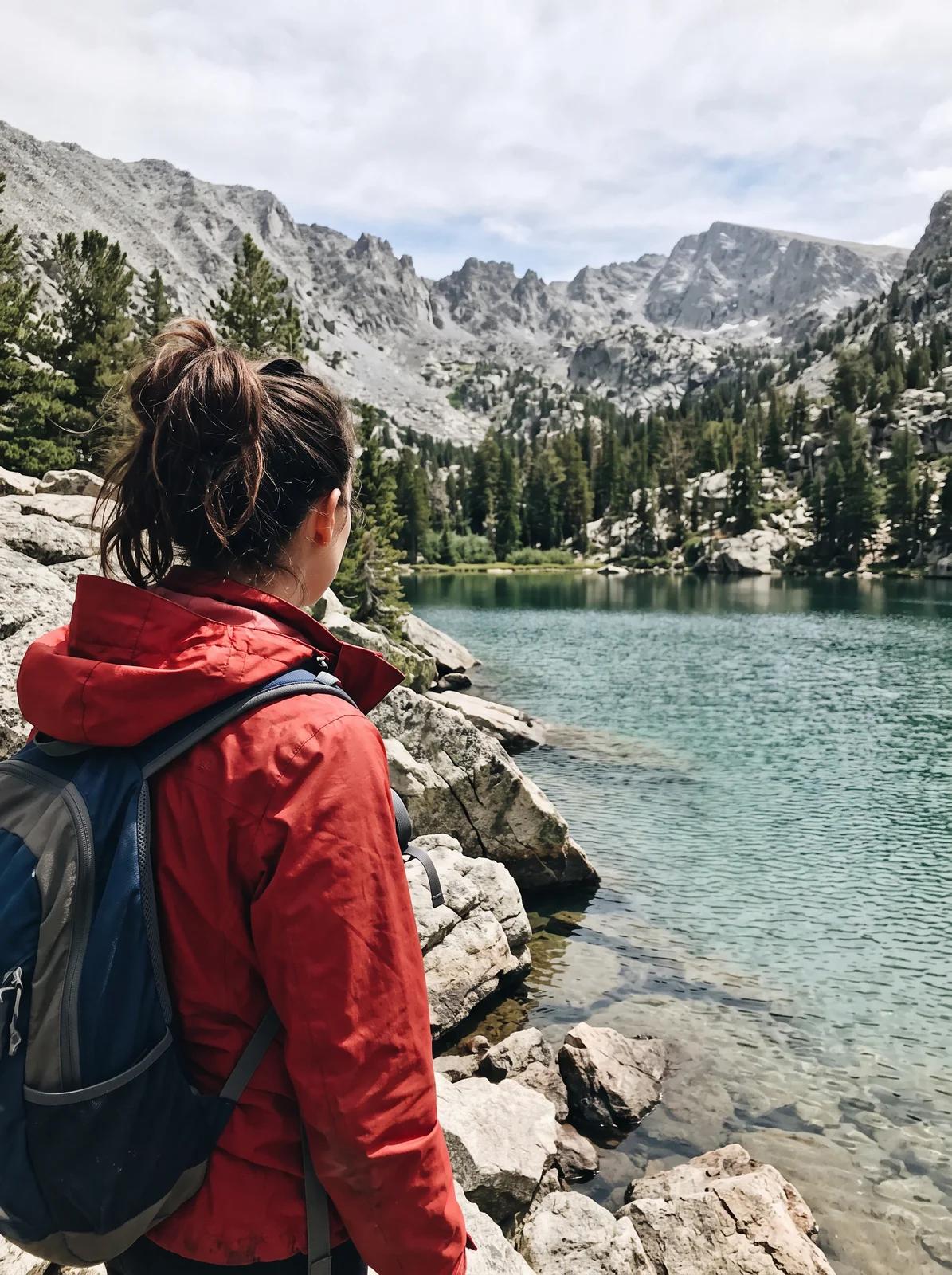 3:4 original
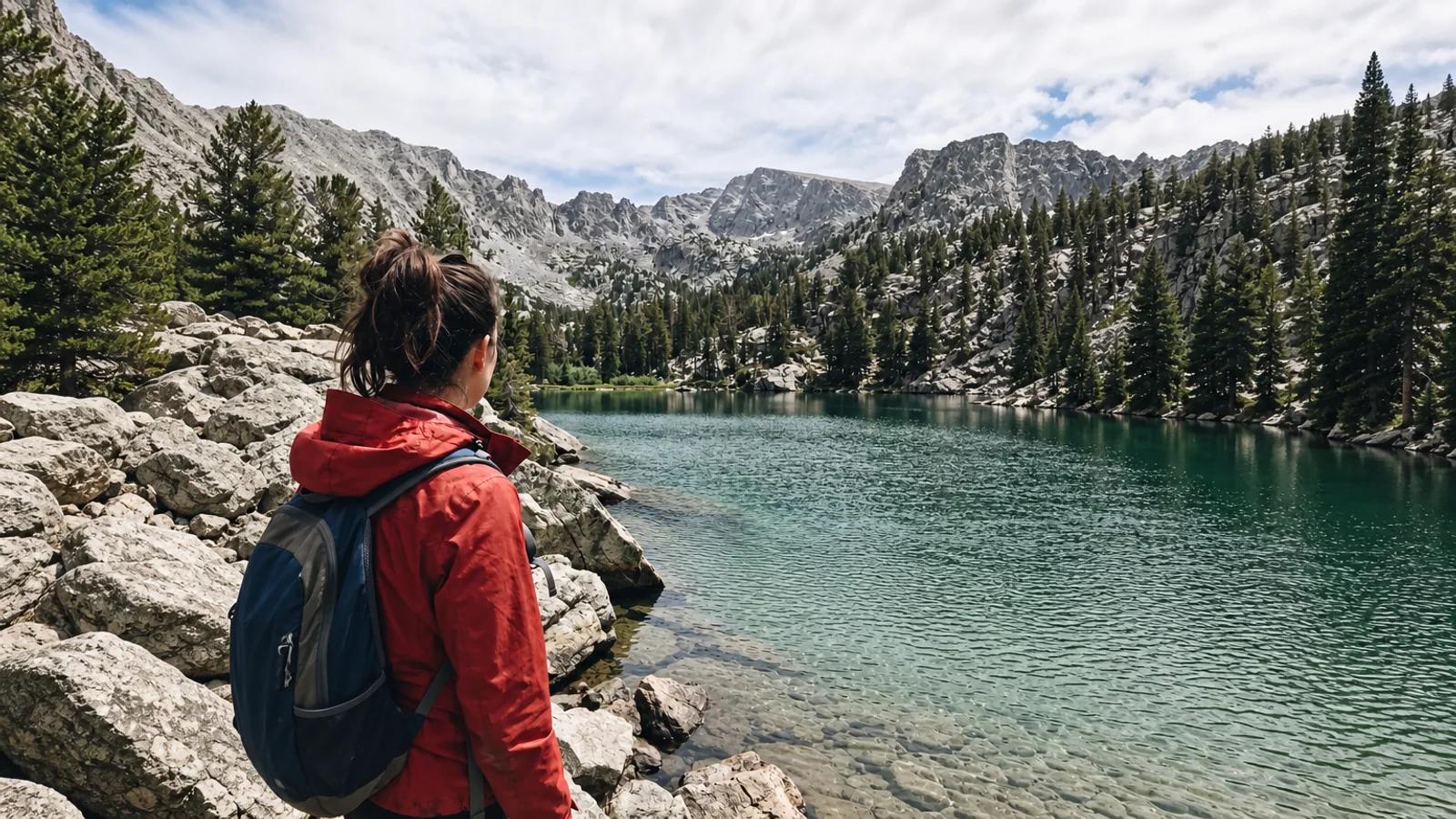 Expand to 16:9 · GPT Image 2
Pick 16:9, or drag the frame outwards, and the model paints the new space around the picture: more lake, more mountains, the same hiker in the middle. No prompt needed, though you can say what to add.
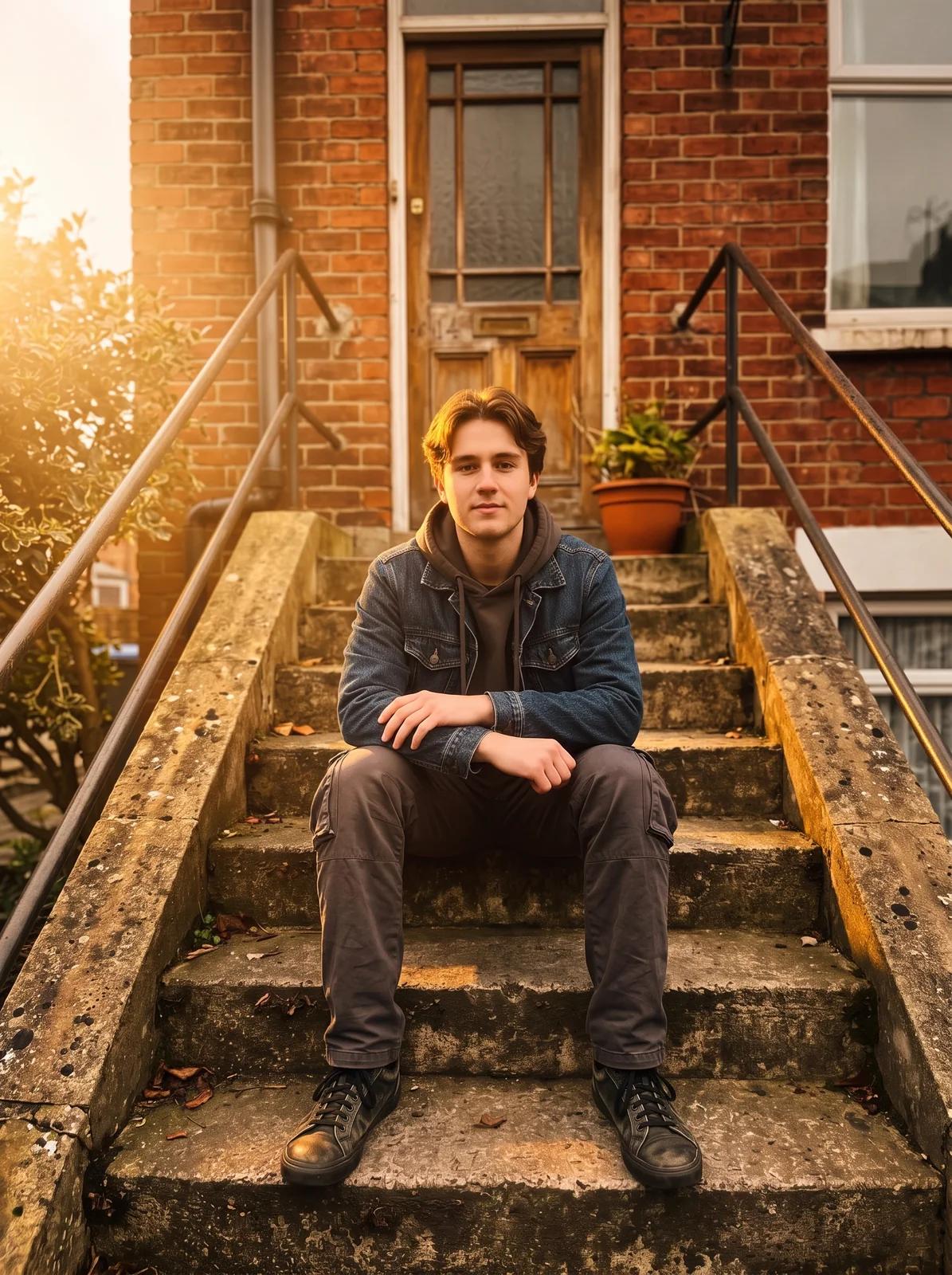 Golden hour
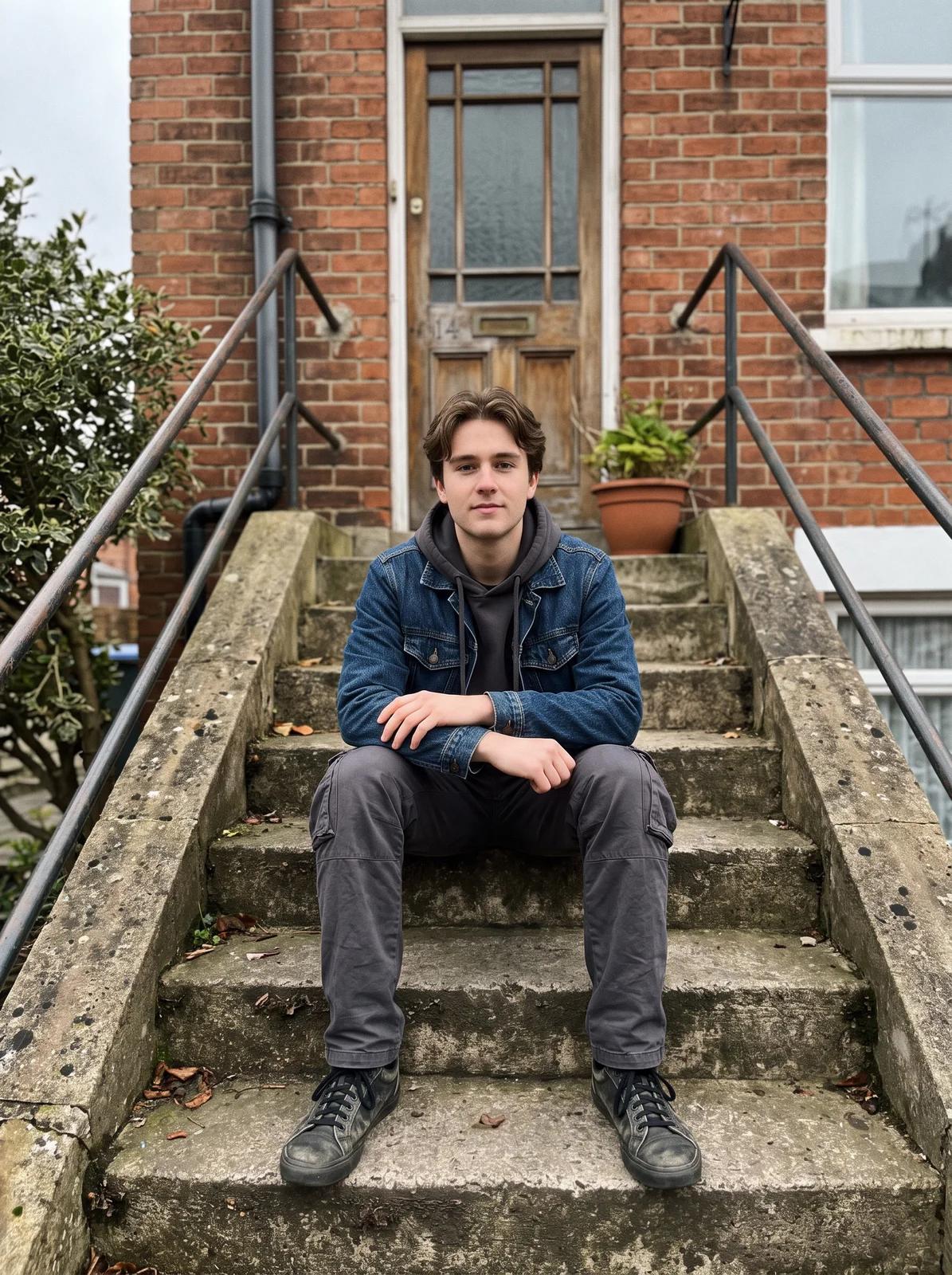 Original
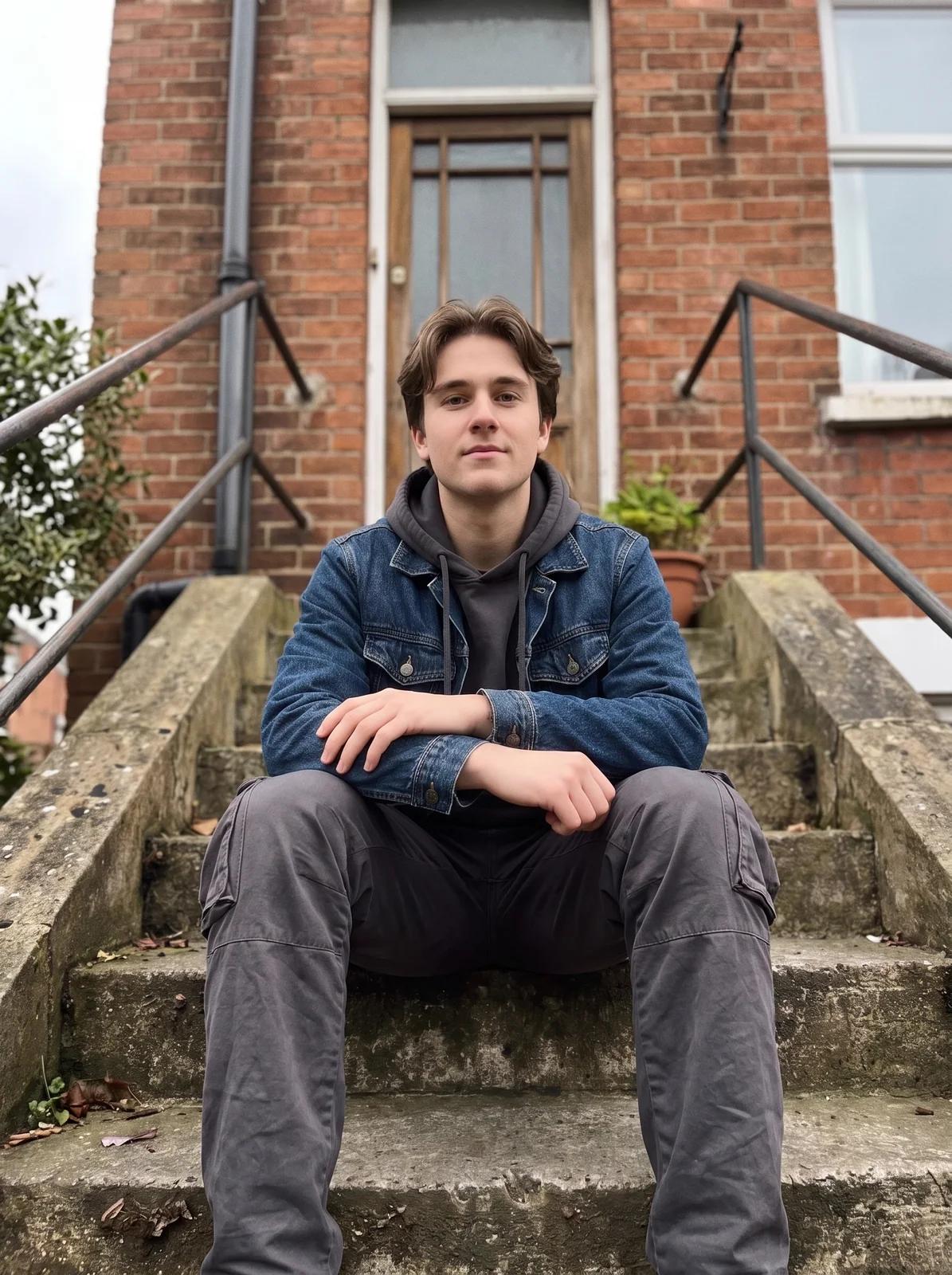 Low hero
Start from a look and adjust. Golden hour put a warm backlight and haze on a flat overcast shot; Low hero moved the camera closer and lower. Camera moves are the subtler of the two: expect a new framing, not a different photo.
Drop in a JPEG, PNG or WebP up to 9MB, or open one from your assets. No picture yet? Make one with Text to Image.
AI Edit for the whole picture, Change Region for one area, Expand for more space, Lighting and Camera for a new look, or Crop, Adjust and Film LUT for free.
Model edits show their credit cost on the button first; the free tools apply instantly. Each result becomes a new version.
Step back through History, branch from any version, and download the one you like, or enlarge it with Upscale Image.
Why a sentence is enough for most edits, and why a brushed edit keeps the rest of the picture close but not identical, from the documentation of the two models the editor runs on.
Describing the change is the intended way to edit with these models, not a shortcut: Google's guide for Nano Banana, the model the editor opens on, says the result keeps the original's style, light and perspective. That is how the desk portrait kept her face and sweater on a new rooftop.
“Provide an image and describe your change. The model will match the original image's style, lighting, and perspective.”The brush in Change Region is a real mask, the input OpenAI's image models take for editing one part of a picture: the area you paint is the area the model is asked to replace.
“Edit parts of an image by uploading an image and mask that identifies the areas to replace”The same documentation says the mask is guidance, not a stencil. In our sofa demo the sofa changed and the room around it stayed, but about one pixel in eight outside the brushed area shifted a little, so check the edges before you use a result.
“The model uses the mask as guidance, but may not follow its exact shape with complete precision.”Yes. Load a picture, type what should be different, such as "put her on a rooftop at dusk" or "make it a snowy evening", and the picture is redone with that change. You choose which model runs it; the editor opens on Nano Banana Pro.
Crop, exposure, colour and the film looks cost no credits, as often as you like. Edits that run a model cost credits, and the button shows the price before you click; every account gets free credits each day, enough for a Vormly Pro edit.
You can open the editor and load a picture without an account. Saving any edit, even a free crop, needs one, because each version is stored in your account. Signing up is free and takes one click with Google.
Open Change Region, brush over the part (or drag a box around it) and say what it should become. The model replaces that area and keeps the rest of the picture. Brush edits run on GPT Image 2 and box edits on Wan 2.7.
Close, but not pixel for pixel. The model treats your brush as guidance, redraws the picture and follows your selection closely; small things near the edge can shift. Brush a little wider than the object, and compare with the previous version before you download.
AI Edit redoes the whole picture from your sentence. To limit the change to one area, use Change Region and brush or box it instead.
Yes. With AI Edit, describe the new background and say what should stay: "put her on a rooftop at dusk, keep her face, hair and clothes". To cut the subject out onto a transparent background instead, use Remove Background.
Yes, with Expand. Drag the frame past the edge or pick 1:1, 16:9 or 9:16, and the model paints the new space around your picture, so a portrait can become a wide banner. It runs on GPT Image 2 and costs 30 credits at 1K.
Yes. Change Lighting places lights around the subject, or starts from a look such as Golden hour; Change Camera Angle moves the viewpoint, or starts from presets such as Low hero, Top-down and Profile. Both redo the picture on the model you picked.
You can describe a change the same way, but on a canvas: zoom in, brush one area, drag the frame outwards, compare versions and pick which model runs each edit. Crop, colour and film looks never cost credits.
Every edit becomes a version in History. Click an earlier one to return to it and keep editing from there; later versions are kept as a branch. The history is still there when you reopen the image.
Yes. Everything the editor makes is saved privately to your account and does not appear in Explore unless you publish it yourself.
JPEG, PNG or WebP up to 9MB, from your device, your assets or a picture made on Vormly. Downloads come back as PNG, JPG or WebP, with a small Vormly mark on free accounts; enlarge a result to 2K or 4K from the download menu, or with Upscale Image.
Yes. Turn into Video, at the bottom of the tool rail, opens the generator with your picture attached and a video model selected; describe how it should move and generate. You can also download it and use Image to Video.
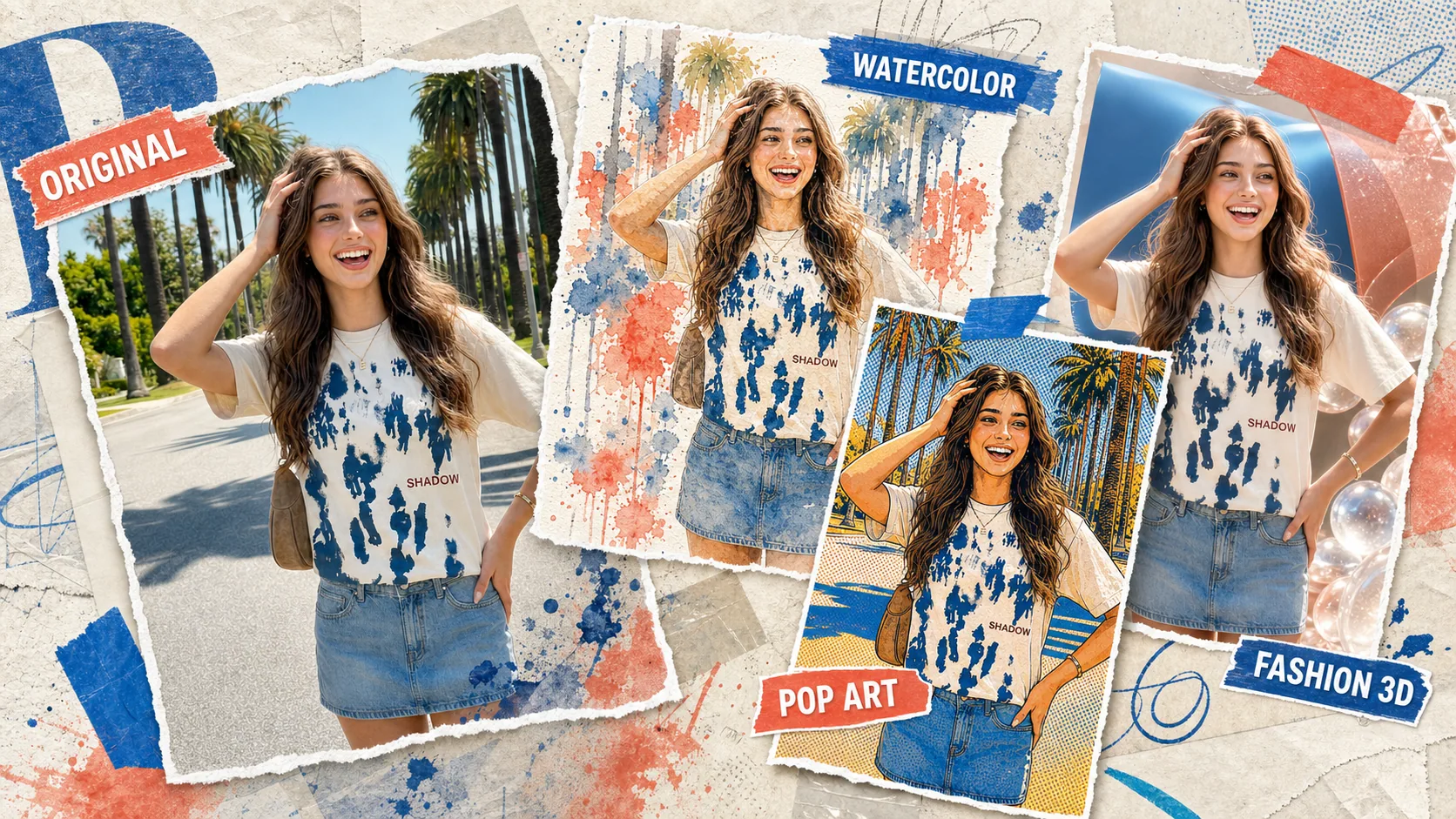
Want a whole new look rather than a fix? Remix reinterprets the picture into fresh styles in one step.
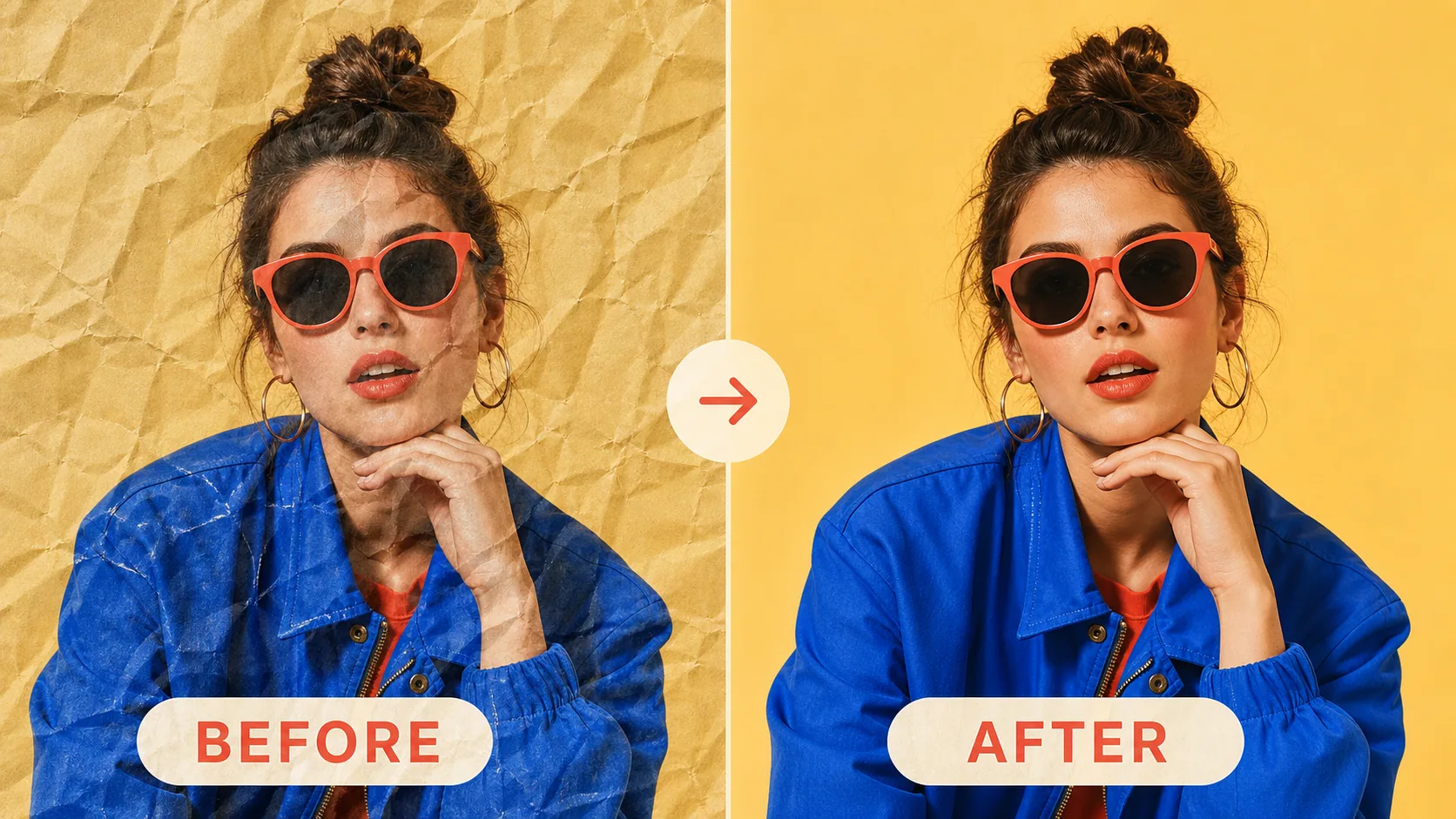
Editing a scan or a photographed print? Flatten the creases and shadows first, then bring it back here.
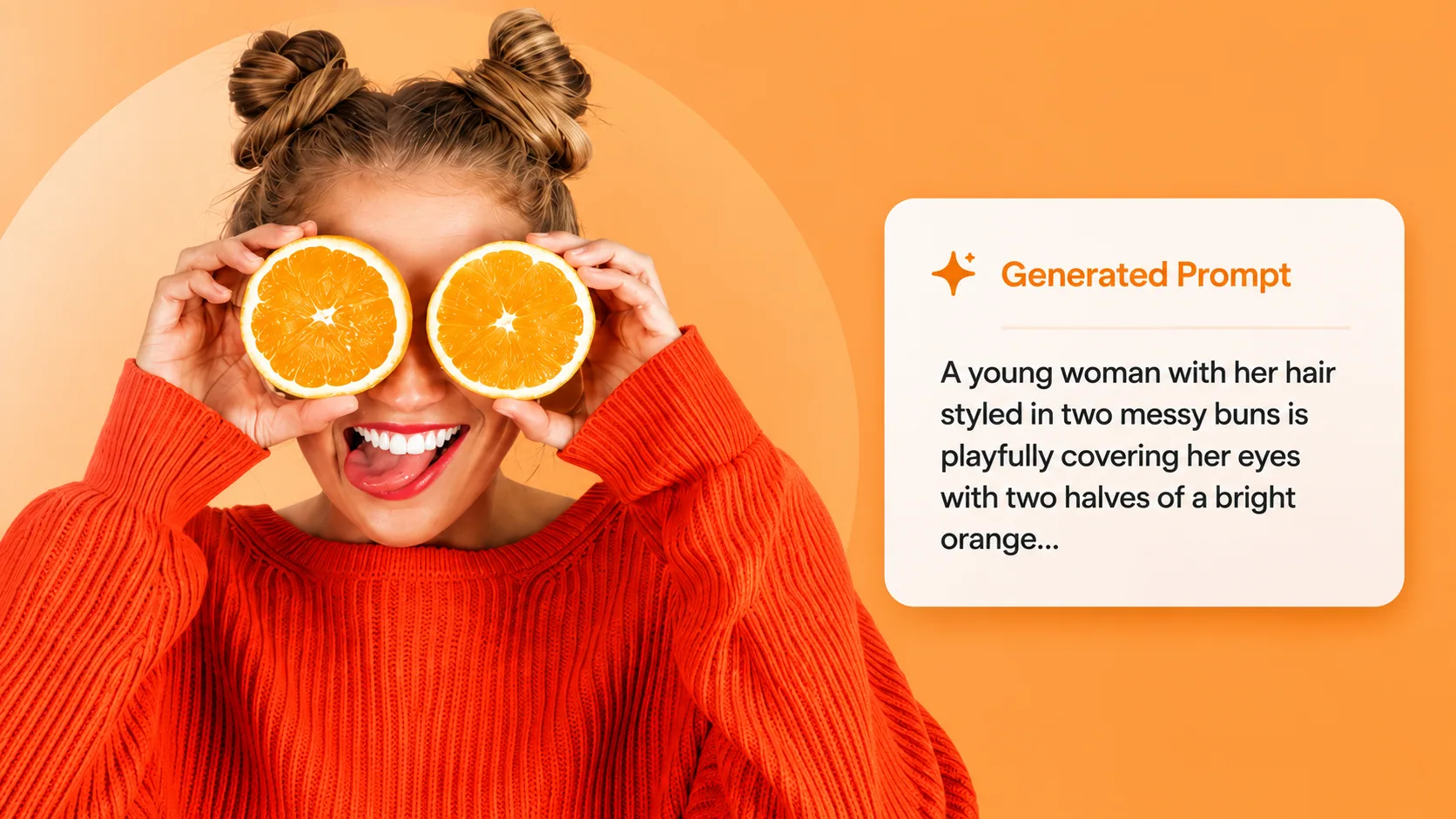
Not sure how to describe the change you want? Extract the prompt behind an image you like and borrow its wording.