

Your prompt will appear here
Written for whichever model you pick on the left.
"a lonely lighthouse in a storm"
a weathered stone lighthouse standing defiant on a jagged cliff, monstrous waves crashing against the rocks below, dramatic chiaroscuro lighting, cinematic wide shot, moody oil painting style --ar 16:9 --v 7
Turn a rough idea into a detailed prompt for Midjourney, Nano Banana, GPT Image, ChatGPT, or Claude.
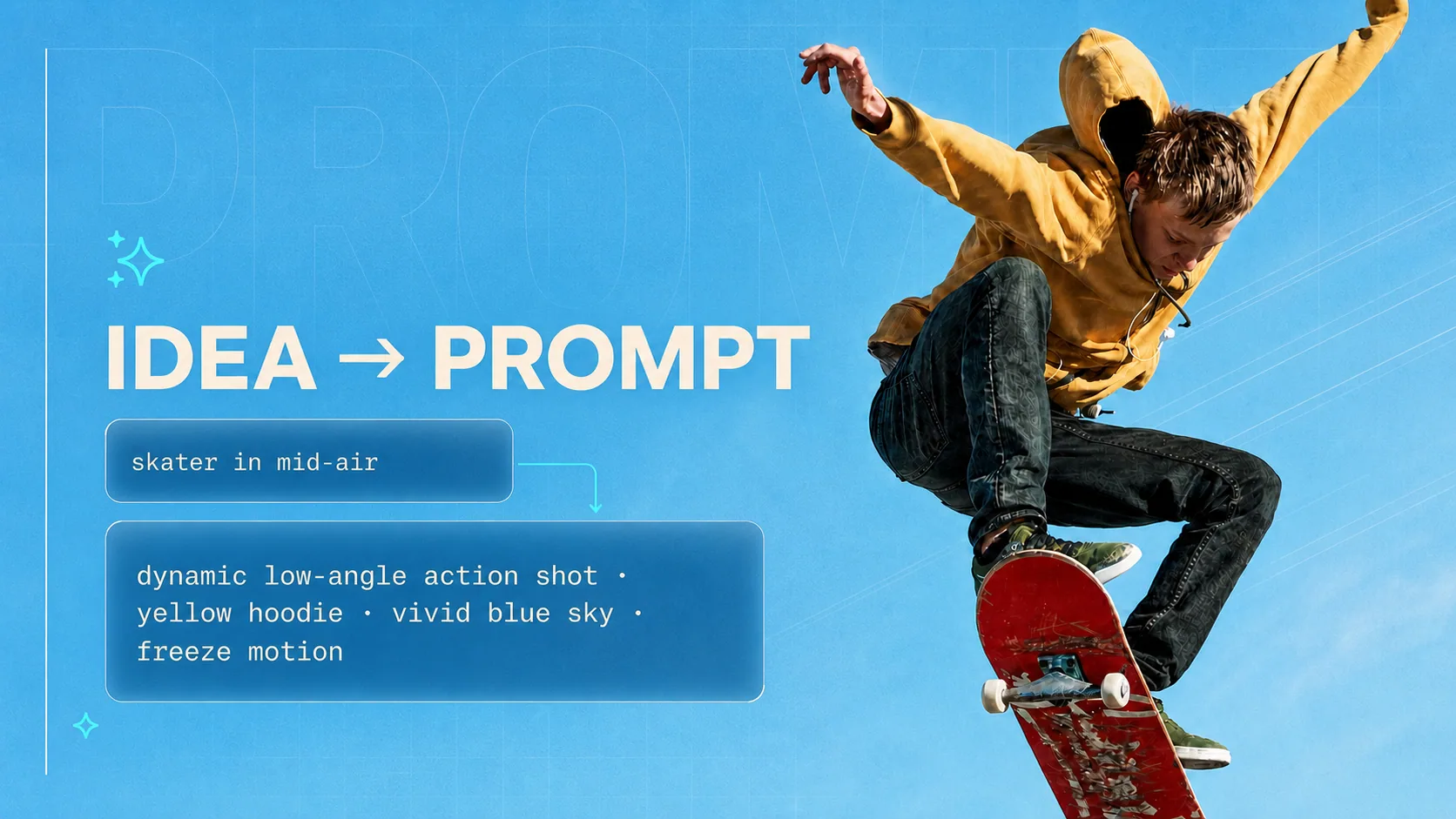
An AI prompt generator turns plain text into a prompt that works. You write a few words, like “a lonely lighthouse in a storm” or “help me answer customer complaints”, and get back a detailed prompt for Midjourney, Nano Banana, GPT Image, ChatGPT, or Claude, without learning each model's rules. Each target gets the format it actually reads best, not one generic paragraph.
Midjourney wants short phrases and parameters, GPT Image wants clear instructions, chat models want a brief. You get the one your target reads best
Type the idea in any language and get the prompt in any of 19, with a one-click translation if you need a second one
Not just images. Describe a job and get a reusable brief — who the AI should be, what it is doing, what to avoid, how to answer
The same idea is written differently for every target. Here is what changes.
Short, vivid phrases in a set order: subject, setting, style, light, framing. The aspect ratio is picked from your idea (16:9 for scenes, 9:16 for characters, 1:1 for objects) and --v 7 is added for you.
Written the way you would describe a scene to a person. You can state the purpose, like a café menu board for an autumn promotion, and any words that should appear in the image go in quotes with where they sit.
Clear, orderly instructions, because GPT Image follows them closely. Exact counts and positions are spelled out (three books stacked on the left) and poster or label text is quoted so it renders correctly.
A reusable prompt in five parts: Role, Context, Task, Constraints and Output Format, with [bracketed placeholders] for the details only you know. Paste it into any chat and fill in the blanks.
Working in Stable Diffusion? The SD Prompt Enhancer writes tags, weights, a negative prompt and settings for SD 1.5, SDXL and SD 3.5.
From one sentence to a prompt you can paste
Type what you want in plain words — 'a lonely lighthouse in a storm' or 'help me write better cold emails'. Any language works.
Pick image or text, then the model you will paste into. That choice decides how the prompt is written — phrases and parameters, or plain sentences.
Paste the prompt into whatever you use — or press 'Use in Vormly' and make the image on the spot with your free daily credits.
Everything you need to know about generating AI prompts.
In generative AI, a prompt is the text instruction you give a model to steer what it creates. For image models it describes the scene, subject, style, lighting, and composition; for language models like ChatGPT or Claude it defines the role, task, constraints, and output format. A clear, specific prompt is the single biggest factor in output quality — which is exactly what this generator builds for you from a plain-language idea.
Yes. It is free with no login, no credits, and no daily caps. Generate as many prompts as you need and use them anywhere, including commercial projects.
Image prompts describe a visual scene for image models (subject, style, lighting, composition) and follow each model's own conventions, like Midjourney's --ar parameter or quoted text for GPT Image. Text prompts are structured instructions for chat models like ChatGPT and Claude, organized into Role, Context, Task, Constraints, and Output Format sections.
Image mode writes prompts for Midjourney (with --ar and --v 7 parameters), Nano Banana, GPT Image 2, Stable Diffusion SD 1.5 and SDXL, and general models like DALL-E and Flux. Text mode writes structured prompts for ChatGPT, Claude, Gemini, and any other chat model. For deeper Stable Diffusion work, including SD 3.5, use the SD Prompt Enhancer.
Yes. Pick Nano Banana as the target and the prompt is written the way Google's image model reads best: plain, specific sentences about the subject, the scene, the framing and the light, with any words that should appear in the image put in quotes. There are no parameters or weights to get wrong.
Yes. Type your idea in any language and choose one of 19 output languages, then translate the result with one click if you need another. Model parameters such as --ar 16:9 or --v 7 stay in their original form so they still work.
Yes — for image prompts, click "Use in Vormly" and the prompt is loaded straight into the Vormly image generator, where you can create the image with free daily credits.
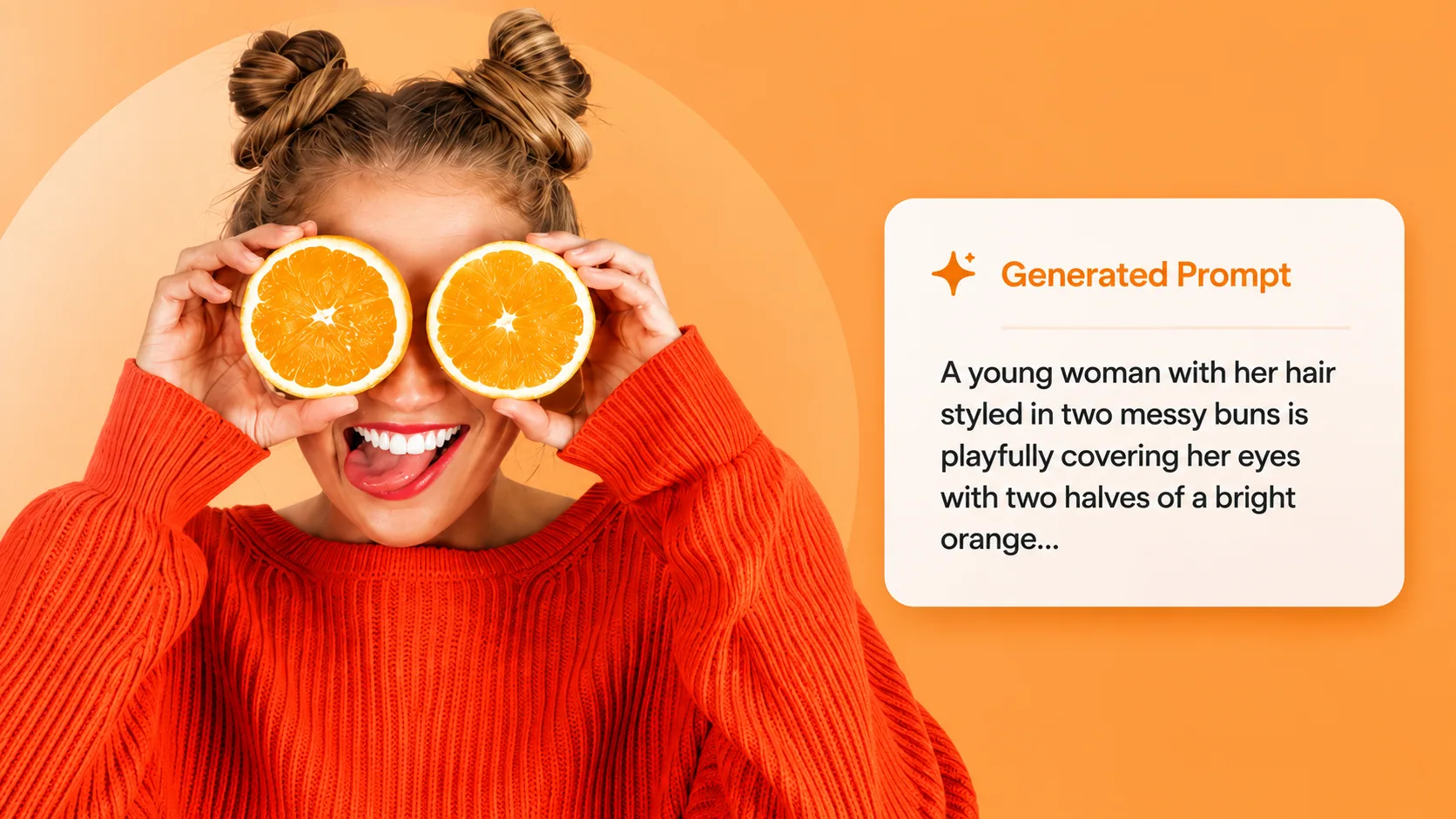
Have a reference image already? Reverse-engineer it into a detailed prompt you can reuse and remix.
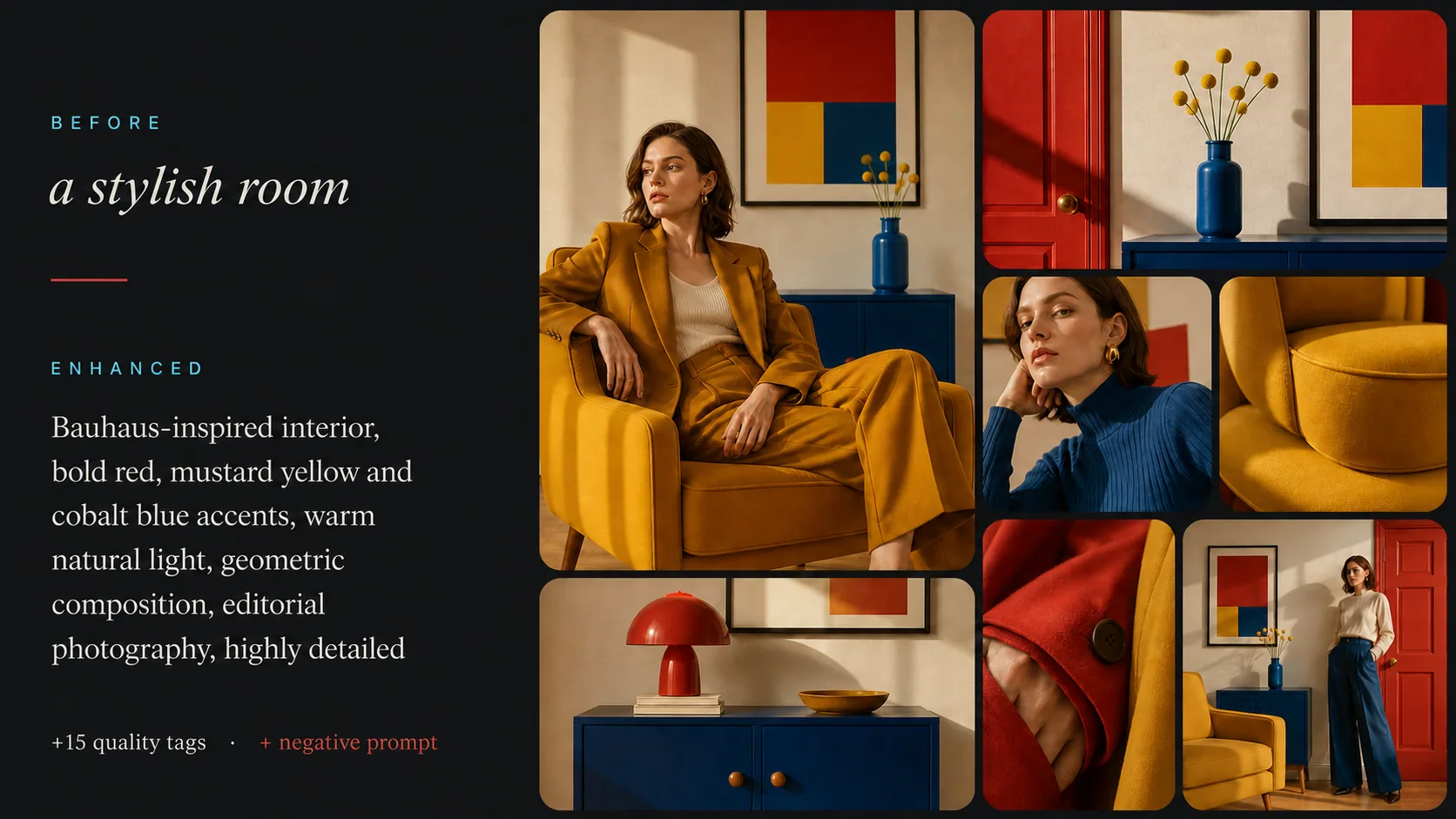
Need deeper Stable Diffusion tuning? Add emphasis weights, quality tags and a negative prompt for SD 1.5 & SDXL.
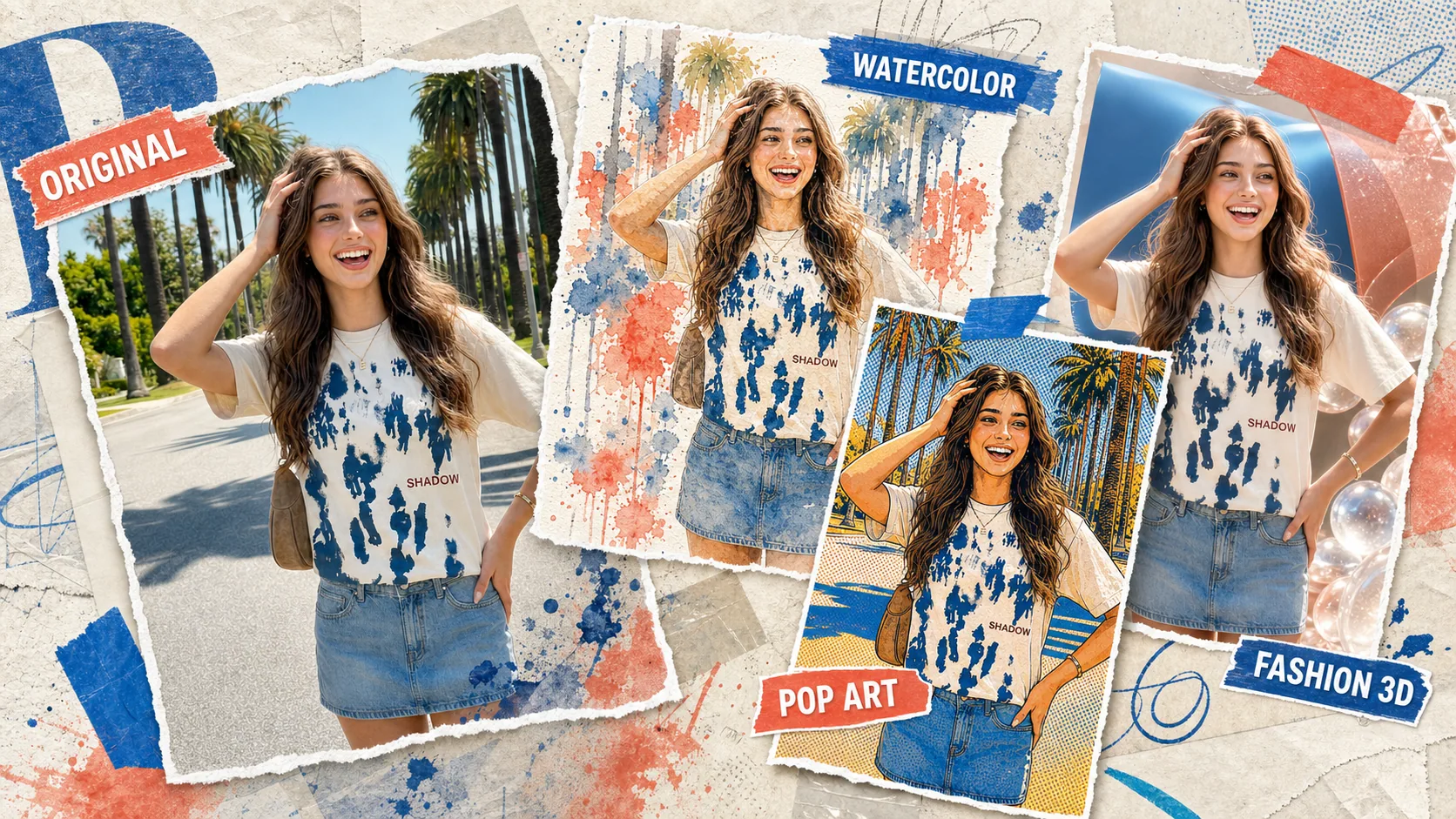
Put your new prompt to work — generate and remix images directly in Vormly, no setup required.
Describe what you want in a sentence and paste the result straight into your AI tool. Free, unlimited, no login.