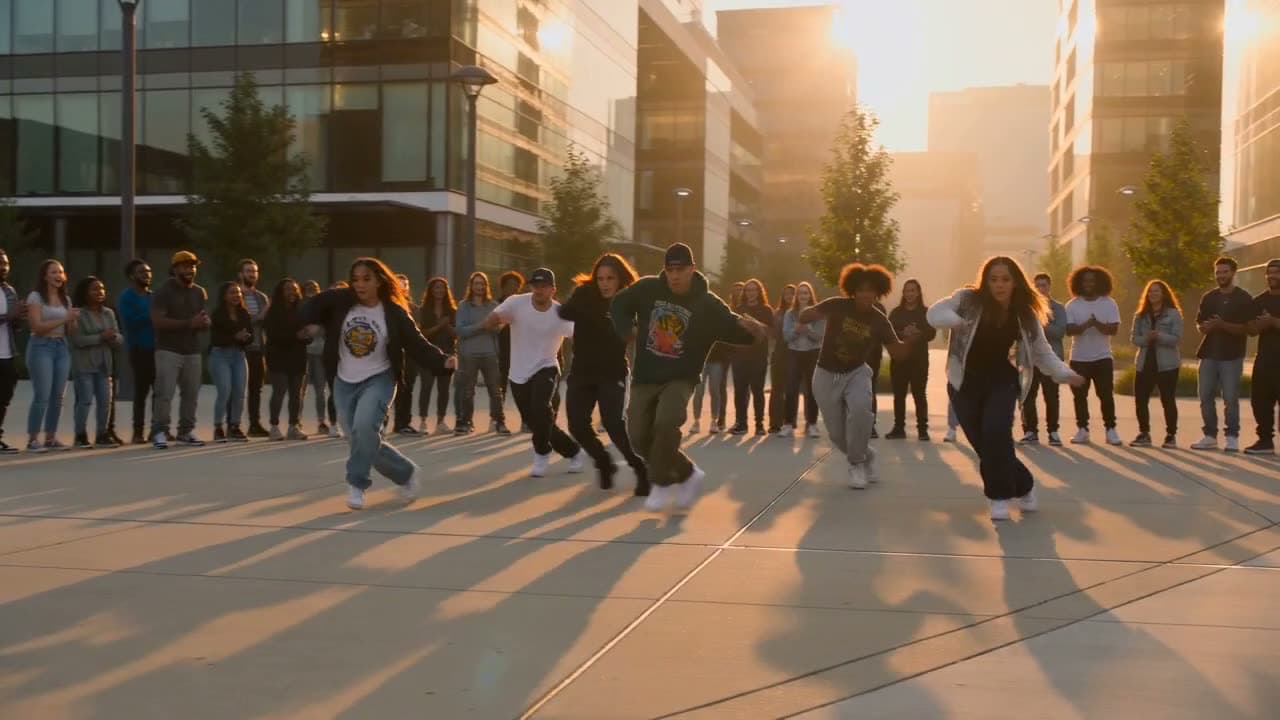
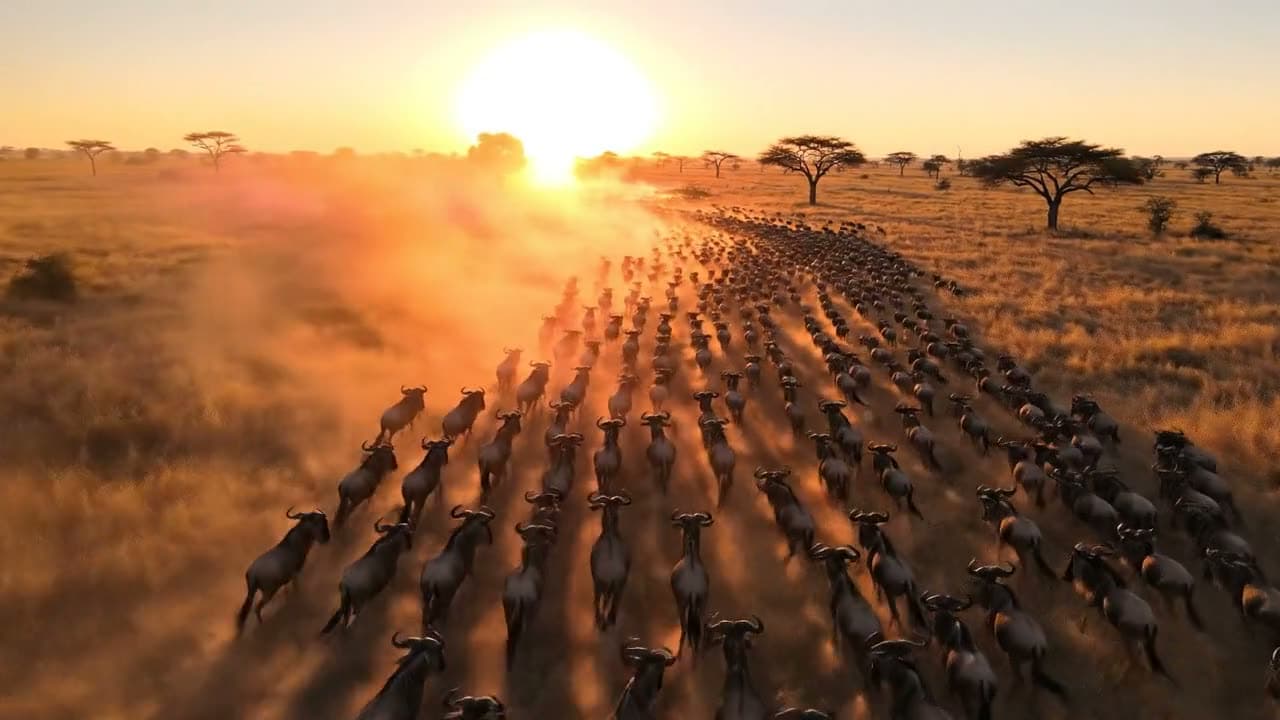
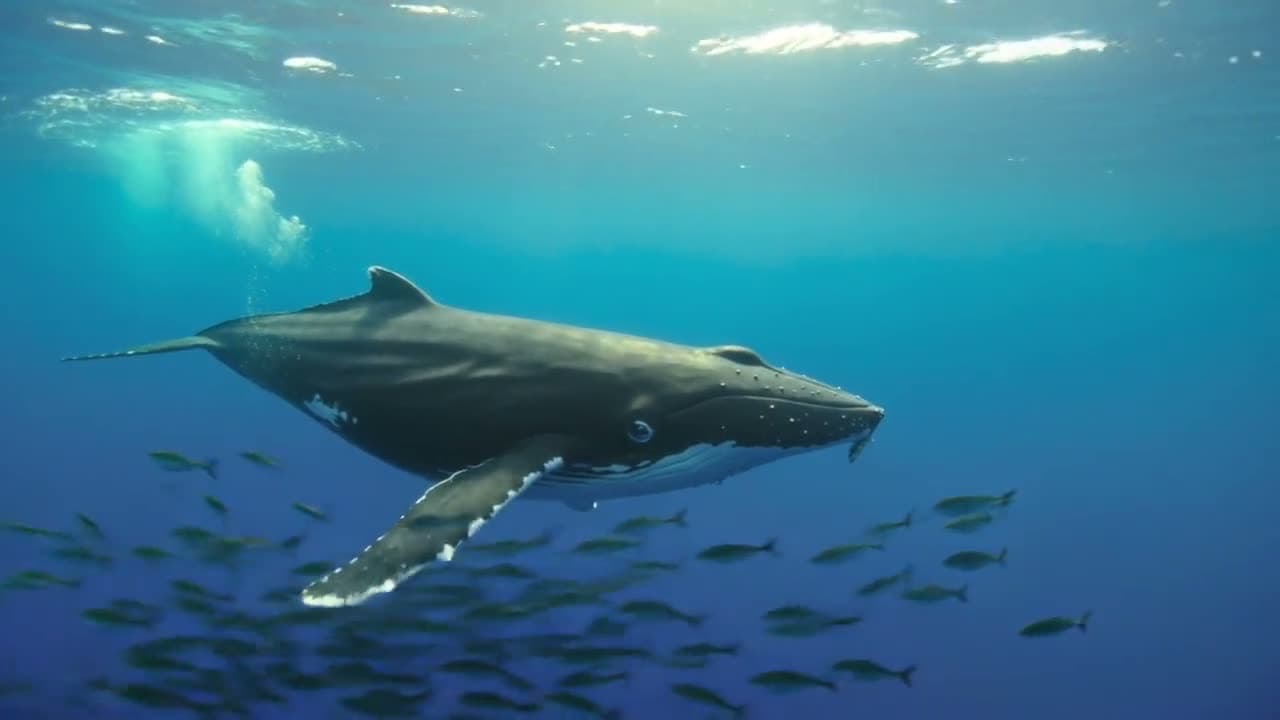
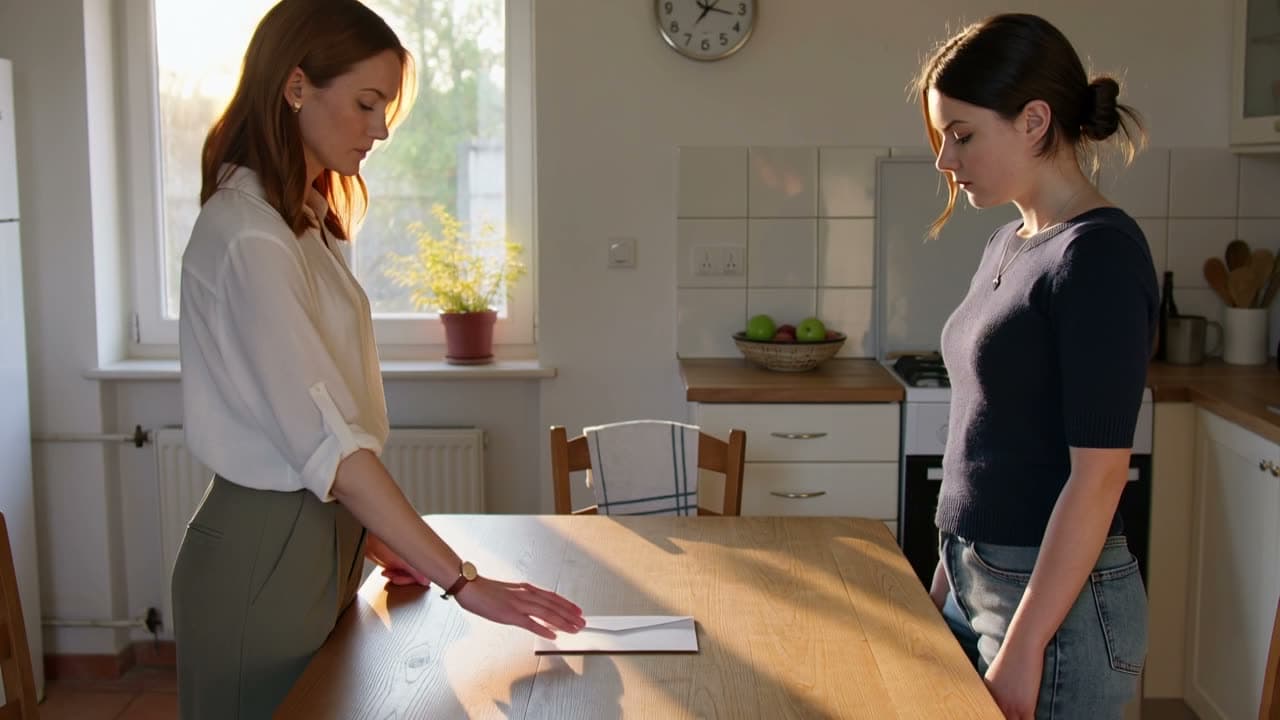
Your clips will appear here
Describe a scene in the panel — finished clips land on this canvas and play automatically so you can compare takes.
Describe the scene and how it moves, pick a model and a length, and get a clip in a few minutes. Veo and Grok add sound.
Try it freeSend the same description to Veo, Kling, Seedance or Grok and the takes land side by side, so you keep the one that looks right instead of guessing which model to pay for.
Veo 3.1 and Grok Video add sound in the same pass: rain, footsteps, a crowd, even a line someone speaks. Veo 3.1 Lite does it in an 8-second clip for 30 credits.
Clip length and model set the cost, and the Generate button shows it before you click. A 6-second Grok Video clip is 25 credits.
A barista pours milk into a latte and draws a heart in the foam, shot top-down, then the camera slowly pushes in as steam rises. Cozy cafe, warm morning light, vertical framing for a phone.
Describe the moment and pick 9:16, and the clip is framed for a phone from the first frame. A pour, a product reveal or a quick scene becomes a hook in a few minutes.
Aerial drone shot gliding low over a misty pine forest toward a winding river at sunrise, slow and steady, soft golden light breaking through the fog.
Make the shots a YouTube video needs without filming them: an opening scene, a cutaway between talking segments, a view of the place you are talking about. Describe it, pick 16:9 and drop the clip into your edit.
In a quiet bookshop on a rainy evening, an older man closes a book, looks up at the camera and says warmly: "Some stories are worth reading twice." Soft rain taps on the window behind him.
Grok Video and Veo 3.1 make the sound with the picture. Put a line in quotes and the character says it, with the rain and the room around them. Turn the sound on to hear it.
A short scene in three shots on a rainy evening street. Shot one: a girl in a yellow raincoat picks up a paper boat from a puddle. Shot two: close-up of her hands unfolding it to reveal a hand-drawn map. Shot three: she looks up, smiles and runs off down the glowing street.
Write the scene as a few shots and the model cuts between them, keeping the same character and street. Each clip is one scene, so build a longer story one scene at a time.
Say what is there and what moves: "a paper plane glides over a city at golden hour, the camera follows it". Naming the motion is what turns a clip into more than a still. Stuck for an idea? Surprise me writes one to start from.
Veo 3.1 makes 8-second clips with sound, Grok Video goes up to 30 seconds with sound, and Kling, Seedance, Wan, PixVerse and HappyHorse run between 5 and 15 seconds, depending on the version. Choose 16:9 for YouTube or 9:16 for Shorts and TikTok.
The credit cost shows on the button before you click. Clips usually take one to three minutes.
Each take lands next to the last and loops, so you can compare them. Download the one you like as an MP4, or change a few words and run it again.
The two prompt habits this page asks for, name the camera and quote the dialogue, from the guides for models on this page.
A prompt that names only the subject and the action tends to give a flat, static shot. Alibaba's guide for Wan, one of the models here, says to add the camera, the light and the style too, which is why we ask for the camera move as well as the action.
“Most weak prompts cover entity and motion but skip aesthetic control and stylization — producing a static camera in an undefined void.”To make a character say a particular line, put the words in quotation marks. That is Google's own instruction for Veo 3.1, which makes sound on this page.
“Dialogue: Use quotes for specific speech.”You describe a scene in words and an AI model makes a short video of it: the people, the place, what moves and how the camera follows. Some models add sound in the same pass.
Write what should be on screen and what moves, pick a model and a clip length, and select Generate. The clip is ready in one to three minutes and you can download it as an MP4.
Yes, to start. Pick Grok Video in the model menu and a free account turns your prompt into a 6-second clip at no cost. The page opens on Veo 3.1 Lite, which is 30 credits for an 8-second clip with sound, so switch models first if you want the free clip.
Yes. Veo 3.1 and Grok Video add sound that fits the scene, and you can put a short line of dialogue in quotes for a character to say. Kling, Seedance 1.5 and newer, PixVerse, Wan and HappyHorse make sound with the picture too.
It depends on the shot. Veo 3.1 is the pick for sound and 4K, Kling and Seedance keep people and objects steady through fast motion, and Grok Video is the cheapest way to try an idea. Run the same prompt on two or three and keep the best take.
Each generation makes one clip: 8 seconds on Veo 3.1, up to 30 seconds on Grok Video, and 5 to 15 seconds on Kling, Seedance, Wan, PixVerse and HappyHorse. For a video of a minute or more, make it scene by scene, describing the same character and setting the same way each time, then download the clips and join them in a video editor.
On Veo 3.1 Lite, Fast or Quality, switch the resolution to 4K before you generate. A 4K clip costs more credits than the same prompt at 720p, which is the resolution Grok Video, Kling, Seedance, Wan, PixVerse and HappyHorse make.
Yes. Pick the 9:16 shape before you generate and the clip is made vertical from the start, instead of a wide video cropped down. Use 16:9 for regular YouTube videos.
Name the subject, the action and the camera: "a fox trots across a snowy field at dawn, the camera tracks alongside at ground level". Add light and mood if they matter. Leave out the motion and the model has to guess, which often gives you something close to a still.
Yes, one scene at a time. Write the scene as a few shots ("Shot one: … Shot two: …") and the model cuts between them in a single clip, keeping the same character and place. Then write the next scene the same way, reusing the exact words you used for the character.
Only when you download on a free account, including the free Grok Video clip: it gets a small Vormly watermark. Paid plans download the clean MP4, which is the file you want before posting to YouTube or TikTok.
Yes. What you generate is yours to use in YouTube videos, ads, client projects and social posts, with no credit to Vormly needed. Download anything you publish on a paid plan so it has no watermark, and check the scene itself: a real brand or a famous person's likeness in your prompt is not cleared just because a model made the clip.