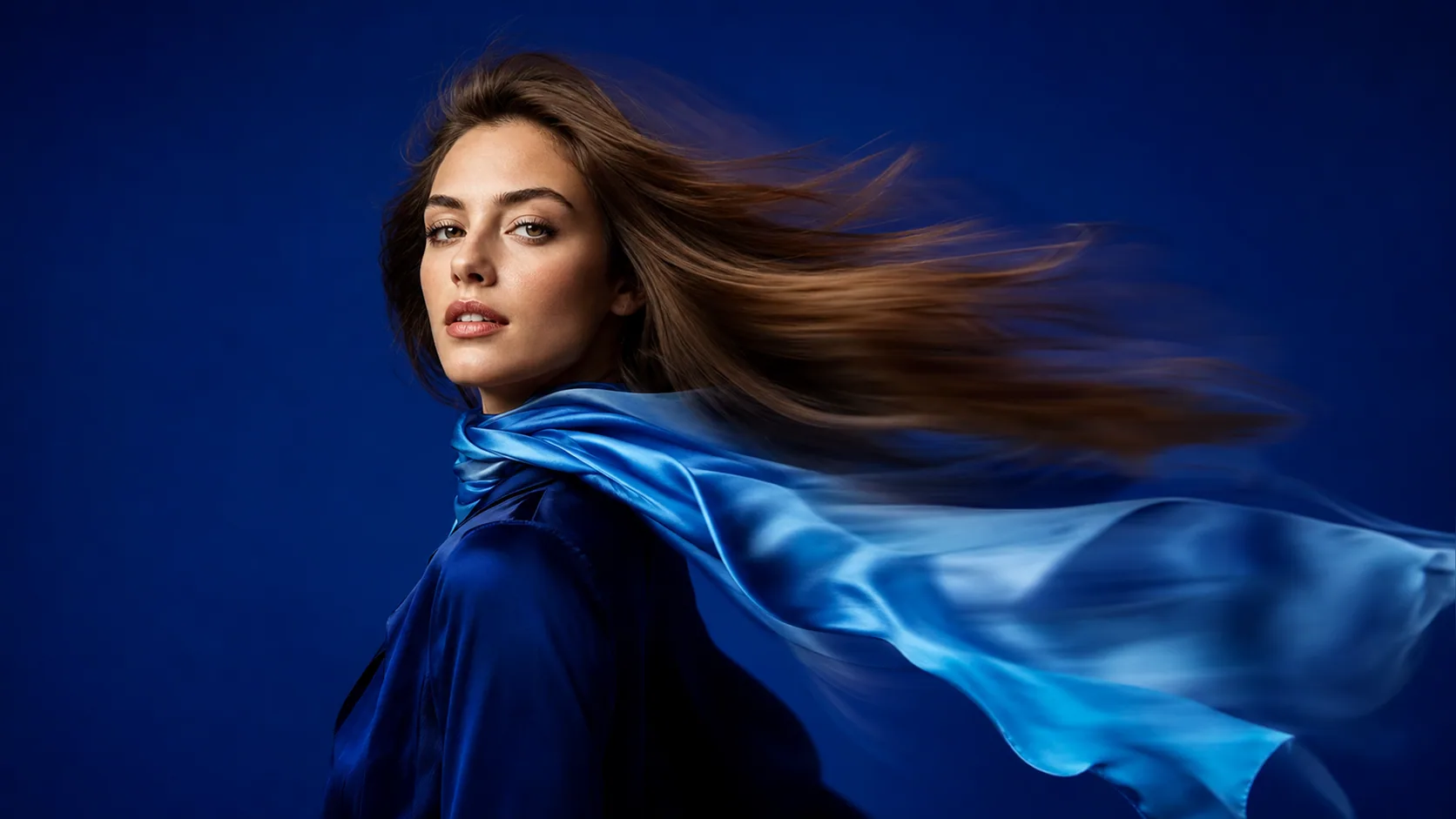
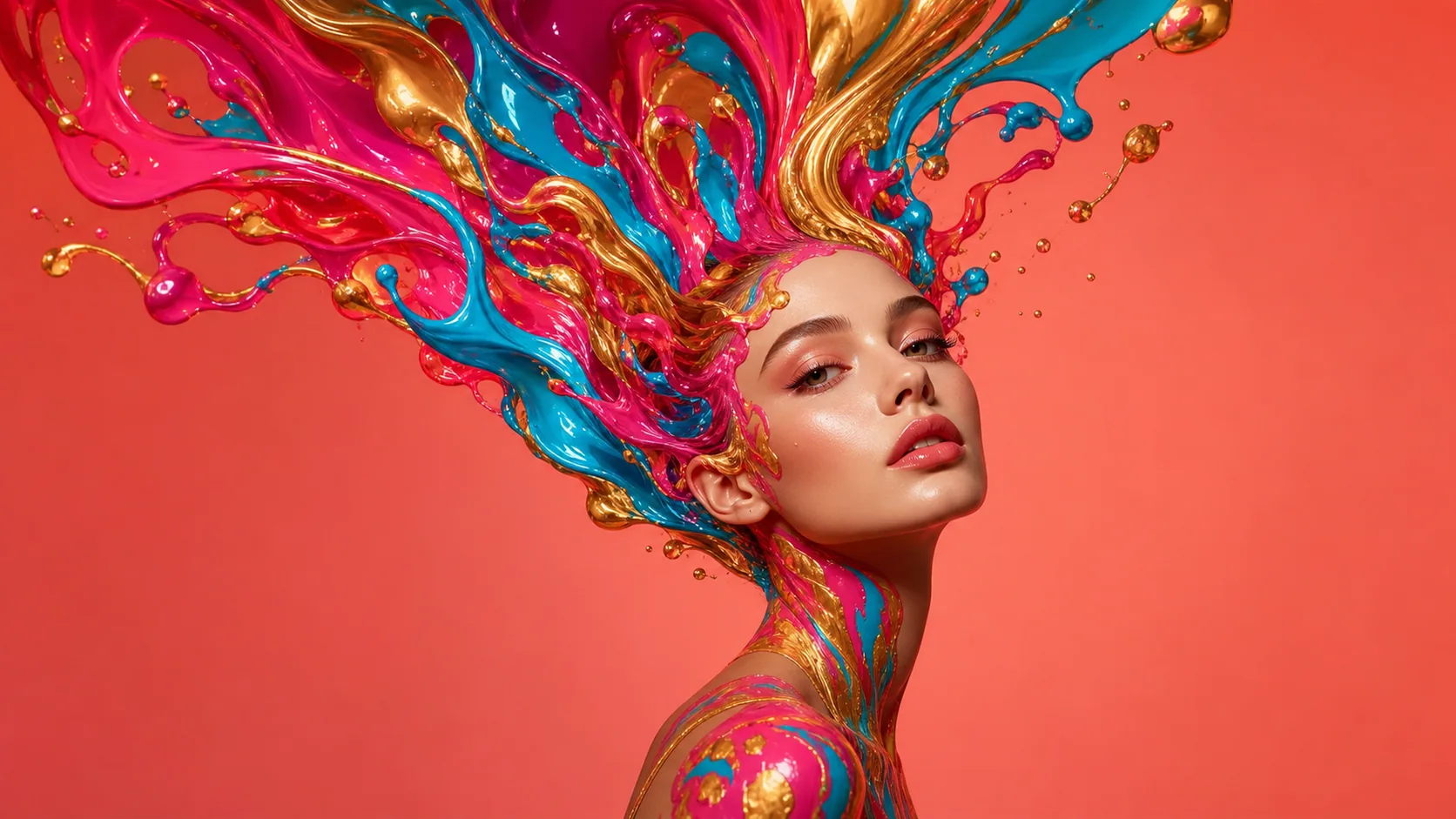
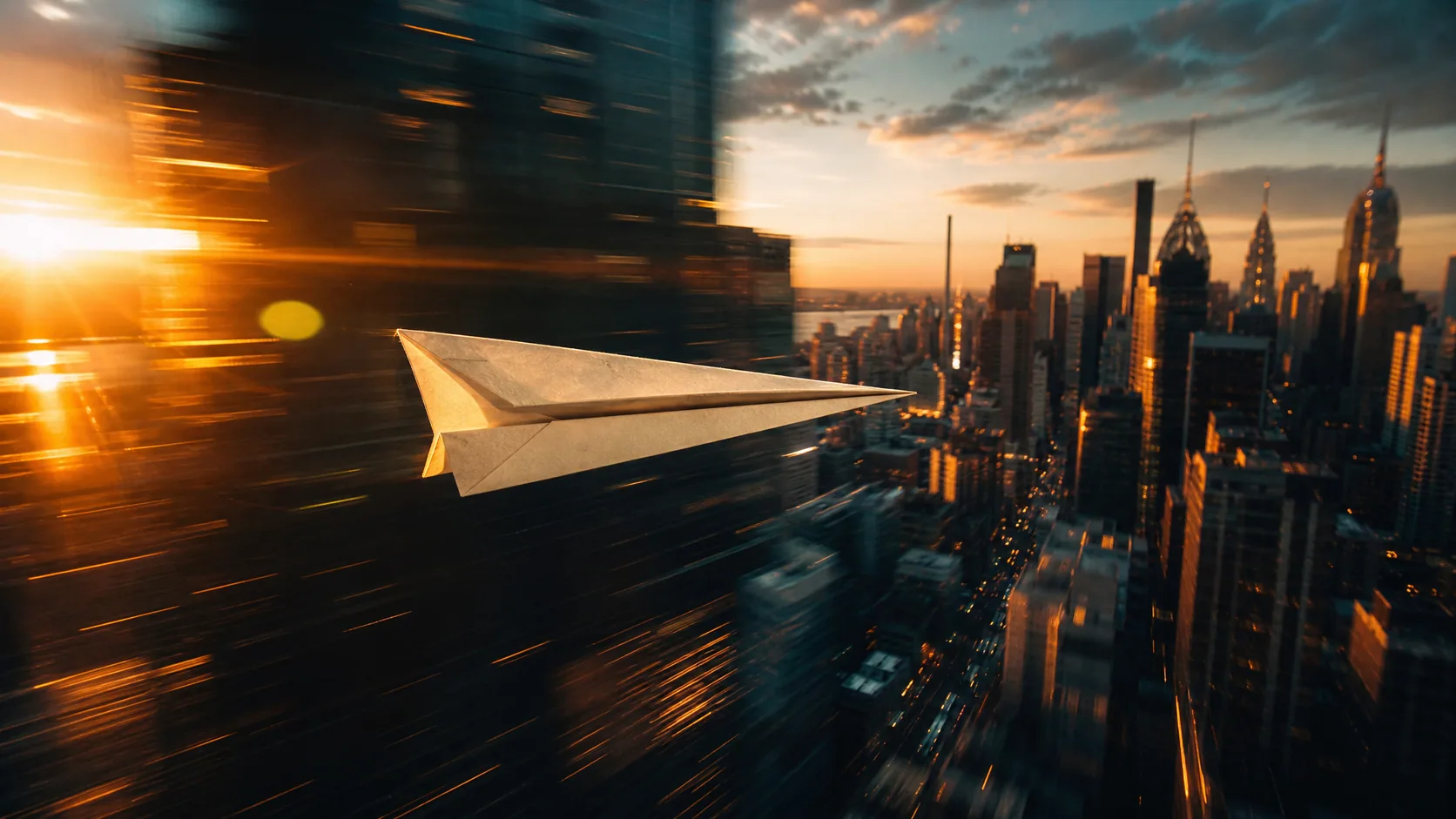
First frame
Last frame
JPEG, PNG or WebP, up to 9MB each.
optional
Your transitions will appear here
Fill both frame slots in the panel — the generated motion between them lands on this canvas.
Upload where the shot starts and where it ends. The model makes the motion in between, and a short prompt steers how it gets there.
Try it freeImage to video lets the model decide where a clip goes. Here you upload the last frame too, so the clip lands exactly on the picture you picked.
First and last each have their own labelled slot, so uploading the ending first never turns it into the opening shot, which is easy to get wrong with a plain multi-image upload.
Veo 3.1, Kling v3, Seedance and Wan 2.7 take a real last frame. Models that would quietly ignore your ending shot are left out of the list.
 First
First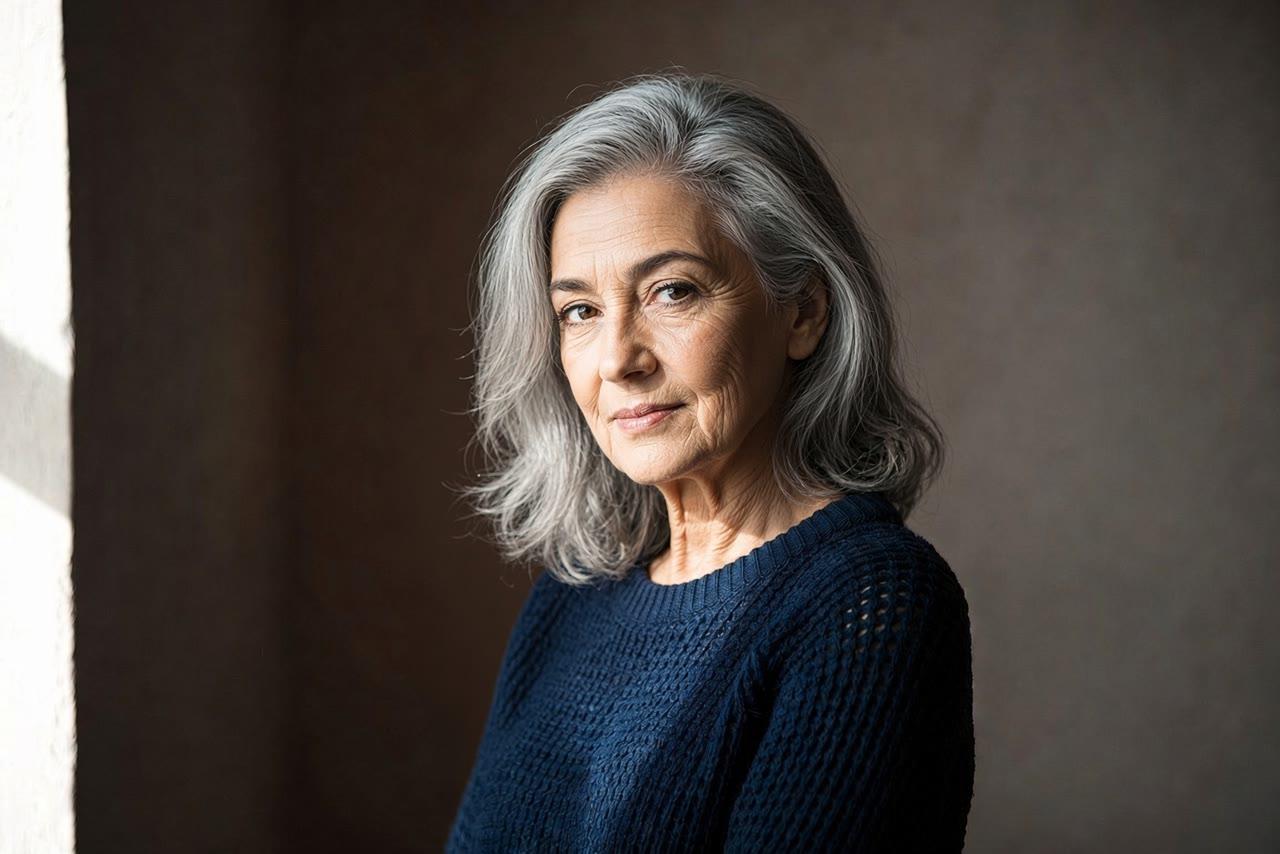 Last
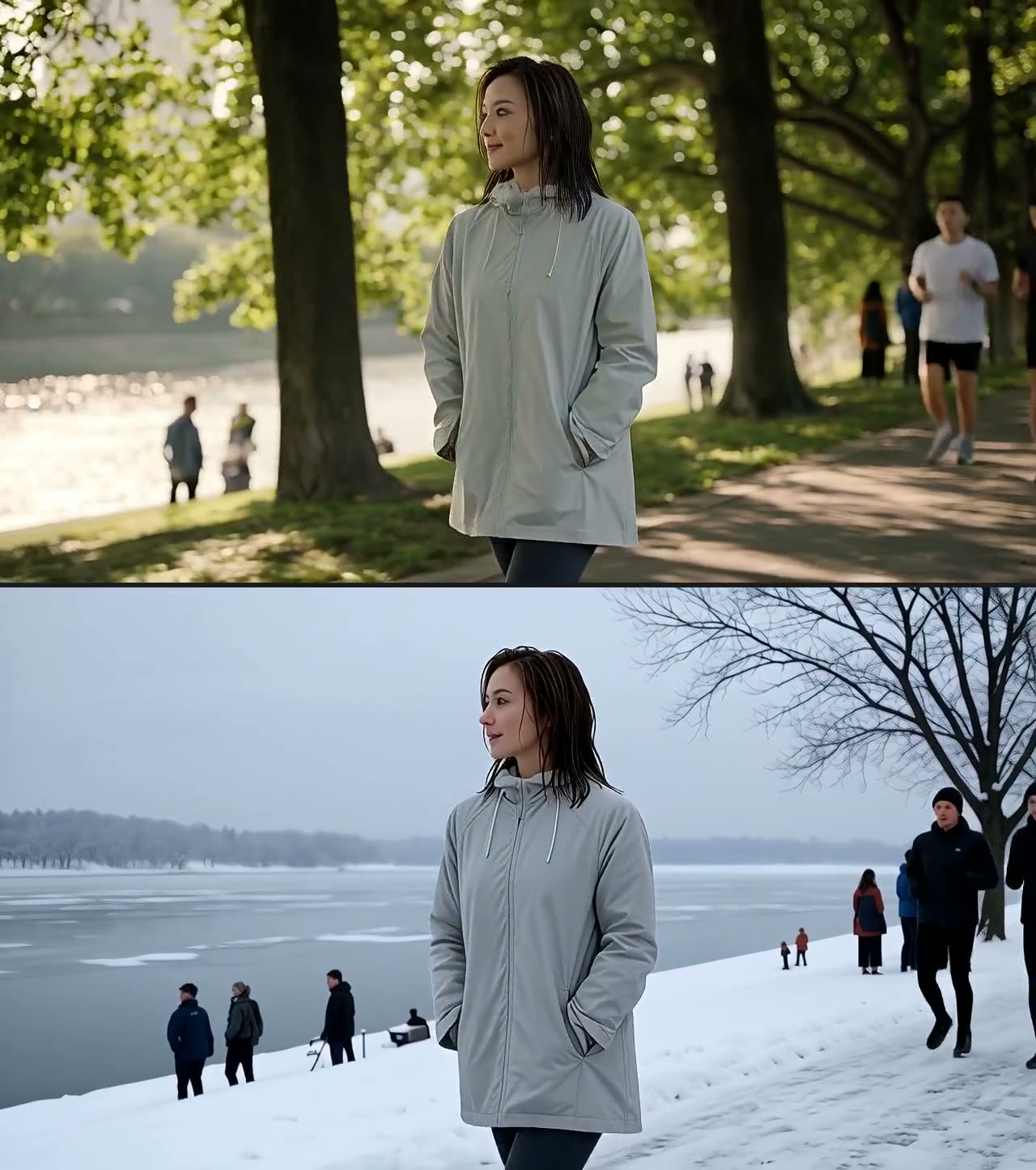
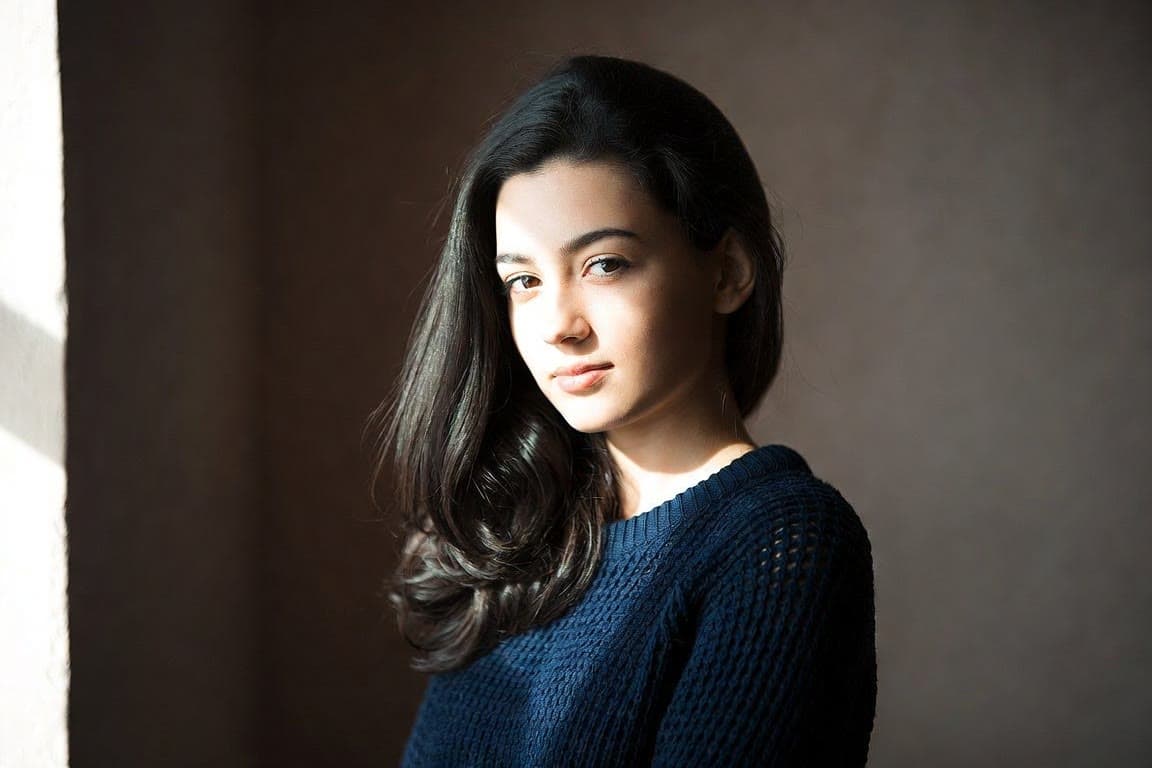
LastShe ages slowly and gradually from young to old in one continuous shot. Her expression stays calm and her eyes stay on the camera. The camera stays still.
Keep the pose and background the same and change the subject: a face that ages, a sketch that becomes a painting, a product in two colours. The model fills in every step between.
 First
First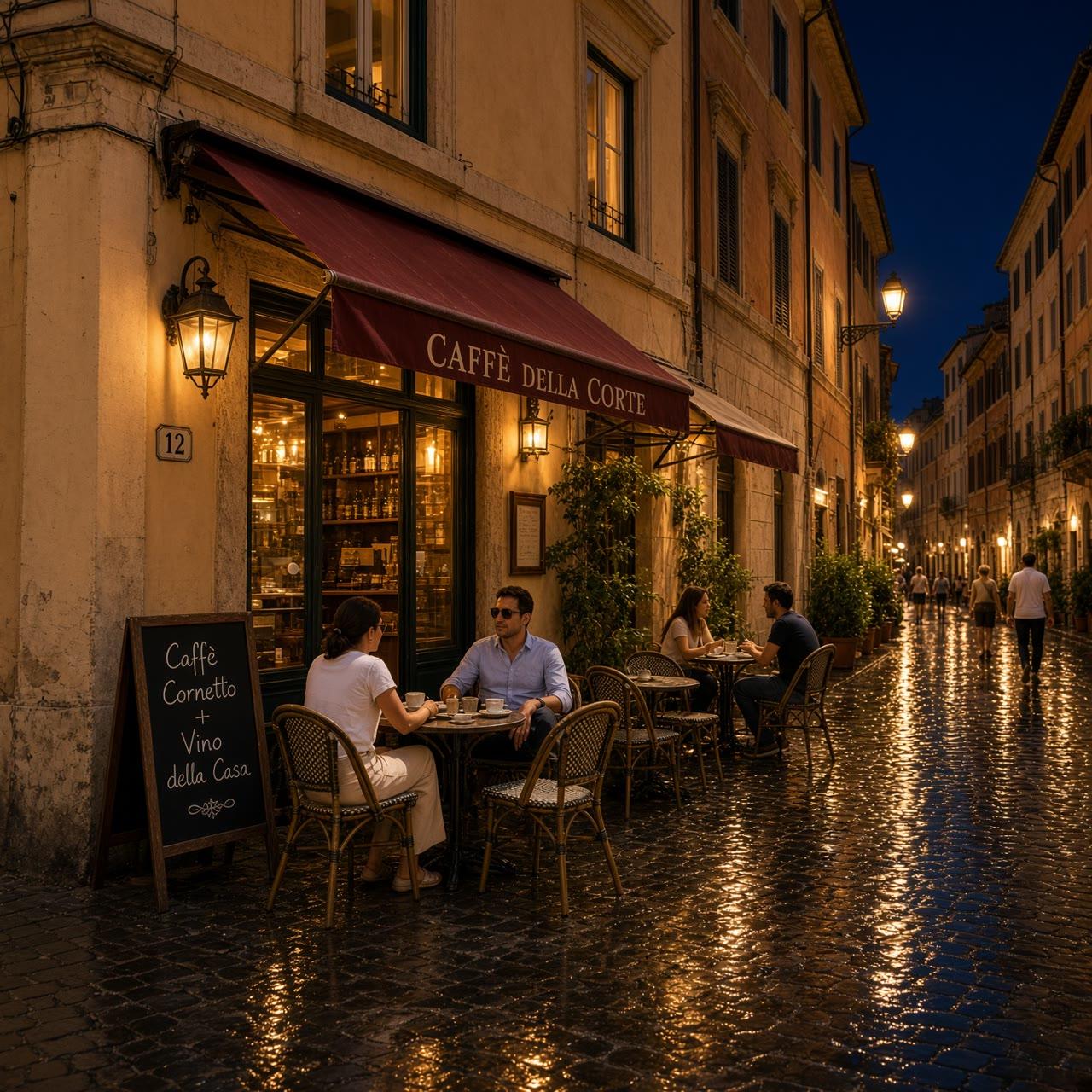 Last
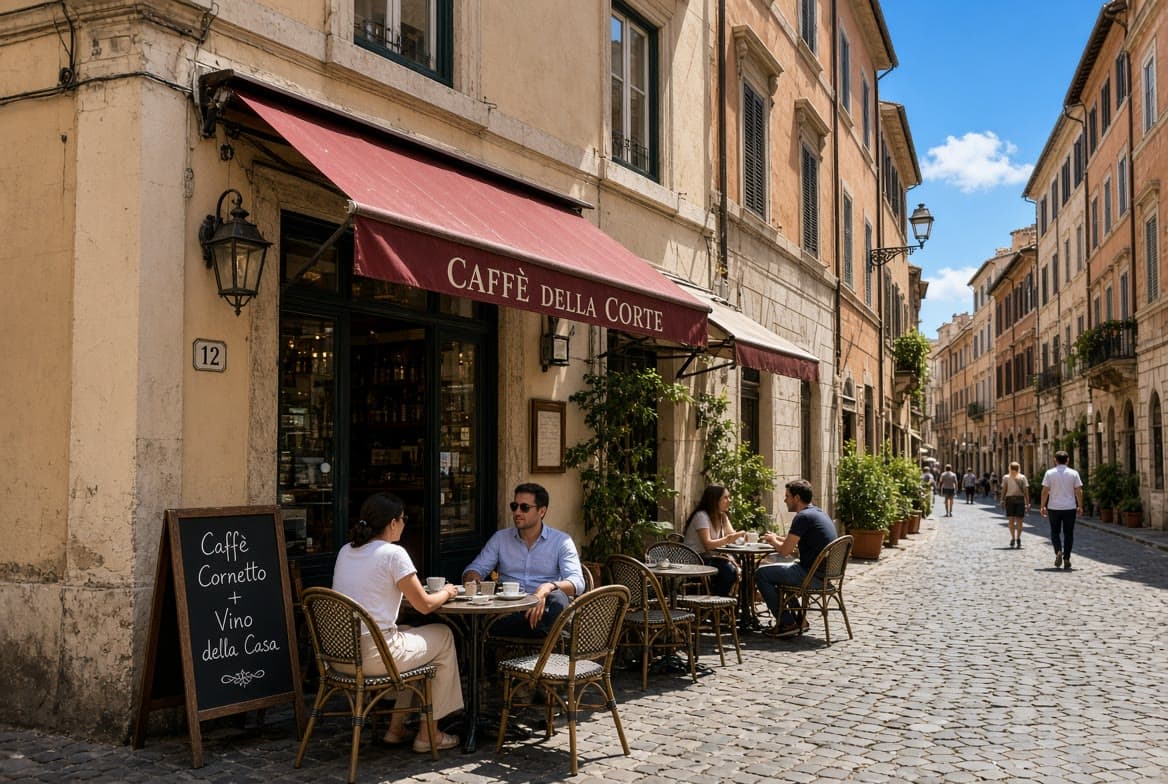
LastTime passes on the street from day to night. The sunlight fades, the lamps and café lights come on, and a few people walk past.
Upload two photos of the same place, one by day and one by night, and the video moves from the first to the second: the light fades and the lamps come on while people keep walking through.
 First
First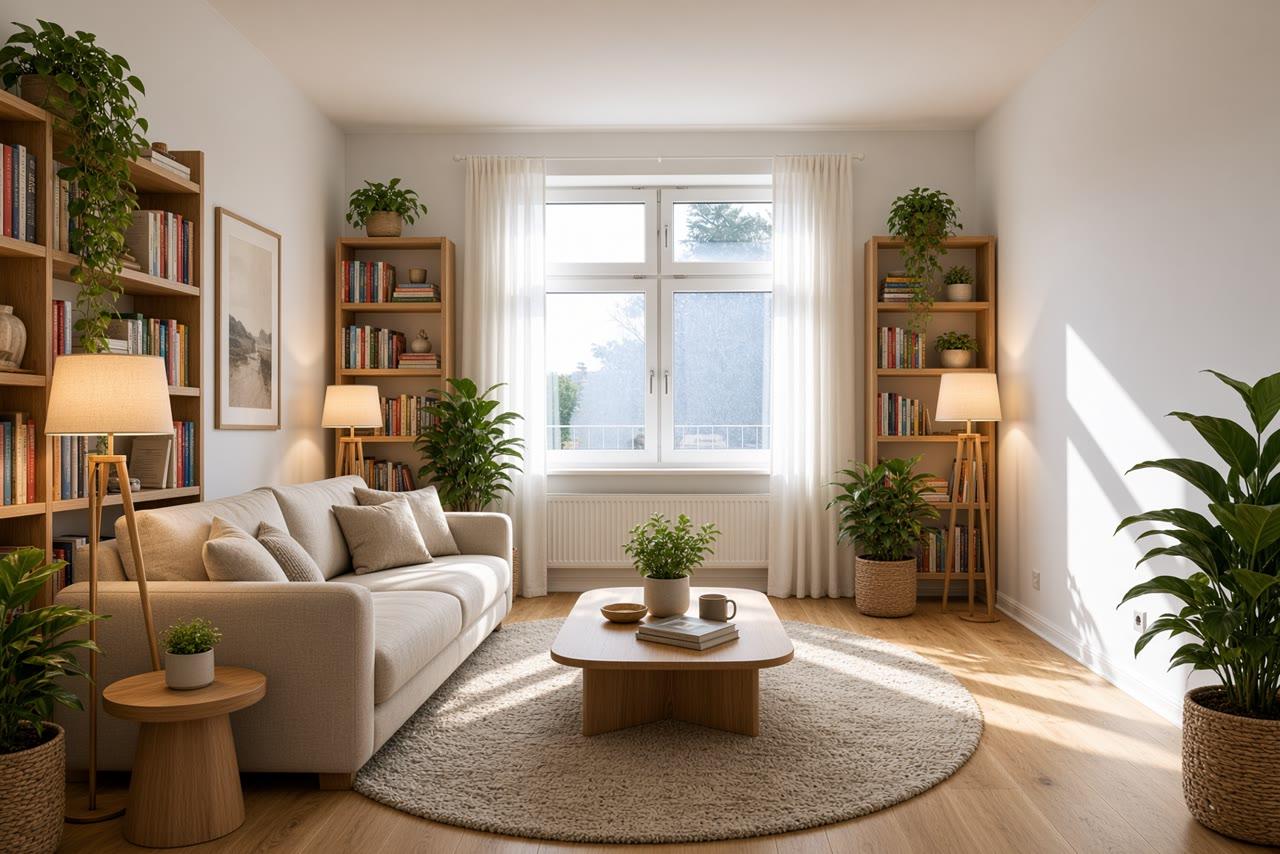 Last
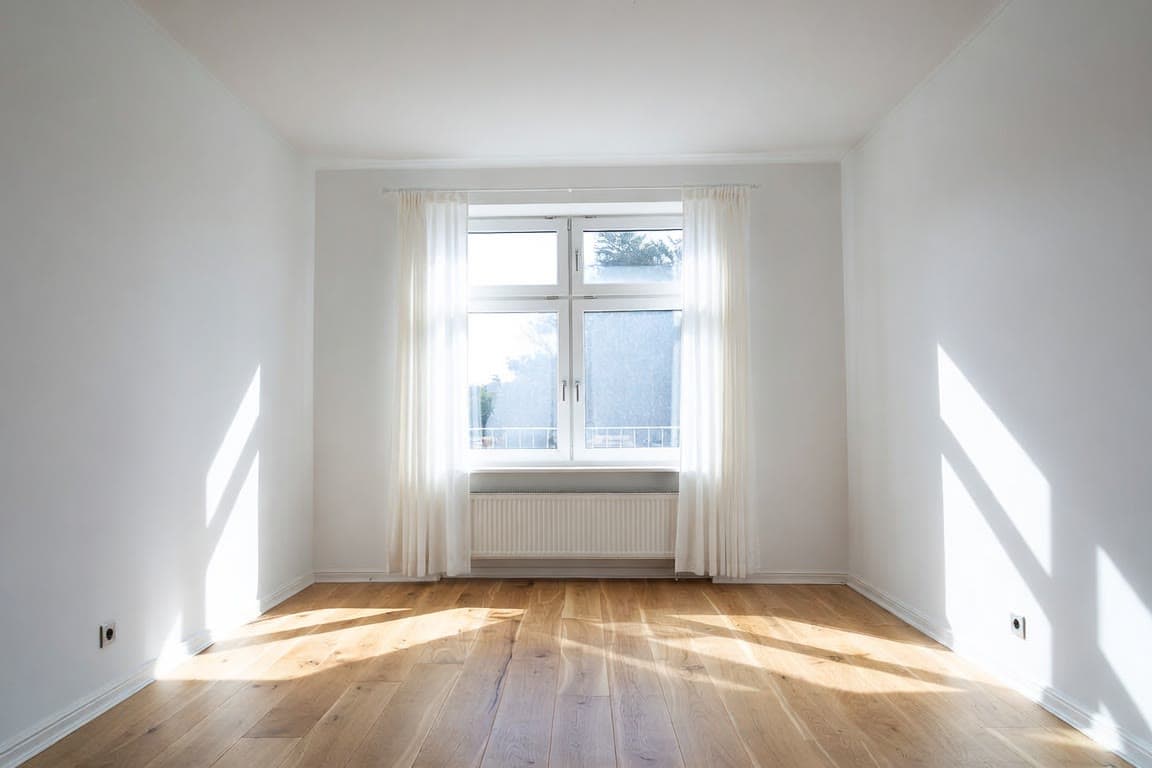
LastThe empty room fills with furniture as the camera slowly pushes in, ending on the finished, furnished room.
Show a makeover as it happens instead of two photos side by side: an empty room that fills with furniture, a bare wall that gets painted, a plot that turns into a garden.
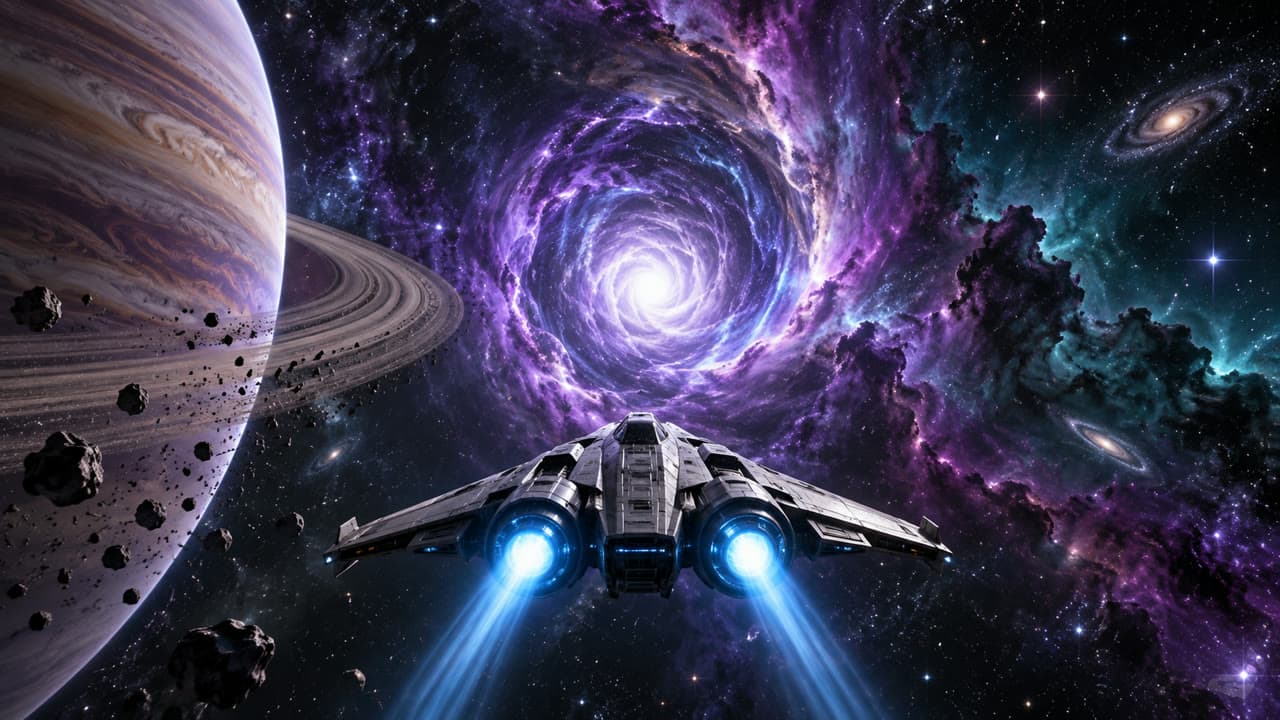 First
First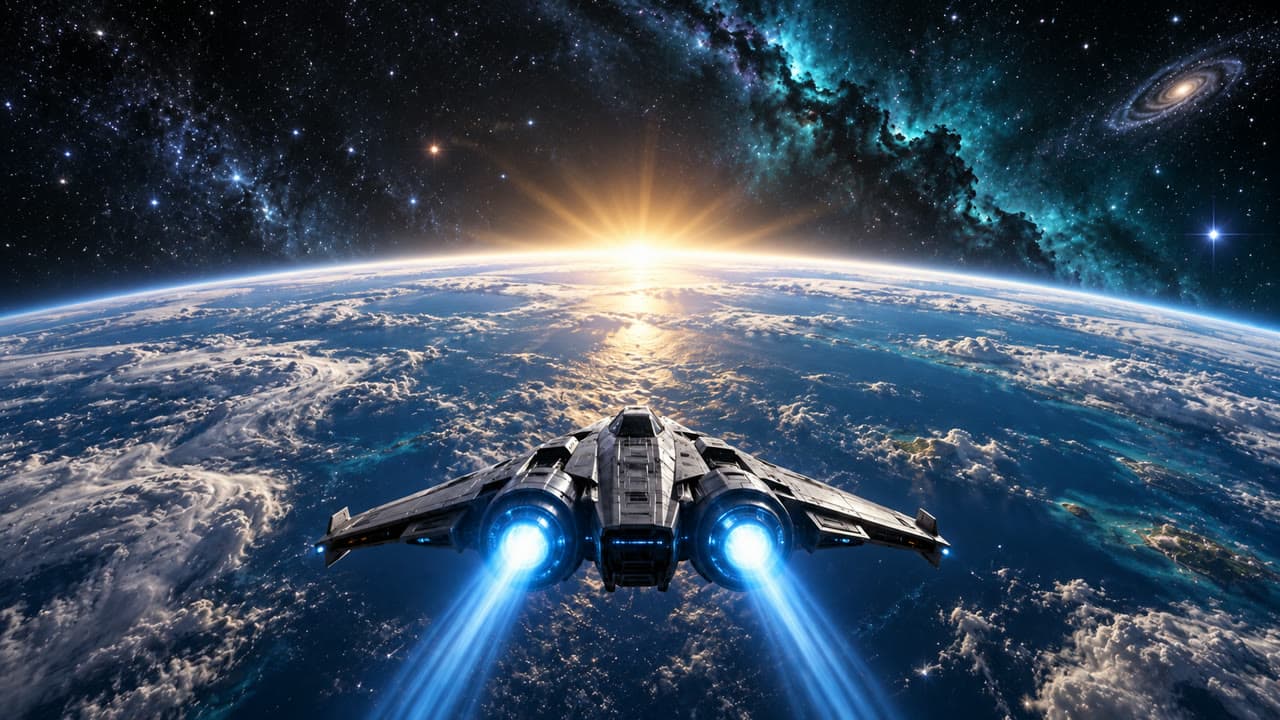 Last
LastThe spaceship accelerates straight into the wormhole. Stars stretch into streaks of violet and blue light as it races through the tunnel, then it bursts out the other side above the blue ocean planet as the sun rises over the horizon. The camera follows close behind the ship the whole way.
Set the opening and closing keyframes and describe what happens between them: a ship dives into a wormhole and bursts out above a new planet. It is a quick way to block out a trailer beat, an intro or a title sequence before anything is built.
Upload where the shot starts: a JPEG, PNG or WebP up to 9MB. A photo, a render or an image you generated all work.
Upload where it should end. Pairs work best when they share a subject and place with one clear change: day and night, empty and furnished, young and old.
Optional, but it steers the in-between: "the camera pushes in slowly", "the lights come on one by one". Then pick a model and a length.
Clips usually take one to three minutes. Each take lands next to the last, so you can try the same pair on another model and keep the best one.
What the first-and-last-frame mode is for, in the words of a maker whose model runs on this page.
With both frames, you decide where the clip starts and where it ends, and the model fills in the motion between. Google describes the first-and-last-frame mode of Veo 3.1, one of the models here, the same way.
“This feature gives you precise control over your shot's composition by letting you define the starting and ending frame.”You give an AI video model two pictures, the frame a shot starts on and the frame it ends on, and it makes the motion in between. Because both ends are fixed, you get far more control over where the clip goes than when a model starts from one image and decides the rest.
Upload the first frame, upload the last frame, add a short prompt for how it should get from one to the other, and select Generate. Both frames are required, so the button stays off until the two slots are filled.
On this page: Veo 3.1 Fast and Quality, Kling v3, Seedance 2.0 (with its Fast and Mini versions), Seedance 1.5 Pro and Wan 2.7. Veo 3.1 makes 8-second clips with sound; Kling and Seedance run between 5 and 15 seconds, depending on the version. All of them make sound with the picture. The page opens on Seedance 2.0.
Any two images will generate, but pairs that share a subject and setting with one clear change come out best: a closed flower and an open one, a street by day and by night. With two unrelated pictures the model has little to connect, so what happens in between is much harder to predict.
Use the starting picture as the first frame and the changed version as the last, keeping pose, framing and background the same so only the subject changes. Then ask for a gradual change in the prompt: "she slowly ages from young to old, the camera stays still".
Put the two shots in the frame slots and describe the move between them: "the ship flies into the wormhole and out above the planet" or "the light fades from day to night". Naming the camera move or the change you want gives a smoother transition than leaving the prompt empty.
Describe the change, not the pictures: the frames already show what is there. Say what moves, how the camera travels and how fast: "the empty room fills with furniture as the camera slowly pushes in". One or two sentences is enough.
You can try it free. Start a 3-day free trial and you get 200 credits to spend on the models here, such as an 8-second Veo 3.1 Fast clip with sound for 60 credits. Starting the trial takes a card but costs nothing today; we email you before it ends, and if you do not cancel, the plan you picked renews at its normal price.
No. This page generates new motion between two pictures. If you have a folder of numbered frames or photos to join into a video, that is a job for a video editor, which plays them in order rather than creating anything between them.