

Paste a YouTube link, or upload a clip saved from TikTok, Instagram or your phone. Get the prompt to make it again: one paragraph, a scene-by-scene shot list and a JSON prompt, for Google Flow, Veo 3, Kling, Seedance, Grok or Sora.
MP4, MOV or WebM · up to 14 MB · up to 3 minutes
1 free video a day without an account
Three clips and exactly what the tool returned for each, unedited: the prompt for the model named on the tab and the shot list.
A medium shot of an older Black woman with braided hair, wearing a cozy beige knit cardigan over a white blouse, sitting in a warm, sunlit kitchen. She holds a blue ceramic mug with both hands, steam gently rising from the hot beverage. The background is a soft-focus kitchen with wooden cabinets and a window letting in bright, natural morning light. She speaks with a calm, reflective expression, looking slightly off-camera. "I've been doing this for 30 years. You never really get used to the quiet." Her voice is warm and measured. The scene has a cinematic, soft aesthetic with a shallow depth of field. Audio: ambient kitchen sounds, gentle clinking of a ceramic mug, soft, reflective background music, clear female voice dialogue.
Shot 1 (0:00–0:07) · medium shot Camera: static, eye level, shallow depth of field Subject: an older Black woman with braided hair, wearing a beige knit cardigan over a white blouse Action: she holds a steaming blue mug with both hands and speaks directly to someone off-camera, then smiles Setting: a cozy, sunlit kitchen with wooden cabinets Light: warm, natural morning light from a window, soft highlights Sound: "I've been doing this for 30 years. You never really get used to the quiet." - Woman
208 words
You saw a clip and want one like it. Video to Prompt reverse-engineers it: it watches the video, listens to the sound, and writes down what a video model needs to hear to make it again.
Who is in it, what they wear, where they are, how the camera moves, the light, the pace. It also hears the audio: lines people say, sound effects and music.
Every cut starts a new shot with its own framing, camera move and action, timed to the second, so you can rebuild a multi-shot clip one shot at a time.
Google Flow wants every shot to say who is in it, Veo 3 wants the sound spelled out, Kling wants the camera move, Seedance takes numbered shots, Grok likes it short. Pick one and the wording follows.
Every video comes back in all three. Copy the one your tool takes.
One paragraph you can paste straight into Google Flow, Gemini, Veo, Kling, Seedance, Grok, Sora or the video generator here. Best for single-shot clips.
Start and end time, framing, camera, subject, action, setting, light and sound for every shot. Best for edits with cuts, and for checking what the tool saw.
The same details as labelled fields: scene, style, camera, lighting, subjects, actions, audio, aspect ratio. For tools and workflows that take JSON prompts, or for swapping one field and keeping the rest.
The video is the same; what each model needs to be told is not.
Written in the order Flow reads: camera, who, what they do, where, style, then the sound. In a clip with cuts every shot repeats who is in it, because Flow makes each prompt on its own and otherwise swaps in a different person.
Veo makes sound, so the prompt says it: spoken lines in quotes with who says them, then the sound effects, background noise and music as their own sentences.
Leads with the subject and how it moves, then the camera in film terms: dolly in, tracking shot, orbit, crane up. Speech is left out because Kling doesn't voice it.
A clip with cuts becomes numbered shots in one prompt (Shot 1, Shot 2…), each with its framing and move, which is how Seedance builds a sequence.
Short and direct: subject, action, place, mood and camera in a few lines, with sound in one clause when it matters.
A plain cinematic paragraph that works in Sora, Wan, Hailuo or any other video model. Paste it into ChatGPT or Gemini if you want it reworded, shortened or translated.
YouTube videos and Shorts work as a link. TikTok, Instagram and Facebook don't let other sites read their videos: save the clip to your phone or computer and upload it (MP4, MOV or WebM, up to 14 MB).
Google Flow, Veo 3, Kling, Seedance, Grok Imagine, or Any model for Sora and the rest. You get the prompt, the scene-by-scene shot list and the JSON prompt in a few seconds.
Copy the version you need, change what you want to change (the person, the place, the product), or press Generate this video to make it here.
Two things worth knowing before you rely on the output, from the companies that make the models.
The model reads about one frame each second. In a clip with very fast cuts it can merge two quick shots into one, so check the shot list against the video before you rebuild an edit.
“This default sampling rate works well for most content, but note that it may miss details in videos with rapid motion or quick scene changes.”That's why the Veo 3 version writes dialogue, sound effects and music as their own sentences instead of mixing them into the description.
“We recommend that you use separate sentences in your prompt to describe the audio.”Links, limits, sound, price and what happens to your video.
YouTube videos and Shorts: paste the link. TikTok, Instagram, Facebook and X don't let other sites read their videos, so save the video to your phone or computer and upload the file; the result is the same.
Upload the video or paste its YouTube link, pick the model you'll recreate it with, and press Get prompt. You get a prompt that describes what's on screen closely enough to make the same kind of video. Nobody can recover the exact words the creator typed: the video doesn't contain them.
Yes. Every result has a JSON tab: scene, style, camera, lighting, subjects, actions, audio (dialogue, sound effects, music), aspect ratio and length as separate fields. Copy it into tools that take JSON prompts, or change one field and keep the rest.
Yes. Pick Google Flow before you press Get prompt. The prompt names the camera, the person, the action, the place, the style and the sound in that order, and ends with the aspect ratio and length. For a clip with cuts you get one numbered shot per line, each describing the person again, so you can paste them into Flow one at a time and keep the same character. The same text works in the Gemini app's video tool.
Uploads can be up to 14 MB and 3 minutes. YouTube links can be longer, but the shot list keeps at most 12 shots, so for a long video you get a summary. For a prompt you'll actually reuse, trim to the few seconds you want to recreate.
Yes. Spoken lines are written in quotes (translated to English, with the original language noted), along with sound effects and music. Veo 3 and Grok Imagine can make sound from that; for Kling, speech is left out of the prompt.
You get 1 video a day without an account. After that, log in: each video costs 5 credits. If something goes wrong on our side, you get the free try or the credits back.
No. An uploaded file is deleted as soon as the prompt is written. If you're logged in, the prompt (not the video) is saved to your Assets so you can find it again.
No prompt rebuilds a video frame for frame. You get the same kind of shot: subject, setting, camera, light and pace. Expect to run it a couple of times and adjust a detail or two.
Video models follow English prompts most reliably, so the prompt is always in English. Dialogue is translated, with the original language noted next to it, so you can ask for it in that language.
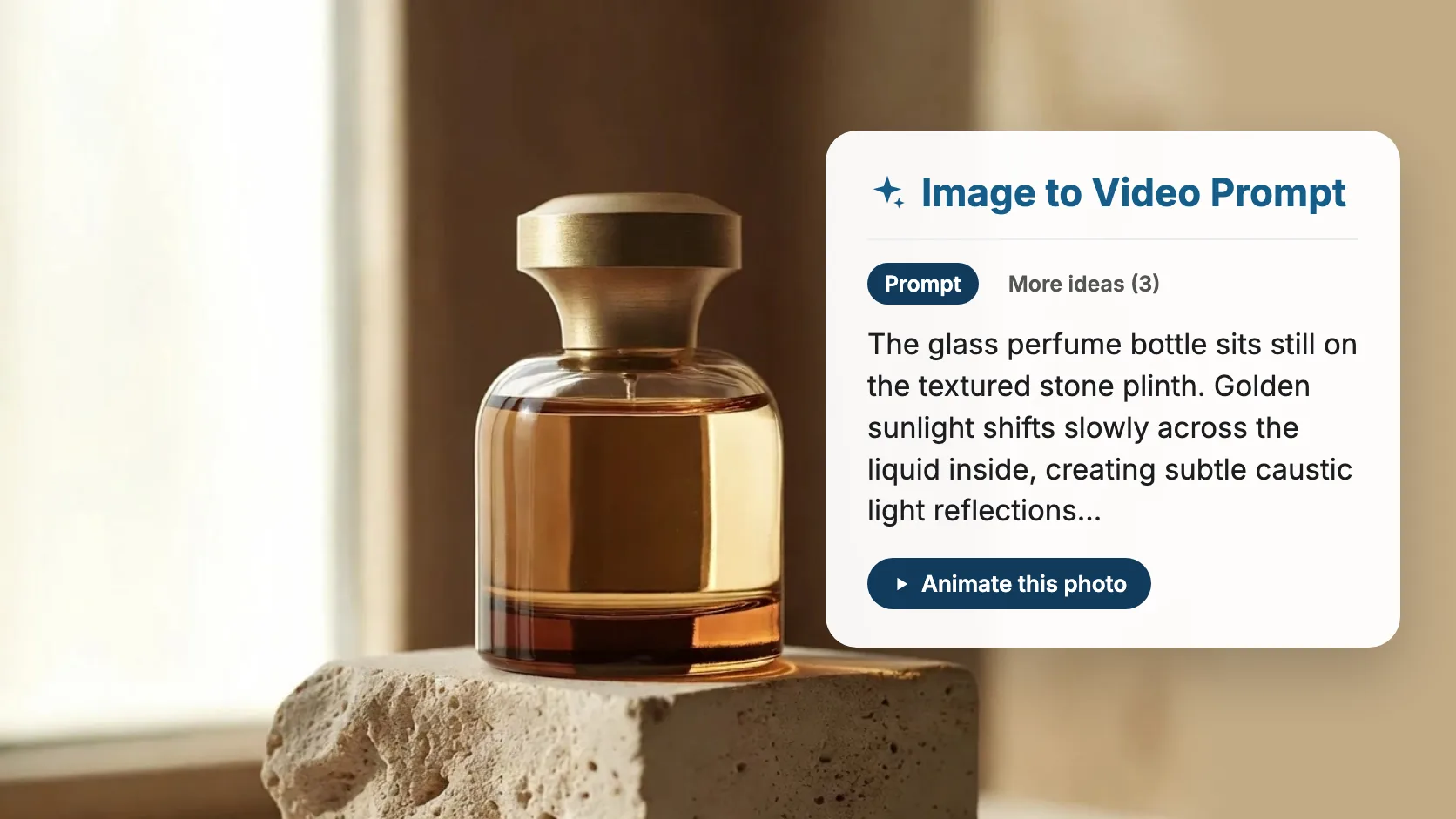
Starting from a photo instead of a clip? Upload it and get the prompt that makes it move.
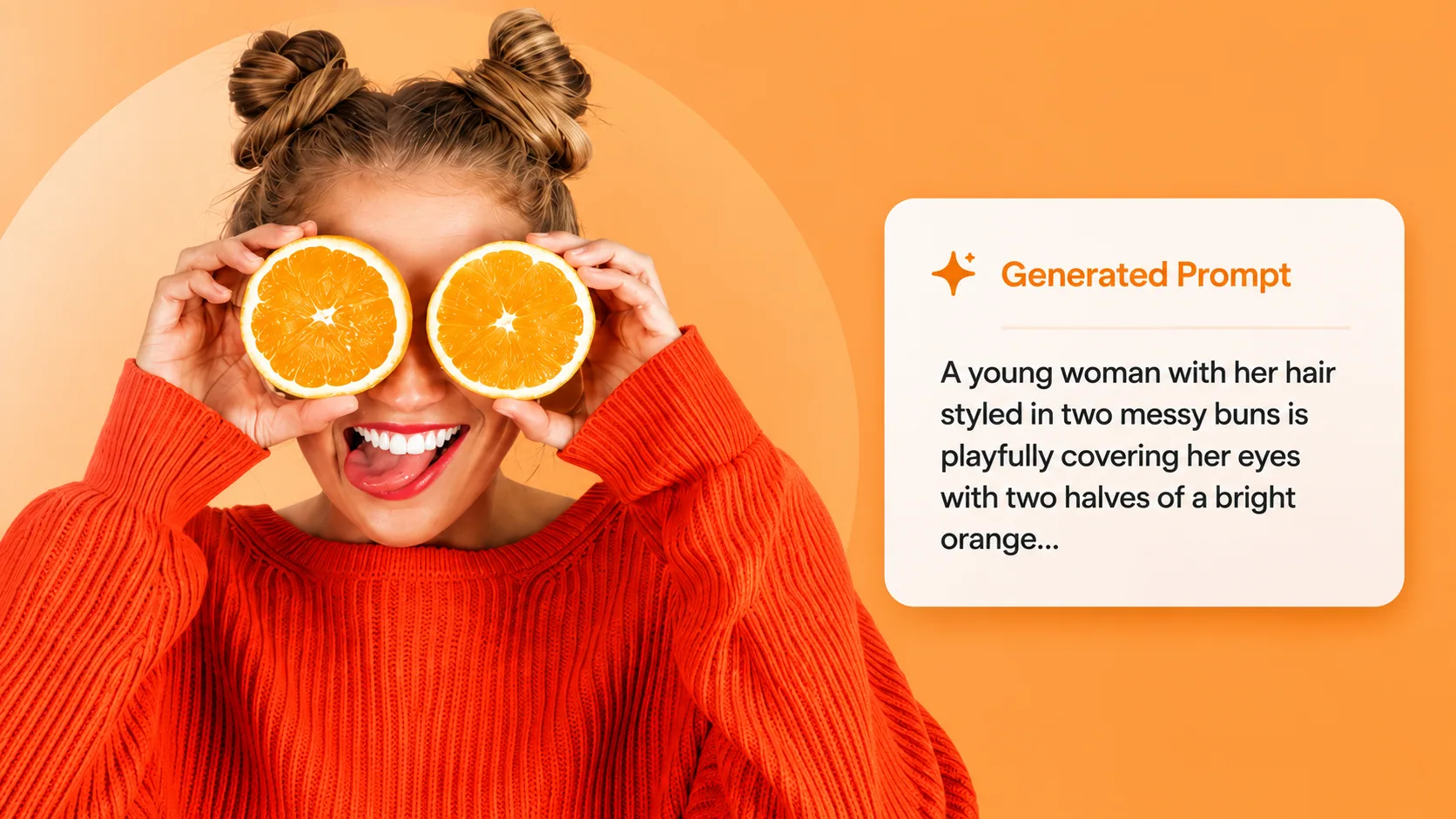
Have a still instead of a clip? Get the prompt for Midjourney, Nano Banana, GPT Image or Flux from any picture.

Got the prompt? Paste it here and make the video with Veo, Kling, Seedance or Grok, then change what you like.
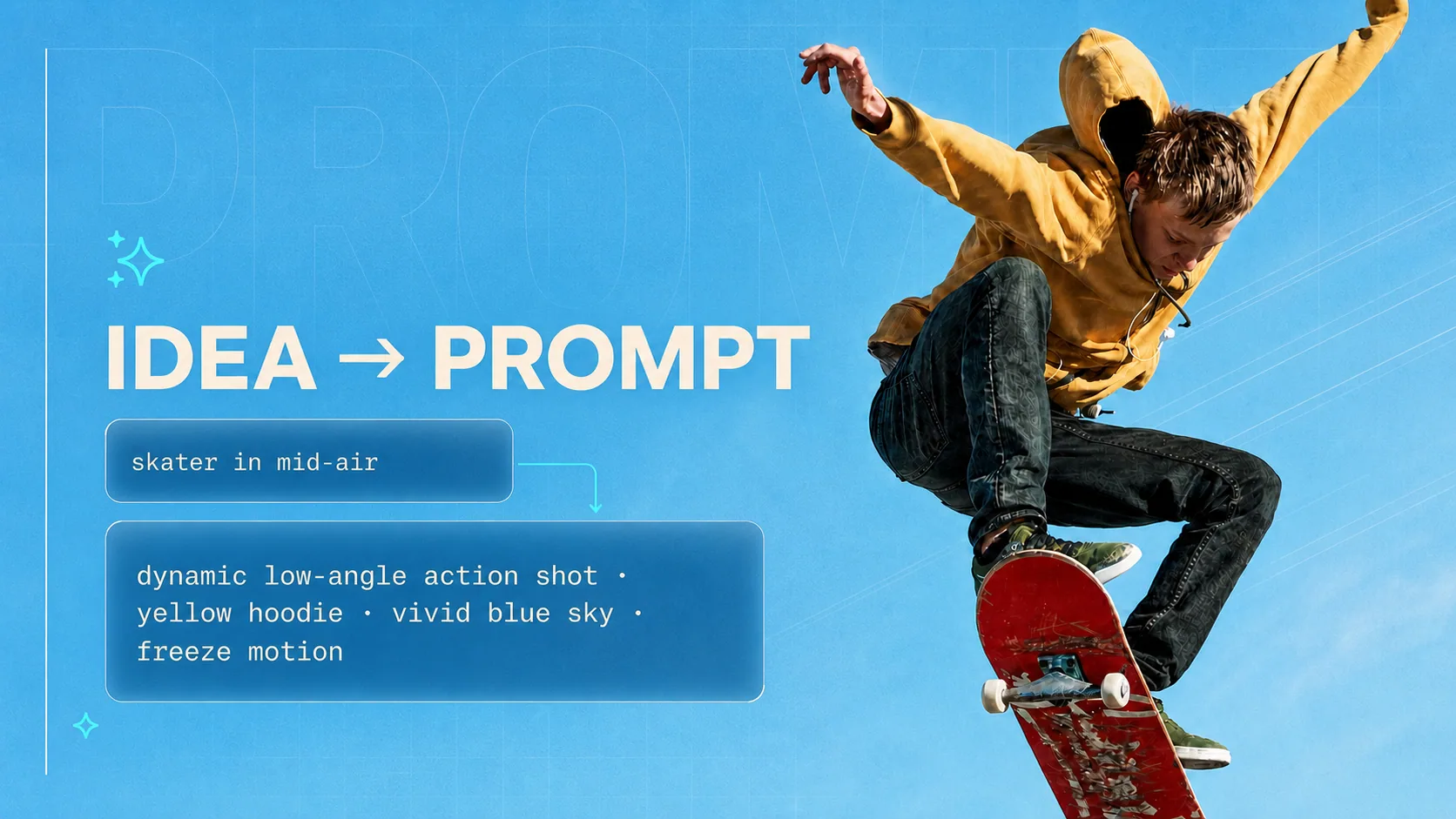
Starting from an idea instead of a video? Turn a few words into a detailed prompt for any model.