PNG · JPG · WebP
or drop / paste an image
Your outfit breakdown will appear here
Upload a photo, an illustration, or character art — every garment, the hair, and the style, ready to copy.
Upload a photo and get every garment named — color, fabric, fit, and construction — plus the hair, the style it belongs to, and a paragraph ready to paste into a character profile.

Six original characters, each run through the describer. Pick one to read the paragraph it wrote, ready to paste into a character.
This look embodies a modern streetwear aesthetic, with elements of a preppy collegiate style due to the bomber jacket and pleated skirt.
The outfit features a classic navy and cream bomber jacket layered over a white hoodie, paired with a black pleated mini skirt and black thigh-high stockings. Chunky white sneakers and a lavender crossbody phone case complete the casual, youthful ensemble. White headphones are worn around the neck, adding to the streetwear vibe. The look is finished with short, wavy lavender hair adorned with a gold star clip.
413 characters · fits the 500-character Long Description
Most people can see an outfit clearly and still not have the vocabulary for it — the difference between a trucker jacket and a chore coat, between washed indigo and slate, between a straight leg and a barrel leg. An AI outfit describer supplies that vocabulary. It is an outfit description generator that works from a picture: upload a photo, an illustration, or character art, and it goes through the look layer by layer (outerwear, top, bottom, footwear, then every accessory), names the aesthetic, and hands you a paragraph you can paste into a character profile or a story.
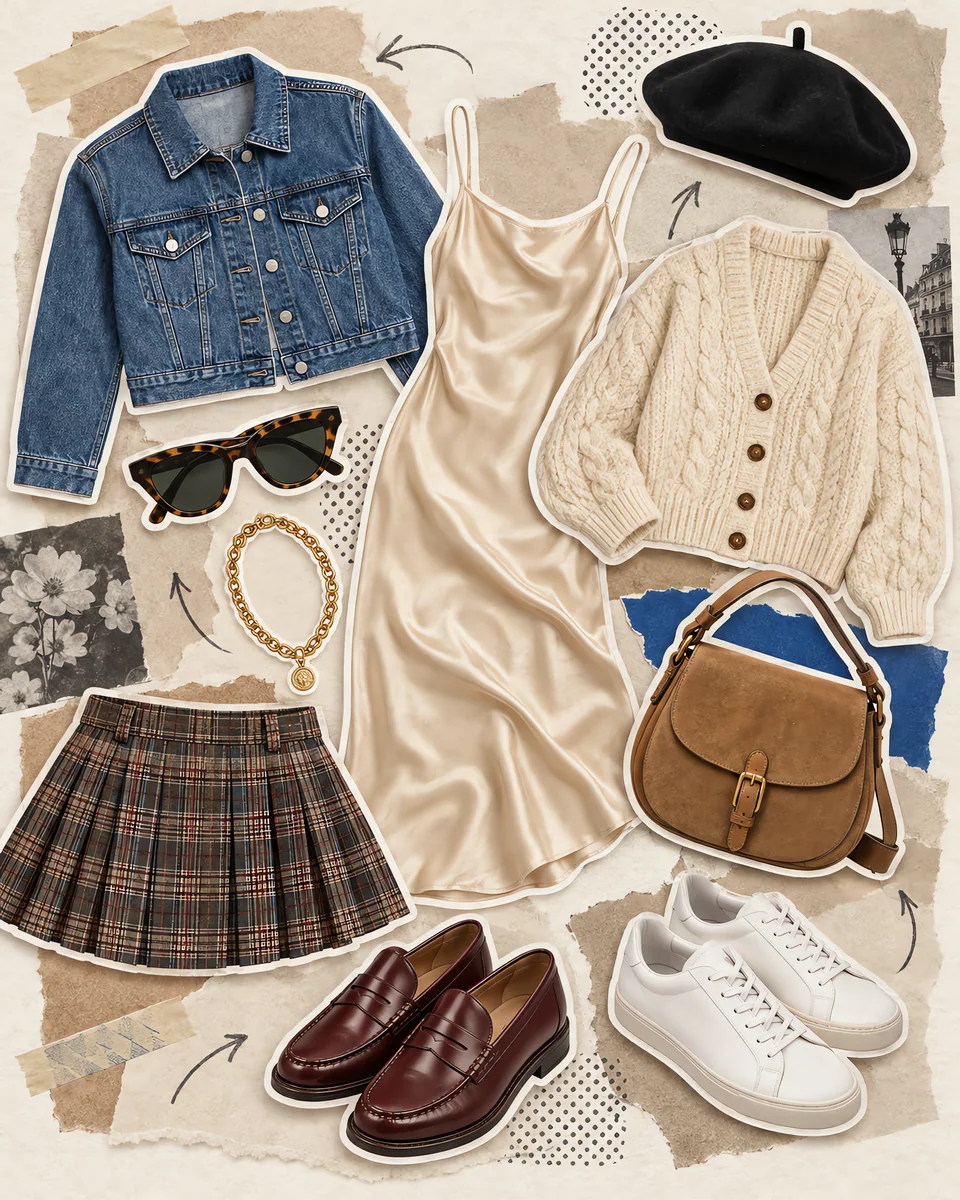
"Cropped ribbed tank", not "a top". "Oxblood leather Chelsea boots", not "shoes". The specific word is the whole point.
Describe 8 outfits a day without an account. Signed in, each description is 1 credit.
It never tries to identify who is in the photo, and it describes the clothing rather than the body wearing it.
Same four parts every time: the clothes one by one, then a paragraph you can paste.
Head to foot, one line per item: the specific garment name, the precise color, the fabric where it reads, the fit and silhouette, and the details that define it — seams, hardware, prints, distressing, layering. Outerwear, tops, bottoms, footwear, and every accessory from bags to eyewear to watches.
Color, length, cut, and how it is styled, including anything worn in it. A look is rarely just the clothes, and a character description usually needs the hair too.
The aesthetic named in recognized terms — streetwear, quiet luxury, dark academia, y2k, gorpcore, cottagecore — each justified from what is actually visible, plus the palette as a whole and the occasion the outfit reads for.
One flowing paragraph of 60 to 100 words, written as prose rather than as a form, so it can be pasted straight into a character profile, a story, or an image prompt.
Where each part goes in a c.ai character, and how long each box can be.
The biggest box, so paste everything: the garment lines, the hair and the closing paragraph. Put the outfit near the top, because Character.AI cuts off the end of a long Definition as the chat gets longer.
This box is the character describing themselves, so paste the closing paragraph and switch it to first person: "She wears" becomes "I wear". In six test runs the paragraph came out at 355 to 518 characters. If yours is over 500, drop its last sentence.
The persona is who you are in the chat. On c.ai+ it holds up to 2,250 characters, enough for the paragraph and the rest of your character. The free persona box is smaller, so paste the paragraph on its own.
The closing paragraph is written to 60 to 100 words. In six test runs it never went past 520 characters, so it fits a 700-character limit without cutting.
From a photo to the words for it, in three steps
Drag in a PNG, JPG, or WebP — or paste from your clipboard. Photographs, illustrations, anime and game art, 3D renders, and fashion sketches all work.
The description can come back in any of 19 languages. There is nothing else to set.
Copy the breakdown for reference, take the closing paragraph for a character card, or send it straight to the image generator to draw the character wearing it.
Everything you need to know about describing outfits with AI.
Upload the picture and the describer reads the clothing straight away — no account, no button to hunt for. It names each garment specifically rather than by category (a cropped ribbed tank, not "a top"), gives the precise color, fabric, fit and construction details, then labels the overall aesthetic and finishes with a paragraph you can copy anywhere.
Yes. The style section names the aesthetic in the terms people actually search for, such as streetwear, quiet luxury, dark academia, y2k, gorpcore or cottagecore, and points to the pieces that put the outfit in that style. That makes it a quick aesthetic identifier when you know you like a look but not what it is called.
Yes, that is what the last section is for. Alongside the itemized breakdown, every result ends with a single flowing paragraph of 60 to 100 words written to paste straight into a Character.AI profile, another character card, a story, or an image prompt. It reads as prose, not as a form.
It does. Hair gets its own section covering color, length, cut and how it is styled, including anything worn in it — clips, scarves, headbands. A look is rarely just the garments, and character and costume descriptions usually need the hair too.
Yes. It works on photographs, illustrations, anime and game art, 3D renders, fashion sketches, and historical costume plates. On stylized art it will name the era, subculture or regional dress it draws on when those describe the look better than a contemporary fashion label.
It says so plainly, then describes any garments visible on their own — a flat lay, a mannequin, a rail of clothes, a folded stack. You still get the itemized breakdown; it simply is not attached to someone wearing it.
No, and it will not try, even for a recognizable public figure. It describes the clothing rather than the body wearing it, and stays with what is actually visible in the frame.
Without an account you can describe 8 outfits a day for free. Once you log in, each description costs 1 credit (refunded if it fails). Generating an image from the description is charged separately, because that runs an image model.
Each box size above is from Character.AI's own documentation.
Put the outfit near the top of the Definition.
“As your conversation increases in length, the end of your Definition may be truncated.”The Long Description holds 500 characters.
“Long Description can be 0-500 characters.”A c.ai+ persona holds 2,250 characters.
“Increased Character Limits for Personas: Create more detailed and nuanced personas with expanded persona limits, now 2250 characters long.”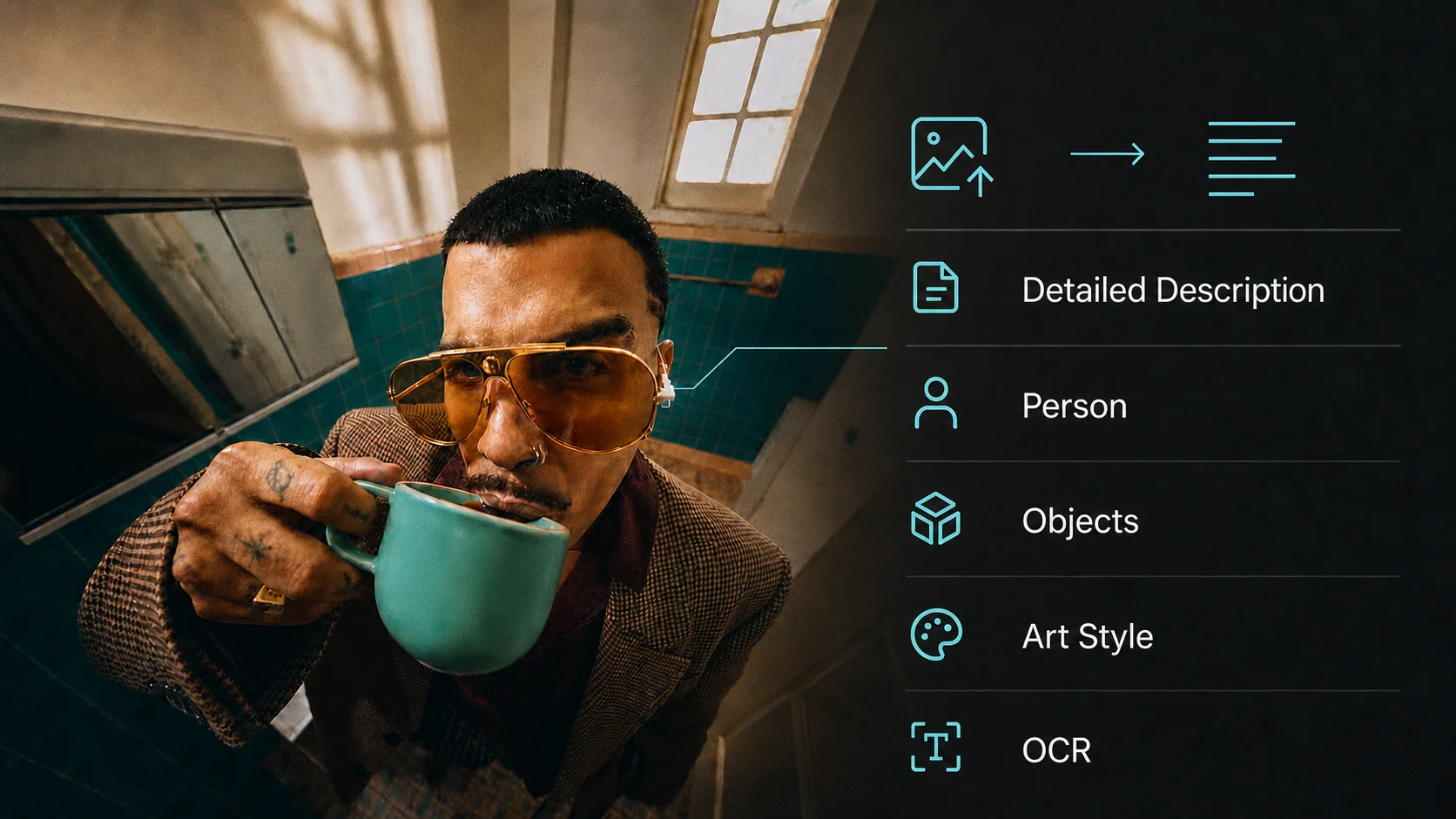
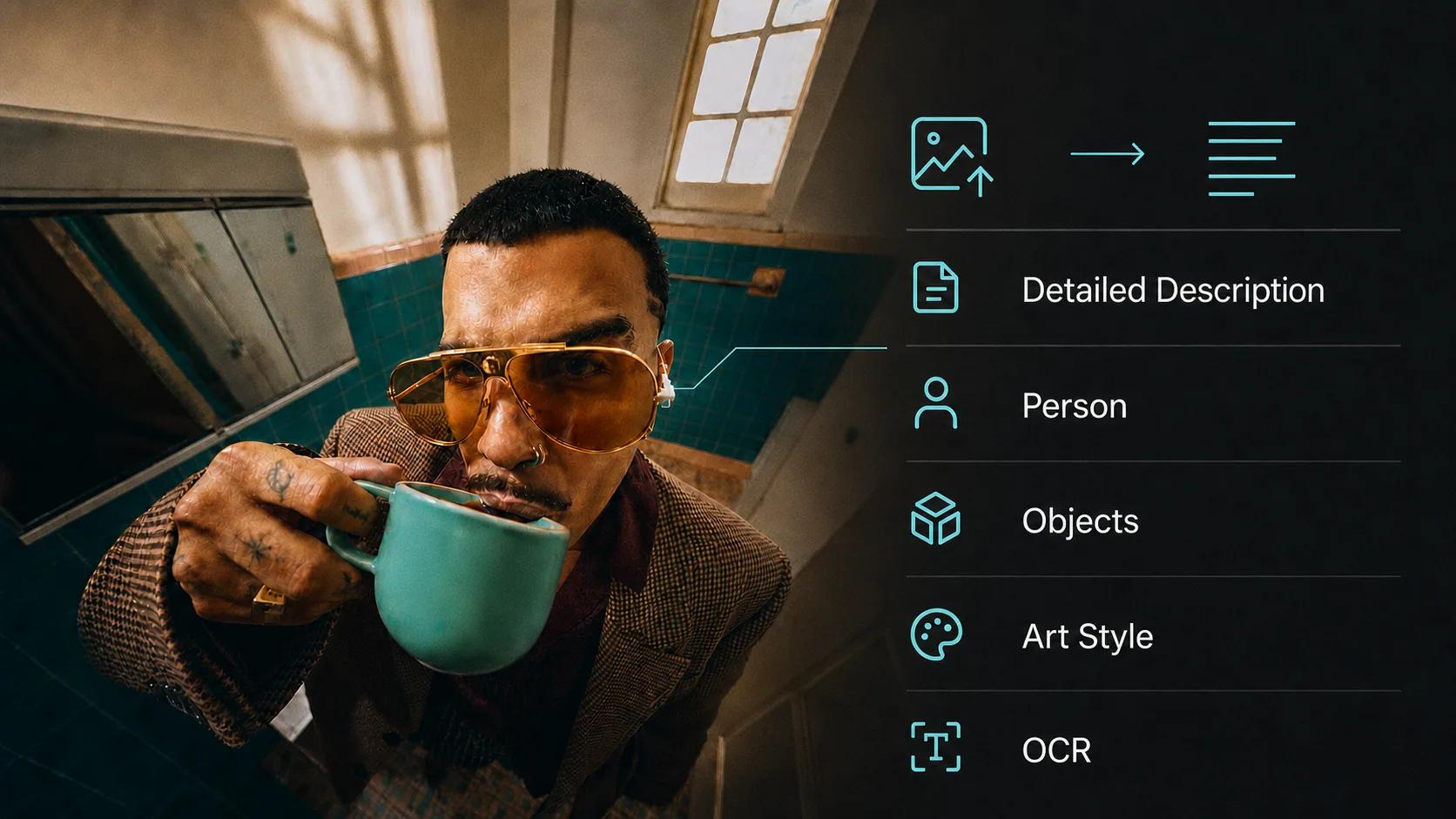
Need the whole picture rather than the wardrobe? Detailed scene descriptions, object lists, OCR, and custom questions.
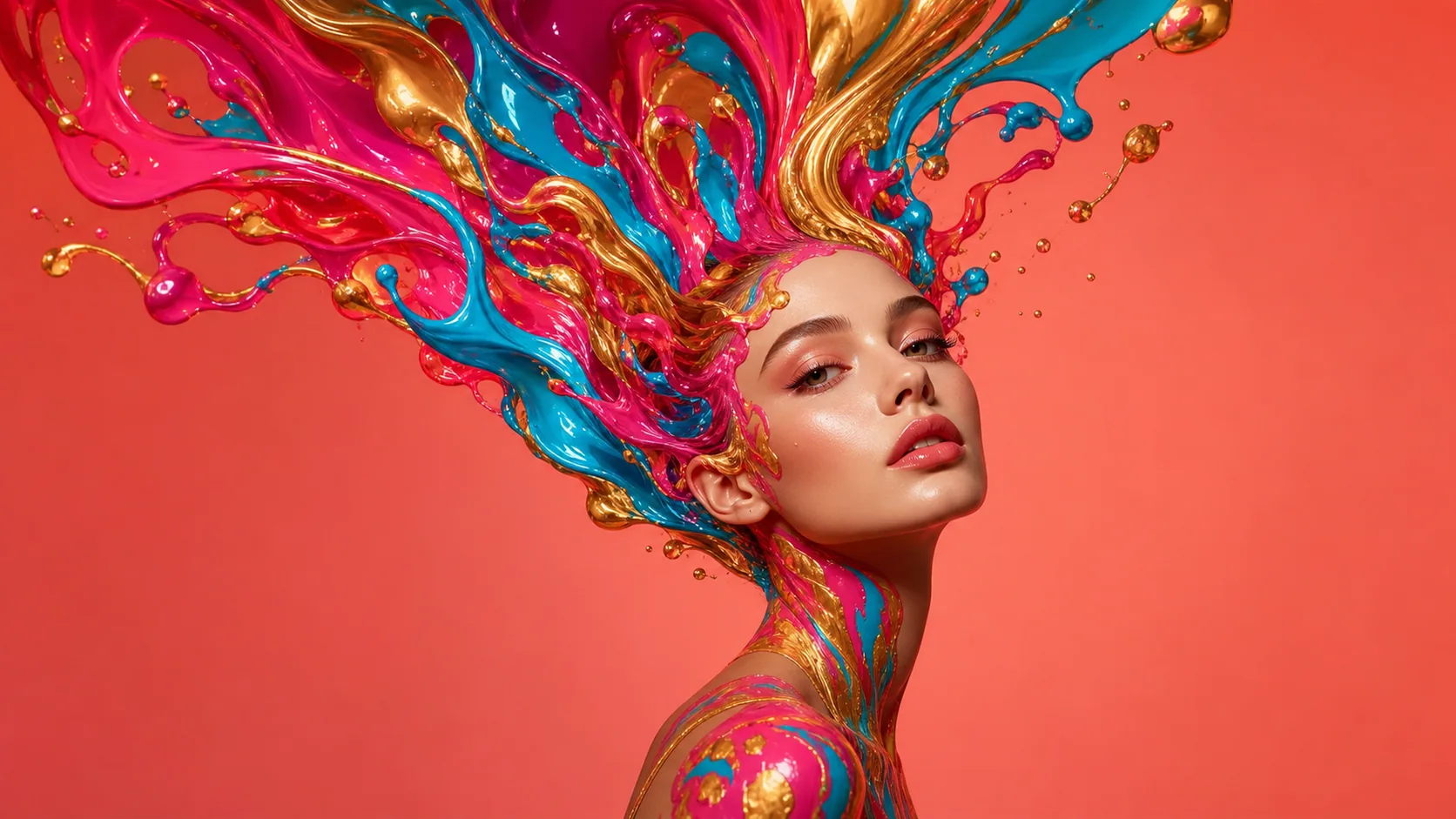
Take the description and draw it — turn a character's look into a portrait with any of our image models.
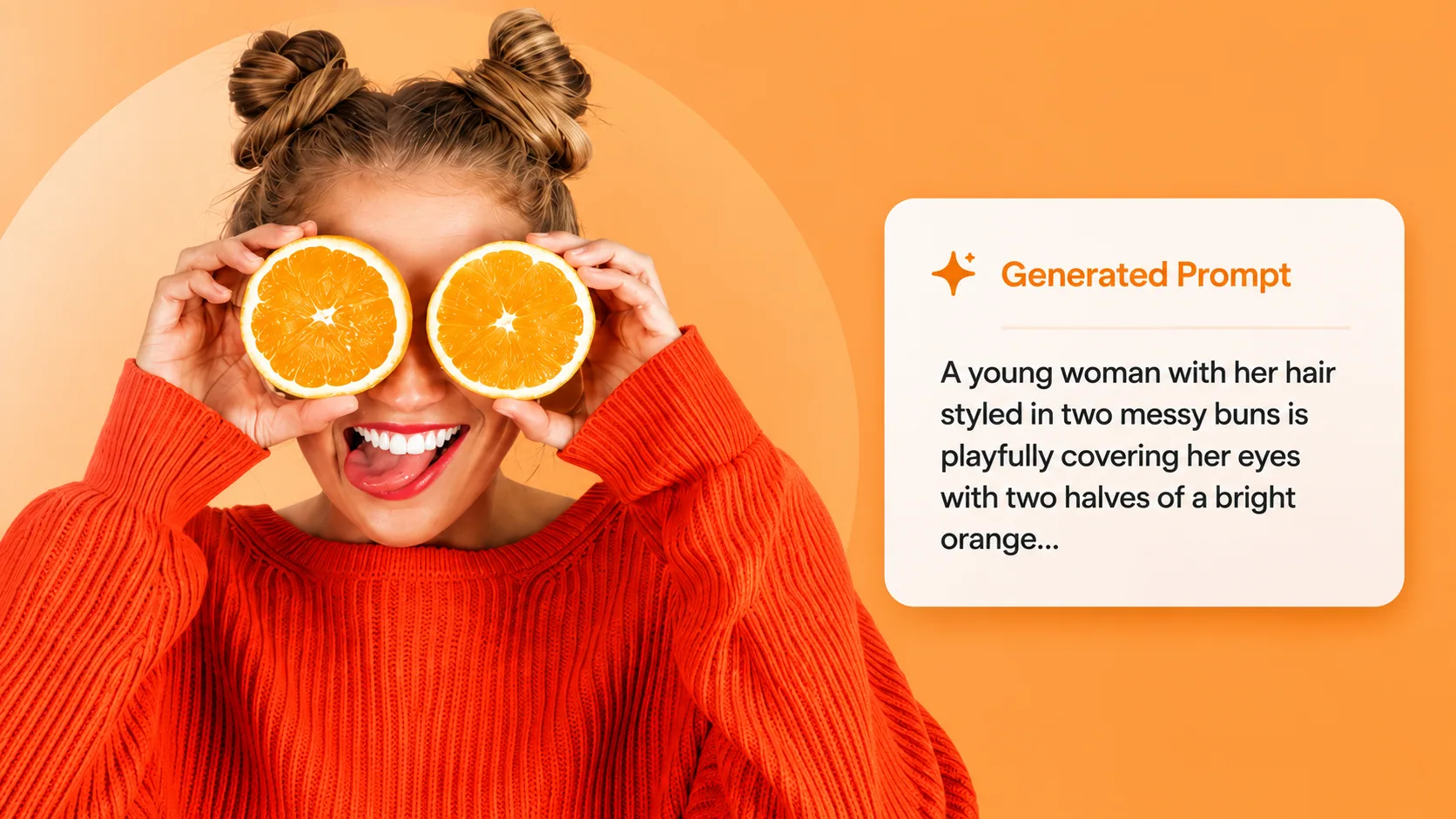
Want the outfit as a generation prompt instead of prose? Extract one formatted for Midjourney, SD, and GPT Image.
8 free outfit descriptions a day without signing up — then 1 credit each once you log in.