

Leo Pan founded Vormly, and he still builds it hands-on. He works across everything the site makes, from images and video to audio and 3D, as well as the design studio where you can lay out several artboards side by side, the AI canvas where task-specific agents do the work, and the tool that turns an outline into a slide deck you can edit. He has also led AI agent projects for businesses, which meant connecting tools across different platforms and getting teams with very different jobs to pull in the same direction.
What he writes here comes from using the tools himself. The notes on models come from running them on real projects, and the step-by-step guides follow the same paths he takes every day. His background is in software engineering and product strategy, and these days his work sits where design meets AI. The idea that keeps him going is simple: anyone should be able to make things, and agents working alongside you on an open canvas are a good way to get there.
I ran the same image through Vormly's AI image describer, IMAGEPROMPT and DESCRIBEIMAGE. Here's what each one got right, what's actually free, and which one I'd use.
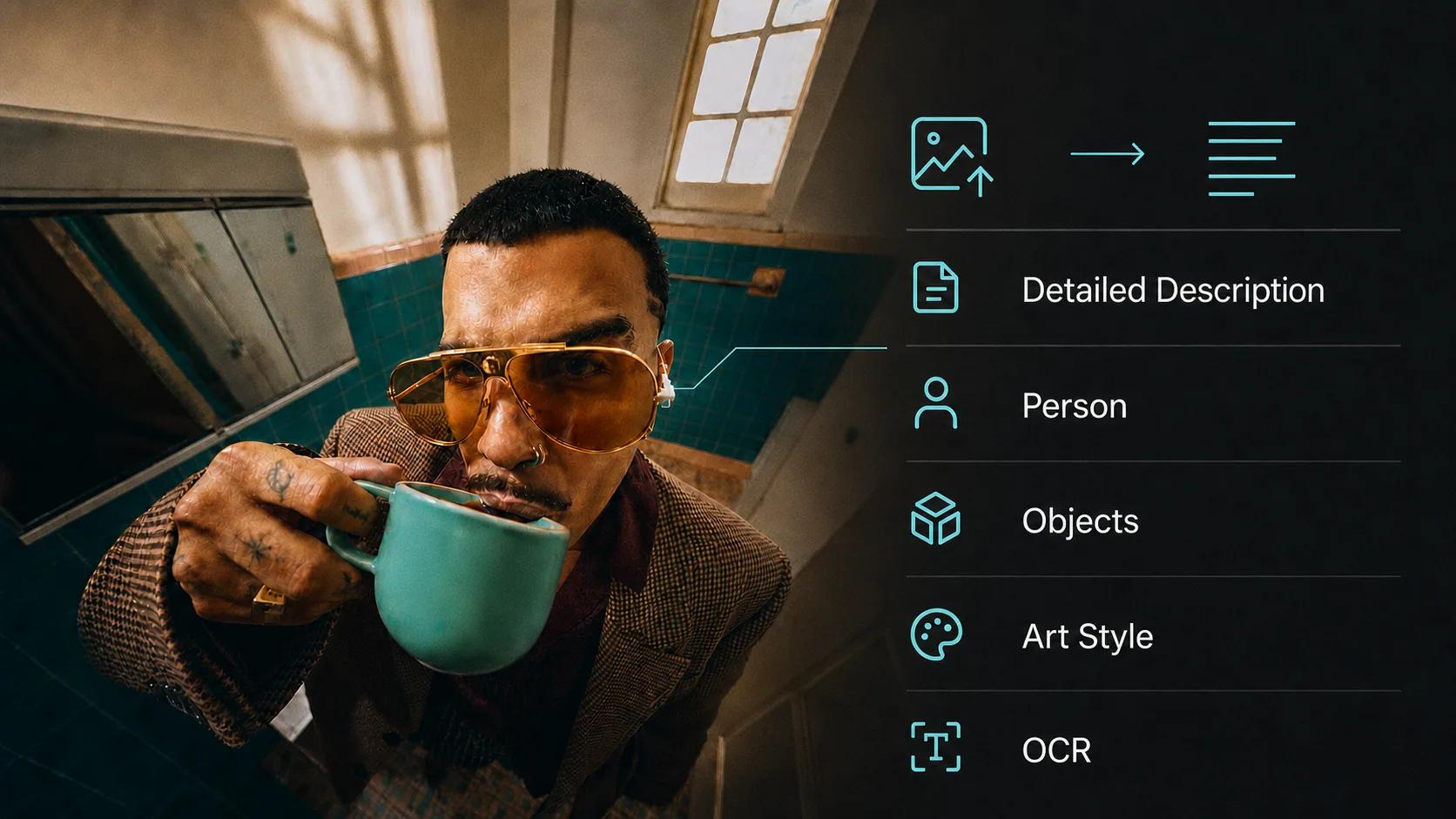
Need alt text, captions or the words out of a photo? I ran all seven modes of Vormly's describer on real images. Here's what each one got right, what it got wrong, and which one I'd reach for.