Posters, packaging and product pages — with type that survives.
Where Seedream earns its keep, according to ByteDance and the people using it.
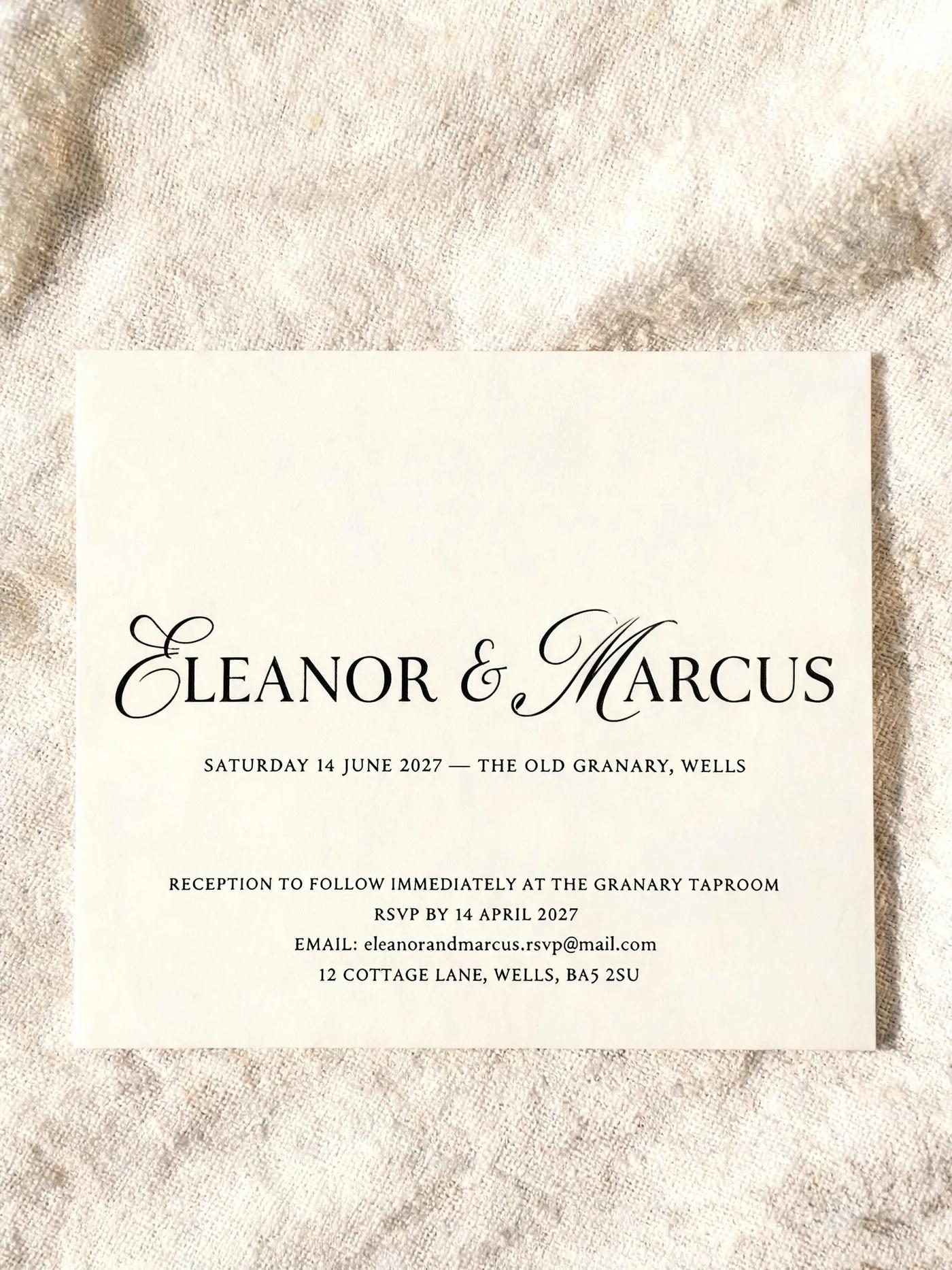
ByteDance leads 4.5 on typography, and the test it sets itself is dense text at small sizes — a poster's credit block, a wedding invitation's decorative lettering, the paragraph nobody reads until it is wrong. Getting the headline right is easy; this is the other part.
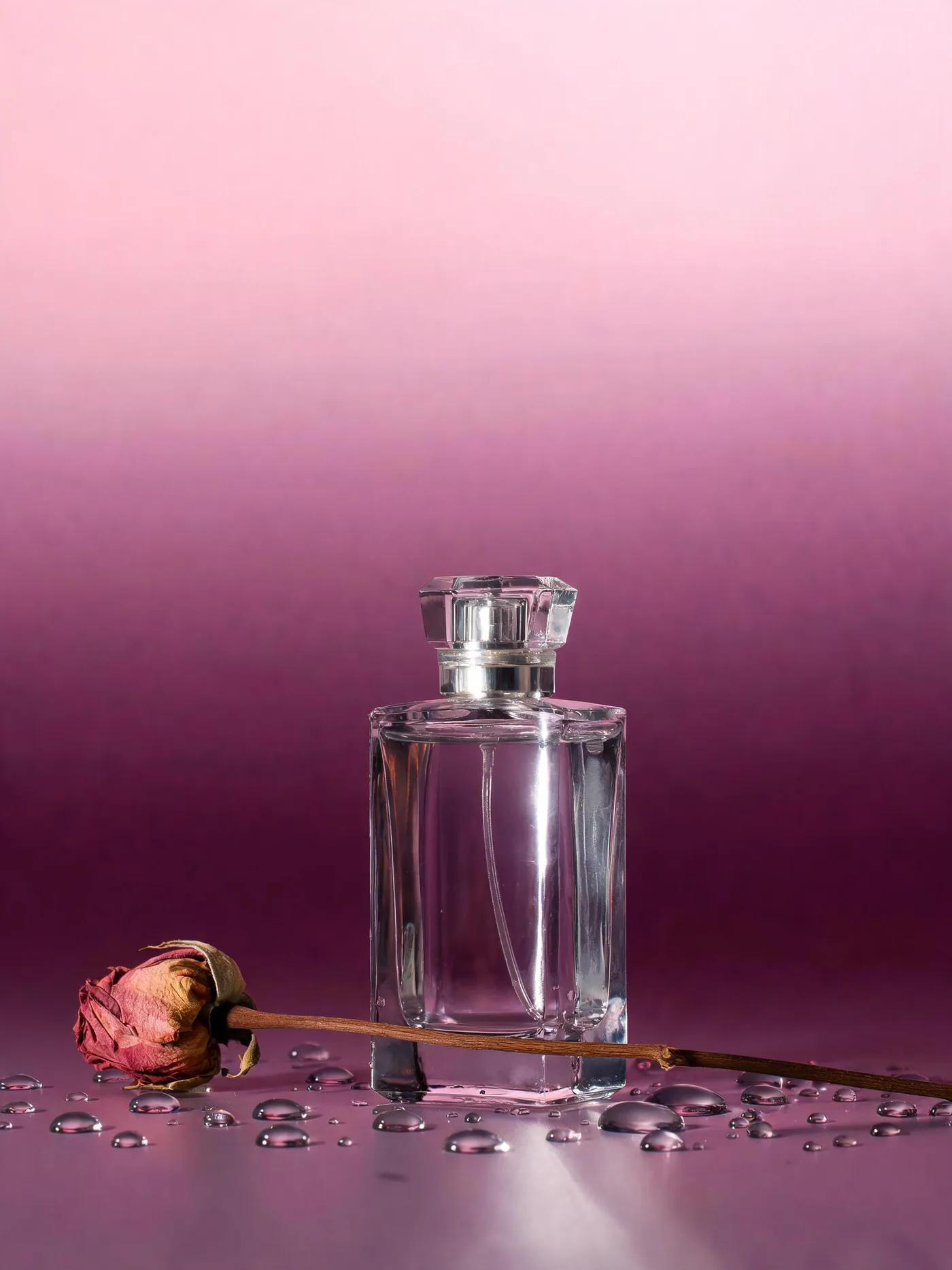
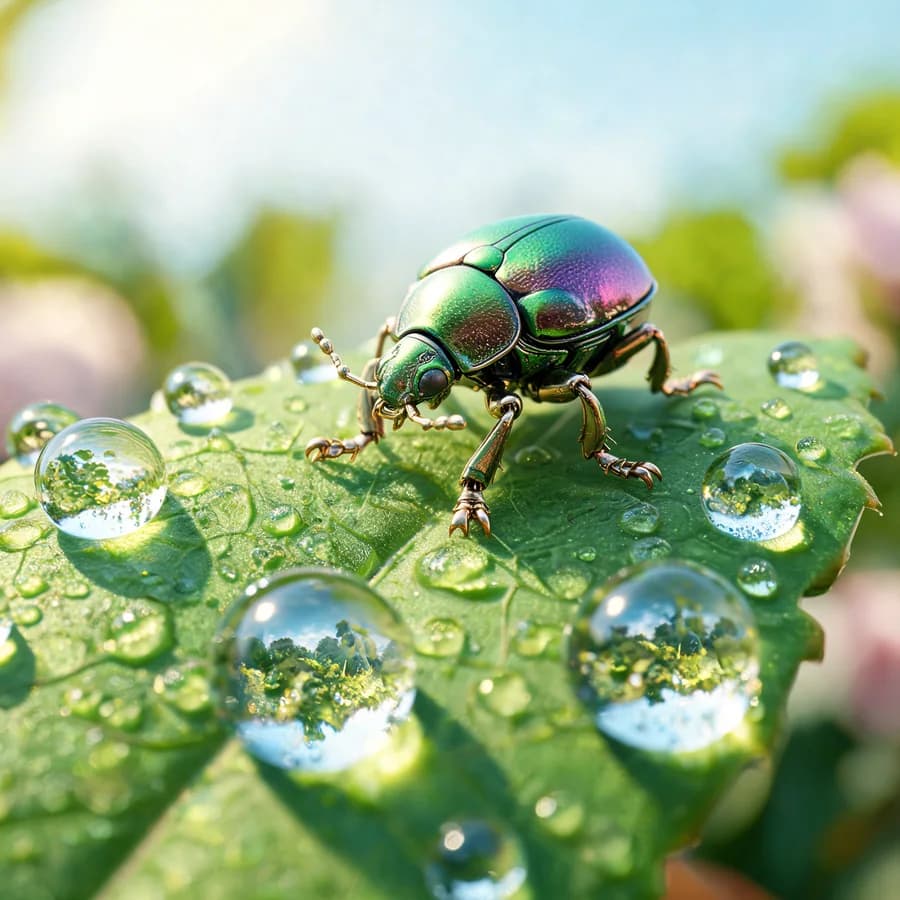
The named commercial scenario: e-commerce layouts with gradient backgrounds, fragrance product pages, beauty key visuals, and product-plus-artwork advertising compositions. Studio output aimed at a shopfront rather than a moodboard.
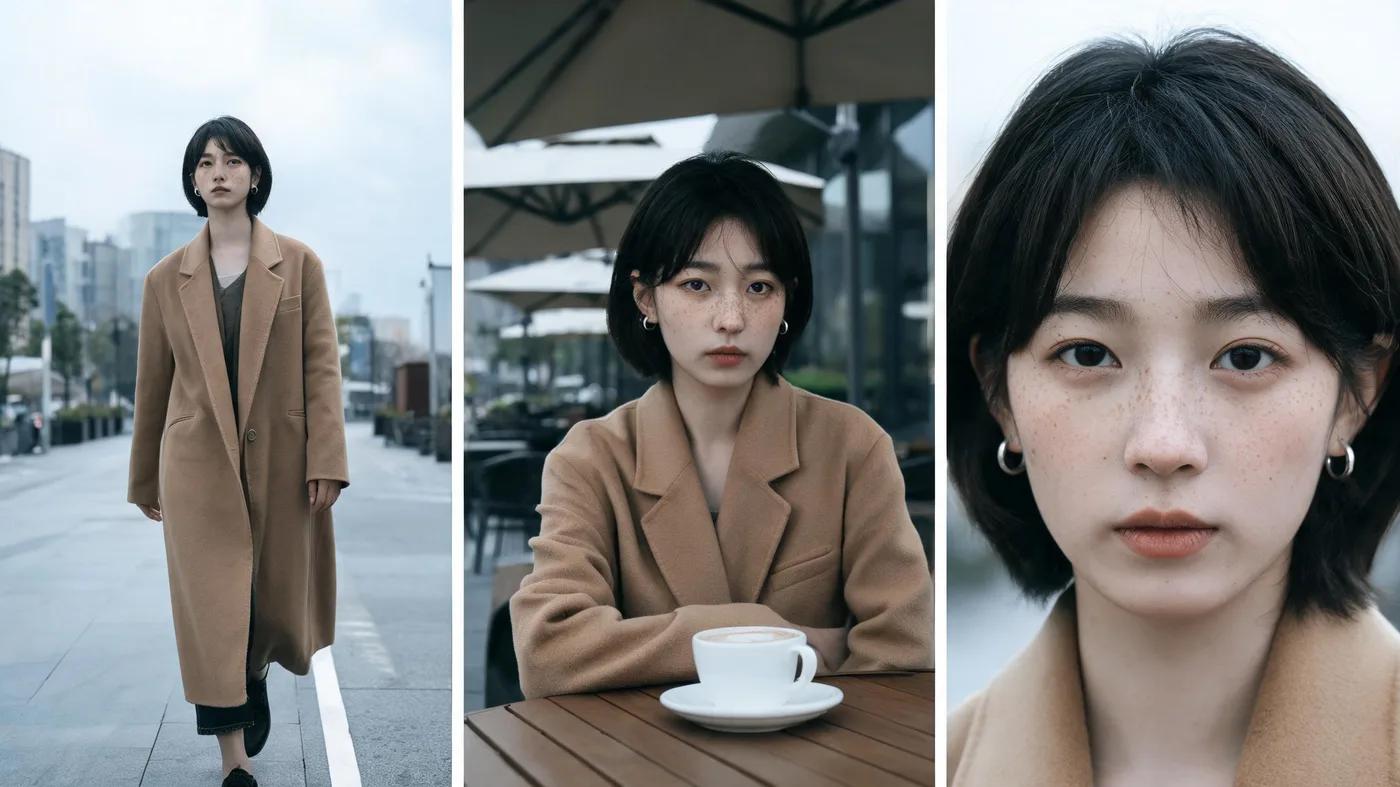
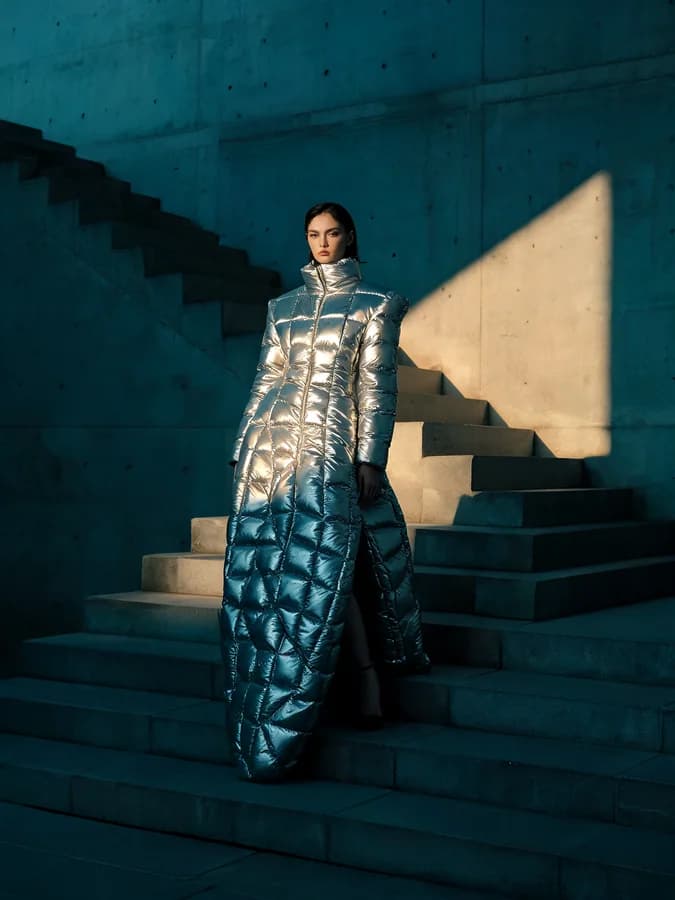
Give it a reference and it holds the facial features, the lighting and the colour tone — then finds the same subject again across several input images, so a set of shots stays one campaign instead of becoming several.
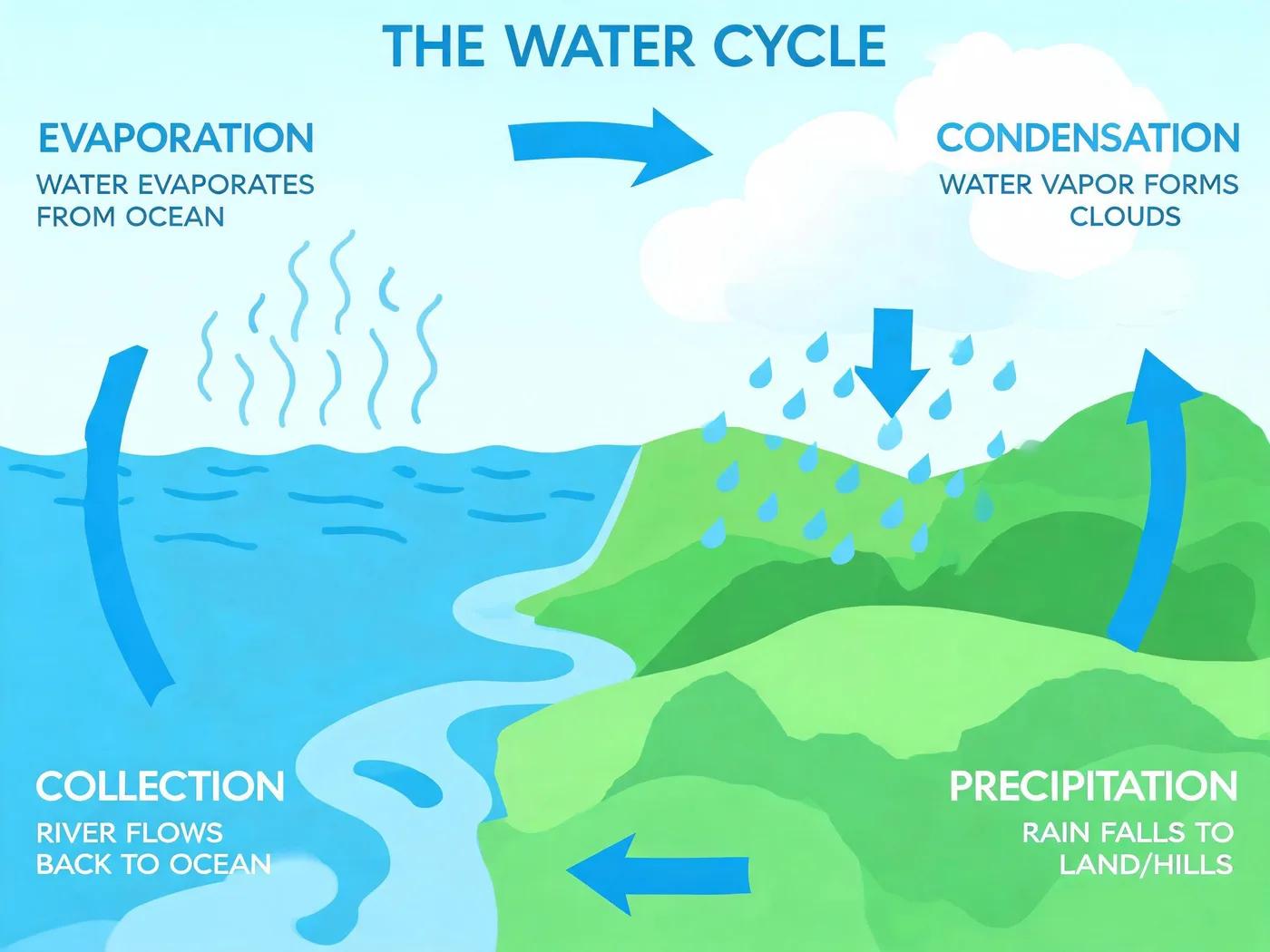
5.0 Lite thinks in steps before it renders. That is the difference between a picture that looks like an infographic and one whose content is actually right.

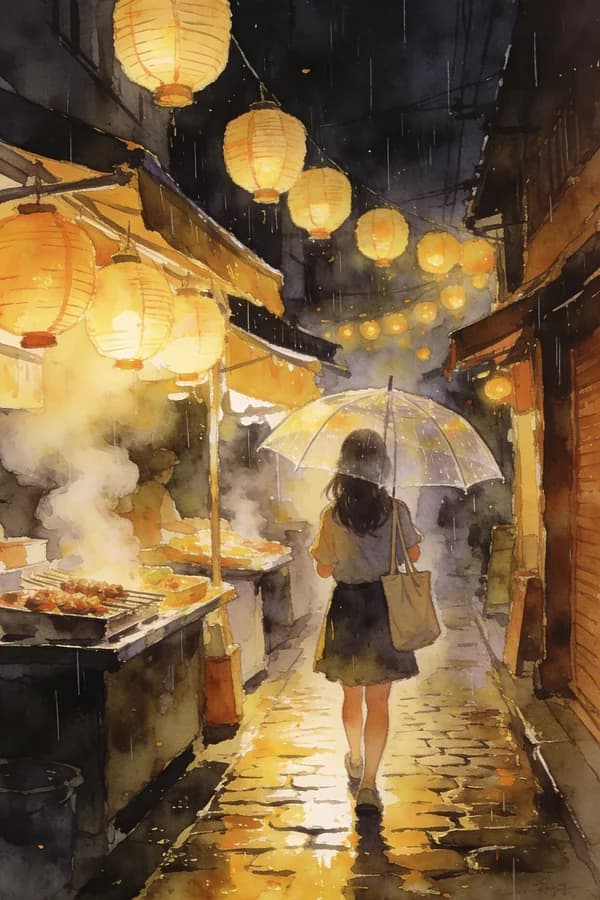
Complex multi-subject scenes where every element carries its own colour, label, number or position — ByteDance's demonstration runs to nine subjects at once, keeping letters, times, numbers and colours apart from one another.
Seedream 5.0 Lite and 4.5 on the web, no Dreamina, CapCut or API key involved.
Every picture starts at 2K, sharp enough for a product page. Pick 4K for print.
Add a face, a product or a room as a reference and Seedream keeps it while changing the rest.
Seedream 5.0 Lite is the newest and the one this page opens on, at 2K, 3K or 4K. Seedream 4.5 is the earlier release, at 2K or 4K.
Write the whole picture and put every word that should appear in quotes, down to the address line. To edit, add up to 14 pictures: "same woman, same coat, now full length on a city street".
2K is the default and sharp enough for a product page. 3K (5.0 Lite only) and 4K cost more and suit print. Pick the shape alongside.
Check the fine print at full size, then save it as PNG, JPG or WebP.
Small print, reference photos and step-by-step reasoning: what this page says Seedream is for, in ByteDance's words.
Seedream is the model for pictures with fine print, an invitation's address line or a label's ingredients. ByteDance built it to keep small text clear enough to read on posters and brand visuals.
“Together with clear and readable small text rendering, ideal for posters, brand visuals, and other creative scenarios.”Add a photo of a person or a product and describe the change. ByteDance says Seedream keeps the face, the light and the colour of your photo, so a series of shots still looks like one shoot.
“Preserves the reference image's facial features, lighting, color tone, and other details, delivering professional editing capabilities.”For diagrams, charts and explainers, start with 5.0 Lite. ByteDance says it reasons in steps before it draws, so what it shows makes sense rather than only looking right.
“It supports multi-step reasoning, ensuring that the generated results align with internal logic and physical laws.”Seedream is ByteDance's image model, from the same team as the Seedance video model. It is known for large, sharp pictures and for small text that stays readable. This page runs Seedream 5.0 Lite and Seedream 4.5.
From the box at the top of this page. Choose 5.0 Lite or 4.5, a size and a shape, describe the picture and generate. Dreamina, CapCut and ByteDance accounts are not needed; your Vormly login covers it.
Seedream is not on the daily free runs, so each picture costs credits: 30 at 2K, 45 at 4K. Start a 3-day free trial and you get 200 credits to spend here. Starting the trial takes a card but costs nothing today; we email you before it ends, and if you do not cancel, the plan you picked renews at its normal price. That covers about six 2K pictures. For free pictures, a free account gets free runs every day on GPT Image 2 at low quality, Grok Imagine and FLUX Schnell.
Start with 5.0 Lite. It is newer and works through the picture in steps before drawing, which helps with diagrams, charts and anything that has to be factually right, and it adds a 3K size. Seedream 4.5 is the earlier model with a slightly different look. Both take up to 14 reference pictures.
Yes. Both versions render at 2K by default and let you pick 4K before you generate (5.0 Lite also offers 3K). Bigger sizes cost more: 30 credits at 2K, 45 at 4K.
Yes. Add up to 14 pictures to the prompt box and describe the change. Seedream keeps the face, the light and the colours of your reference, so a set of shots of one person or one product stays consistent.
Describe the picture in full sentences and put any words that should appear in quotes, including the small print: "a wedding invitation with the names in calligraphy and the address in small type at the bottom". Say the photographic setup too, like "studio light, soft shadow", for product shots. Need the product cut out? Generate it on plain white and use Remove Background.
Seedream is the pick for large, detailed photographs, product shots and dense small text. Nano Banana is better at editing photos of people, and GPT Image at exact layouts like charts. For product shots and packaging, start with Seedream.
Seedream makes pictures. ByteDance's video model is Seedance, which also runs here, and Image to Video turns a Seedream picture into a clip.
Only when you download on a free account: the file gets a small Vormly mark in the corner. Paid plans and the free trial download the clean image.
Yes. What you generate is yours to use in ads, products, client work and social posts, with no credit to Vormly needed. New images are public by default and can appear in Explore with their prompt; on a paid plan you can make them private. A real brand's logo or a famous person's likeness in your prompt is not cleared just because a model drew it.