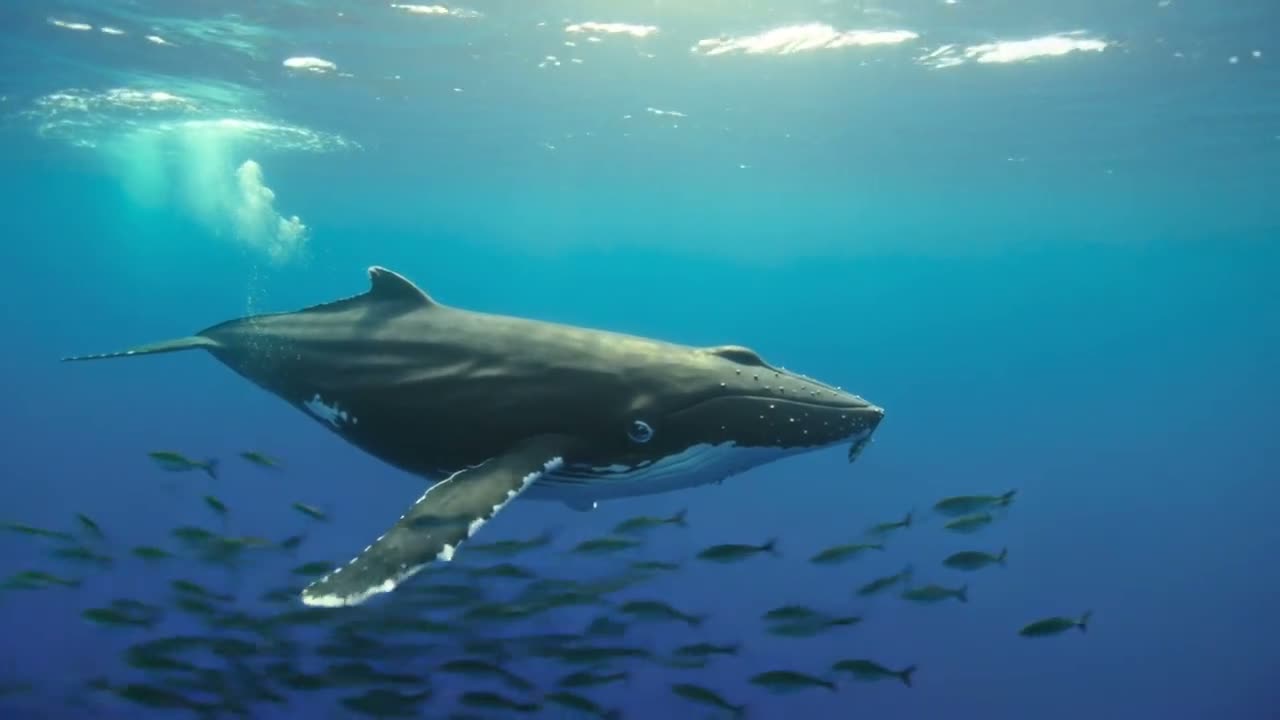
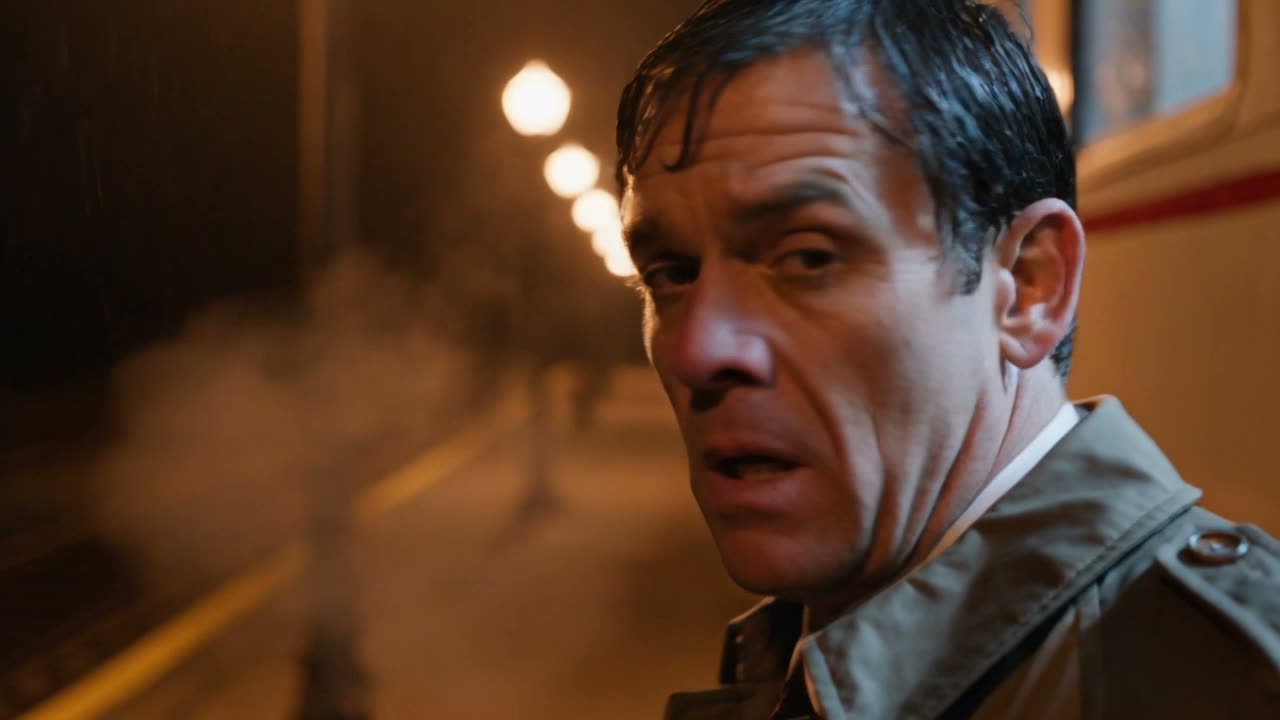
Describe a scene or add a starting image and get a 5 to 15 second clip with steady, realistic motion and sound.
Kling makes the sound in the same pass as the picture: rain, music, footsteps, the street around your subject.
Kling keeps people, hands and objects steady through turns, runs and fast camera moves, and keeps printed words on clothes and signs readable.
Kling 3.0 from 135 credits for 5 seconds, Kling 2.6 from 190 in 1080p, and 3.0 Turbo from 230. All make 5 to 15 seconds, except 2.6 at 5 or 10.
A street musician plays a saxophone under a bridge at night, rain dripping from the arch, passers-by hurrying past. He says "This one's for you." Cinematic, warm streetlight.
Kling 3.0 Turbo adds the sound of the scene in the same pass: the saxophone, the rain off the arch, the people hurrying past. Turn the sound on to hear it.
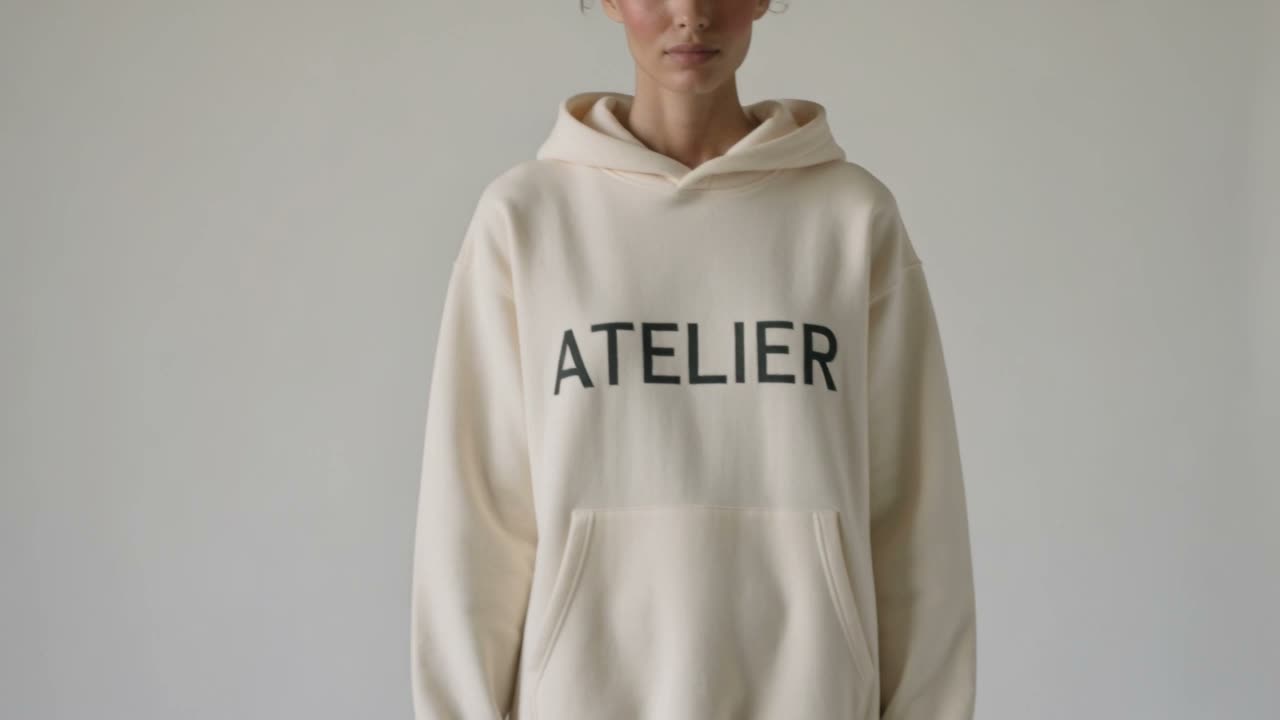
An e-commerce fashion advert. A model turns slowly in a bright studio wearing a cream hooded sweatshirt with the word ATELIER printed clearly across the chest in a clean sans-serif. The lettering stays sharp and correctly spelled through the whole turn. Soft even studio light, seamless pale backdrop, product photography grade.
The word on the sweatshirt stays spelled right and follows the fabric as she turns. For e-commerce, that is the difference between a product video and a blur.
A 3D animated feature shot: a small round robot with big expressive eyes rolls through a workshop full of glowing parts, stops, tilts its head at a butterfly, and its eyes widen. Pixar-grade character animation, warm rim lighting, shallow depth of field, expressive squash and stretch, no text.
A small robot notices a butterfly and its eyes widen. Kling handles the timing and expression that make a character read as alive, not just a clean render.
A short film scene in several shots: a man steps off a night train onto an empty platform, wide; his face as he looks down the tracks, close; his suitcase wheels turning on wet concrete as he walks away, low insert. Rain, sodium platform lights, breath visible in the cold. Consistent location and lighting between shots.
List the shots and Kling cuts between them: the man off the train, his face, the suitcase wheels on the wet platform, with the same rain and light in all three.
The page opens on Kling 3.0 Turbo. Kling v3 and v2.6 cost less.
Say what moves and how the camera follows. Add an image to start the clip on it; Kling v3 also takes a second image as the last frame.
5, 8, 10 or 15 seconds (5 or 10 on v2.6), in 16:9, 9:16 or 1:1.
The cost shows on the button before you click. The clip opens in Create when it is ready and downloads as an MP4.
Two things this page says about Kling 3.0, in the words of its launch announcement.
For product and fashion clips, lettering has to survive the motion. Kling gives exactly this case, a branded shirt whose logo stays readable, as a strength of 3.0.
“This is particularly valuable for e-commerce advertising use cases, where, for example, a character can wear a branded shirt and the logo remains sharp and readable throughout the video.”One Kling 3.0 clip runs up to 15 seconds, the maker's own limit. Here you pick 5, 8, 10 or 15.
“Video 3.0 model also supports longer video generation up to 15 seconds in length.”Kling is Kuaishou's AI video model. You write a prompt or give it an image and it makes a short clip, known for realistic motion and readable text inside the frame. Clips come with sound. Kling 3.0 is the current version.
You can try it free. Start a 3-day free trial and you get 200 credits, enough for a 5-second clip on Kling v3 (135 credits) or Kling v2.6 (190). Starting the trial takes a card but costs nothing today; we email you before it ends, and if you do not cancel, the plan you picked renews at its normal price. Kling 3.0 Turbo starts at 230 credits, above the trial. The one video model a free account can use at no cost is Grok Video.
For 5 seconds: Kling 3.0 Turbo is 230 credits, Kling v3 is 135 and Kling v2.6 is 190 (in 1080p). A 15-second clip is 690 on Turbo and 405 on v3. The Generate button shows the cost before you click.
Yes. Kling makes the sound in the same pass as the picture: effects, ambience and music that fit the scene. Describe the sounds you want in the prompt.
Kling 3.0 Turbo and Kling v3 make 5, 8, 10 or 15 seconds in one clip; Kling v2.6 makes 5 or 10. There is no extend button here, so for a longer video make it scene by scene and join the clips in an editor. Grok Video goes up to 30 seconds in one clip.
Yes. Add an image and the clip starts on it. Kling v3 also takes a second image as the last frame, so the clip moves from one picture to the other; see First and Last Frame for that.
Turbo costs more: 230 credits for 5 seconds against 135 for Kling v3. Kling v3 can also end on a last frame you choose. Test a prompt on Kling v3, then run the keeper on Turbo.
No. You can describe the motion and camera in your prompt and start from your own image, but copying a move from a reference video and the one-tap effects of the Kling app are not offered here. To restyle a clip you already have, use Video to Video.
Name the subject, the action, the camera and the light: "a runner vaults a wall, the camera tracks alongside, hard afternoon sun". For text in the frame, spell out the exact words in quotes. Describe the sounds too.
Downloads during the free trial and on paid plans are clean MP4s with no watermark. Downloads on a free account carry a small Vormly watermark.
Yes. Clips you make with Kling here are yours to use in ads, client work, YouTube videos and social posts, with no credit to Vormly needed. New clips are public by default and can appear in Explore with their prompt; on a paid plan you can make them private. A real brand or a famous person's likeness in your prompt is not cleared just because a model made the clip.