optional
Your results will appear here
Upload an image in the panel and describe the change — every version lands on this canvas next to the last one.
Upload a picture, say what should change, and the model makes a new version: a new setting, season, style or outfit. Add a second picture to combine them.
Try it freeThe people, the product and the layout carry over, and the model rebuilds only what you asked for. When one area must change and every other pixel must stay, the AI Image Editor edits just that area.
Nano Banana 2 and Seedream read up to 14 images in one run: a person and a jacket, a product and a room, a face and a style you like.
Text-only models are left out of the picker, so nothing ignores your upload. Vormly Pro is the cheapest at 5 credits, within the free credits every account gets each day.
 Nano Banana 2
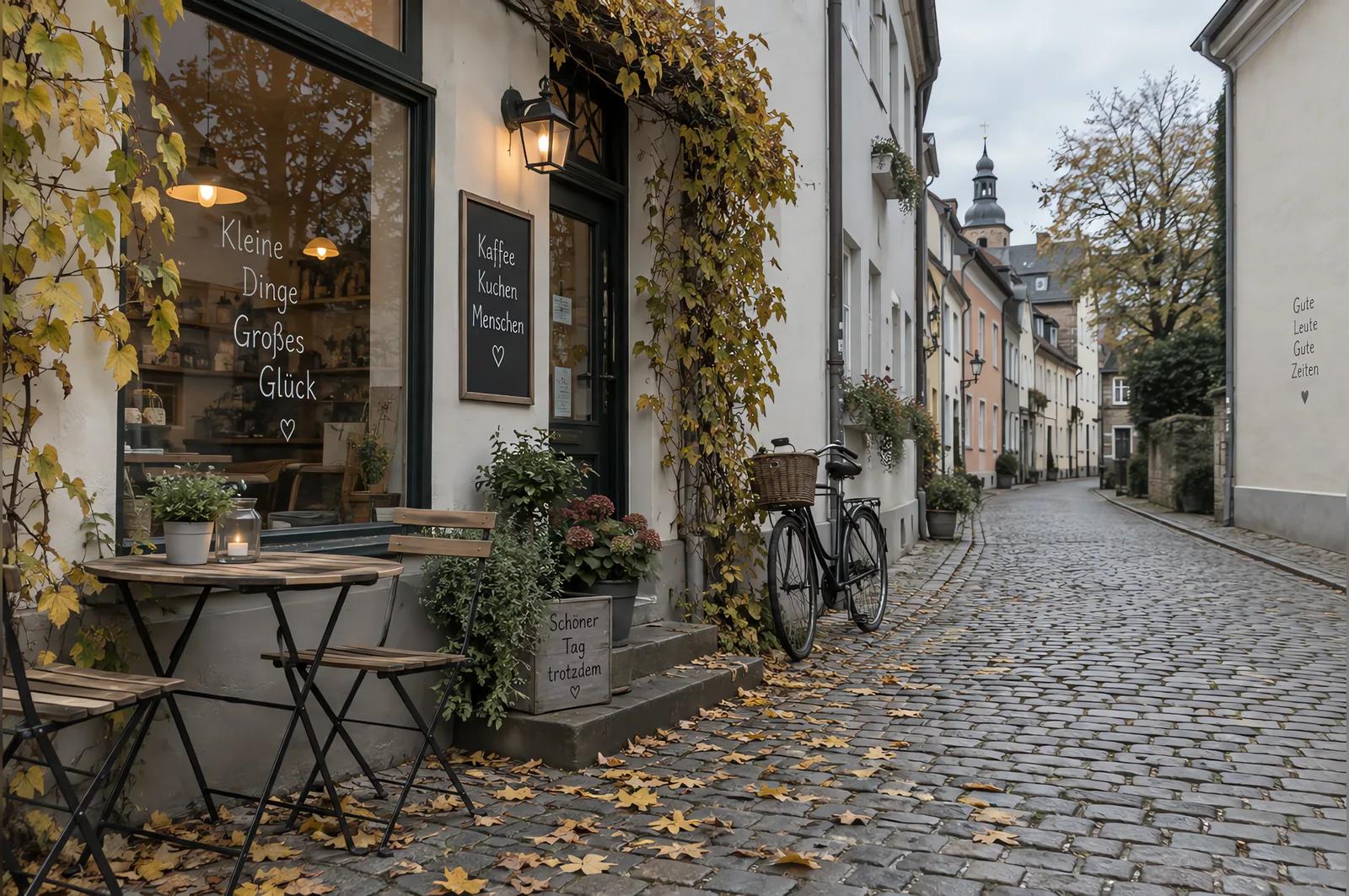 Original
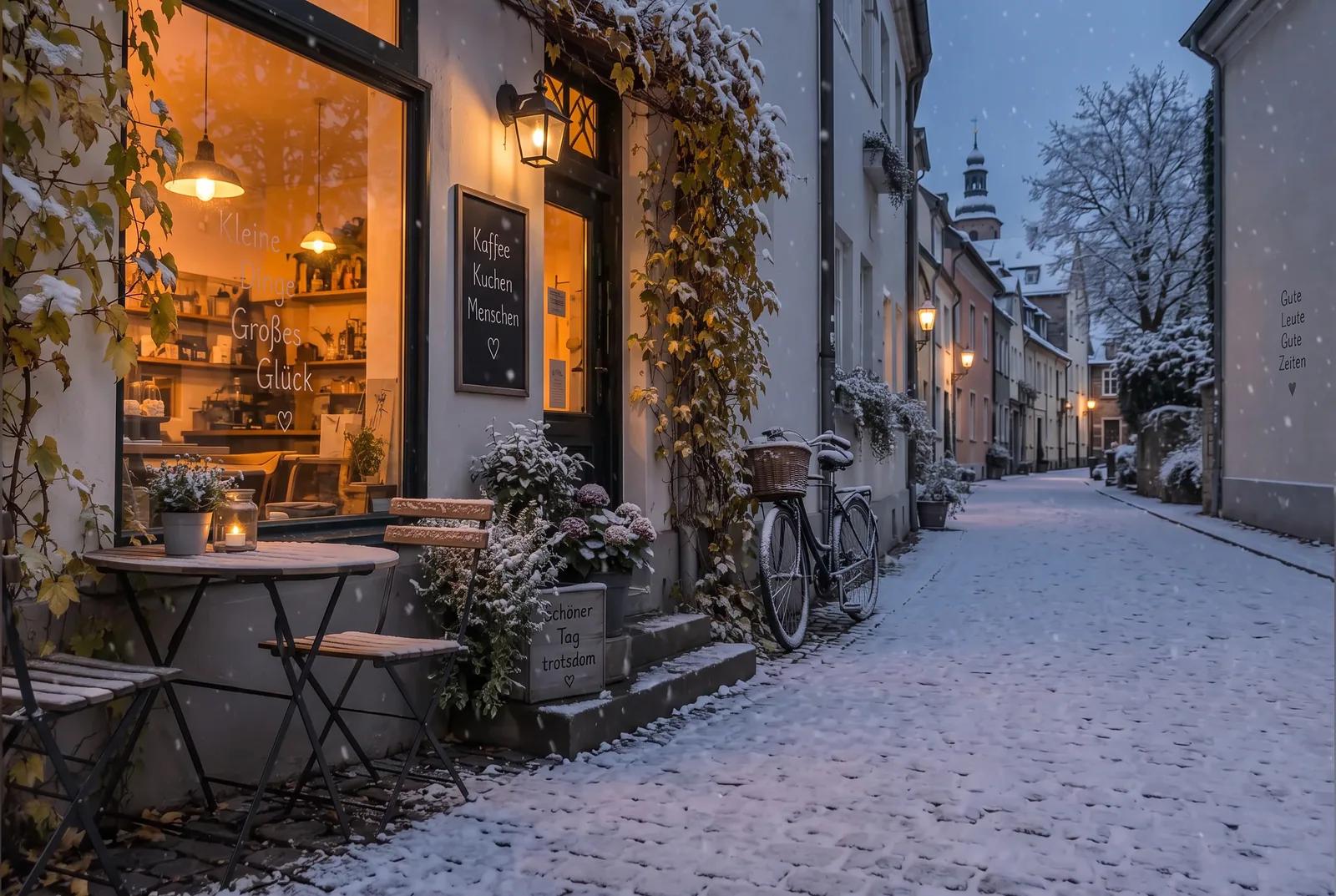
Make it a snowy winter evening: fresh snow on the cobblestones, the bicycle and the rooftops, warm light glowing in the cafe windows, soft snowfall. Keep the street, buildings and camera angle the same.
Turn an autumn afternoon into a snowy evening, or a grey day into sunset, and keep the street exactly where it was. Say what should stay, and the model changes only the rest.
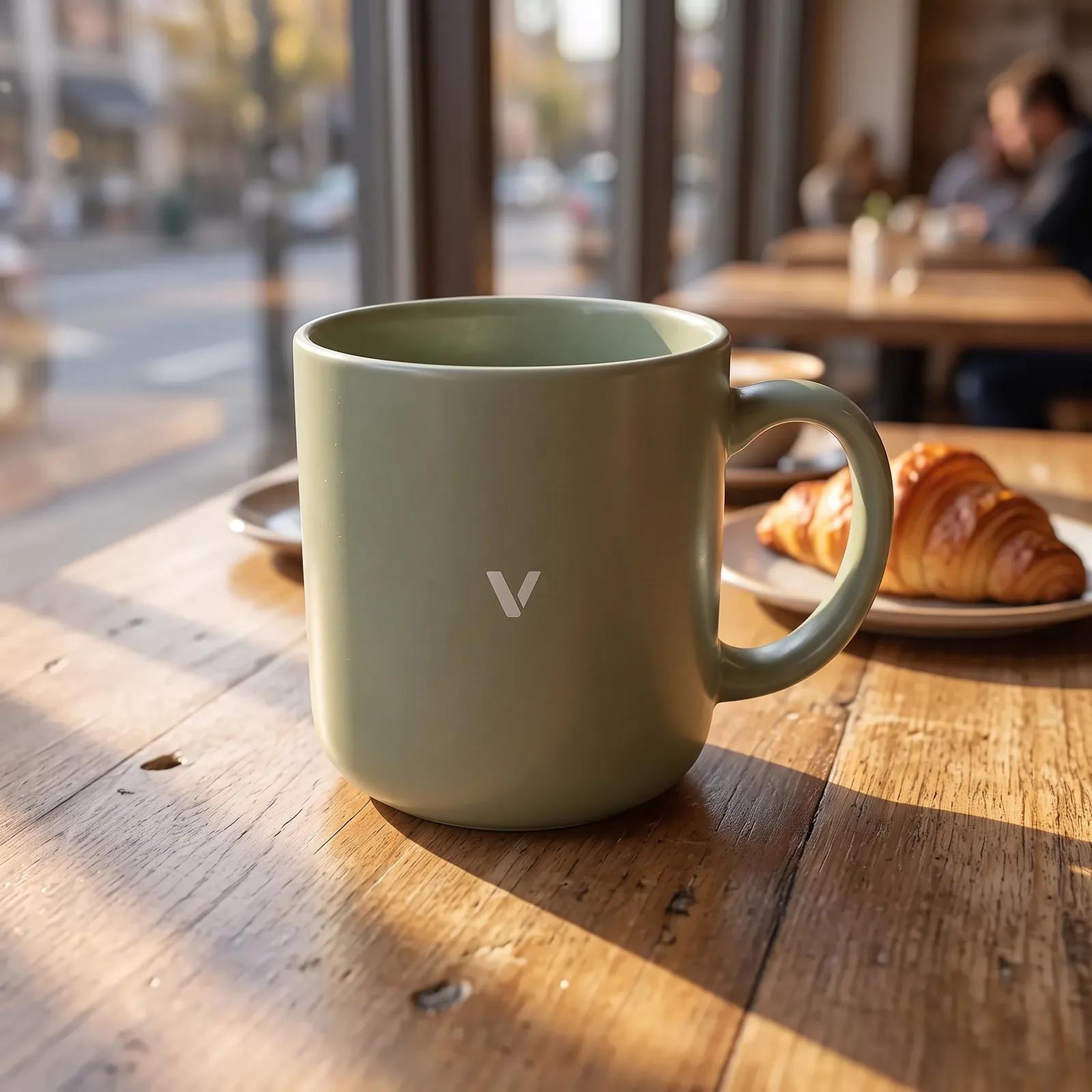 Nano Banana 2
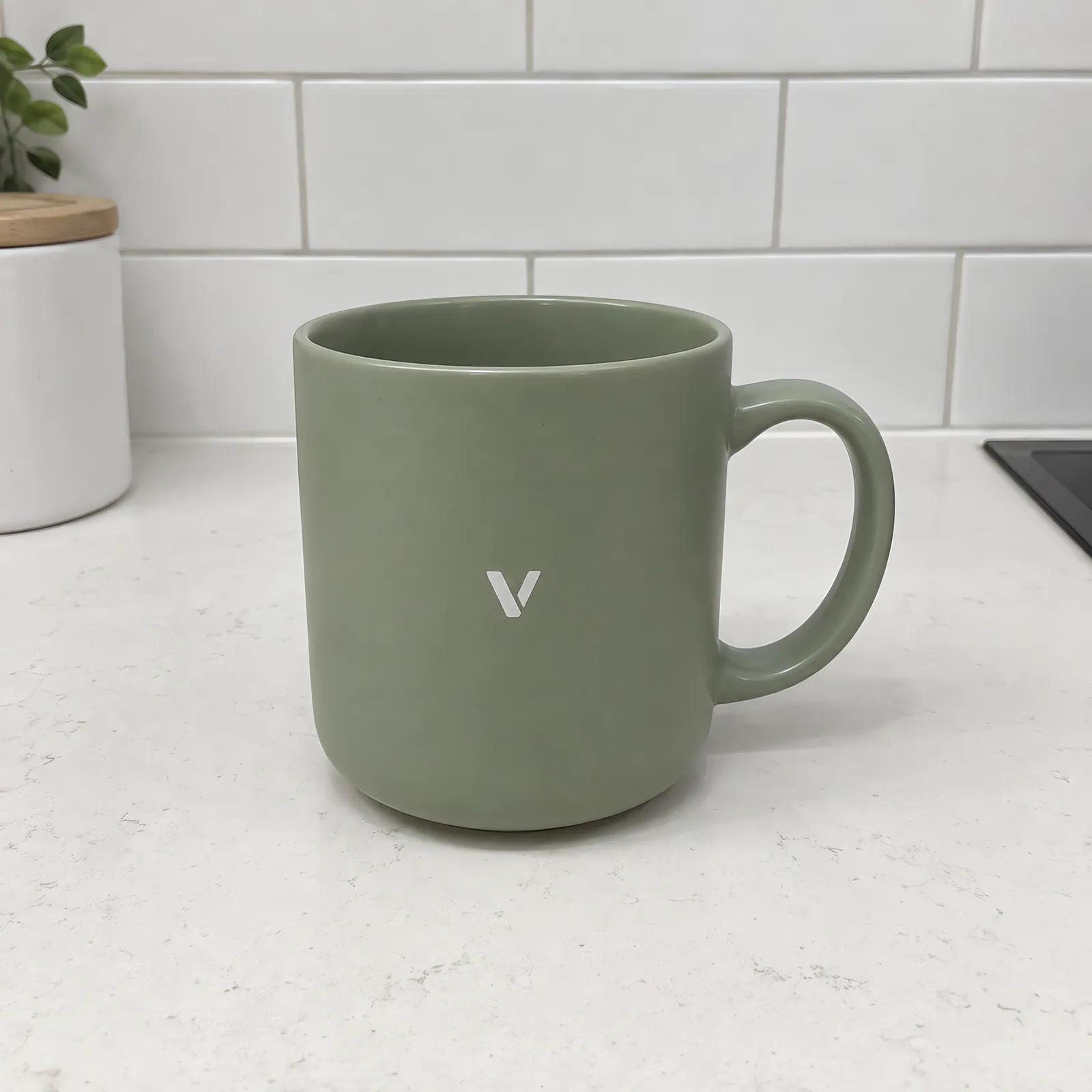 Original
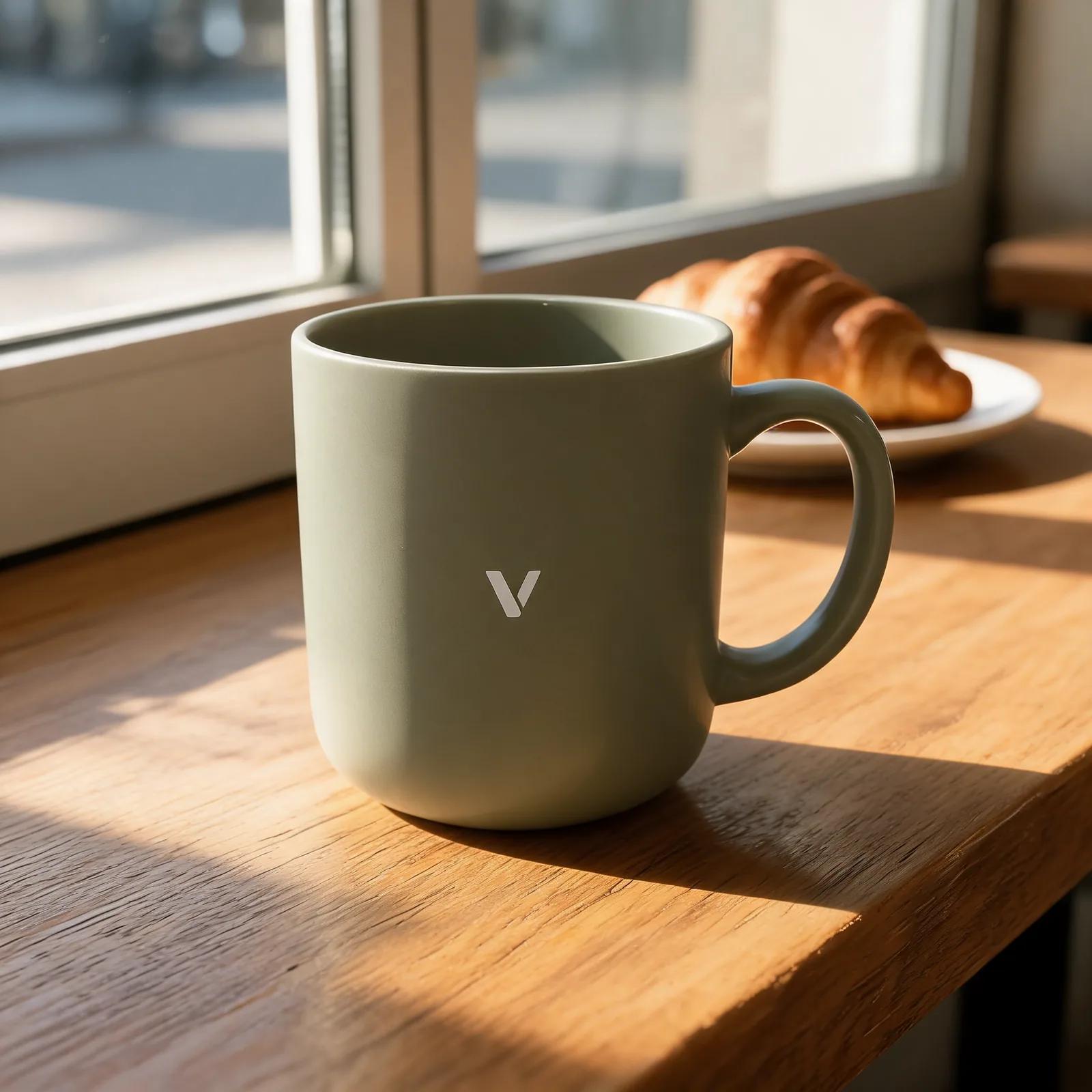 Seedream 5.0 Lite
 GPT Image 1.5
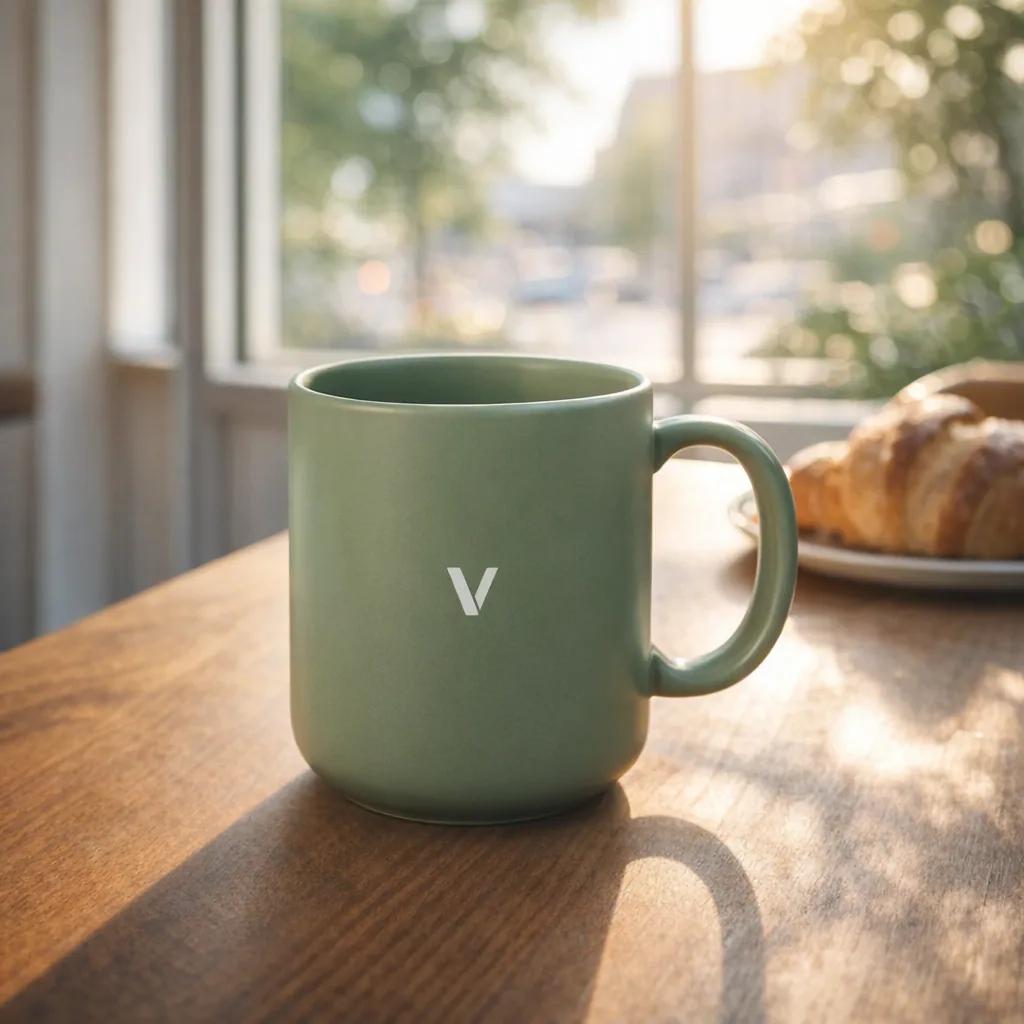
Put this exact mug on a wooden table by a sunny cafe window, morning light and soft shadows, a croissant blurred in the background. Keep the mug, its colour and its logo exactly as they are.
Photograph the product once on the kitchen counter, then put it anywhere. Nano Banana, Seedream and GPT Image each place it differently, and all three kept the mug and its logo.
 Nano Banana 2
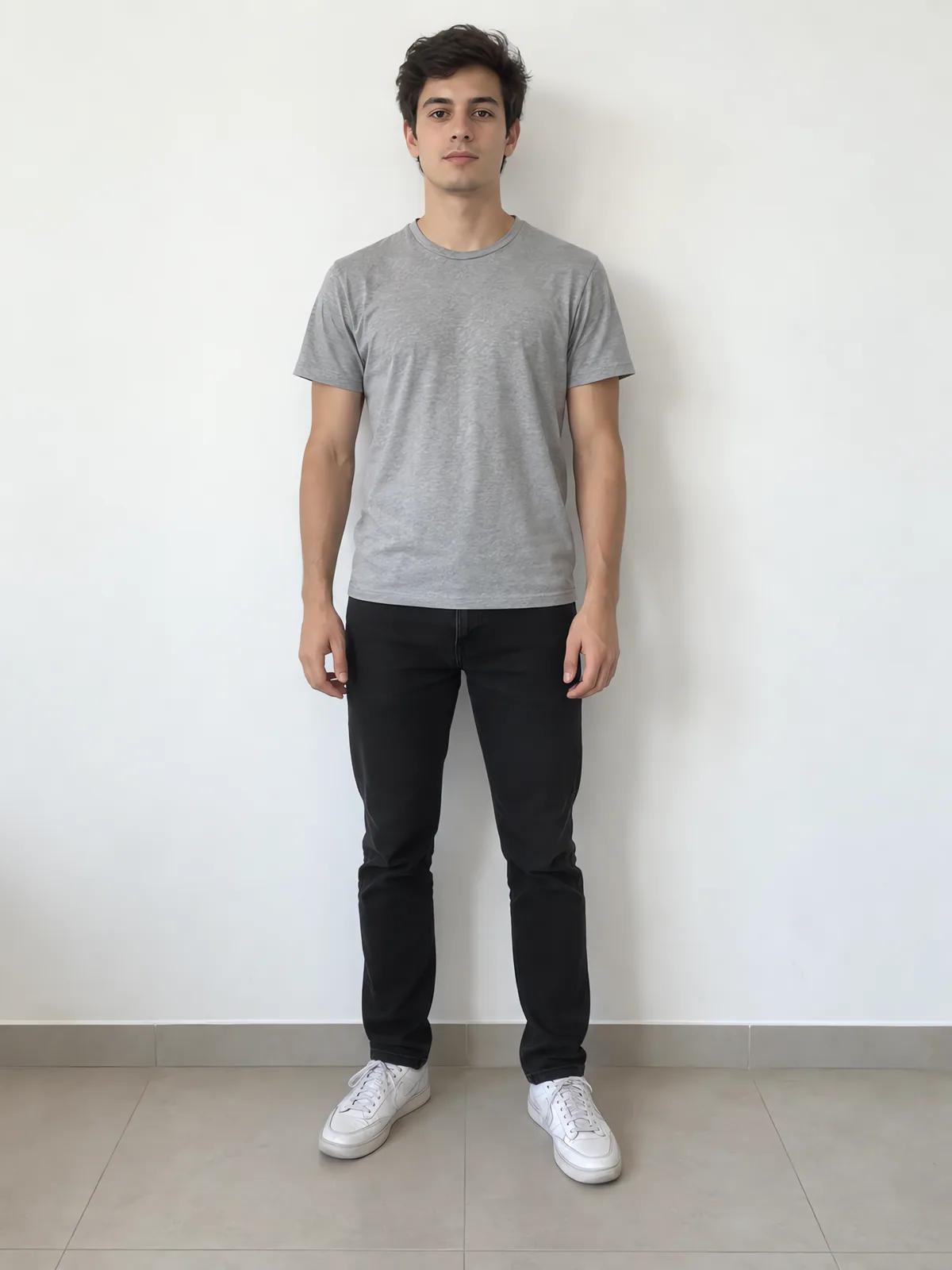 Image 1
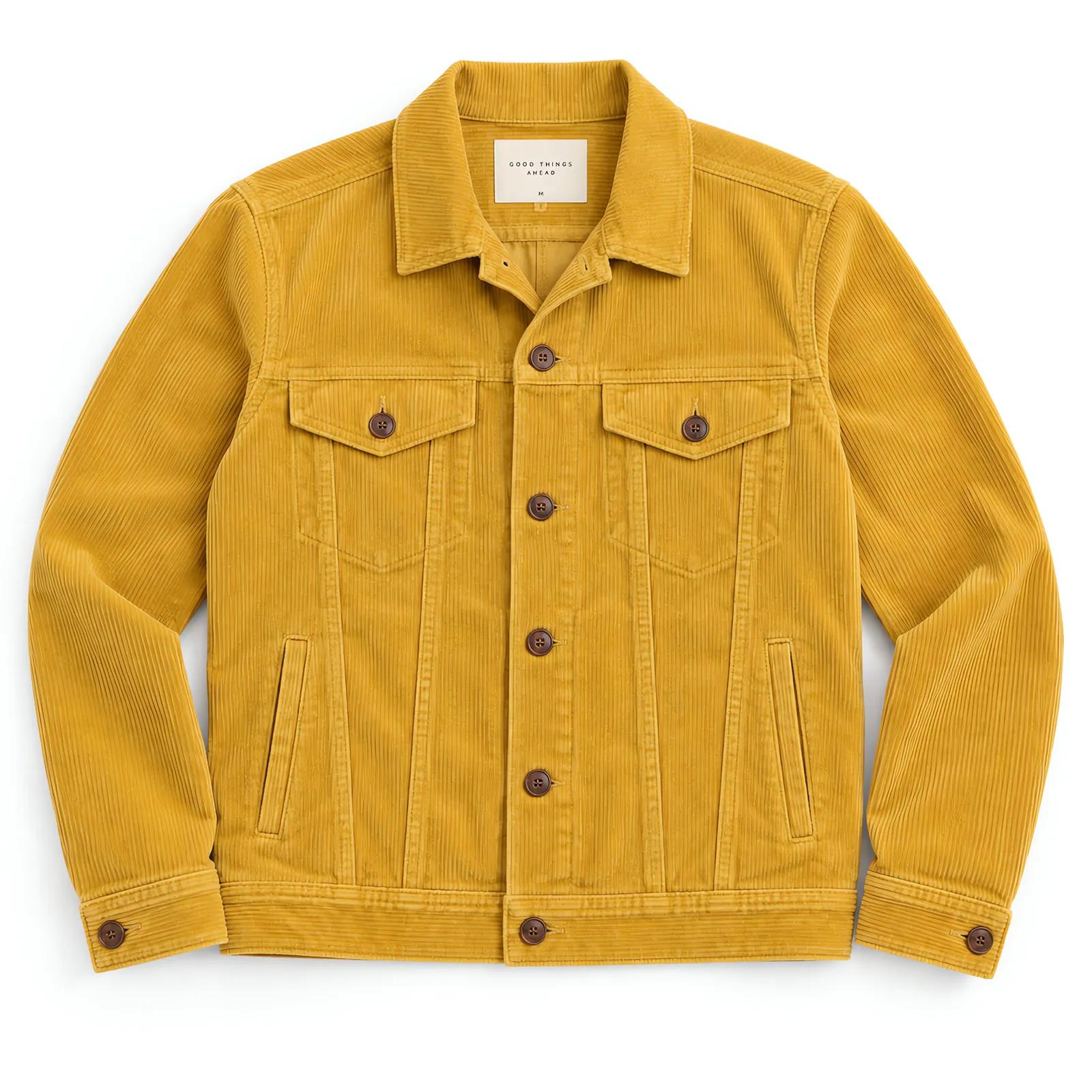 Image 2
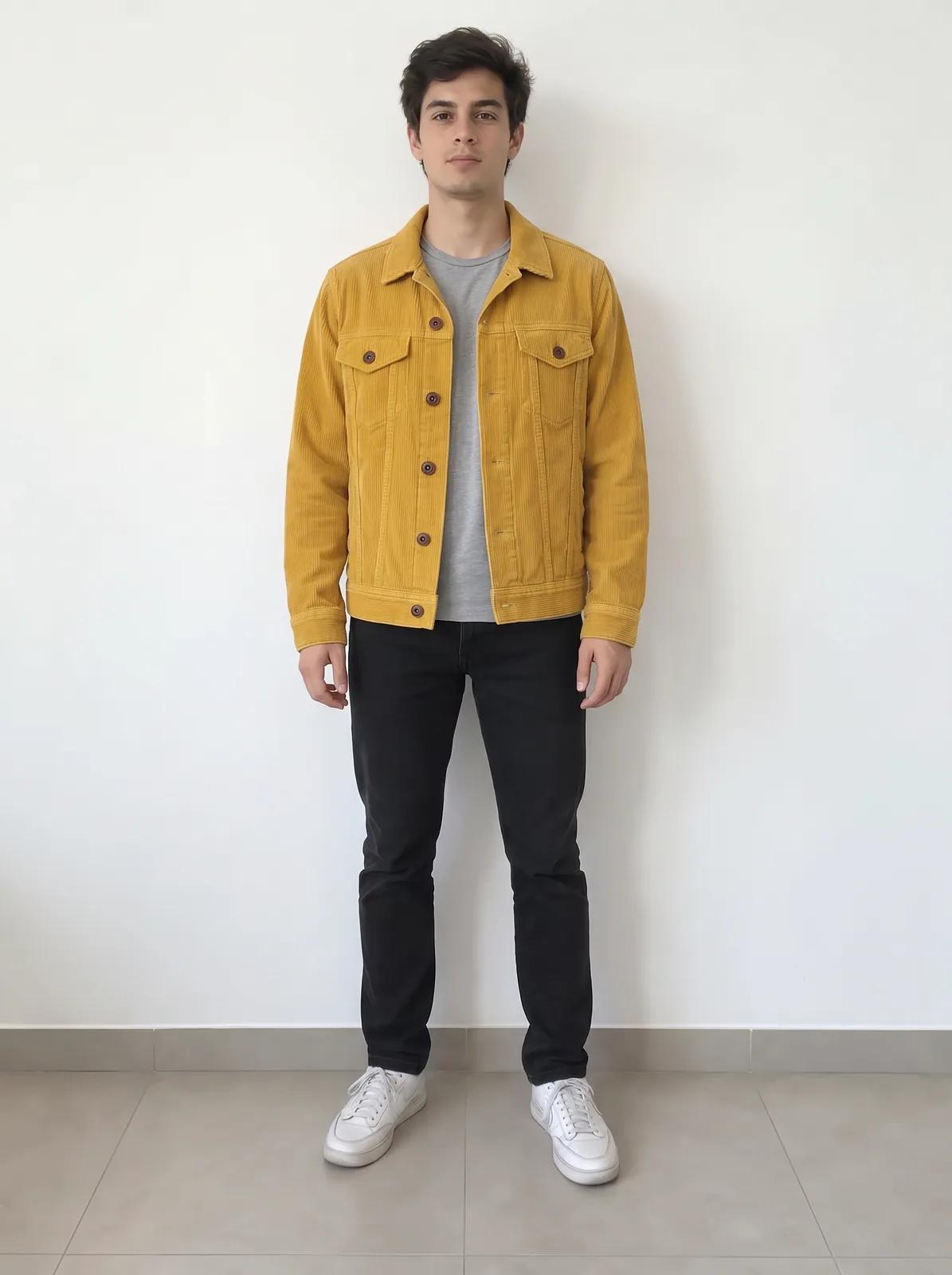
Dress the man from the first image in the jacket from the second image, worn open over his grey t-shirt. Keep his face, pose, jeans and the white wall the same.
Upload a person and a piece of clothing and say who wears what. The same works for a product and a room, or a pet and a costume. Name the images in the order you uploaded them.
 Nano Banana 2Original
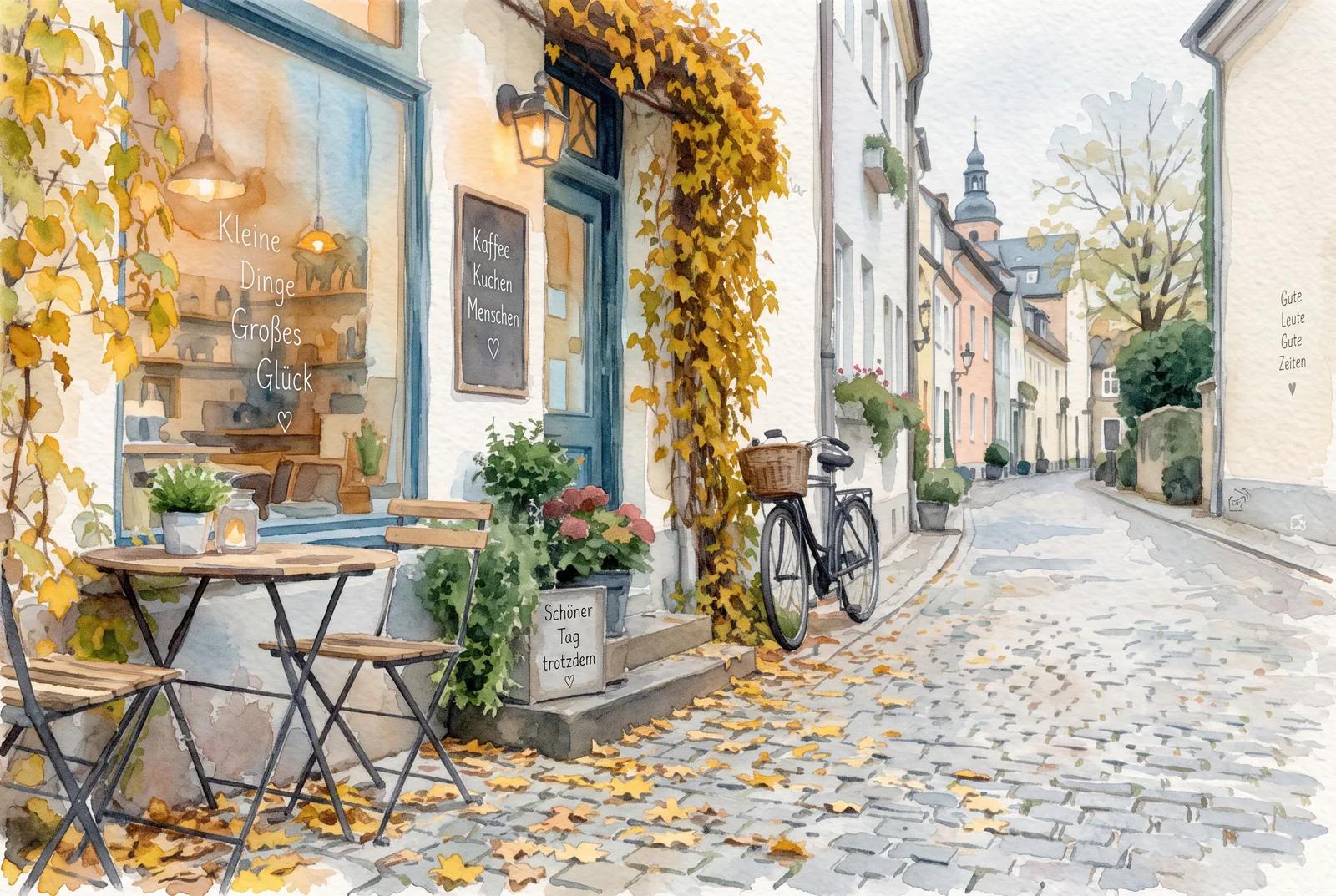
Turn this photo into a loose watercolor painting on textured paper, soft washes and visible brush edges, keeping the same street, cafe and bicycle.
Describe the style in the instruction and the photo is redrawn in it, with the same street, the same cafe, the same bicycle. For one-click styles, AI Image Remix has fourteen ready to pick.
Drop in a photo, paste it, or pick one from your assets: PNG, JPG or WebP up to 9MB. Add more pictures when you want to combine them. No picture yet? Start from words in Text to Image.
Write it as an instruction: "make it a snowy evening", "put this mug on a cafe table". Add what should stay the same.
The page opens on Nano Banana 2. Vormly Pro is the cheapest, Seedream goes up to 4K, and FLUX Kontext suits a small edit to one picture.
Each version lands on the canvas next to the last, with your upload kept in place. Change a few words and run it again, then download the one you like, and enlarge it with Upscale Image if it is going to print.
Two habits this page asks for, keep what matters and name your images, both from Google's guide for the model the page opens on.
Saying what must stay the same is part of the instruction, not an extra. Google's guide for Nano Banana 2, the model this page opens on, says to describe a face or a logo in the same request as the edit; that is how the mug in our demo kept its logo.
“To ensure critical details (like a face or logo) are preserved during an edit, describe them in great detail along with your edit request.”Combining pictures is a normal use of these models, not a workaround: Google's guide treats several images as the material for one new scene, and refers to them as image 1 and image 2, which is why we say to name them in upload order.
“Provide multiple images as context to create a new, composite scene.”You upload a picture and describe a change, and an AI model makes a new version of it: a different setting, season, style or outfit, with the subject still recognisable. The picture is the starting point and your words say what to do with it.
Upload the photo, then write the change as an instruction: "make it a snowy evening", "put this mug on a cafe table". Say what should stay the same too ("keep the street and the camera angle"), because a model left to guess may redraw more than you meant.
Yes, to start. Every account gets free credits each day, and a Vormly Pro edit at 1K costs 5 of them, so you can make a couple of edits a day without paying. The page opens on Nano Banana 2, which costs 15 credits a run, and the Generate button always shows the cost first.
You can open the page and upload a picture, but generating needs an account. Signing up is free and takes one click with Google, and the account is what your daily free credits are attached to.
Nano Banana 2 is the default because it keeps faces and products close to the original and reads several images at once. Seedream gives large, sharp results up to 4K, GPT Image 1.5 follows long, detailed instructions, and FLUX Kontext is suited to small edits on one image. Vormly Pro is the cheapest. Run the same edit on two or three and keep the best.
Yes. Upload both and say what goes where: "dress the man in the first image in the jacket from the second". Nano Banana 2 and Seedream read up to 14 images in one run, GPT Image 1.5 up to 16, Vormly Pro up to 5, and FLUX Kontext one.
It tries to, and saying so in the prompt helps. Small details can still shift: a logo, the text on a label, the exact shape of a hand. When only one part of the picture should change and every other pixel must stay, use the AI Image Editor and select that part.
Yes, describe the style in your prompt. For one-click styles without writing anything, AI Image Remix has fourteen, including anime, 3D character, pop art and watercolor.
Not here: this page makes a new version of your picture. To enlarge it use Upscale Image, and to shrink or change the file format use the free image tools, which run in your browser.
Only when you download on a free account: the file gets a small Vormly mark in the corner. Paid plans download the clean image.
Your upload is used to run the edit and stays in your account. New results are public by default and can appear in Explore; on a paid plan you can make them private. Upload only pictures you have the right to use.
Yes. Open Image to Video and describe how the picture should move. To morph one picture into another, give Frames to Video both as the first and last frame.