

Basic idea is enough
tunes the prompt format
SD 3.5 uses natural-language prompts (T5) — no tag weights or quality-tag spam.
Your enhanced prompt will appear here
Positive prompt, negative prompt, and recommended settings — all copy-ready.
"a beautiful sunset over the ocean"
masterpiece, best quality, highly detailed, a breathtaking sunset over a vast ocean, golden hour lighting, dramatic clouds with warm orange and purple hues, volumetric rays, cinematic composition, photorealistic, 8k uhd, dslr
Type a basic idea and get a Stable Diffusion prompt written for your version, with a negative prompt and recommended settings included.
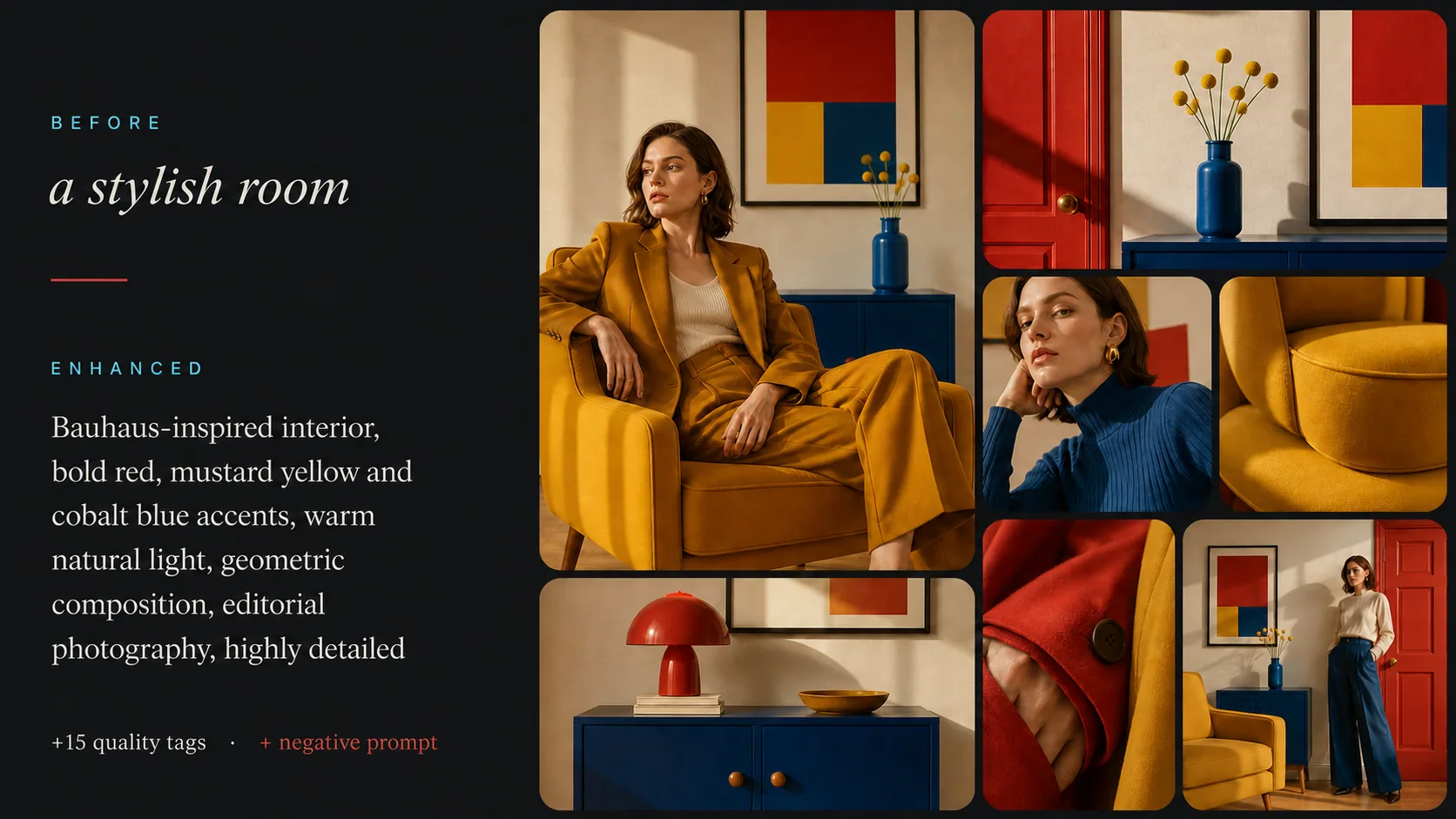
A Stable Diffusion prompt enhancer takes the few words you would normally type and fills in what the model needs to get it right: a specific subject, the setting, the style, the lighting, and a negative prompt listing what to keep out. It writes for the version you actually run, because SD 1.5 and SDXL read tags while SD 3.5 reads full sentences.
Adds masterpiece, best quality and similar tags for SD 1.5 and SDXL, and leaves them out for SD 3.5, where they can make results worse
Names the art style or photo treatment and the light, like rim lighting or golden hour, so the model is not left guessing
Writes a negative prompt that fits the idea, such as bad hands and extra fingers for people, or illustration and anime for photos
Pick your model in the tool and the prompt follows that version's rules.
Comma-separated tags with the most important ones first, quality tags at the end, and (word:1.2) weights on the elements that matter. Comes with a full negative prompt and settings to start from: CFG 7, 25 steps, DPM++ 2M Karras.
The same tag style as SD 1.5, tuned for SDXL's 1024px images. Includes a full negative prompt and starting settings of CFG 6, 30 steps, DPM++ 2M Karras.
Plain descriptive sentences instead of tags, with no weights and no quality-tag padding, because SD 3.5 reads language the way people write it. The negative prompt is kept short and only lists what you really don't want.
These are the building blocks the enhancer starts from and trims to fit your idea:
From a few words to a prompt, a negative prompt and settings
Type a basic description of what you want to generate. Even a few words work — 'sunset over ocean' or 'cyberpunk cityscape'.
Choose SD 1.5, SDXL or SD 3.5. The enhancer fills in subject, style and lighting, and writes a negative prompt in that version's format.
Copy the prompt, the negative prompt and the settings into Automatic1111, Forge or ComfyUI and generate.
Everything you need to know about Stable Diffusion prompt optimization.
Yes. Type a few words and it writes a complete Stable Diffusion prompt: the positive prompt, a negative prompt, and recommended settings. Unlike a general prompt generator it follows the rules of the version you pick: comma-separated tags with quality boosters and (word:1.2) weights for SD 1.5 and SDXL, and plain descriptive sentences for SD 3.5.
Yes, the SD Prompt Enhancer is completely free to use with no signup required. You can enhance unlimited prompts.
Yes — pick your target model and the enhancer adapts the prompt format automatically. For SD 1.5 and SDXL it produces comma-separated tags with quality boosters and emphasis syntax (the CLIP paradigm). For SD 3.5 it writes a natural-language description tuned for its T5 text encoder — no tag weighting or quality-tag spam — since that is what SD 3.5 responds to best.
Negative prompts tell Stable Diffusion what to leave out of the image. Common examples are 'worst quality, low quality, blurry, watermark, text' for any image, 'bad anatomy, extra fingers, deformed' when there are people, and 'illustration, painting, anime' when you want a photo. The enhancer picks negatives that fit your idea, and keeps them short for SD 3.5, which relies on them far less.
SD uses parentheses with a weight value to control how strongly a concept influences the image. (word:1.2) increases influence by 20%, while (word:0.8) decreases it. Our enhancer applies this sparingly to critical elements for better results.
Yes, you can enter prompts in any language. The enhancer automatically translates and optimizes them into English, which is what Stable Diffusion's CLIP encoder is trained on.
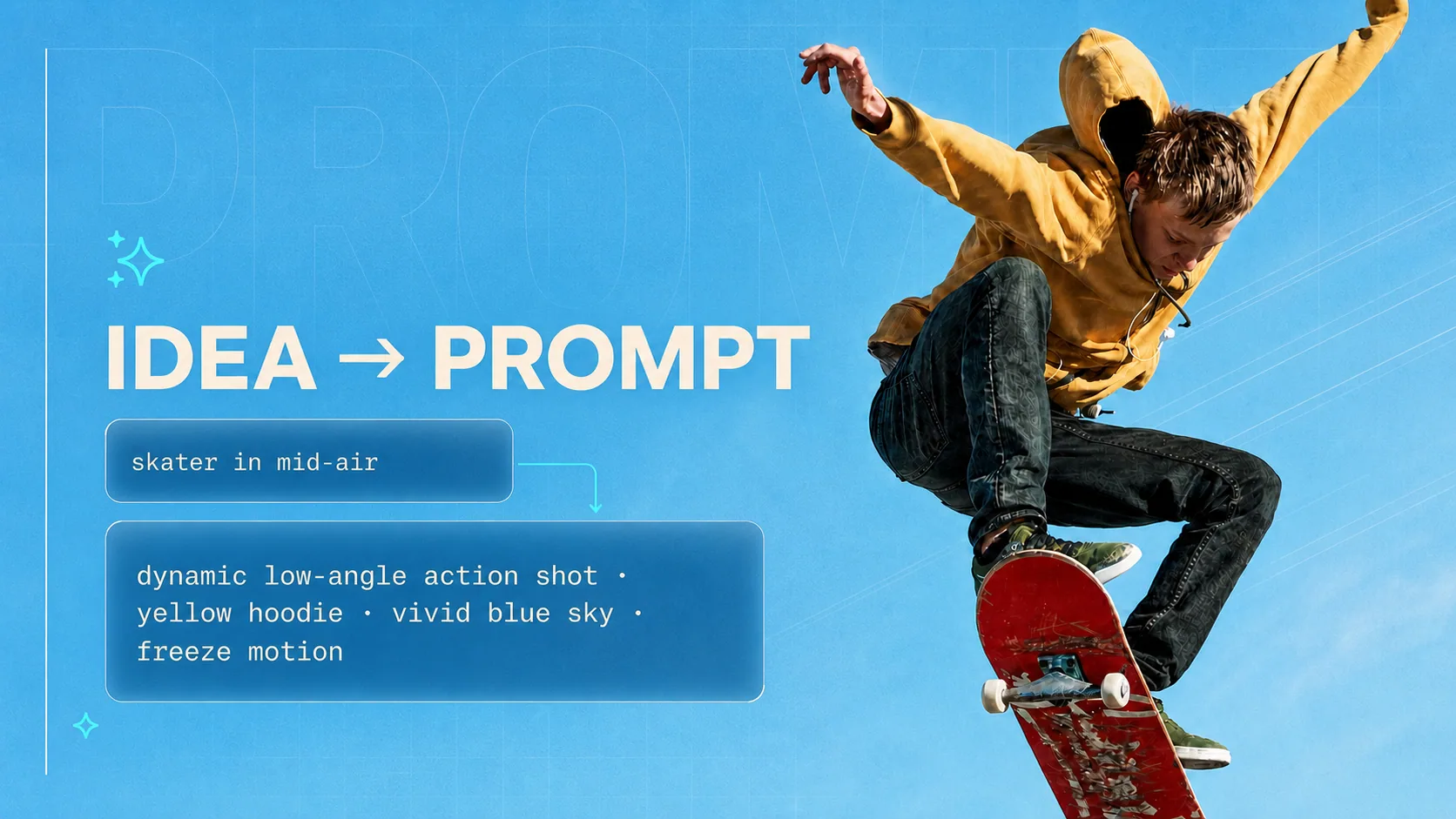
Starting from zero? Generate a complete prompt for Midjourney, Stable Diffusion, DALL-E, ChatGPT and Claude.
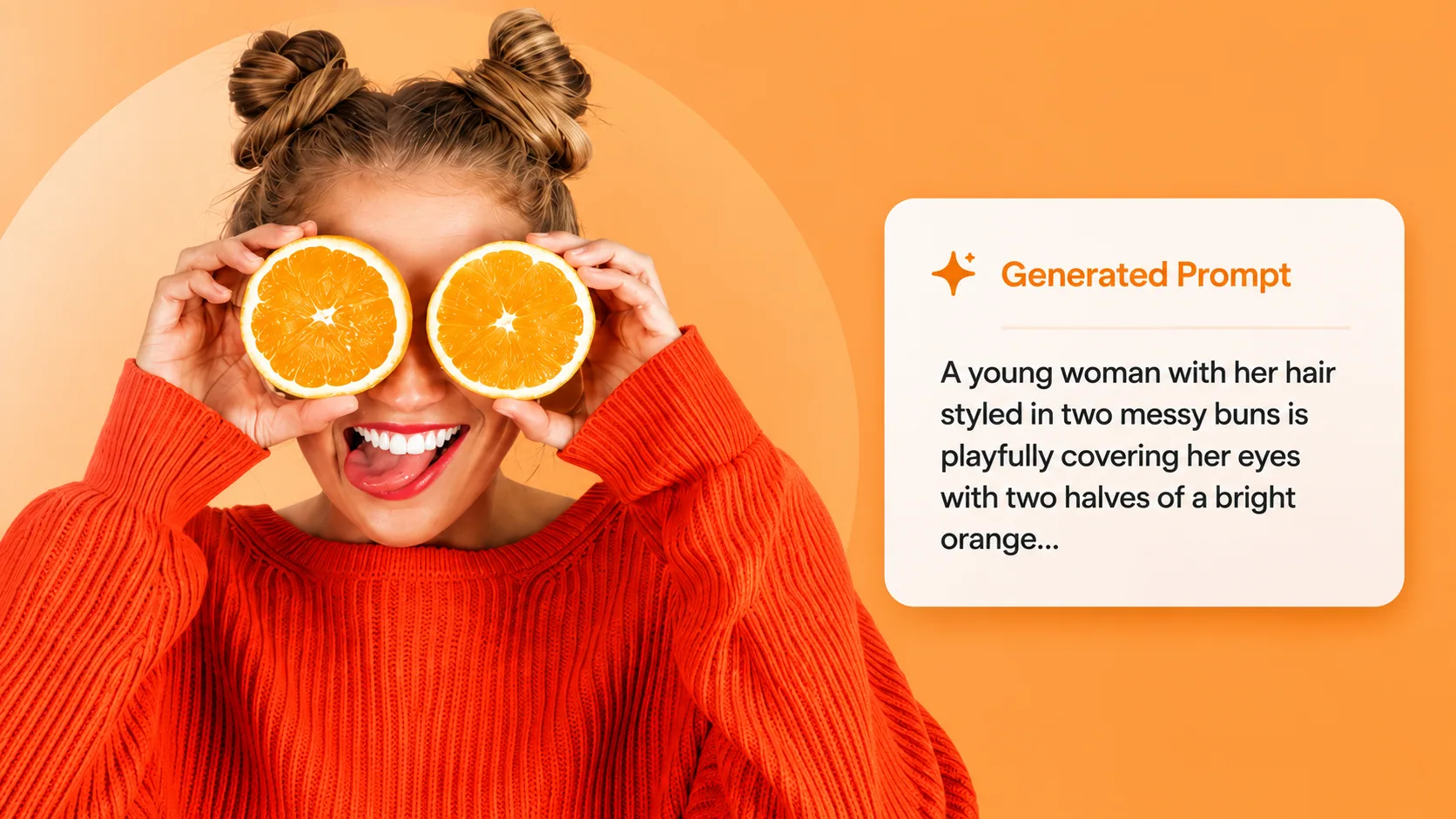
Have a reference image? Reverse it into a prompt, then enhance it here for Stable Diffusion.
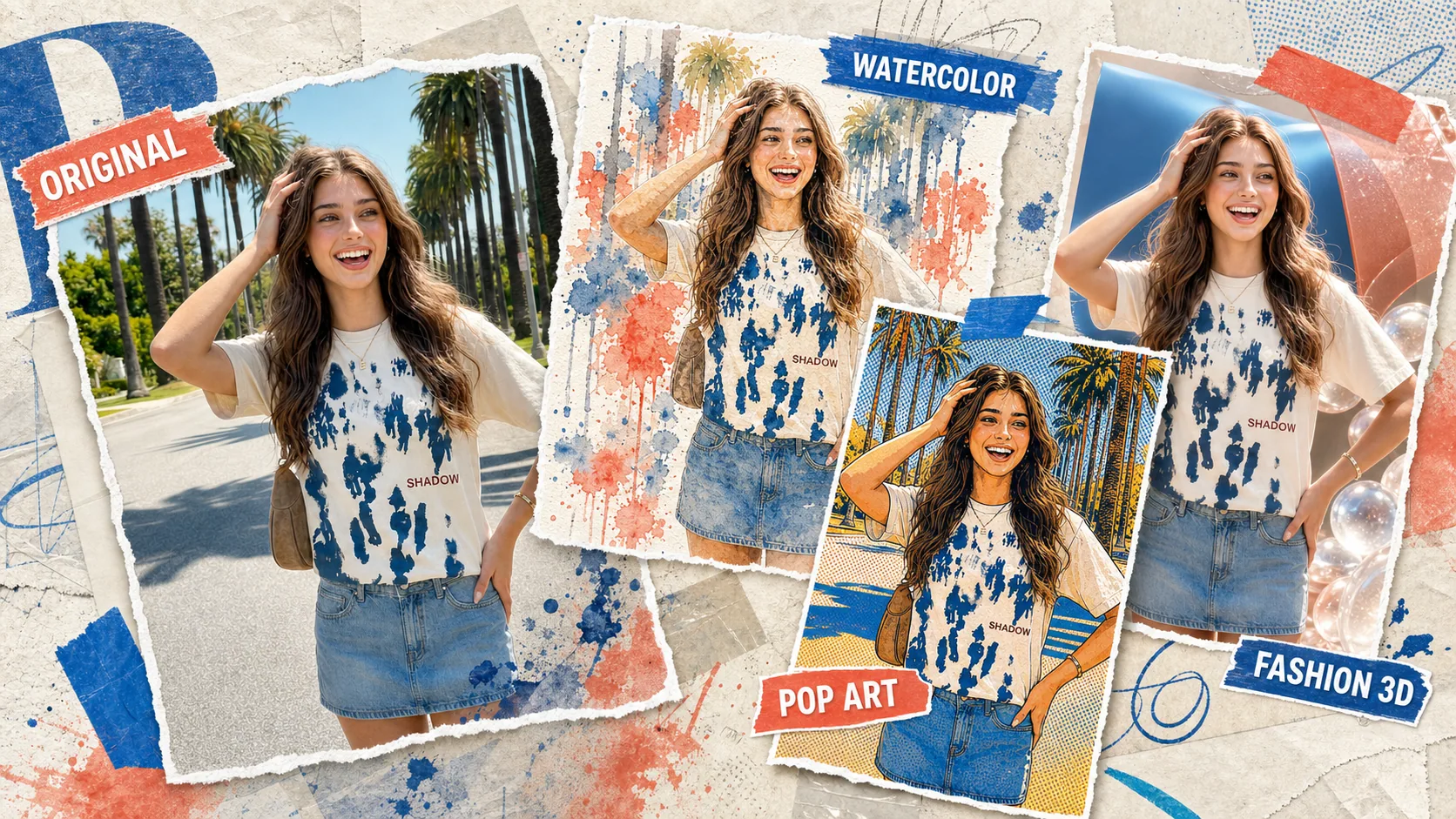
Skip the local setup — run your enhanced prompt directly in Vormly's AI image generator.
Start with a few words below. Free, no sign up.