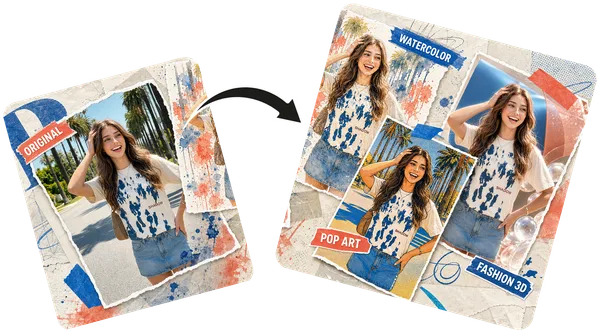
Your remixes will appear here
Upload an image and pick a style on the left — remixed images land on this canvas.
Upload a photo, pick one of fourteen styles, and get a new version in seconds. Add a line of your own to change what is in the picture as well.
Start remixing — freeAnime, manga, comic, oil painting, watercolor, ink wash, 3D character, claymation, pop art, pixel art, cyberpunk, cinematic and studio portrait. Pick one and remix.
Type a line such as "give her a wizard hat" and it is applied together with the style, so the remix can change what is in the picture, not only how it looks. For changes with no preset style at all, use Image to Image.
Remixes run on Vormly Pro by default, 5 credits at 1K, and every account gets free credits each day. Nano Banana 2 and GPT Image 2 are in the model menu too.
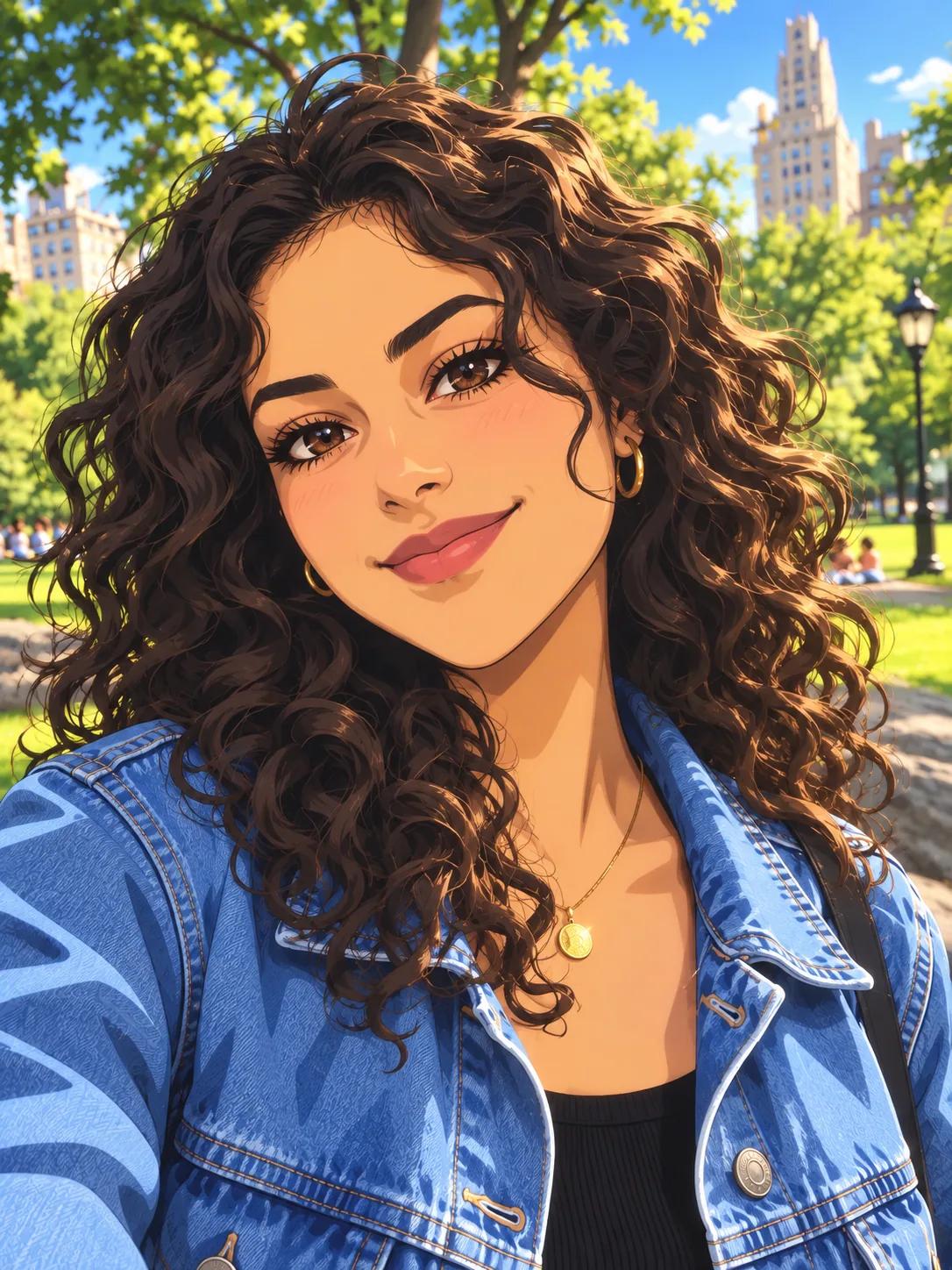 Anime
Anime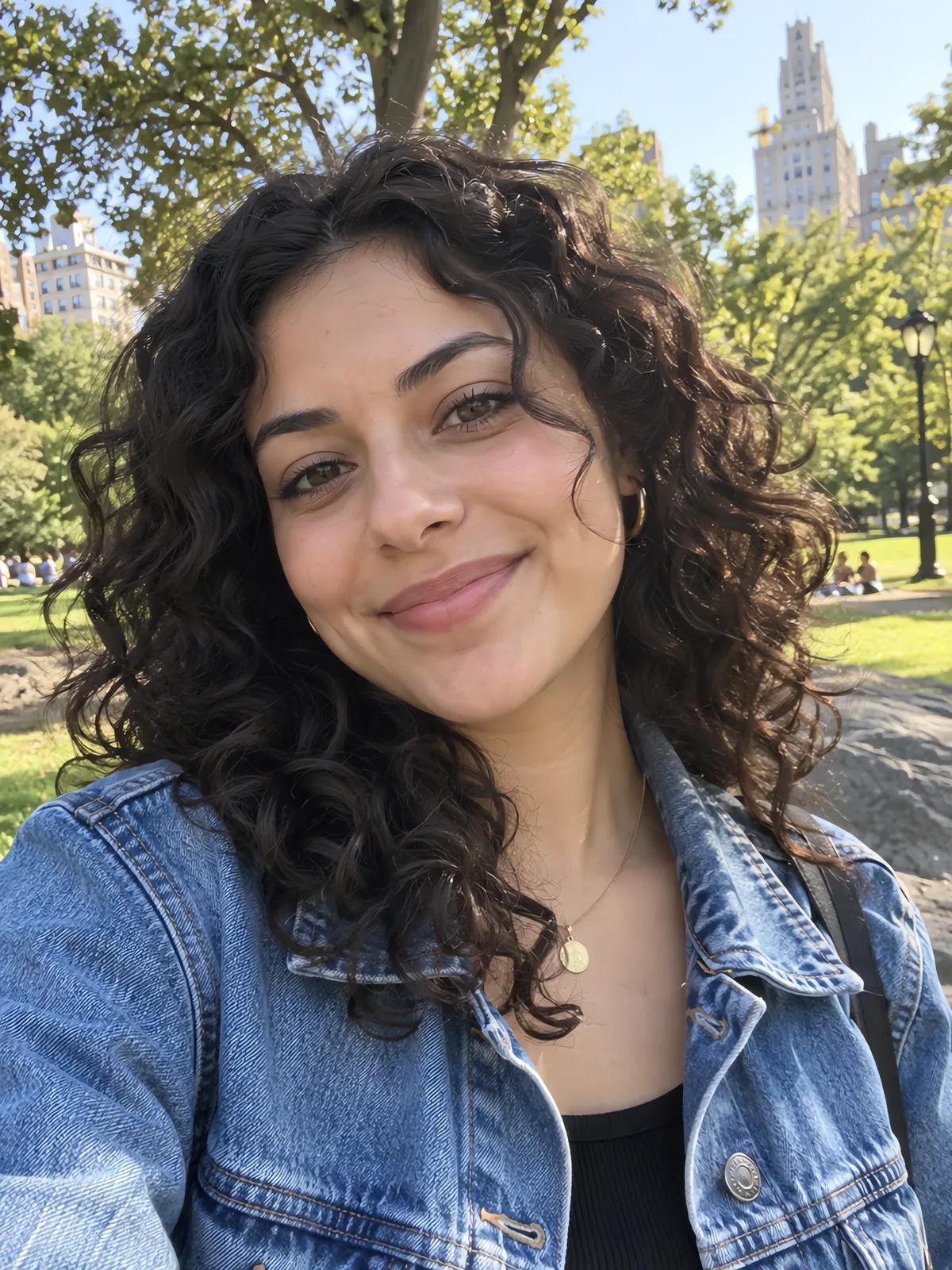 Original
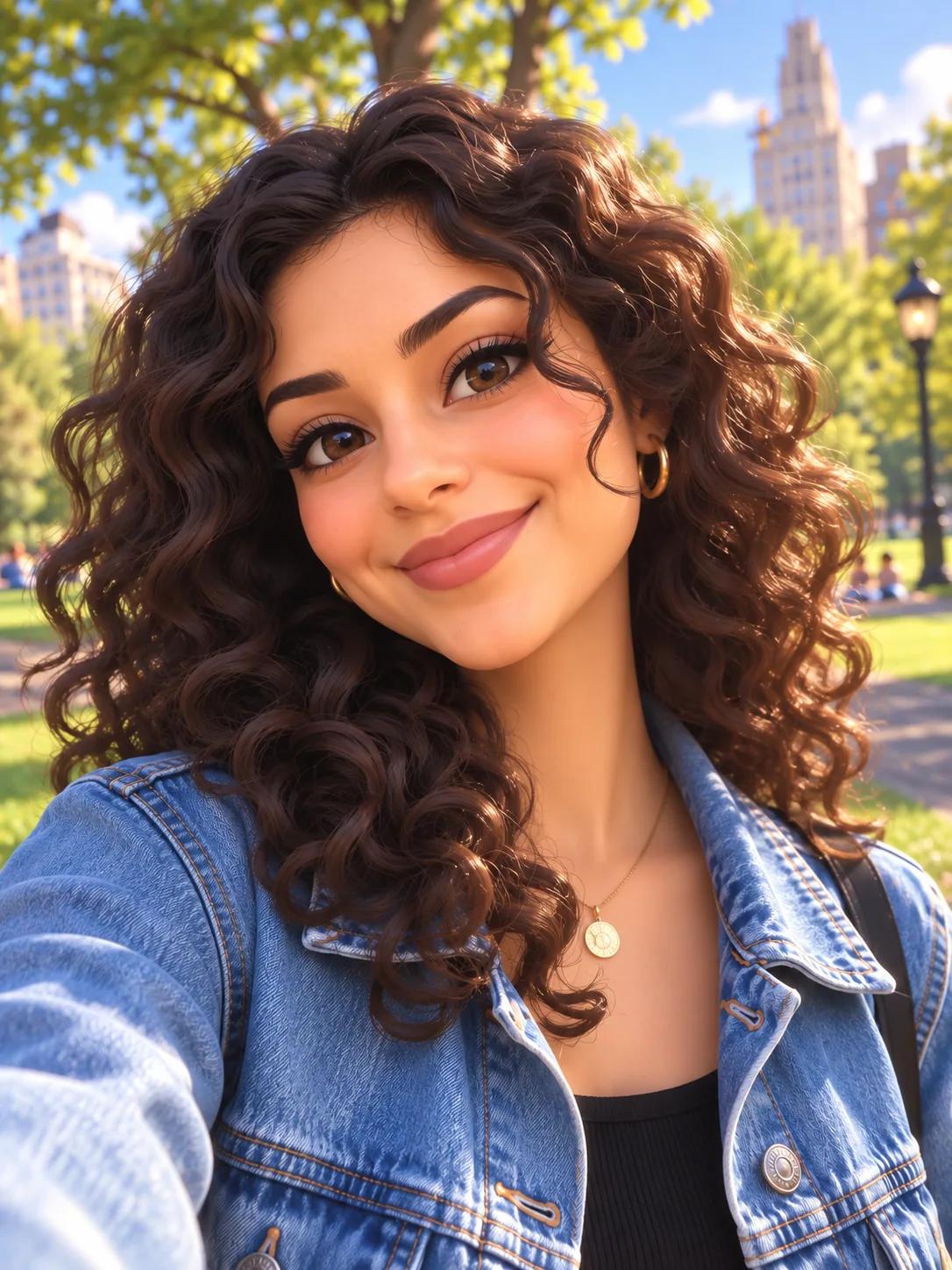 3D Character
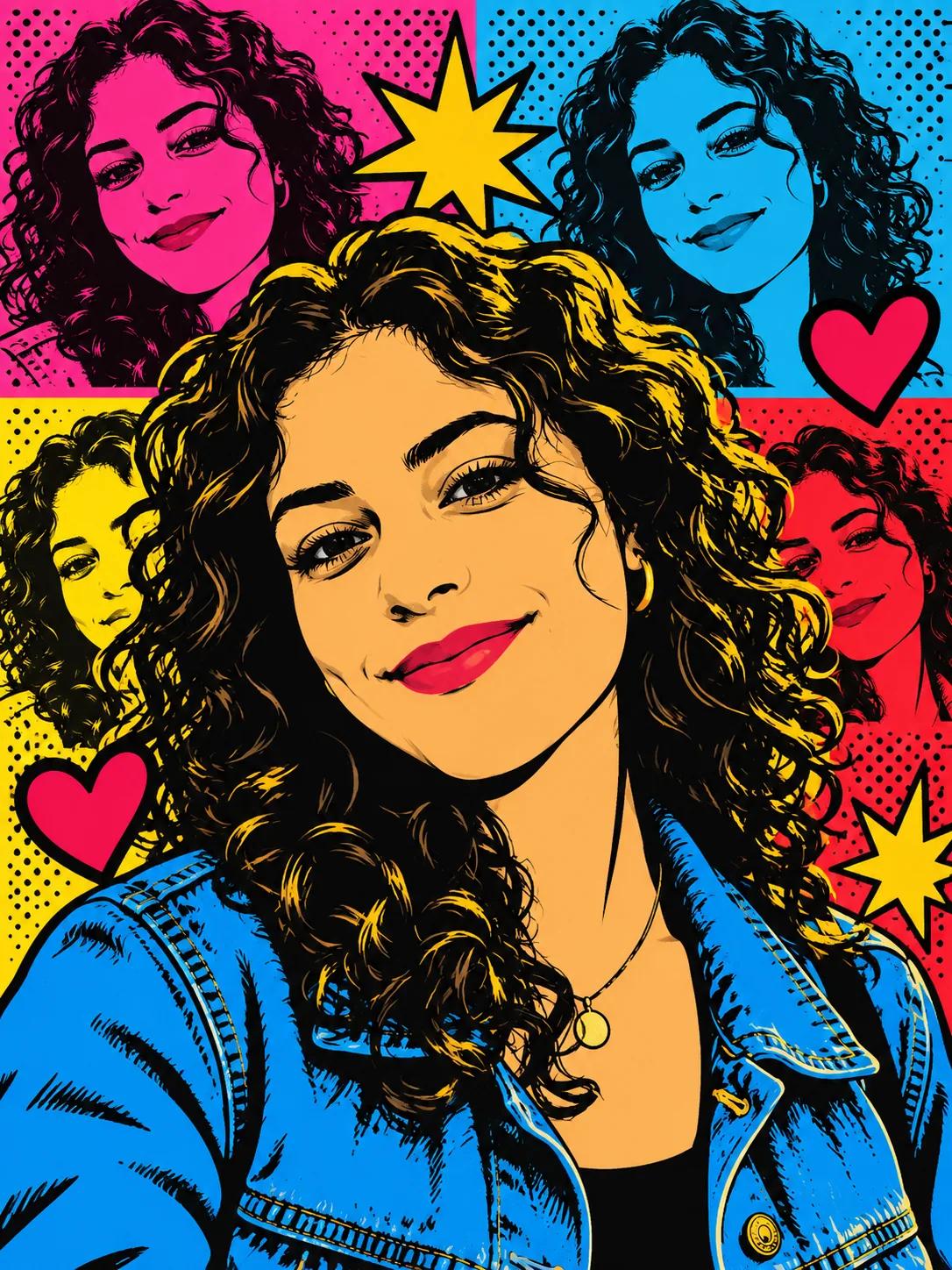 Pop Art
The same idea as the Remix button in some phone apps, for any photo in any browser: one selfie, three styles, and the face, hair and denim jacket carry through each one.
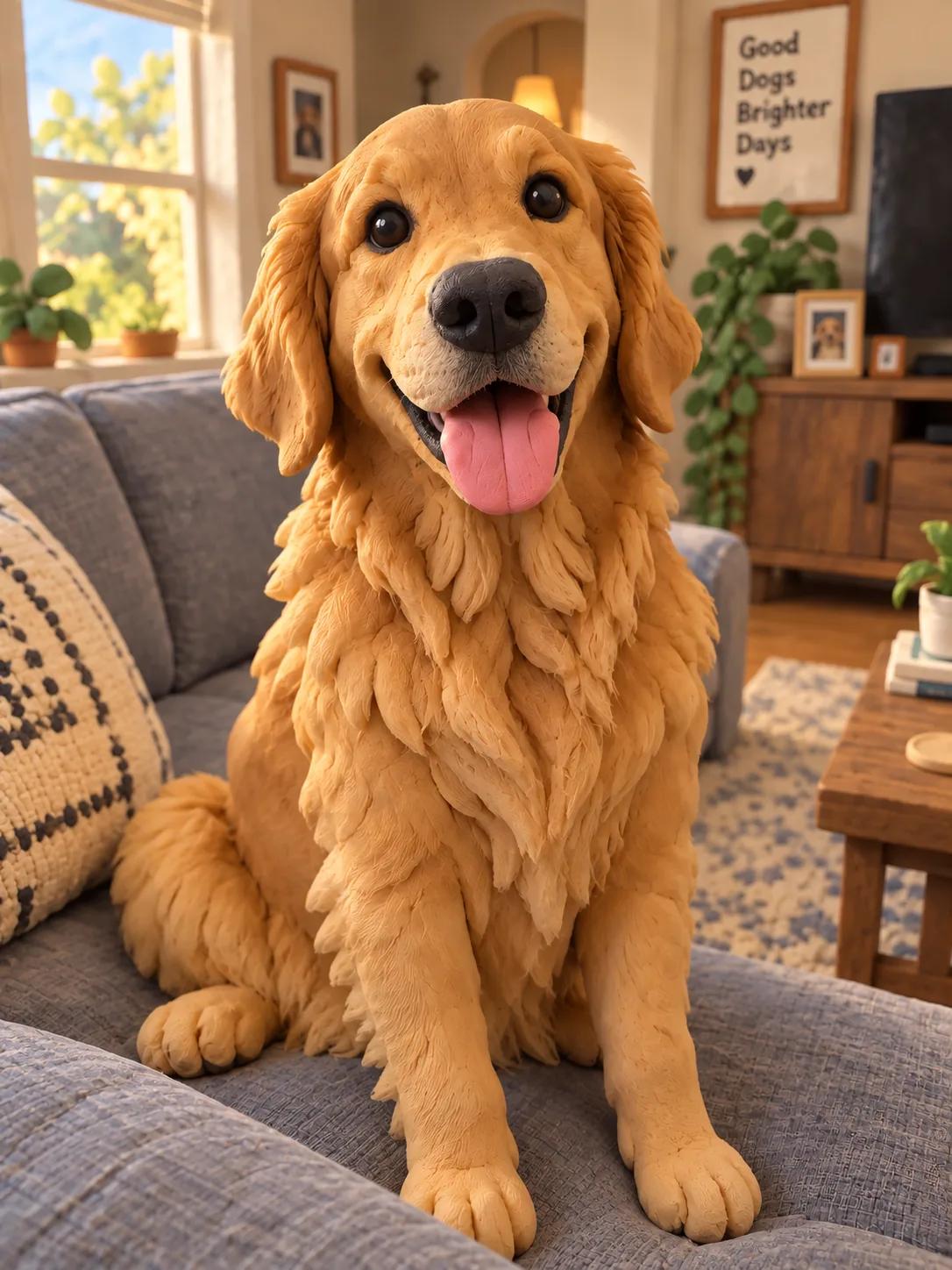 Claymation
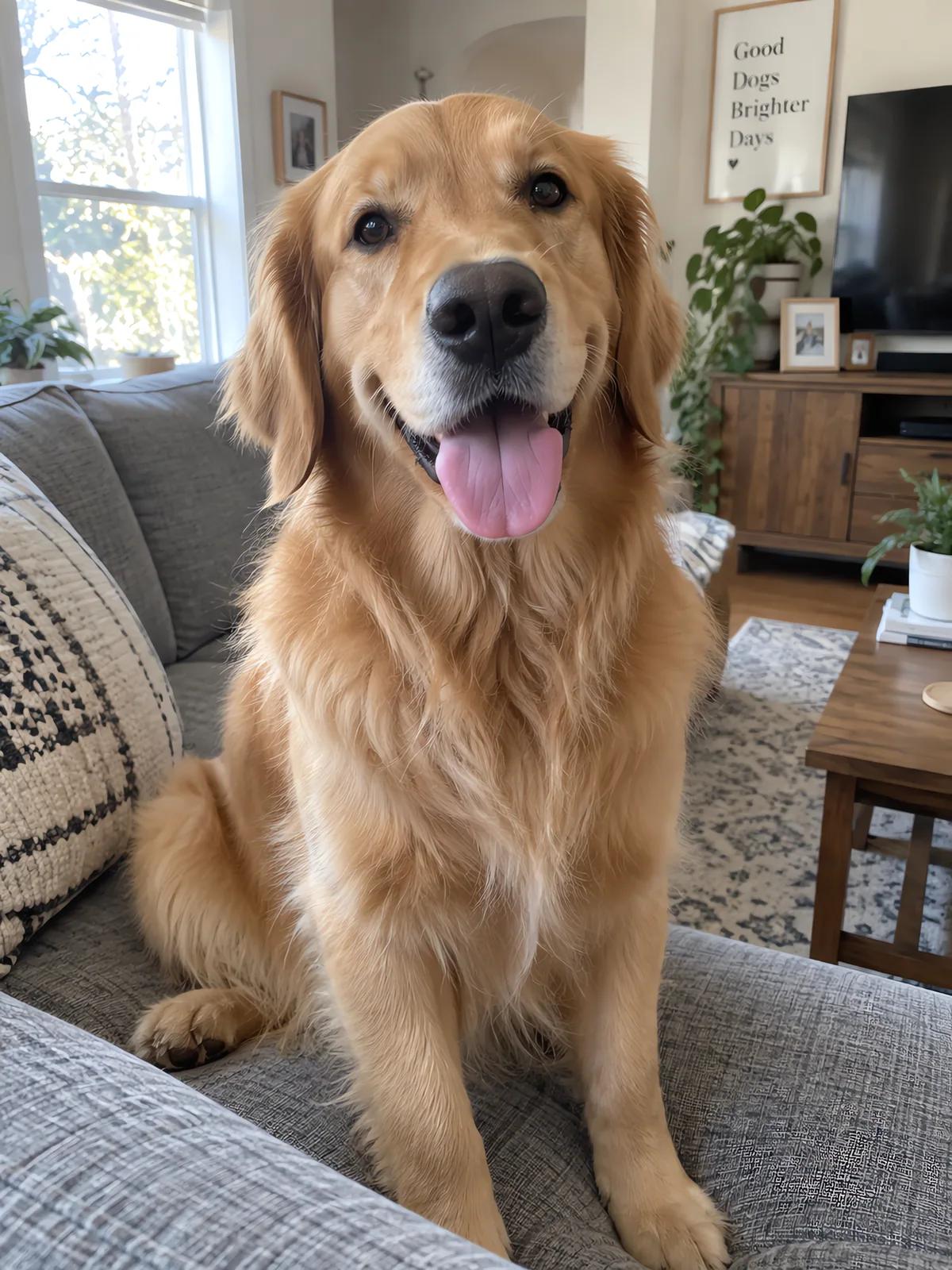 Original
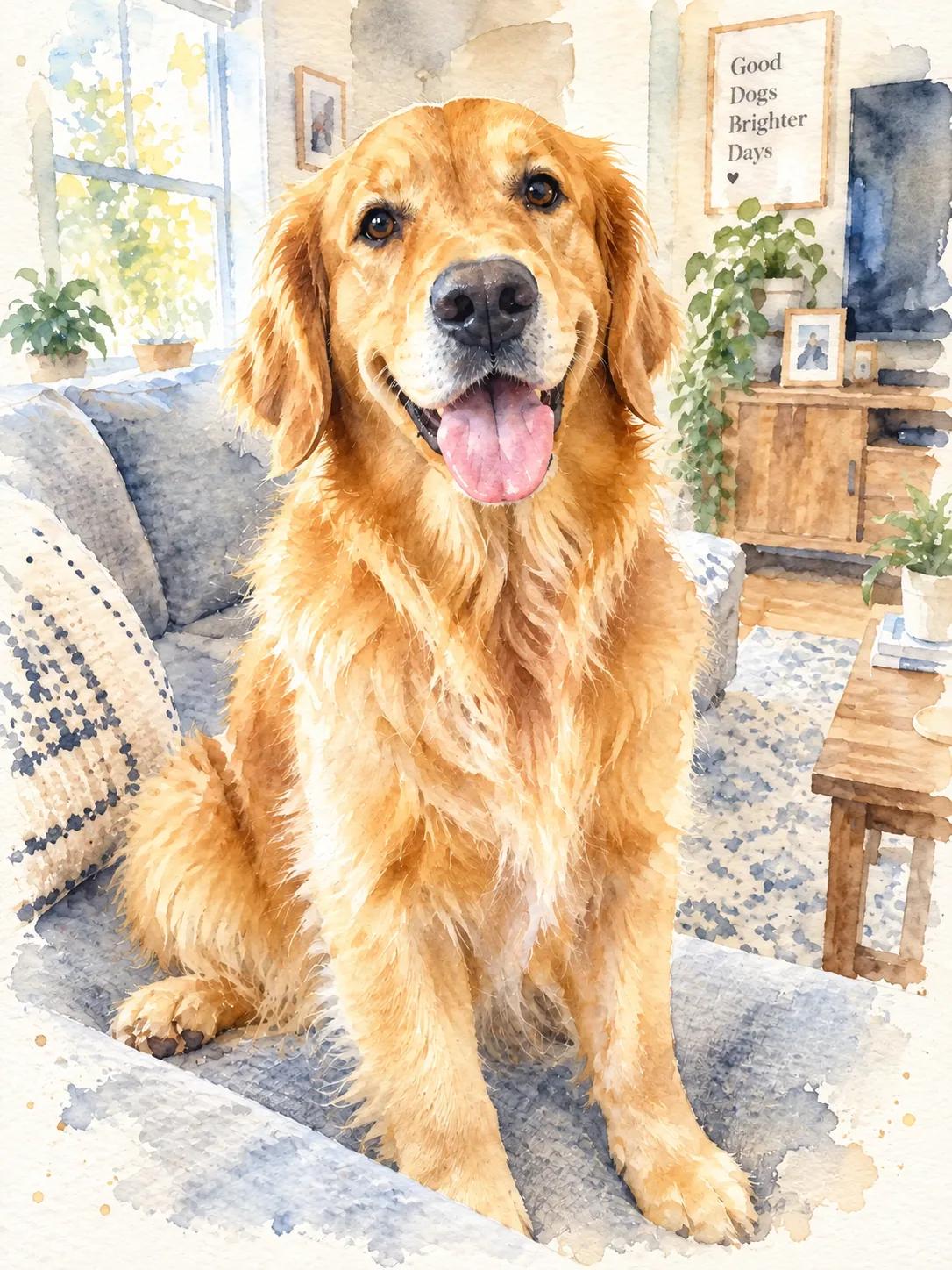 Watercolor
A dog on the sofa becomes a handmade clay model or a soft watercolor, still sitting on the same sofa. Pets with a clear face and good light remix best.
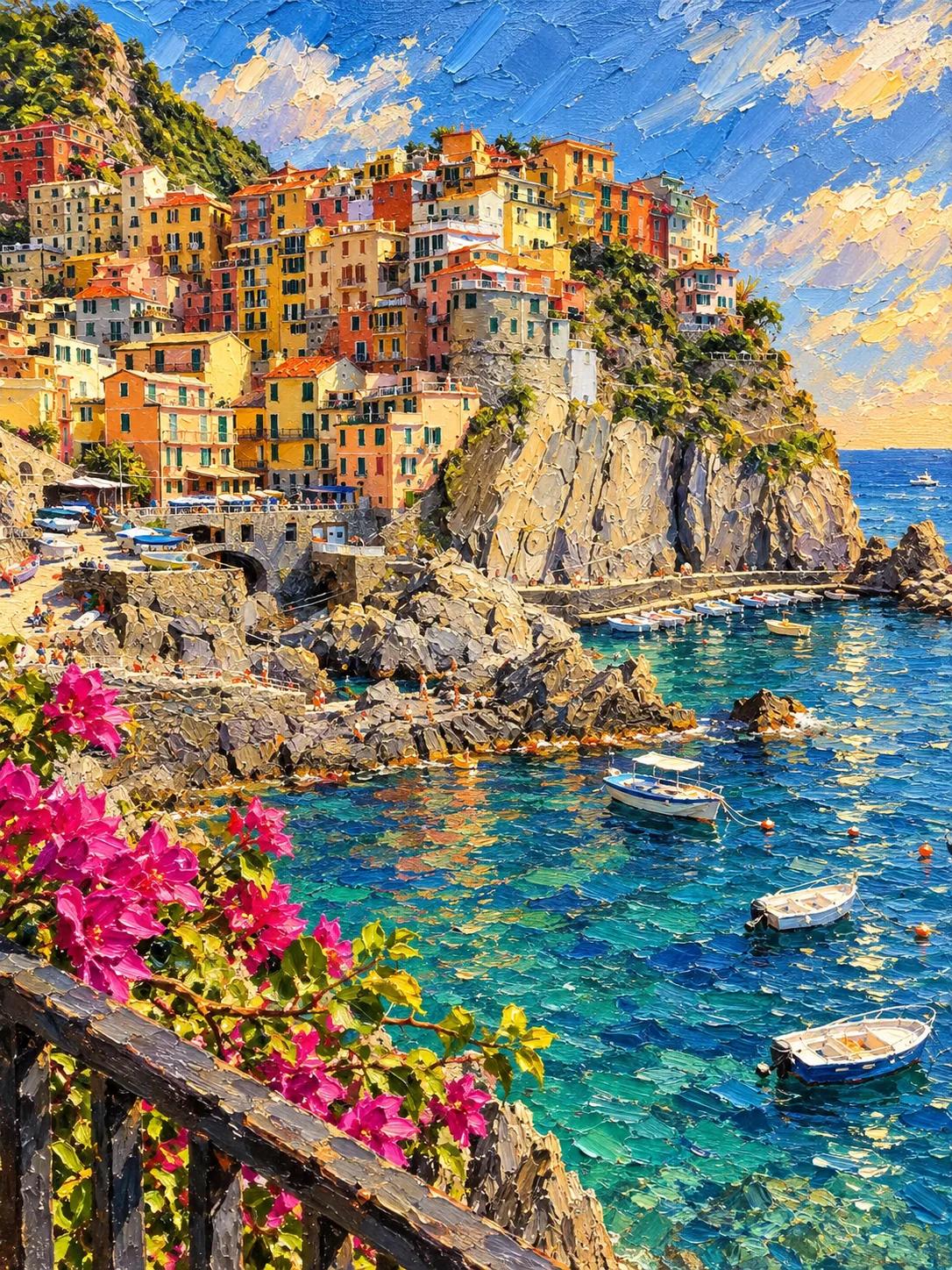 Oil Painting
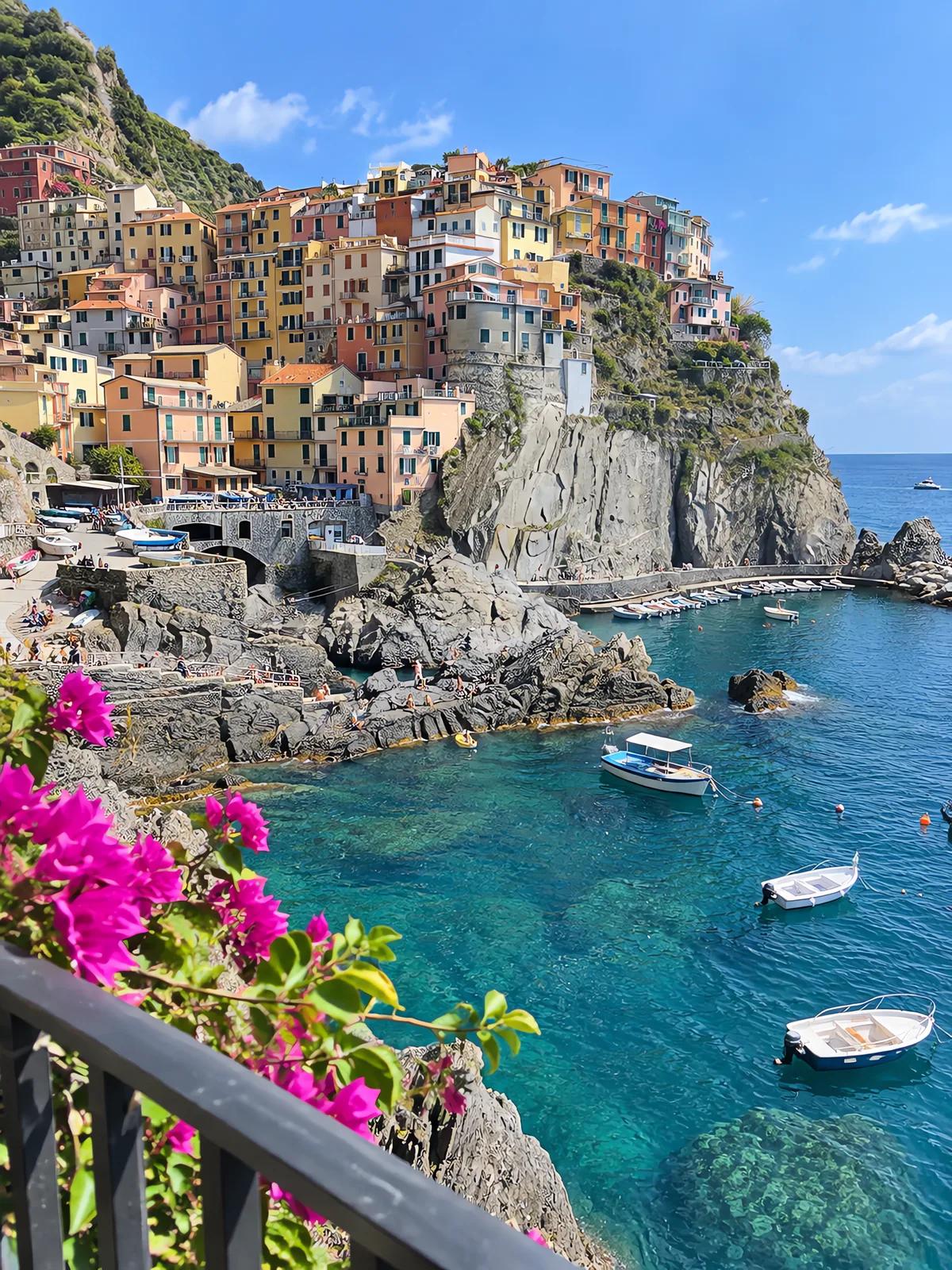 Original
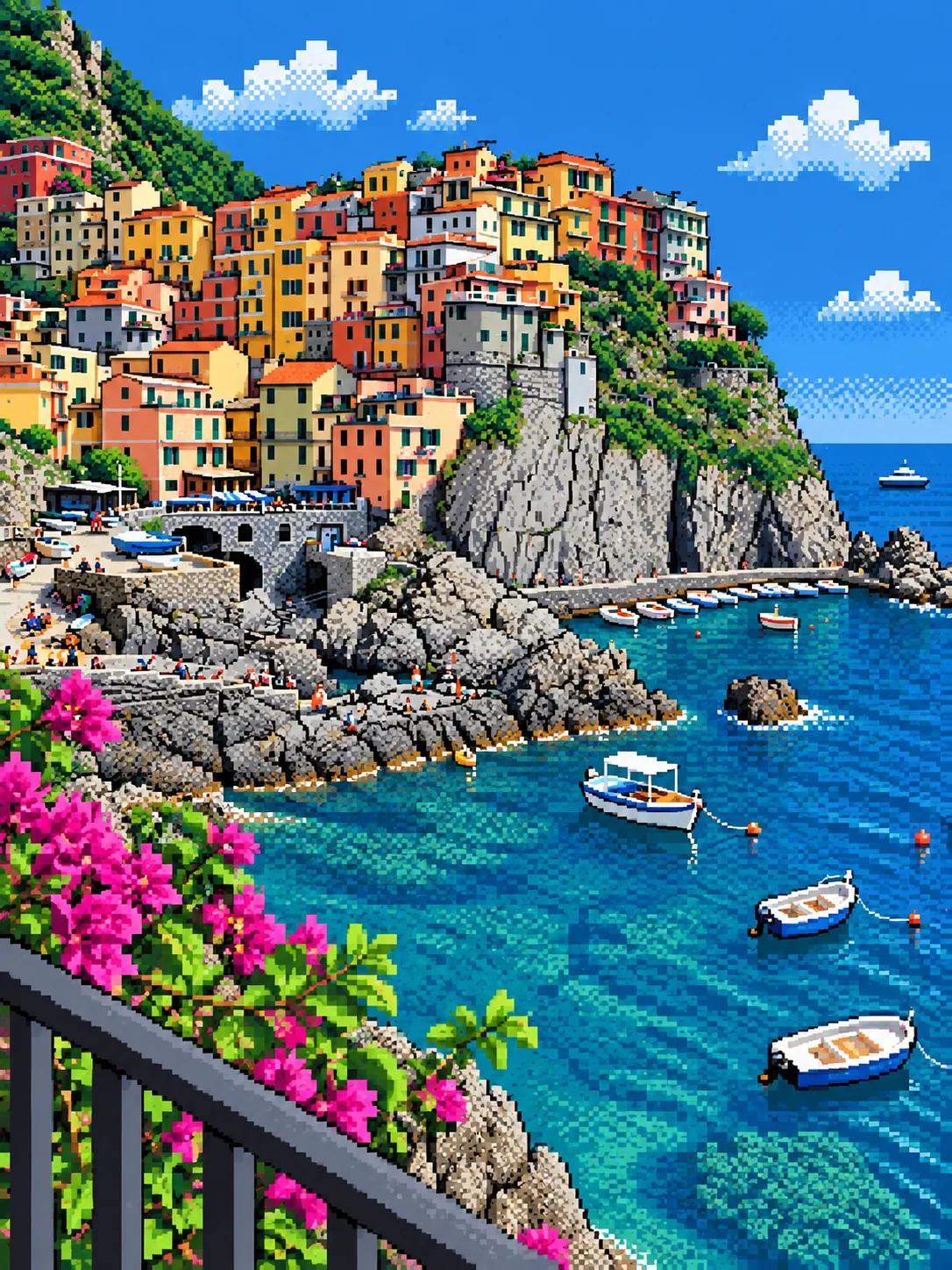 Pixel Art
A holiday snapshot becomes a thick oil painting for the wall or an 8-bit scene for a profile banner. Every house, boat and flower stays where it was.
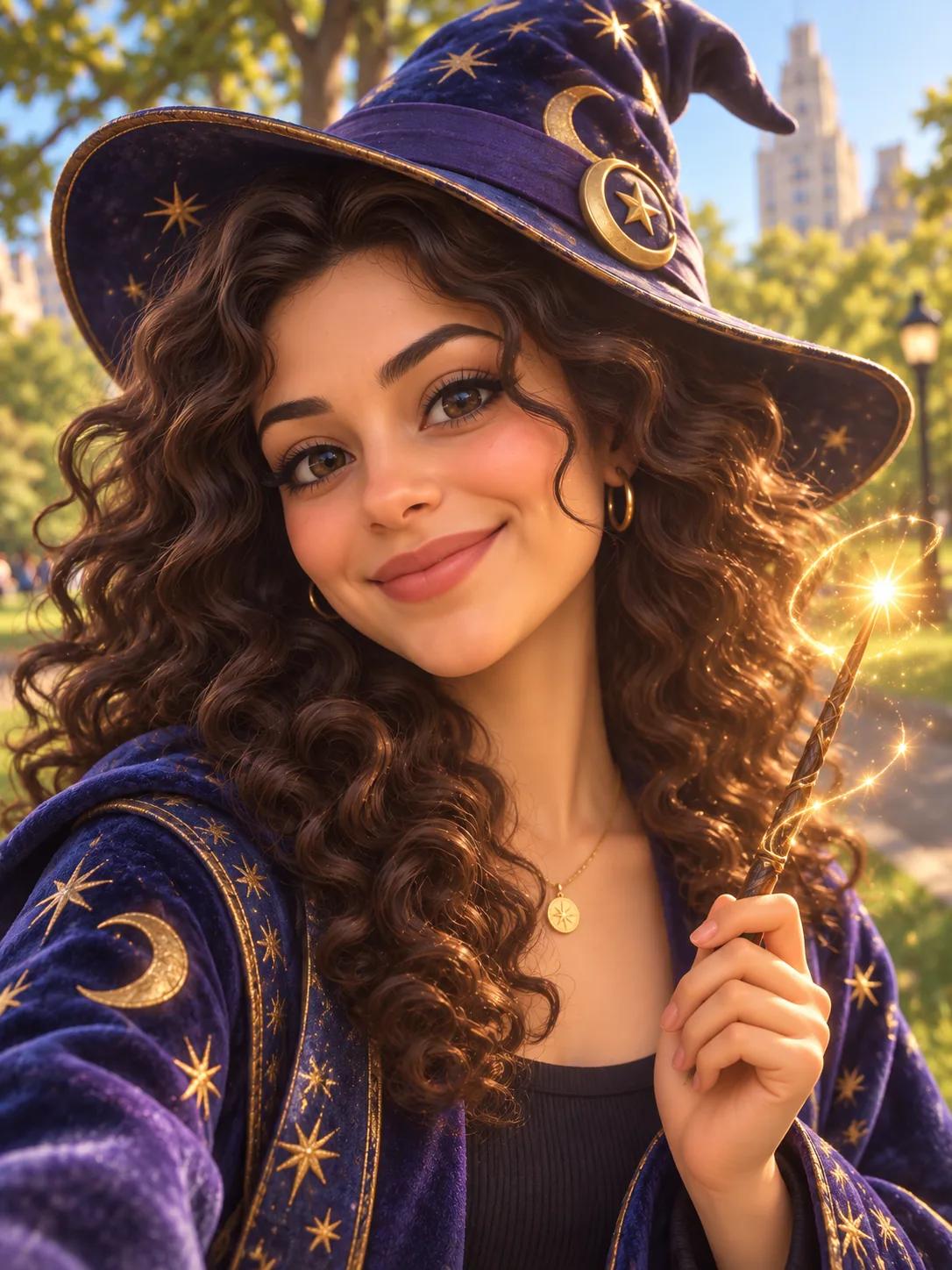 3D Character + your lineOriginal
Give her a wizard hat and a small glowing wand. (Style: 3D Character)
Write one line and it is added to the style. Here the 3D Character style with "give her a wizard hat and a small glowing wand": the model added the hat and the wand, and a starry robe to match.
Drop in a PNG, JPG or WebP up to 9MB. A clear subject in good light remixes best. iPhone photo in HEIC? Convert it with HEIC to JPG first.
Choose one of fourteen, or let the shuffle button pick for you.
Type a line to change what is in the picture too: a hat, a new background, a different season.
The cost shows on the button before you click. Try another style on the same photo, download the one you like, or bring it to life in Image to Video.
To make a new version of a picture in a different style while keeping what is in it: the same person, pose and scene, redrawn as anime, a clay figure or a pop art print. Here you upload a photo, pick a style and the AI does the redrawing.
No. Remix in those apps is part of the app. AI Image Remix is a separate web tool that works in any browser, on any photo you upload, and gives you a file to download.
Yes, to start. Remixes run on Vormly Pro by default at 5 credits at 1K, and every account gets free credits each day, so a couple of remixes a day cost nothing. Nano Banana 2 and GPT Image 2 are in the model menu too, and the button shows the cost before you click.
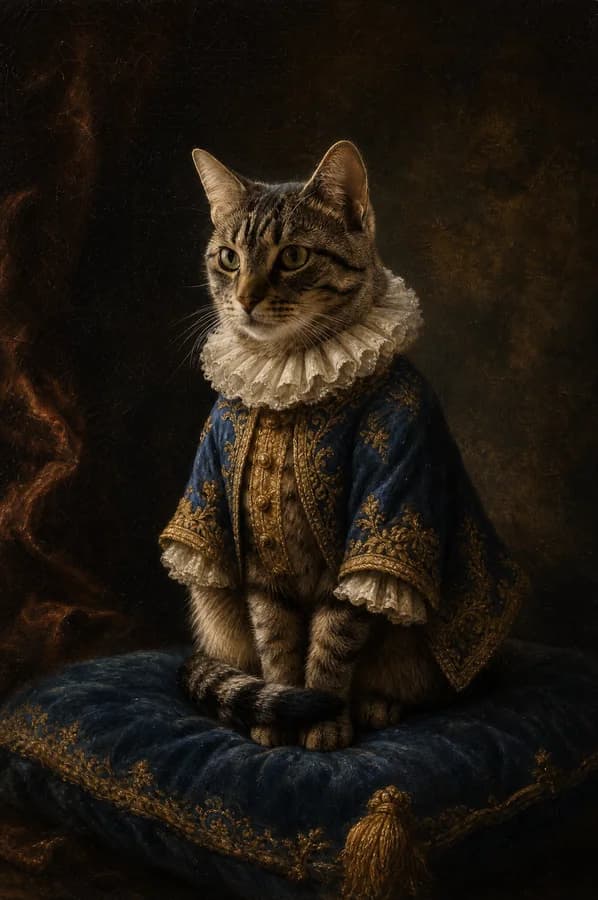
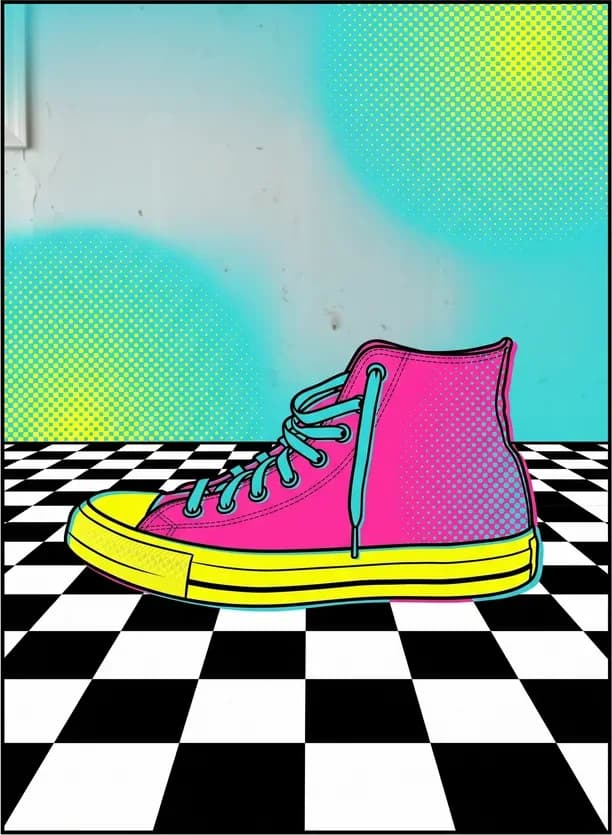
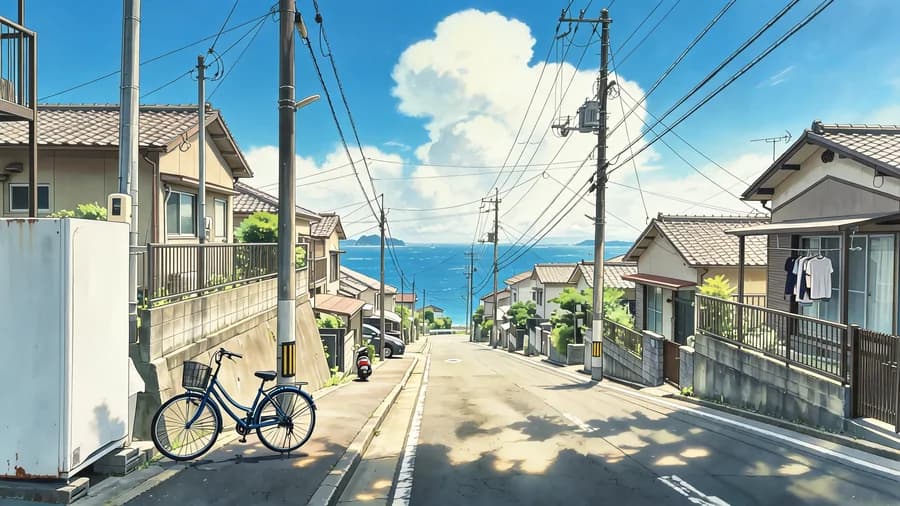
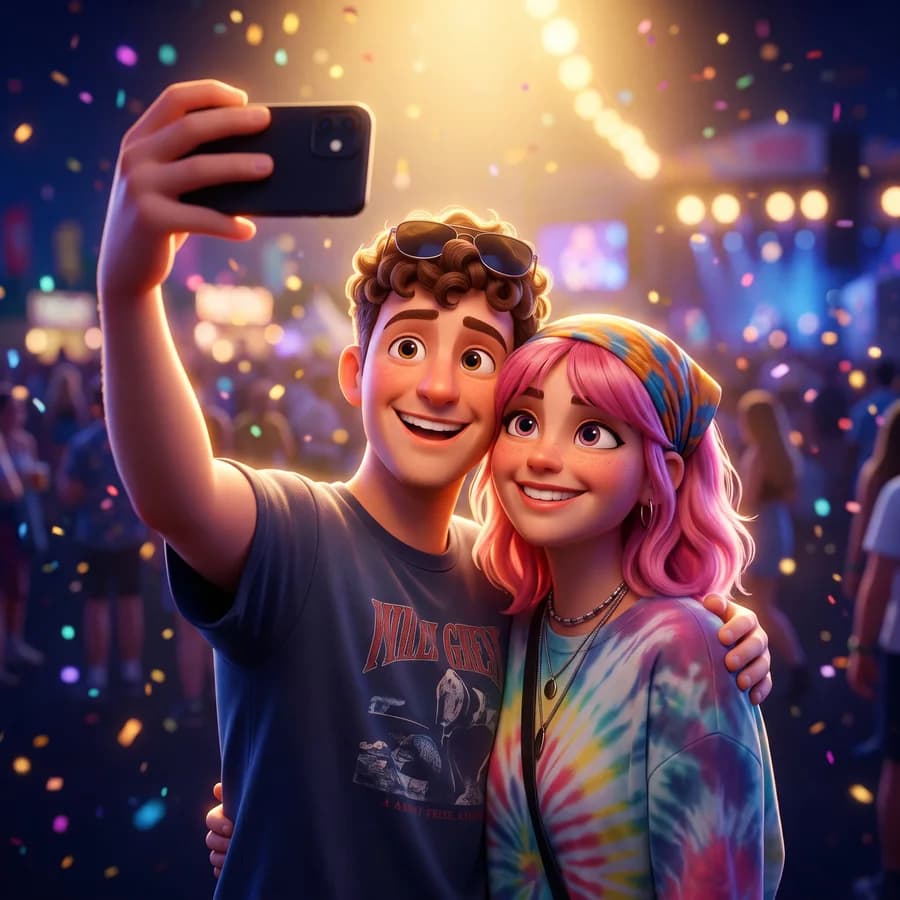
Fourteen, in five groups: anime, manga and comic; oil painting, watercolor and ink wash; 3D character and claymation; pop art, pixel art and cyberpunk; cinematic and studio portrait. The shuffle button picks one at random.
The pose, hair, clothes and setting carry over, and a face usually stays recognisable. The further a style is from a photo, the more it changes: pixel art and claymation simplify a face much more than a cinematic grade does.
Yes. Type a line in the prompt box, such as "give her a wizard hat", and it is applied together with the style. For changes without a preset style, use Image to Image.
Yes. Pets come out well as claymation, watercolor or 3D characters, and travel photos as oil paintings or pixel art. Any photo works; a clear subject in good light works best.
Remix restyles one photo. To combine pictures, such as a person with an outfit from another photo, upload both in Image to Image and say what goes where.
Yes. Download it, open Image to Video, drop it in and describe how it should move.
Only when you download on a free account: the file gets a small Vormly mark in the corner. Paid plans download the clean image.
You can use what you make, including commercially, as long as you had the right to use the photo you uploaded; remixing someone else's picture does not make it yours. New remixes are public by default and can appear in Explore; on a paid plan you can make them private.
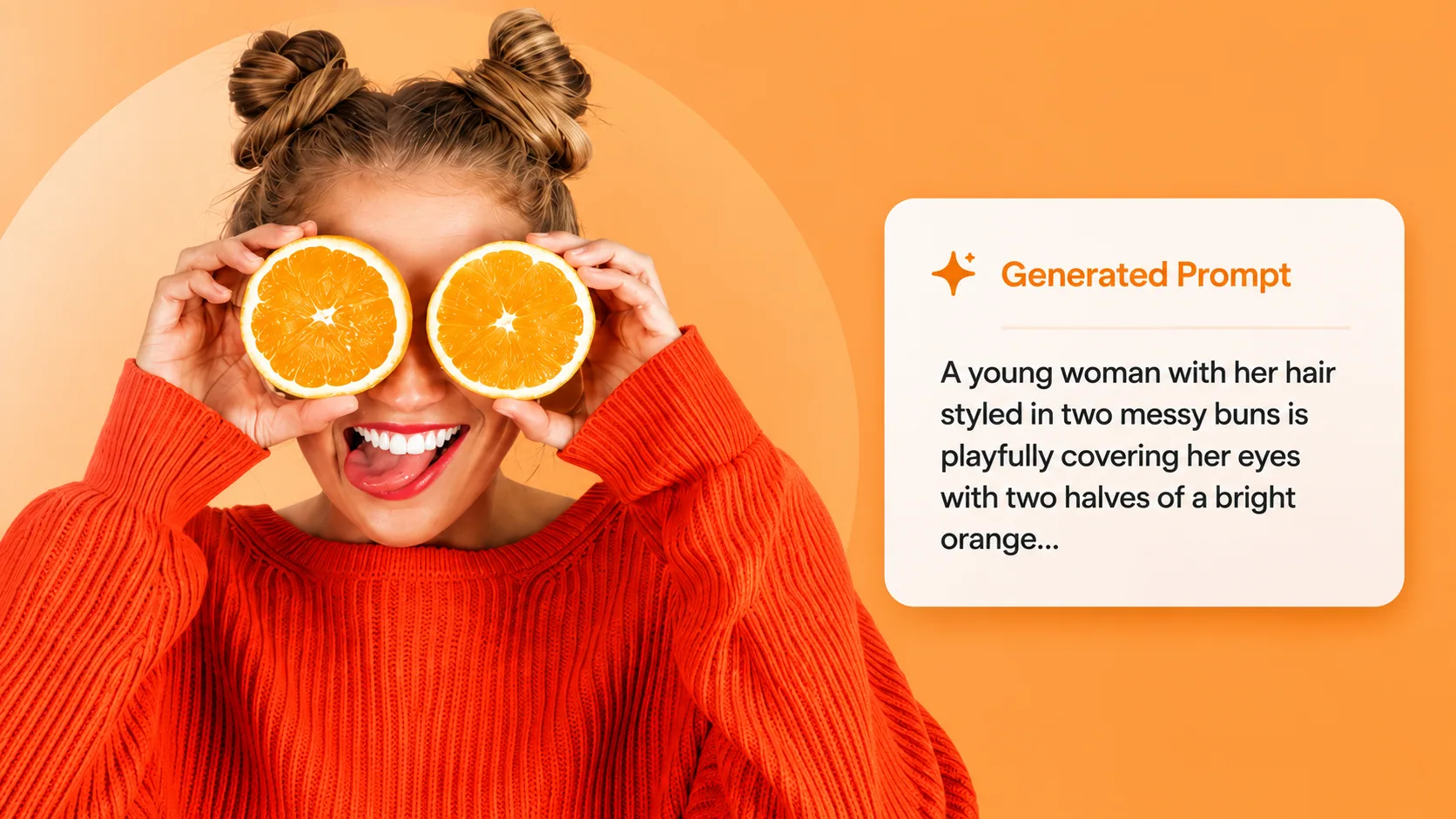
Want to remix an image you found online? Extract its prompt first, then restyle it here with full control.
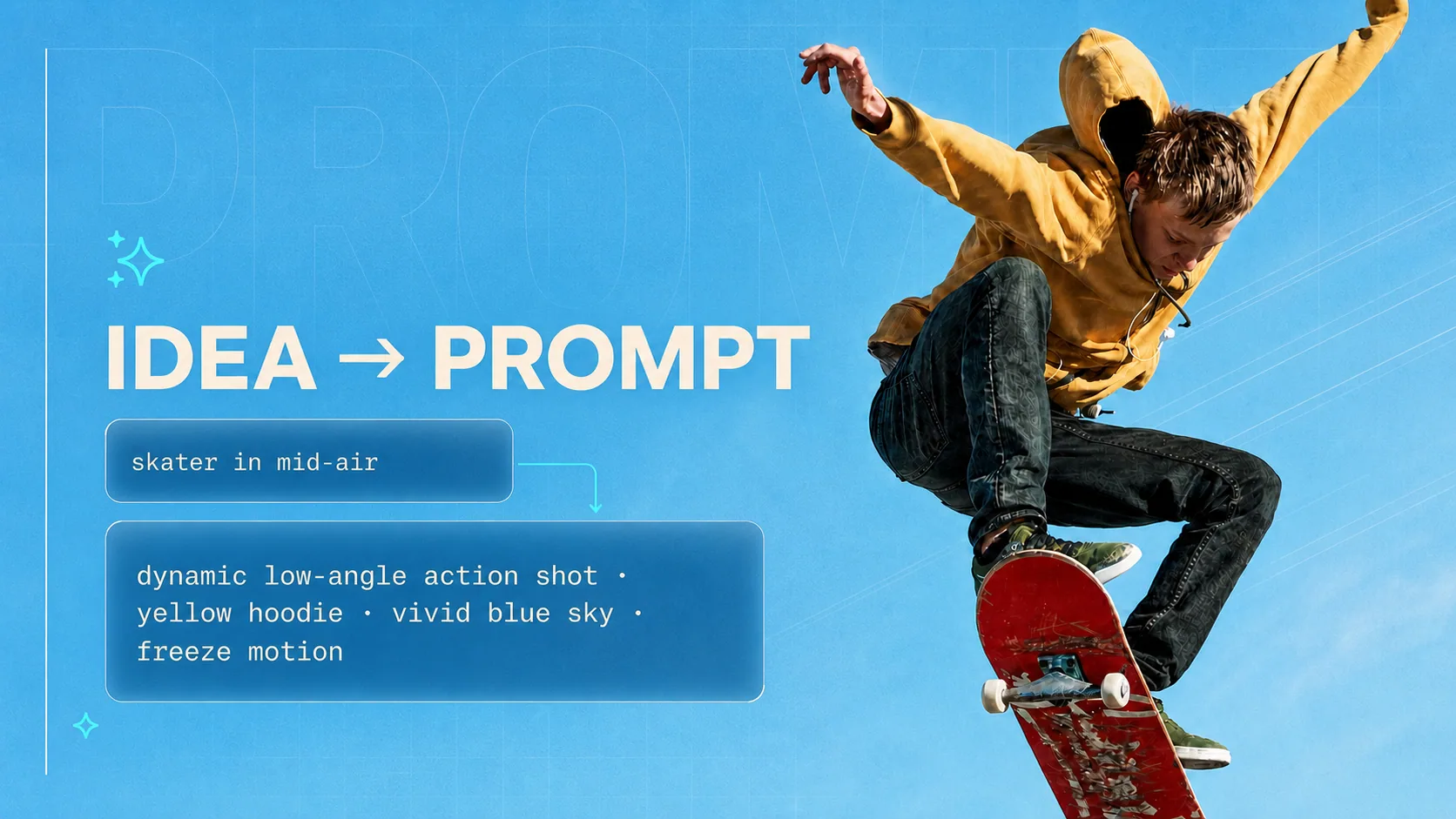
Struggling to describe your remix? Turn a rough idea into a detailed, model-ready prompt — free and unlimited.
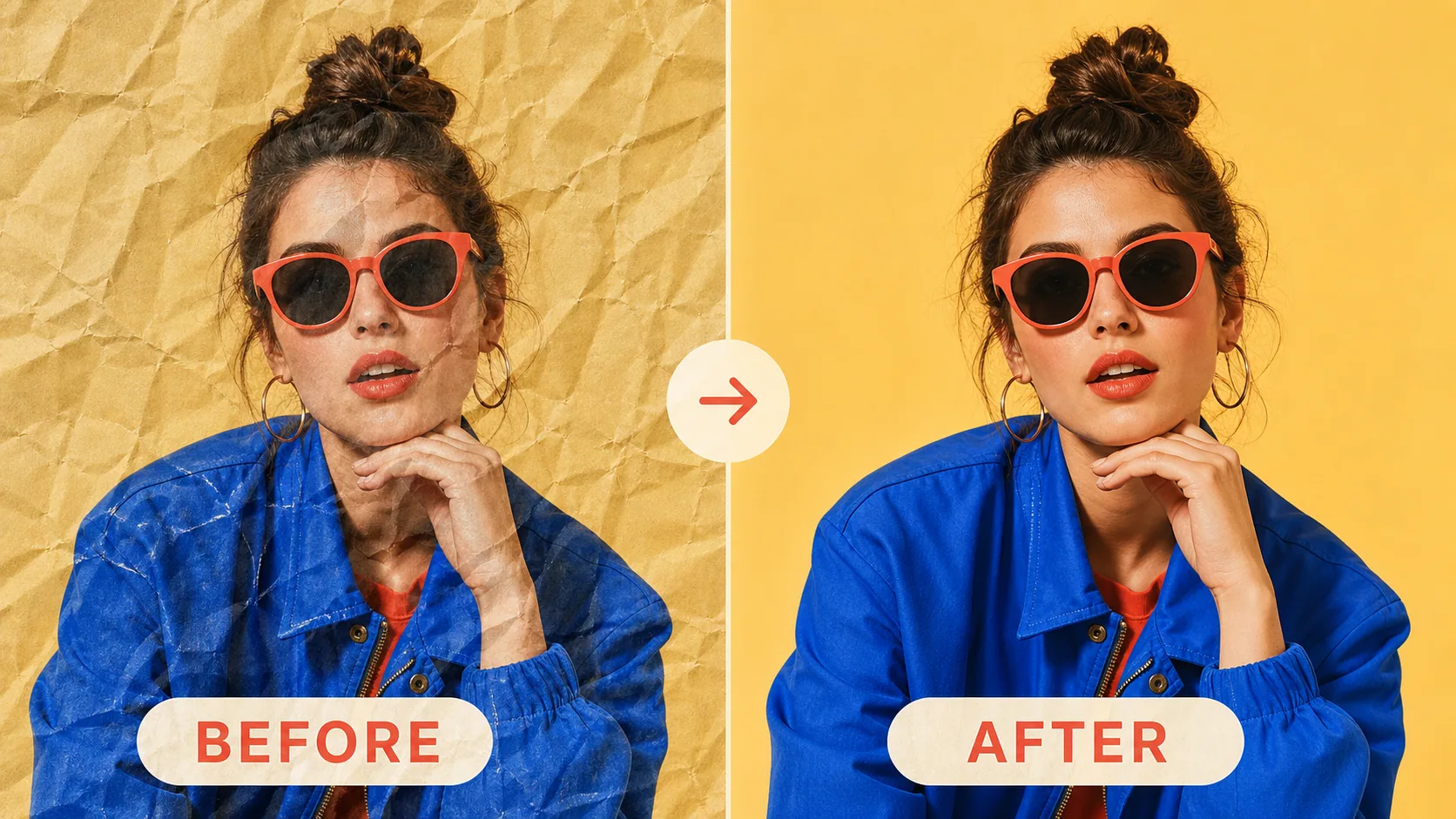
Restoring instead of restyling? Remove creases and fold marks from scanned photos and documents with AI.
Each of the fourteen styles is a request these models are documented to handle.
Restyling a photo while keeping what is in it is a standard task for these models. Google documents it for Nano Banana 2, which is in this page's model menu; each of our fourteen styles is that request, already written for you.
“Provide an image and ask the model to recreate its content in a different artistic style.”