optional
Upload a picture and describe the motion. Your image stays the opening frame, and the model moves it from there.
Try it freeThe clip starts on exactly the image you uploaded, so the face, the product or the room is still yours in the first second. The model only adds what happens next.
Grok Video makes a 6-second clip for 25 credits. Once the motion looks right, run the same photo and prompt on Kling, Seedance or Veo for a cleaner take.
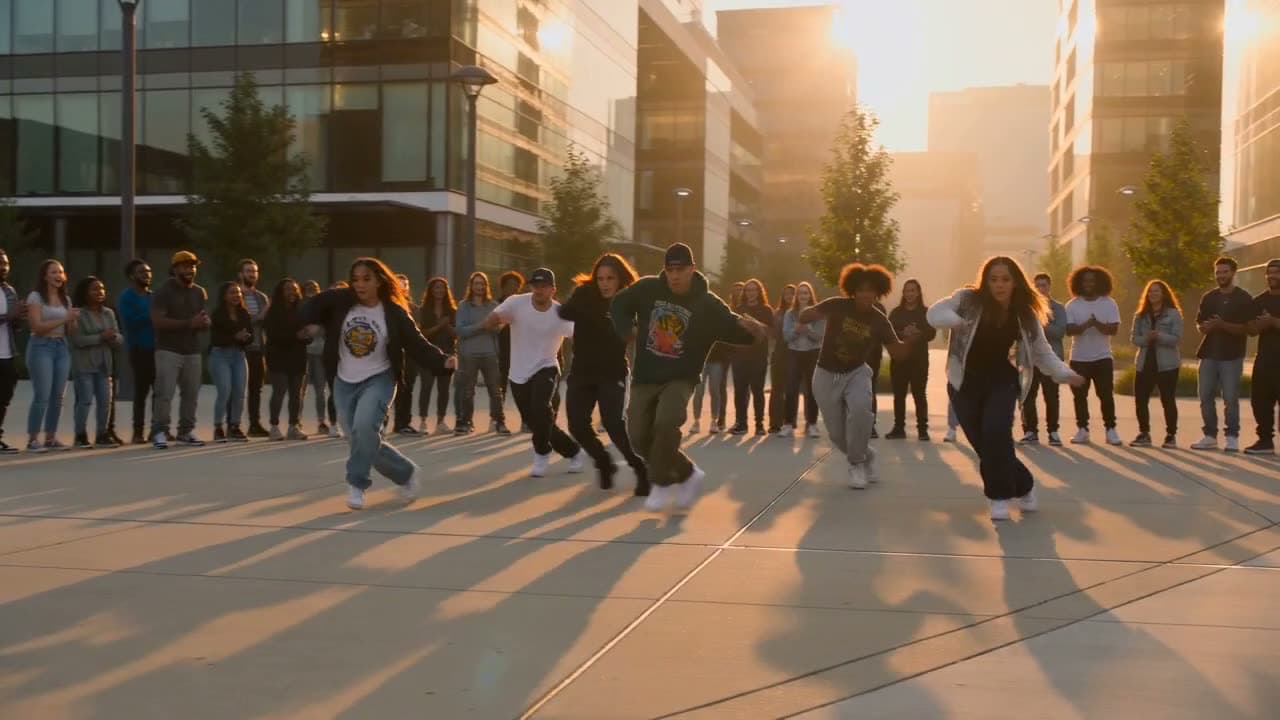
Grok Video, Veo 3.1, Kling, Seedance 1.5 and newer, PixVerse, Wan and HappyHorse make the sound with the picture: footsteps, wind, a crowd.
 Photo
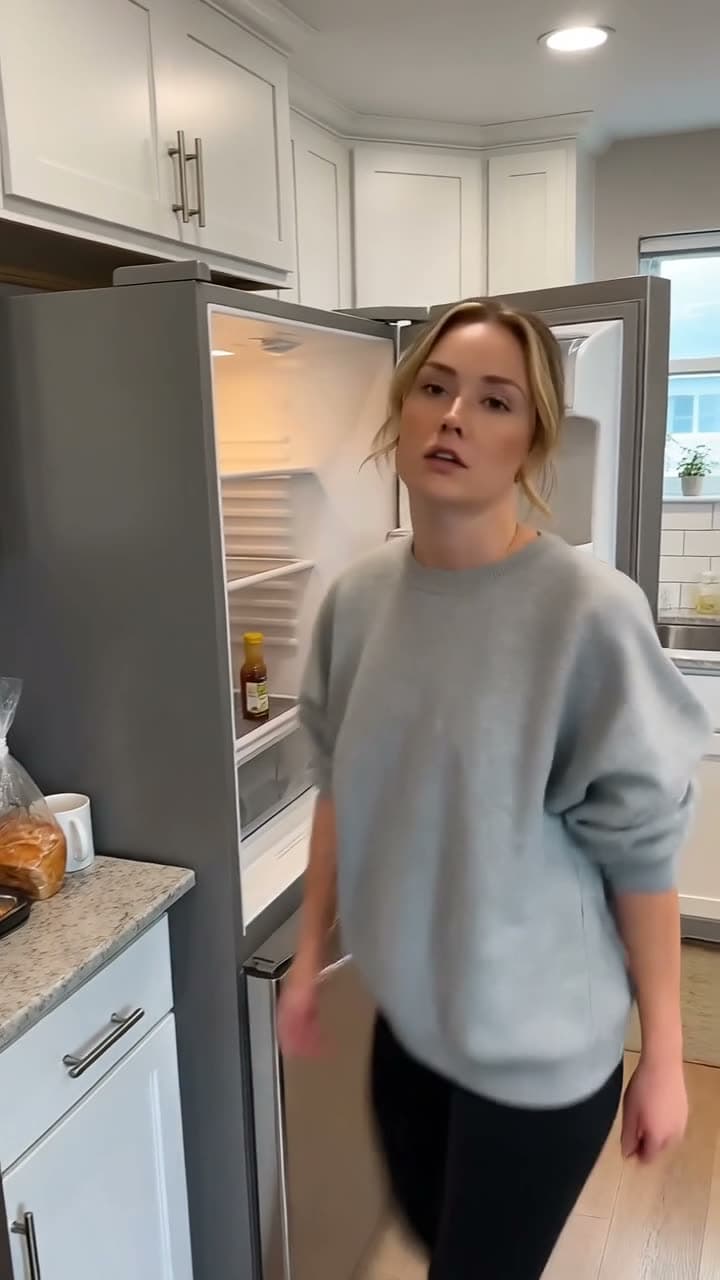
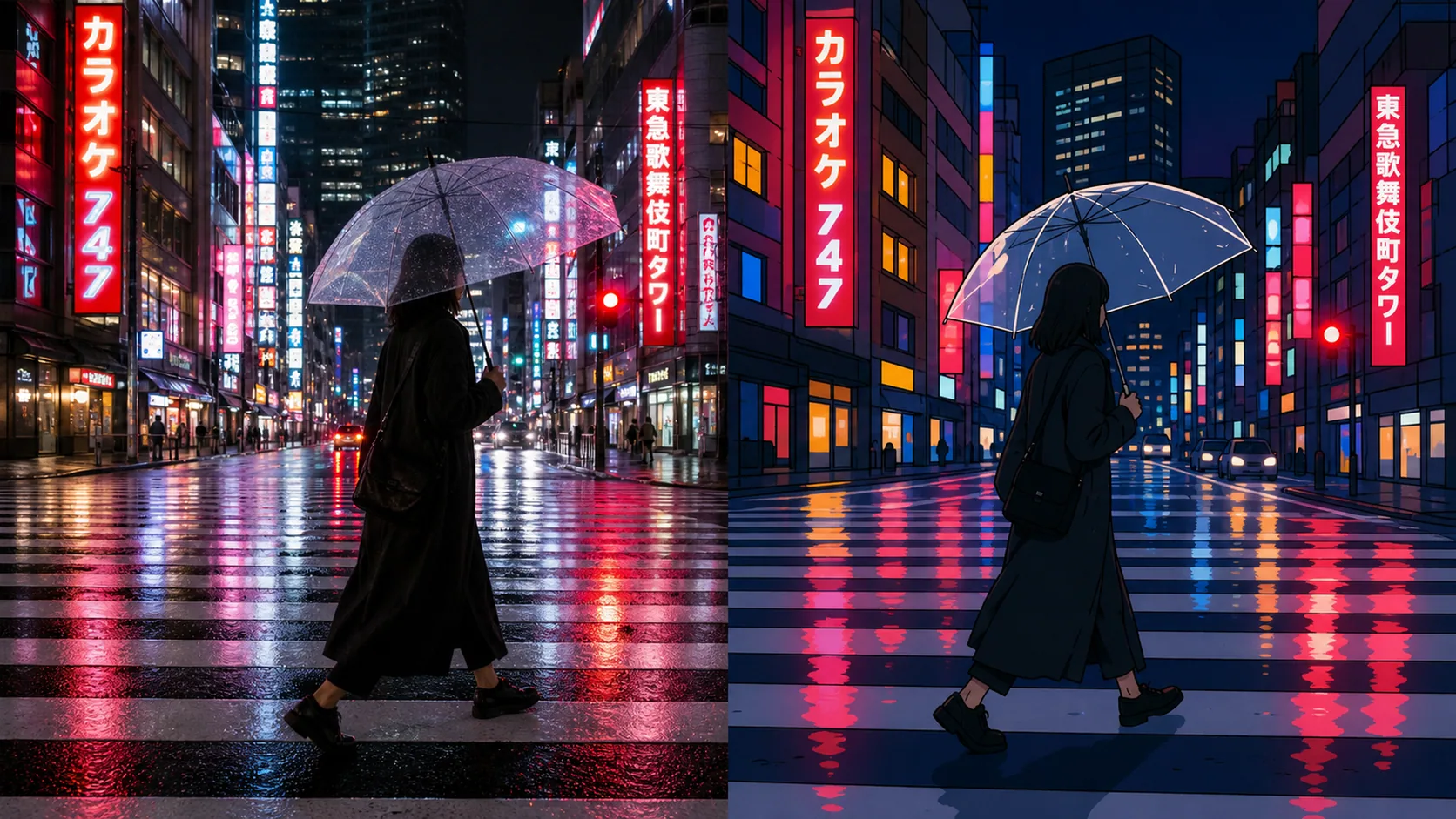
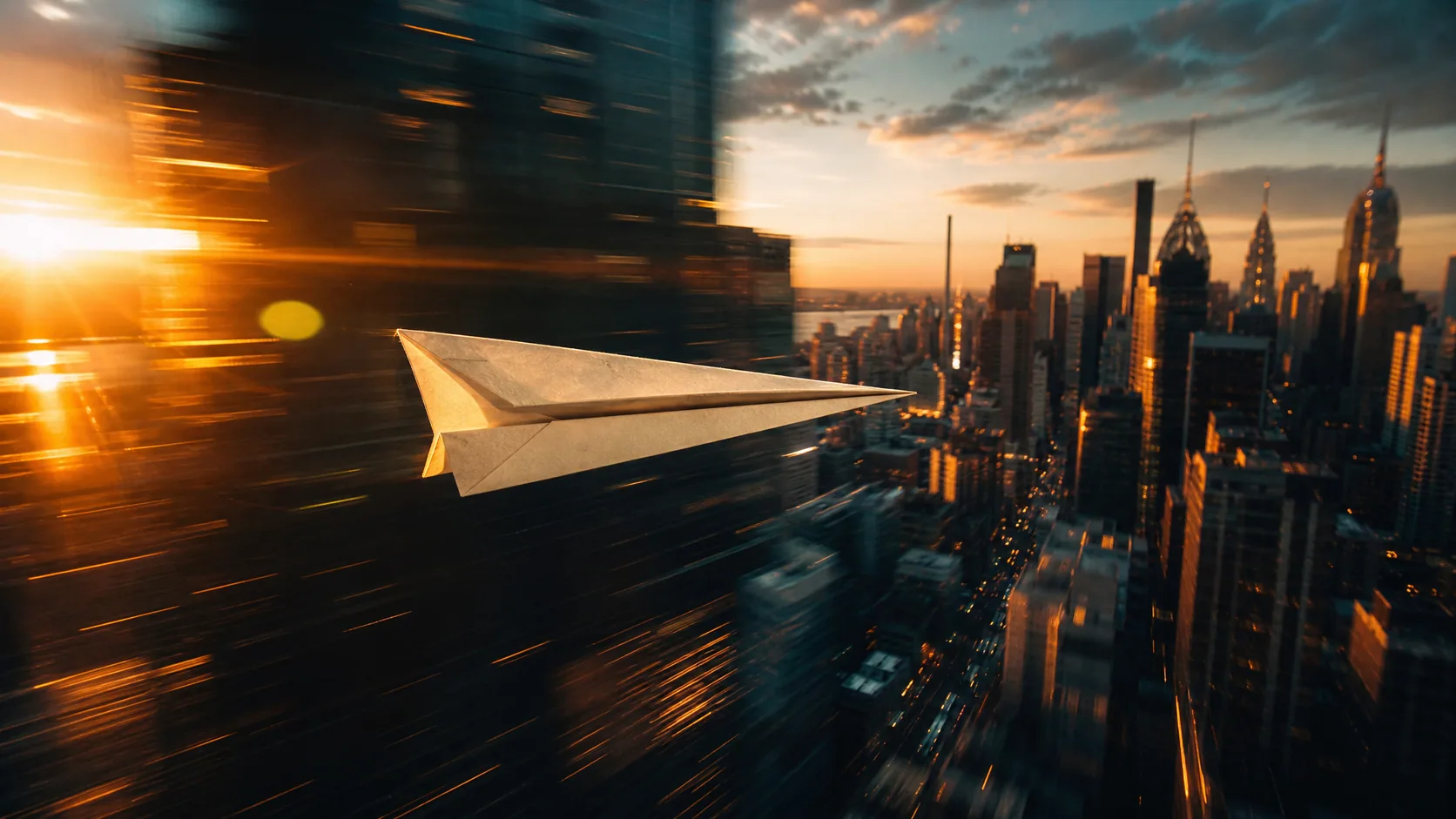
PhotoA slow push-in on a bottle, fabric catching the light, steam rising off a plate. One good product shot becomes a few seconds of movement for a listing or a social post.
 Old photo
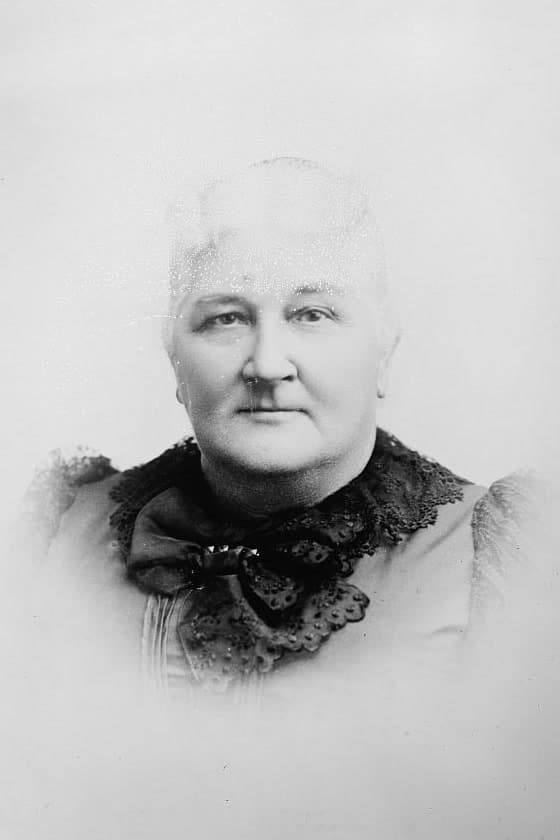
Watch a grandparent smile, turn their head, or glance toward the camera. Upload a scan of the print, describe the small movement you want, and the photo moves while the face stays theirs.Photo: Library of Congress, no known restrictions
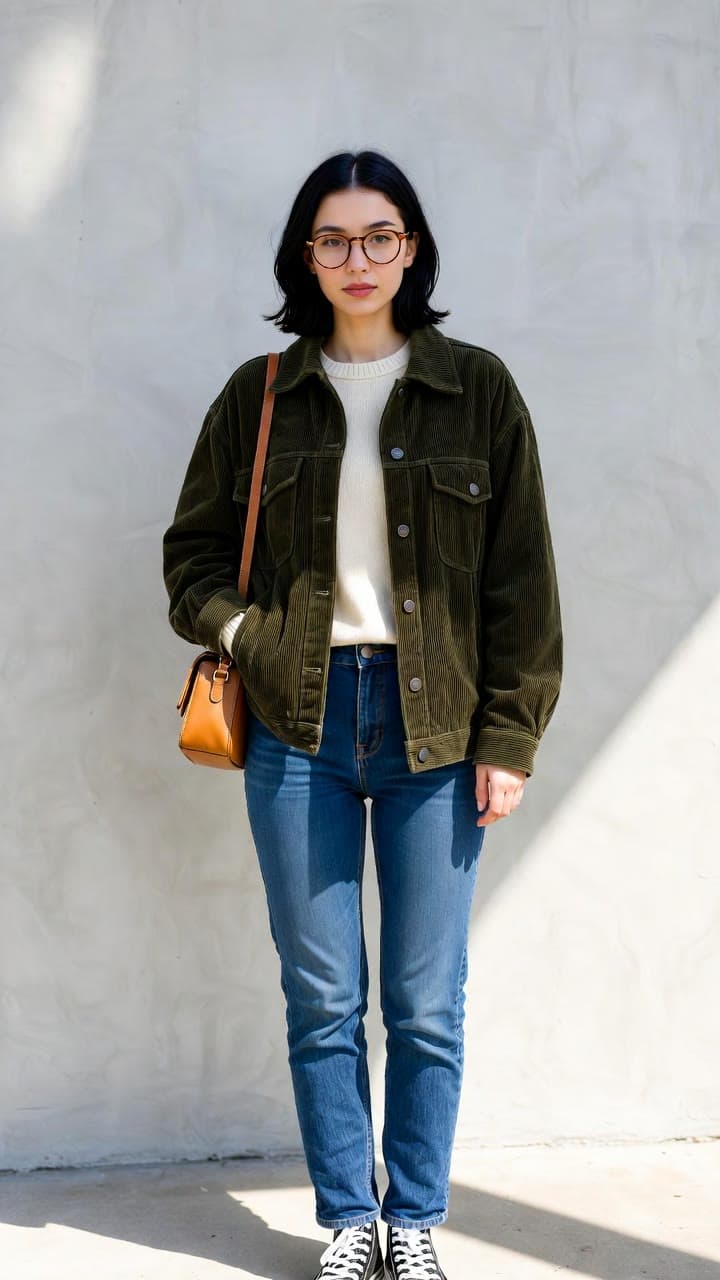 Photo
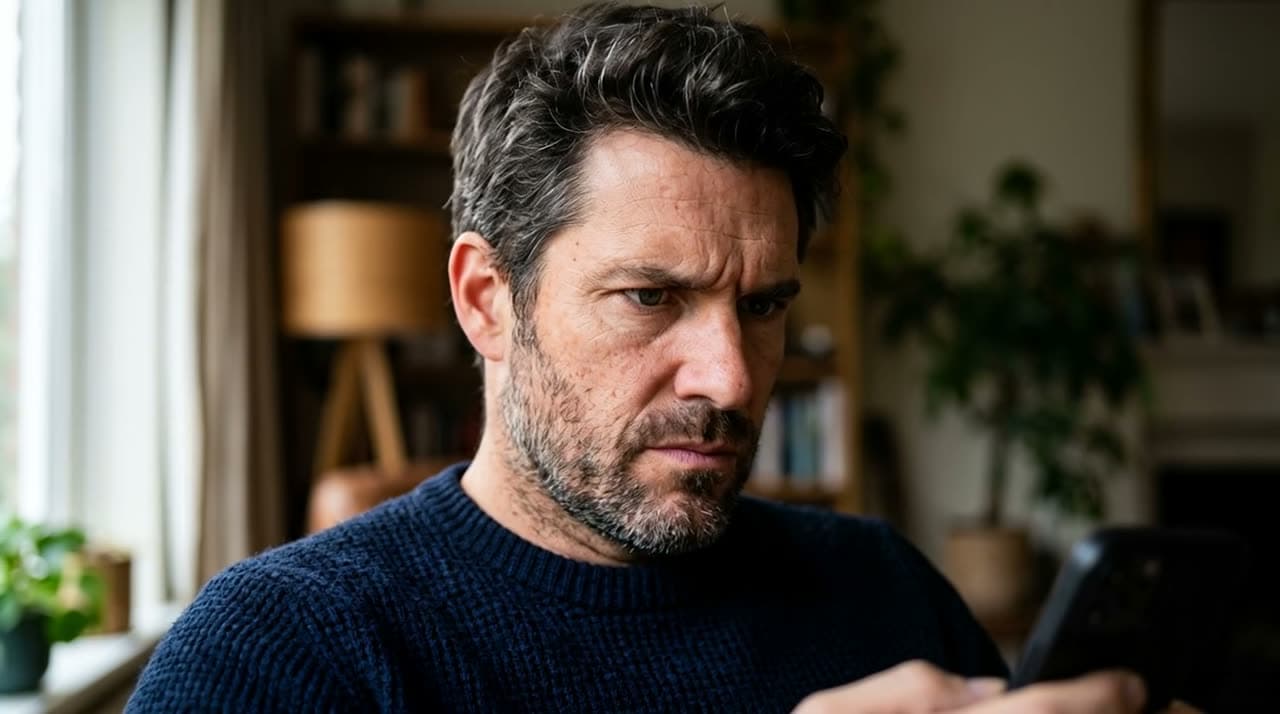
PhotoUpload one photo of a person and describe a new scene. The same face, glasses and jacket carry into every clip, and Grok Video takes up to seven reference images when one photo is not enough.
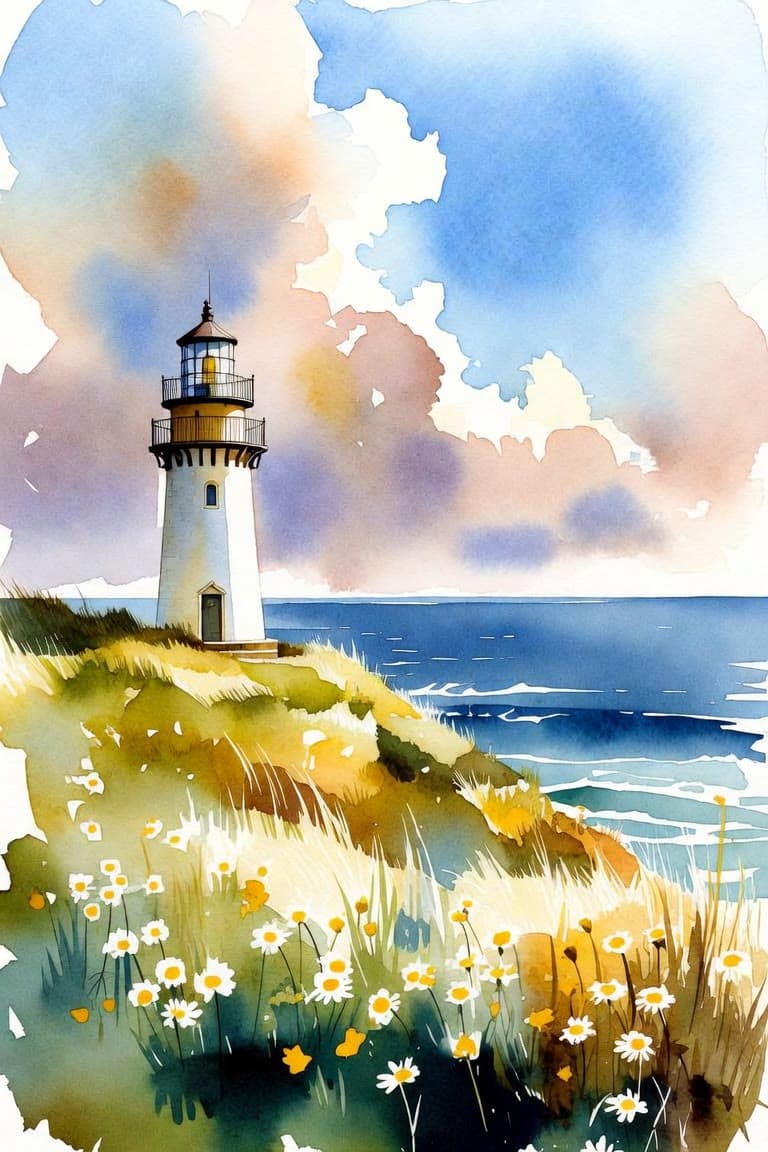 Painting
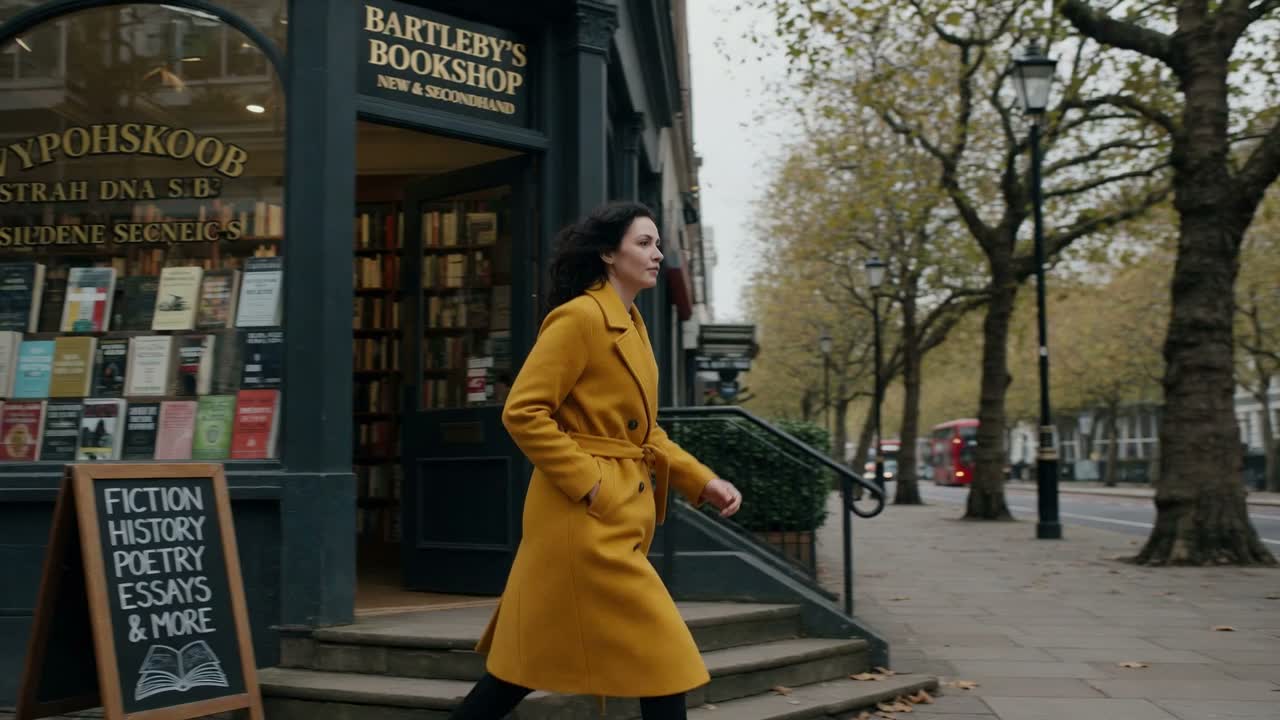
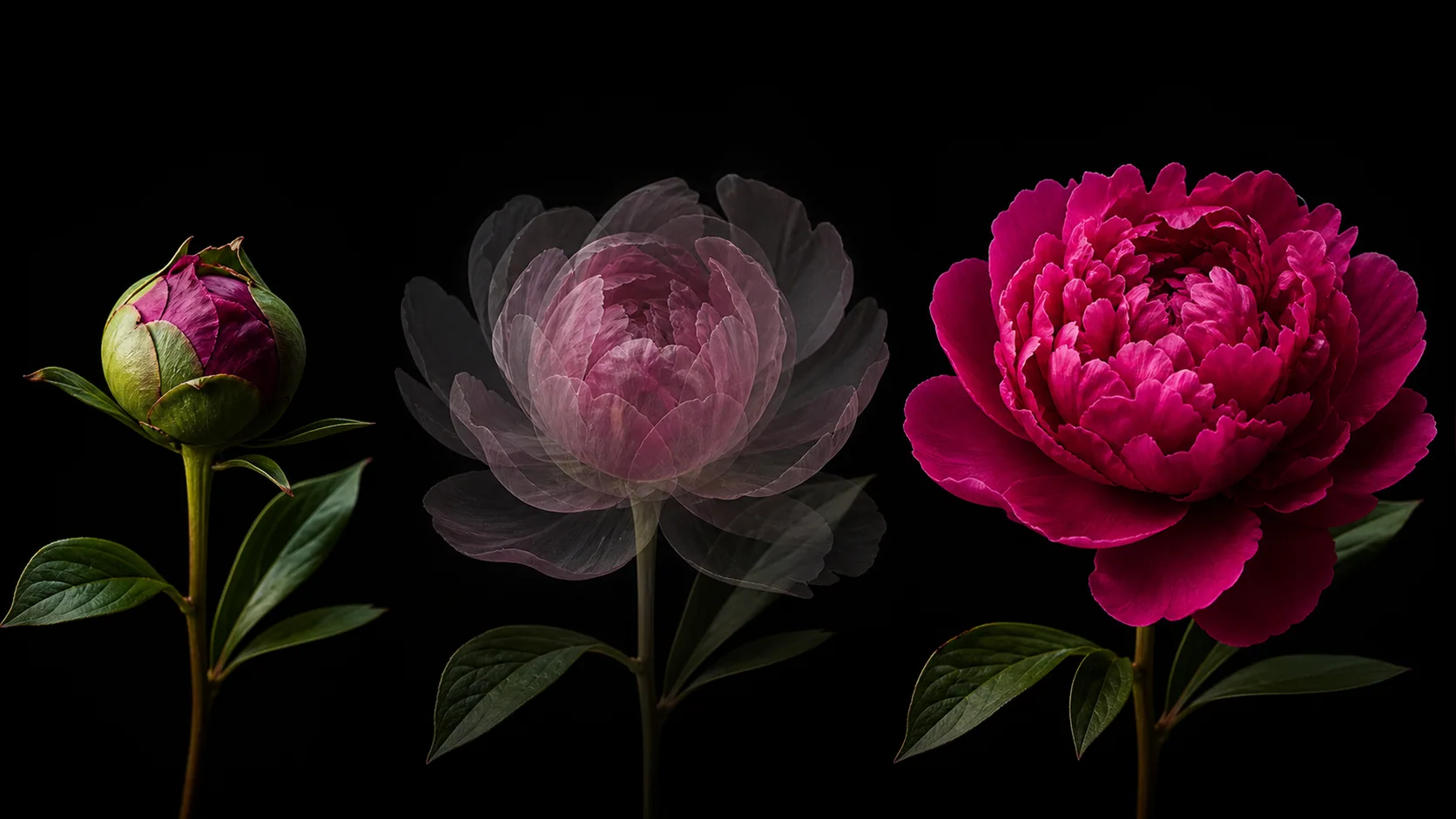
Clouds moving behind a landscape, hair in the wind, light changing across a room. On Grok Video the clip keeps the shape of your picture, so a tall painting becomes a vertical clip for Reels, TikTok or Shorts.
Drop, paste or pick a picture from your assets. JPEG, PNG or WebP, up to 9MB. A clear subject with some space around it gives the model the most to work with.
Name a camera move ("slow zoom in", "pan left") or what should move ("her hair lifts in the wind"). You can leave it blank, but then the model decides.
Most models make clips of 5 to 15 seconds. Grok Video goes up to 30 seconds, Hailuo offers 6 or 10, and Veo 3.1 makes 8-second clips. The credit cost shows on the Generate button and updates as you change the settings.
Clips usually take one to three minutes. Each take appears next to the last one and loops, so you can compare them or run the same image through another model.
Your picture already sets the scene. What the makers of these models say to write instead:
On this page your photo is where the clip begins, not loose inspiration. Google says the same of Veo, one of the models here: the image you give it becomes the video's first frame.
“Veo uses the input image as the initial frame.”The picture already shows who is there and what it looks like, so the prompt only needs the movement: what moves and how the camera travels. That is how Alibaba tells people to write image-to-video prompts for Wan, one of the models here.
“Your prompt should focus on motion and camera movements.”You give an AI model a still picture and it makes a short video that starts on that picture. It works out what should move (people, water, the camera) and how, usually guided by a short text prompt.
Upload the image, describe the motion you want, pick a model and length, and select Generate. The clip starts on your picture and is ready in one to three minutes.
You can start for free. Sign up for a free account and make a 6-second clip on Grok Video at no cost. After that, clips are paid with credits: 25 for a 6-second Grok Video clip, more for longer clips and other models.
Yes. Grok Video, Veo 3.1, Kling, Seedance 1.5 and newer, PixVerse, Wan and HappyHorse all make sound that fits the scene, in the same pass as the picture.
Yes, with Veo 3.1. It can render in 4K for more credits than its standard 720p clip. The other models on this page make 720p clips (768p on Hailuo, 1080p on Kling v2.6). Every clip downloads as an MP4.
Start with Grok Video to test an idea cheaply; its clips come with sound. Hailuo 2.3 Fast is made only for animating a single image. Kling and Seedance keep people and objects steady as they move, and Veo 3.1 is the one to pick when you need 4K.
No, you can generate from the image alone. Describing the motion still gets you much closer to what you pictured, because otherwise the model picks the movement for you.
Scan or photograph the print as sharply as you can, upload it, and describe a small, natural movement: "a slight smile", "she turns her head toward the camera", "the camera slowly moves closer". Small movements keep the face looking like the person in the photo.
Clips downloaded on a free account carry a small Vormly watermark. On a paid plan you download the original clip without one.
Yes. You own what you generate and can use it in personal or commercial work. For client work or ads, download from a paid plan so the file has no watermark.
New clips are public by default and can appear in Explore with their prompt. On a paid plan you can make them private.
Text to Video builds the whole scene from words. Image to video starts from your picture, so you decide exactly what the first frame looks like. If you also know how the clip should end, Frames to Video takes a first and a last frame. To restyle footage you already shot, use Video to Video.