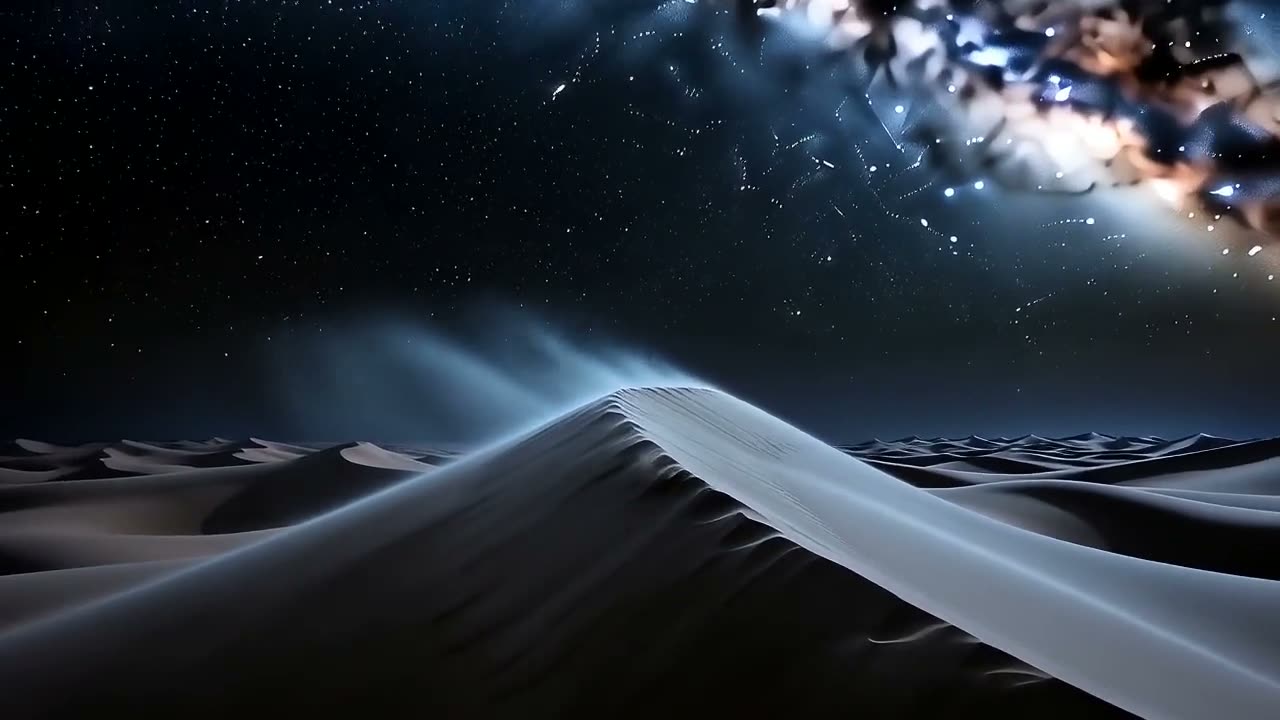
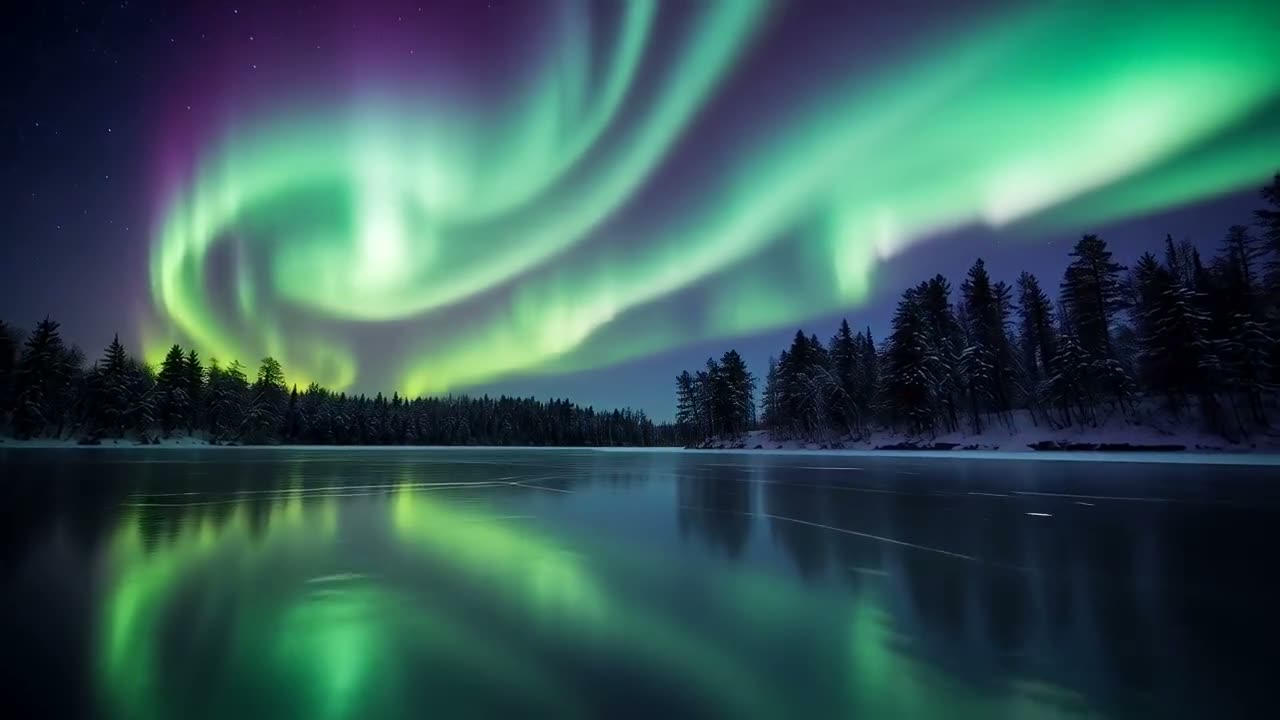
Write the shots in order and get a clip with sound that follows them. Start from text, one image, or a first and last frame.
Wan 2.7 makes the sound with the picture: the sea, the tram, the cafe around the table. No separate audio step.
Write "first… then… finally…" and Wan follows the list, keeping the same boat, the same morning and the same light across every part.
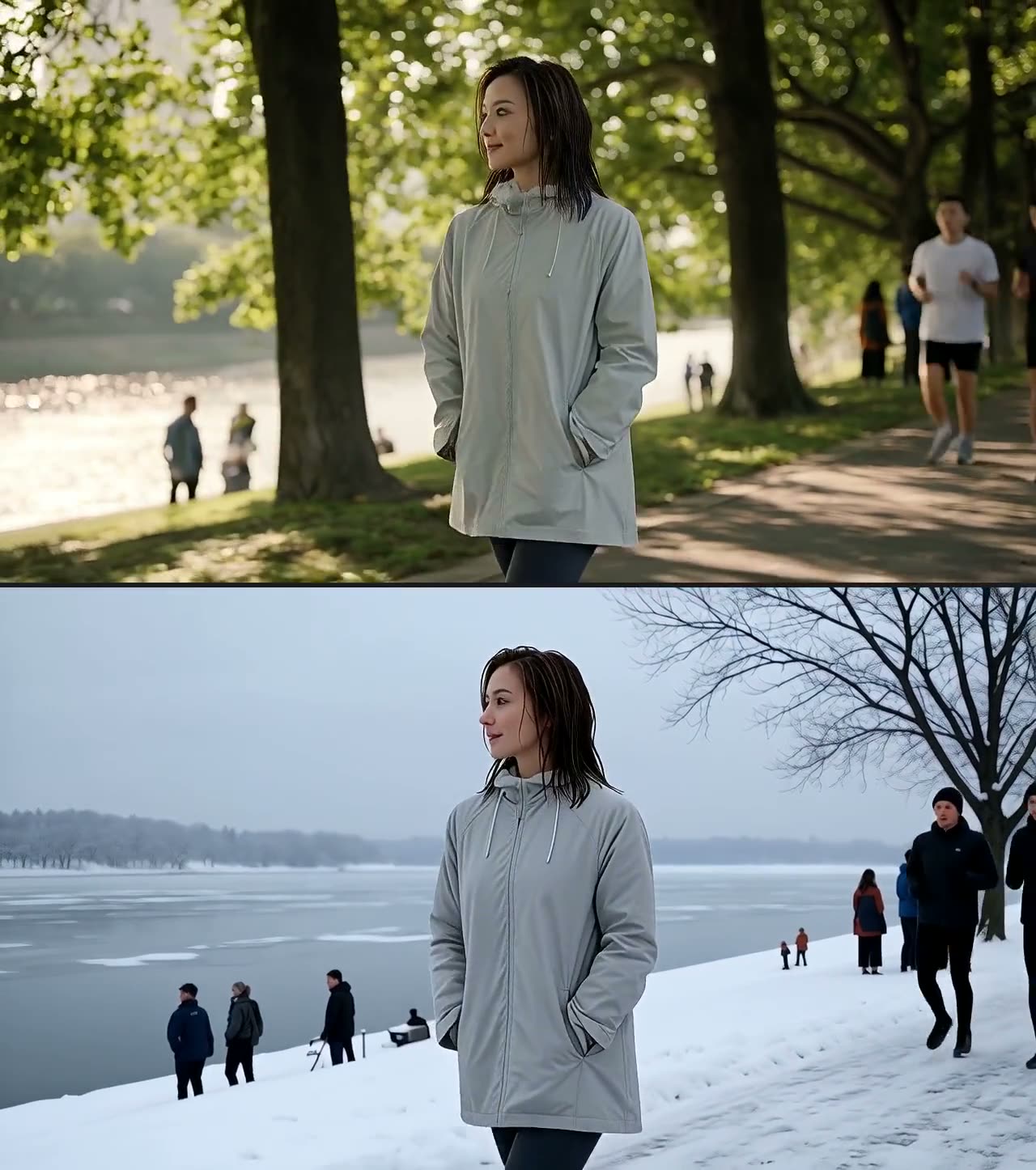
Wan also restyles or changes a video you upload, like turning summer into winter. That runs on Video to Video, next door to this page.
A ten-second sequence in three parts. First: a fishing boat leaves a small harbour at dawn, wide. Then: the skipper's hands working a rope on deck, close. Finally: the harbour receding behind the wake, low from the stern. One boat, one morning, consistent light and sea state across all three.
Three parts in one 10-second clip: the boat leaving, the hands on the rope, the wake behind. Turn the sound on to hear the harbour.
A travel film shot of Lisbon: a yellow tram climbs a steep narrow street between pastel buildings, laundry strung above, an old woman watching from a doorway, warm afternoon light on the tiles. Smooth tracking shot following the tram uphill, rich colour, documentary travel cinematography.
The shot a travel video is built from: a yellow tram climbing a Lisbon street, laundry overhead, someone watching from a doorway.
A product film for a matte black espresso machine on a concrete counter: a slow orbit around the machine as a shot pulls into a small glass cup, steam curling, condensation on the metal, a single hard key light raking across the brushed finish. Studio-grade, no text, no logos.
A slow orbit of an espresso machine as the shot pours, with the light and finish described in detail. Long prompts are fine; Wan uses the detail.
Three friends — a tall man with a red beard, a woman with silver box braids, a younger man in round glasses — sit around a cafe table laughing at something one of them said. All three stay clearly themselves as the camera moves around the table. Warm interior light, handheld, natural performance.
Three friends around a table, each still clearly the same person as the camera moves round them. Describe each one in a few words and Wan keeps them apart.
Say what is on screen and what moves. For several shots, write them in order: "First… Then… Finally…".
One image starts the clip on it; a second sets the last frame, so the clip ends where you want it.
5, 8, 10 or 15 seconds, in 16:9, 9:16, 1:1, 4:3 or 3:4.
The cost shows on the button before you click. The clip opens in Create when it is ready and downloads as an MP4 with its sound.
How shots and sound work on Wan 2.7, in the model maker's own reference.
You set Wan's shots in plain words: list them in order and the clip follows. Alibaba's documentation says shot structure is controlled through the prompt.
“Control shot structure with natural language in the prompt.”You do not need to bring music or add sound afterwards. When no audio file is given, which is how this site runs Wan 2.7, the model makes sound that fits the scene.
“Without input.audio_url, the model generates background music or sound effects that match the video content.”Wan is Alibaba's AI video model. Wan 2.7 makes clips with sound from a prompt or an image, and can also edit a video you already have. This page runs Wan 2.7 online, with nothing to install.
You can try it free. Start a 3-day free trial and you get 200 credits, enough for a 5-second Wan 2.7 clip with sound (135 credits). Starting the trial takes a card but costs nothing today; we email you before it ends, and if you do not cancel, the plan you picked renews at its normal price. The one video model a free account can use at no cost is Grok Video.
135 credits for 5 seconds, 215 for 8, 270 for 10 and 405 for 15, sound included. The Generate button shows the cost before you click.
Yes. Wan 2.7 clips come with sound made for the scene, such as the sea, traffic or a room full of people. Describe the sounds you want in the prompt.
5, 8, 10 or 15 seconds in one clip. For a longer video, make it scene by scene and join the clips in a video editor; there is no extend button here.
Yes. Add one image and the clip starts on it; add two and Wan moves from the first to the second. Image to Video lets you try the same picture on other models too.
Yes, on Video to Video: upload a clip and describe the change, such as a new style or a new season. Wan and Seedance both run there. This page makes new clips only.
Write the scene as shots in order, and name the light and the camera move: "First: a boat leaves the harbour at dawn, wide. Then: close on the hands on a rope." Wan handles long, detailed prompts well.
Downloads during the free trial and on paid plans are clean MP4s with no watermark. Downloads on a free account carry a small Vormly watermark.
Yes. Clips you make with Wan 2.7 here are yours to use in ads, client work, YouTube videos and social posts, with no credit to Vormly needed. New clips are public by default and can appear in Explore with their prompt; on a paid plan you can make them private. A real brand or a famous person's likeness in your prompt is not cleared just because a model made the clip.