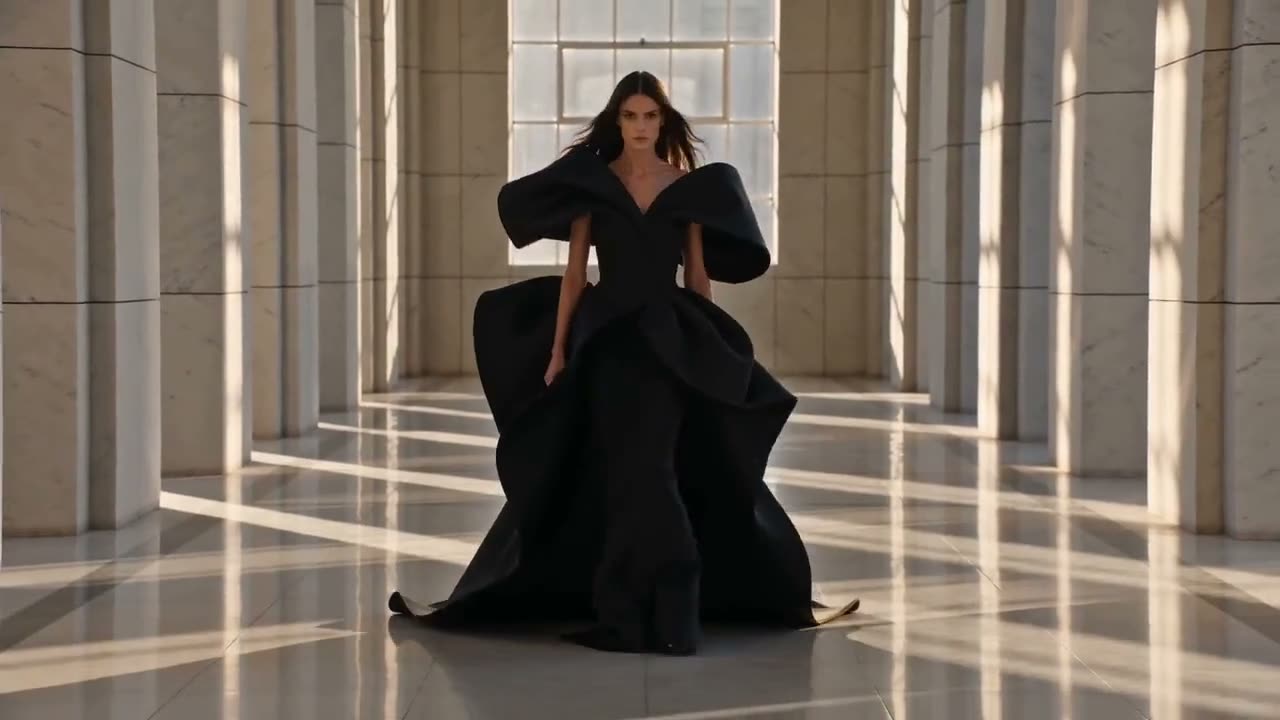
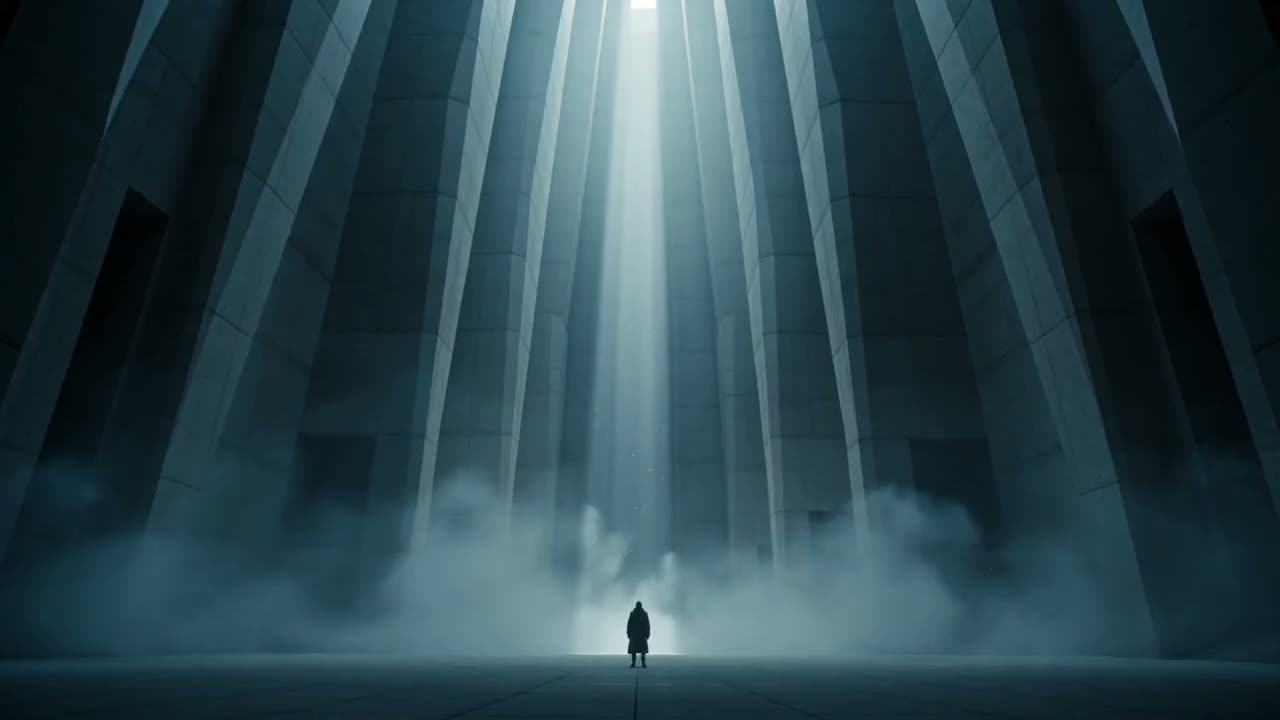
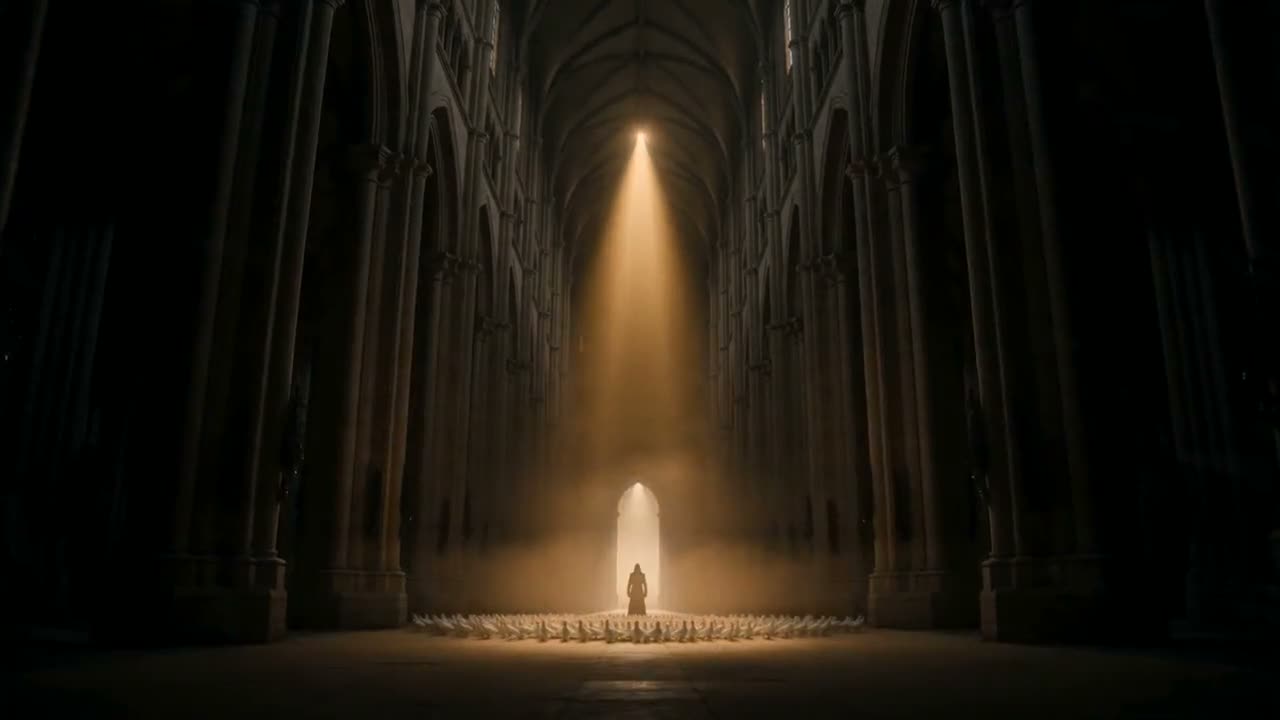
Describe a scene or add a starting image and get a clip that cuts between shots on its own, with sound. Seedance 2.5 runs up to 30 seconds.
The newest Seedance makes the sound with the picture: rain, footsteps, a room full of people. One clip runs 5, 8, 10, 15, 20 or 30 seconds.
Seedance 2.0 for the best take, 2.0 Fast and 2.0 Mini when you want to try more ideas for fewer credits, and Seedance 1.5 Pro as the cheapest. All make 5 to 15 seconds.
Describe a scene and Seedance plans the coverage: a wide, the hands, the close-up, with the same person and the same light across all of them.
A thunderstorm arrives over a seaside town at dusk. Rain begins to hammer the cobbled street, awnings snap in the wind, a distant roll of thunder, a shopkeeper hurriedly pulls in a rack of postcards while a radio plays faintly from a doorway. Cinematic, moody blue light, the sound of each layer distinct.
Seedance 2.5 makes the sound in the same pass as the picture, so the rain, the thunder and the radio in the doorway arrive with the clip. Turn the sound on to hear it.
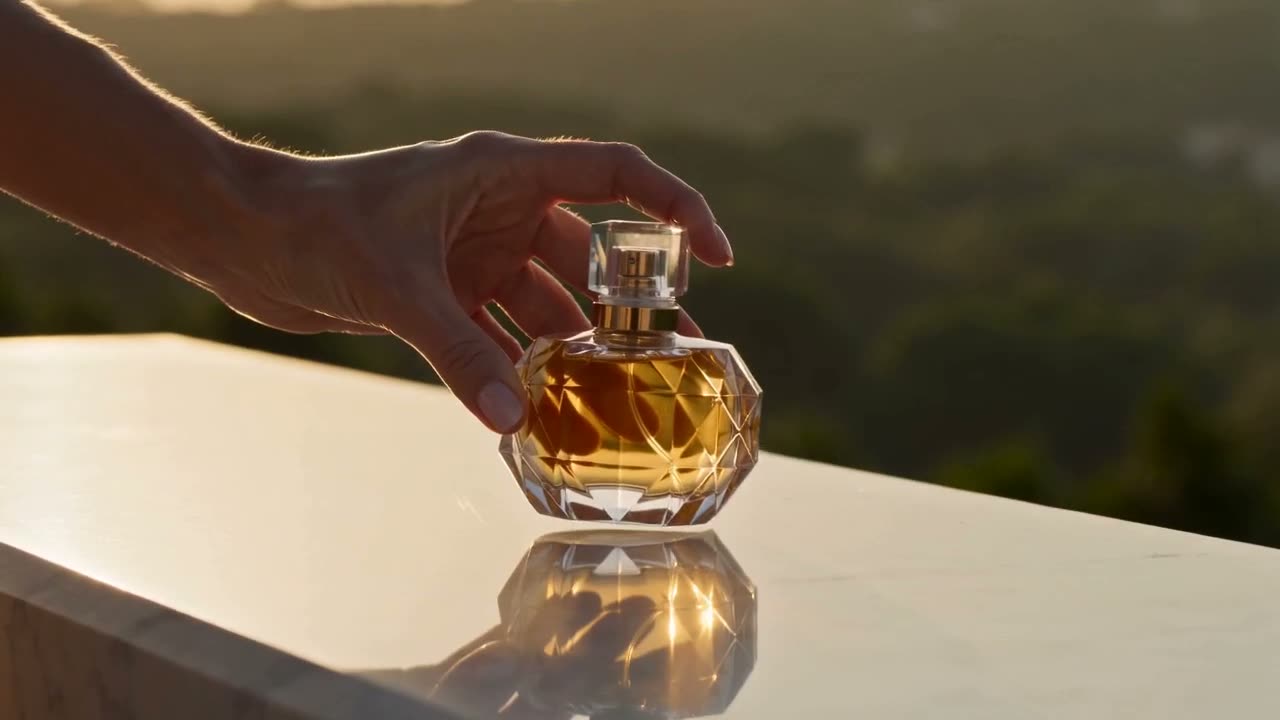
A polished 15-second perfume commercial that cuts between shots: a close macro of golden liquid swirling in a faceted glass bottle, then a wide of a woman in silk crossing a sunlit stone terrace, then a tight insert of her hand setting the bottle down on marble. Each cut lands cleanly, consistent warm late-afternoon light throughout, luxury advertising grade, no text, no logos.
Write the spot as a list of shots and Seedance cuts between them: the macro of the bottle, the wide on the terrace, the hand setting it down. Same light in every shot, no edit afterwards.
A short sequence in three shots with no cuts written into the prompt — let the camera plan itself. A chef in a small kitchen plates a dish: establishing wide of the kitchen, medium of the hands arranging the plate, close on the finished dish as steam rises. Continuous kitchen, same chef, same light, coherent geography between shots. Warm practical lighting, documentary feel.
You do not have to write the cuts. Describe what happens and Seedance decides where the camera goes, keeping the kitchen, the chef and the light the same from shot to shot.
The same young man with a shaved head and a green bomber jacket appears in three consecutive shots: leaning against a fence at a skate park, walking through a subway turnstile, sitting on a bus by the window. His face, build and jacket are identical in every shot, consistent overcast daylight, steady handheld camera, natural colour grade.
Describe the person once and Seedance keeps them: same face, same build, same green jacket at the skate park, the turnstile and the bus window. For short dramas and series, reuse the exact words each time.
The page opens on Seedance 2.5, the newest. Switch to Seedance 2.0, 2.0 Fast, 2.0 Mini or 1.5 Pro in the model menu for lower prices.
Say what is on screen and what moves. Add one image to start the clip on it, or two to set the first and last frame.
5 to 30 seconds on Seedance 2.5, 5 to 15 on 2.0. Shapes run from 16:9 and 21:9 for widescreen to 9:16 for Shorts and TikTok.
The credit cost shows on the button before you click. The clip opens in Create when it is ready, and downloads as an MP4.
Three things this page says about Seedance, next to what ByteDance published at launch. Features ByteDance lists that do not run here are left out.
The newest Seedance makes the sound in the same pass as the picture, and one clip can run up to 30 seconds. ByteDance built 2.5 for exactly that, and both work that way here.
“Seedance 2.5 is a next-generation audio-video joint generation model, built for 30-second storytelling with precise reference control and powerful editing capabilities.”You do not have to write the cuts yourself. ByteDance says Seedance plans the camera work from your prompt, so describing what happens is enough.
“Meanwhile, the model features prompt-driven camera planning, allowing it to automatically plan camera language and design visual presentation templates.”For a short drama or a series, the same person has to look the same from shot to shot. ByteDance names steady characters as a strength of Seedance 2.0, even in busy scenes.
“It excels in instruction following, enabling precise reproduction and stable subject consistency even for complex stories with rich character interactions and detailed action descriptions.”Seedance is ByteDance's AI video model. You describe a scene, or give it a starting image, and it makes a short clip that can cut between several shots. Clips come with sound. Seedance 2.5 is the newest version; Seedance 2.0 comes in full, Fast and Mini versions.
You can try it free. Start a 3-day free trial and you get 200 credits, enough for a 5-second Seedance 2.0 Mini clip (115 credits) or a Seedance 1.5 Pro clip (90). Starting the trial takes a card but costs nothing today; we email you before it ends, and if you do not cancel, the plan you picked renews at its normal price. The one video model a free account can use at no cost is Grok Video.
Prices are per clip and grow with length. For 5 seconds: Seedance 2.5 is 320 credits, Seedance 2.0 is 280, 2.0 Fast is 230, 2.0 Mini is 115 and 1.5 Pro is 90. A 30-second Seedance 2.5 clip is 1,920 credits. The Generate button shows the cost before you click.
Yes. Seedance makes the sound in the same pass as the picture: rain, footsteps, a crowd, music. Describe the sounds you want in the prompt, and put a spoken line in quotes.
Seedance 2.5 makes 5, 8, 10, 15, 20 or 30 seconds in one clip. Seedance 2.0, Fast and Mini make 5 to 15 seconds, and 1.5 Pro up to 12. There is no extend button; for a longer video, make it scene by scene and join the clips in a video editor.
Yes. Add an image and the clip starts on it; add two and Seedance moves from the first to the second. For a clip that ends on a picture you choose, First and Last Frame is the page built for it.
Seedance 2.0 gives the best take and costs the most. 2.0 Fast is about 20% cheaper and quicker, and 2.0 Mini is under half the price, which makes it the one to test prompts on. All three make the same lengths and shapes. Move up to 2.0 once a prompt works.
Seedance 2.5 is newer and makes longer clips, up to 30 seconds against 15. It also costs more: 320 credits for 5 seconds against 280. If 15 seconds is enough, Seedance 2.0 is the better buy.
Both keep people and objects steady through fast motion. Seedance plans its own cuts inside a clip and offers more shapes, including 21:9. Both add sound. Kling v3 is cheaper for a 5-second clip (135 credits). Run the same prompt on both and keep the better take.
Name the subject, the action, the camera and the light: "a chef plates a dish, wide of the kitchen, then close on the plate as steam rises, warm light". For several shots, list them in order. On Seedance 2.5, describe the sounds you want as well.
Downloads during the free trial and on paid plans are clean MP4s with no watermark. Downloads on a free account carry a small Vormly watermark.
Yes. Clips you make with Seedance here are yours to use in ads, client work, YouTube videos and social posts, with no credit to Vormly needed. New clips are public by default and can appear in Explore with their prompt; on a paid plan you can make them private. A real brand or a famous person's likeness in your prompt is not cleared just because a model made the clip.