Describe a scene and get an 8-second clip with its own sound: dialogue, effects and ambience. Up to 4K, widescreen or vertical.
Every Veo 3.1 clip comes with sound made for the picture: a line of dialogue, footsteps, the room around them. Put a line in quotes and a character says it.
Veo 3.1 Lite is 30 credits a clip for trying ideas, Fast is 60 and the everyday pick, Quality is 400 for the final take. All three make 8 seconds.
Switch any Veo 3.1 model to 4K before you generate. Pick 16:9 for YouTube or 9:16 for Shorts, Reels and TikTok; vertical is made vertical, not cropped.
A woman in her fifties sits at a kitchen table in the early morning, holding a mug, and says directly to camera: "I've been doing this for thirty years. You never really get used to the quiet." Her mouth matches the words exactly. Soft window light, a kettle ticking in the background, intimate documentary interview framing, shallow depth of field.
Write the line in quotes and Veo says it, with the mouth moving to the words and the kitchen sounds behind. Turn the sound on to hear it.
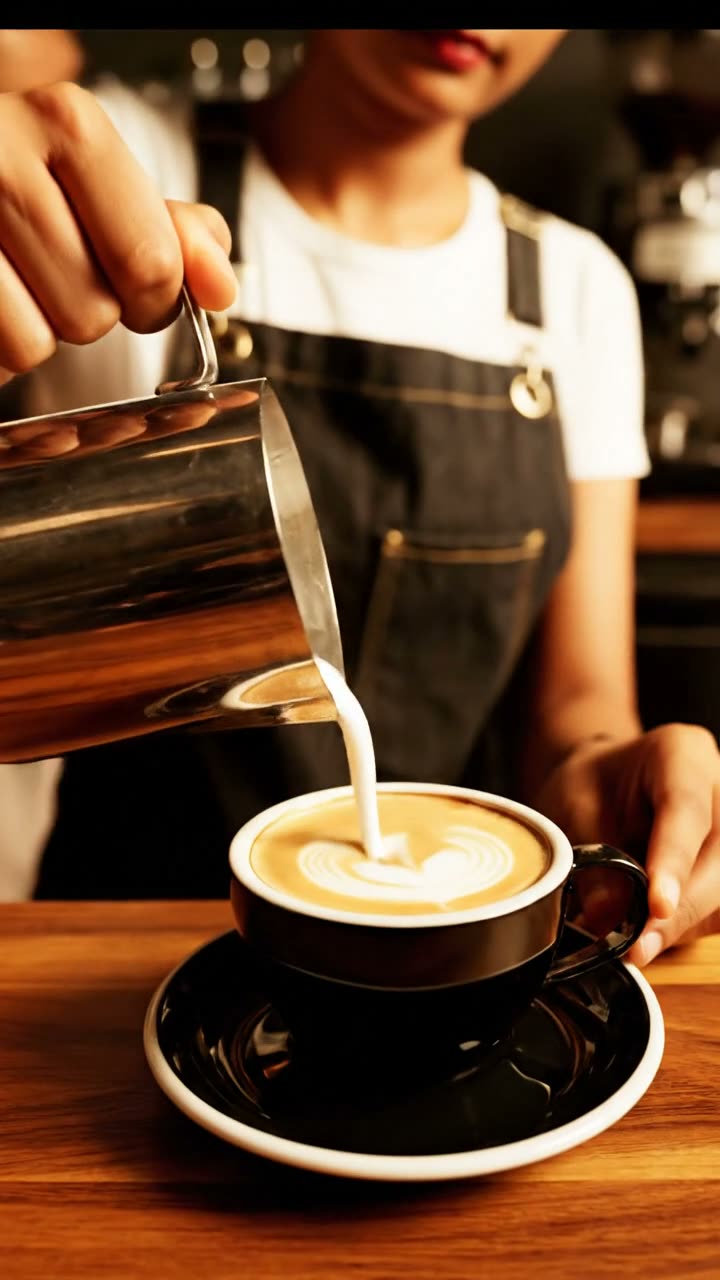
A vertical social video: a barista pulls an espresso shot in a busy specialty coffee bar, steam rising, the machine hissing, milk frothing, then sets the finished cup on the counter with a small nod to camera. Shot for a phone screen — the action fills the tall frame top to bottom. Warm morning light, ambient cafe noise and machine sounds.
Pick 9:16 and the clip is framed for a phone from the first frame, so the action fills the screen instead of losing its sides to a crop.
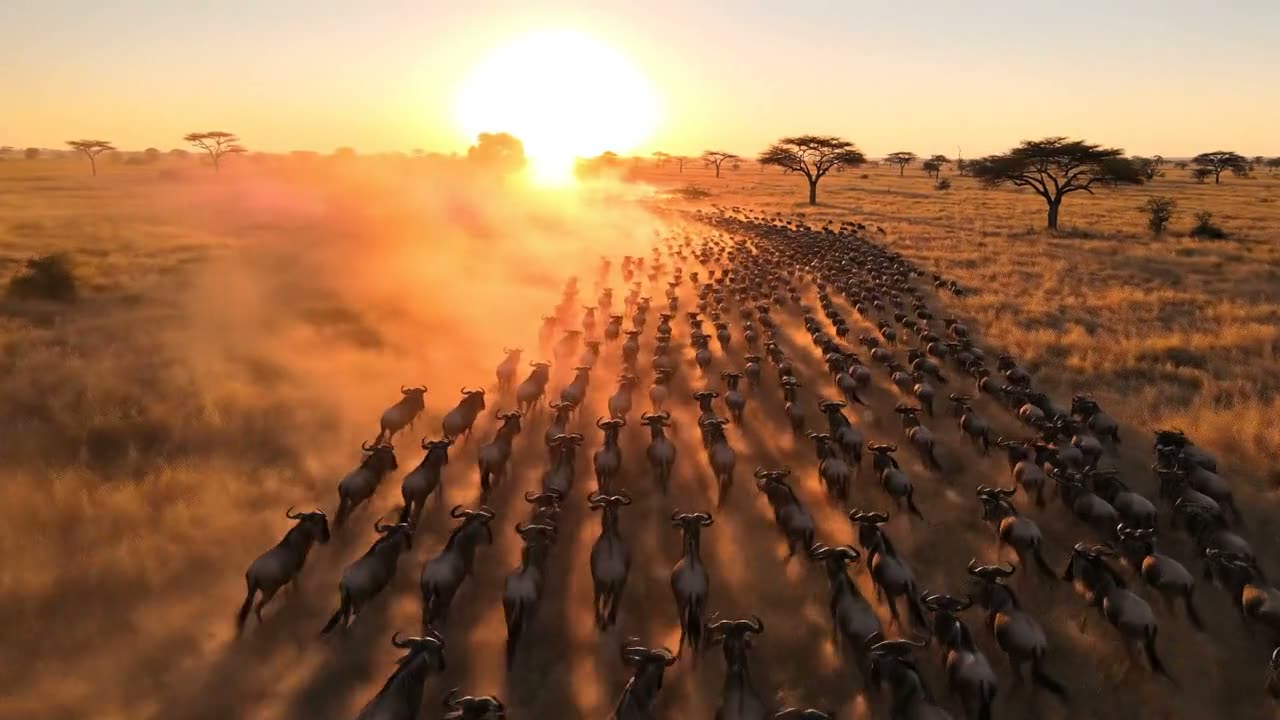
A rainforest at first light. Mist drifts between enormous buttress roots, water drips from broad leaves into a black pool, a shaft of sun breaks through the canopy and moves slowly across the forest floor. Dense layered ambience — insects, distant birds, dripping water. Slow creeping camera, natural history cinematography, no people.
The cutaway a film needs and nobody filmed: a rainforest at first light, with the insects, birds and dripping water already on the soundtrack.
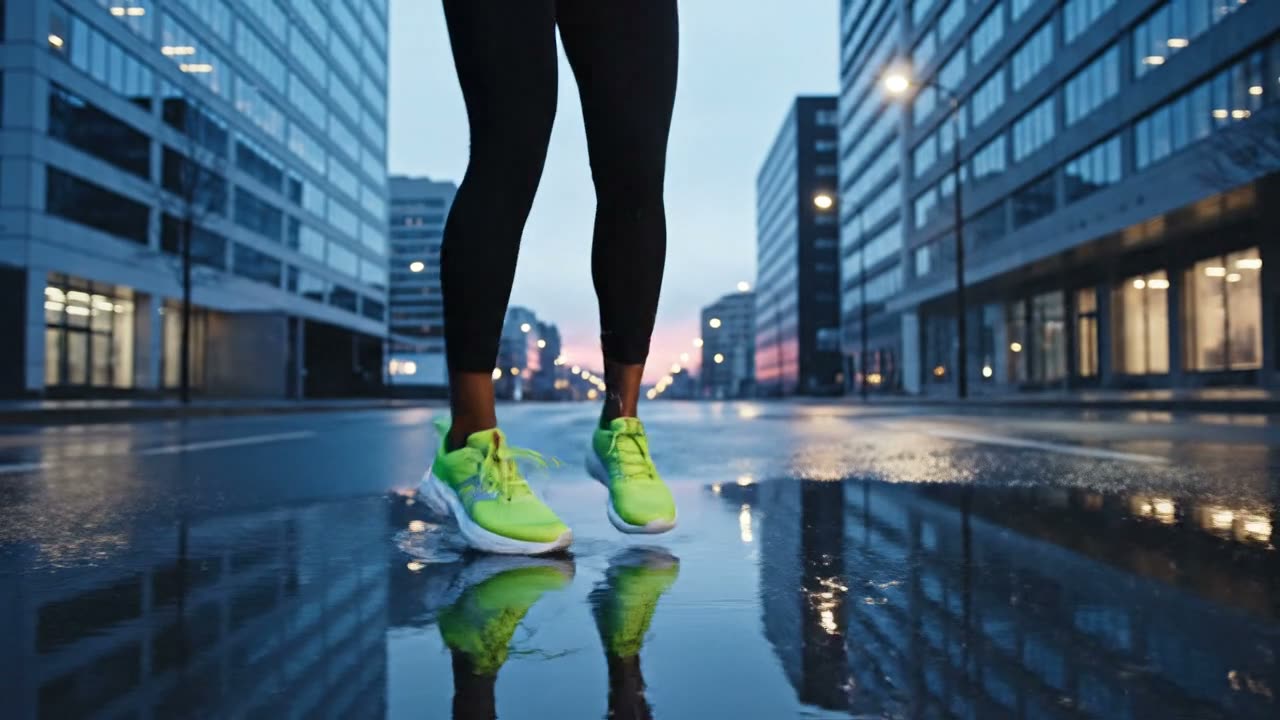
A running shoe commercial. A runner laces up on a wet city street at dawn, pushes off, and accelerates through a puddle as the water sprays out behind. The same shoe is clearly visible in every shot — same colourway, same sole, same laces. Slow-motion spray, cold blue dawn light, rhythmic footfalls and breathing on the soundtrack, no text, no brand marks.
A running shoe on a wet street at dawn: the lace-up, the push-off, the spray, with footfalls and breathing on the soundtrack. Describe the product the same way in every shot and it stays the same product.
The page opens on Veo 3.1 Fast. Lite is the cheapest for testing a prompt; Quality is for the take you keep.
Describe what is on screen, how the camera moves and what we hear. Put dialogue in quotes. On Fast or Quality you can also add a starting image.
Every clip is 8 seconds. 4K costs more credits than 720p; the button shows the price before you click.
The clip opens in Create when it is ready, usually in a few minutes, and downloads as an MP4 with its sound.
Length, sound and shape: the three things that define a Veo clip on this page, each where Google writes it down.
Every Veo 3.1 clip is 8 seconds long and comes with its own sound, because that is how Google built the model. Google also lists 1080p; here you choose 720p or 4K.
“Veo 3.1 is a model for generating 8-second videos (720p, 1080p, or 4k) with natively generated audio.”On Veo you write the soundtrack into the prompt. Google's own guide says the model listens for described sound effects, background noise and spoken lines.
“You can provide Veo with cues for sound effects, ambient noise, and dialogue.”Choosing 9:16 asks Veo for a portrait video from the start. Google offers portrait as one of the model's two shapes, so the clip is not a wide video cut down.
“Veo 3.1 lets you create landscape (16:9, the default setting) or portrait (9:16) videos.”Here. Write a prompt in the box at the top of this page, pick Veo 3.1 Lite, Fast or Quality, and generate. You need a free Vormly account and credits, not a Google AI plan.
You can try it free. Start a 3-day free trial and you get 200 credits: that is three 8-second Veo 3.1 Fast clips with sound (60 credits each) or six on Veo 3.1 Lite (30). Starting the trial takes a card but costs nothing today; we email you before it ends, and if you do not cancel, the plan you picked renews at its normal price.
Per 8-second clip: Veo 3.1 Lite is 30 credits, Fast is 60 and Quality is 400 at 720p. In 4K they are 160, 195 and 615. Sound is included in every price.
Yes, always. Every Veo 3.1 clip comes with sound made for the scene: dialogue, sound effects and ambience. Write a line in quotes and the character says it; describe the sounds you want and Veo adds them.
Each Veo 3.1 clip is 8 seconds. There is no extend button on this site, so for a longer video make it scene by scene, describing the same people and place the same way each time, and join the clips in a video editor. Grok Video makes up to 30 seconds in one clip.
Yes. Switch the resolution to 4K before you generate, on Lite, Fast or Quality. A 4K clip costs more credits than the same prompt at 720p, and takes a little longer.
Yes, on Veo 3.1 Fast and Quality: add an image and the clip starts on it, still with sound. Veo 3.1 Lite works from text only. For animating photos with more models side by side, use Image to Video.
Lite is the cheapest and fine for testing a prompt. Fast is the everyday choice, can start from your images, and costs twice Lite. Quality is the best take at a much higher price; use it once a prompt already works on Fast.
Yes. Pick 9:16 before you generate and the clip is made vertical from the start, instead of a wide video with its sides cut off. Pick 16:9 for regular YouTube videos.
Downloads during the free trial and on paid plans are clean MP4s with no watermark. Downloads on a free account carry a small Vormly watermark.
Yes. Clips you make with Veo 3.1 here are yours to use in ads, client work, YouTube videos and social posts, with no credit to Vormly needed. New clips are public by default and can appear in Explore with their prompt; on a paid plan you can make them private. A real brand or a famous person's likeness in your prompt is not cleared just because a model made the clip.