

Your restored document will appear here
Upload a creased scan on the left — the flattened result lands on this canvas.
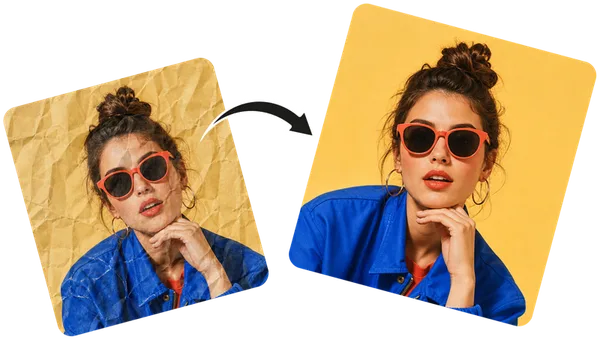
Upload a folded photo, a crumpled document or a creased poster and get a flat copy back. The instructions are built in, so there is nothing to write.
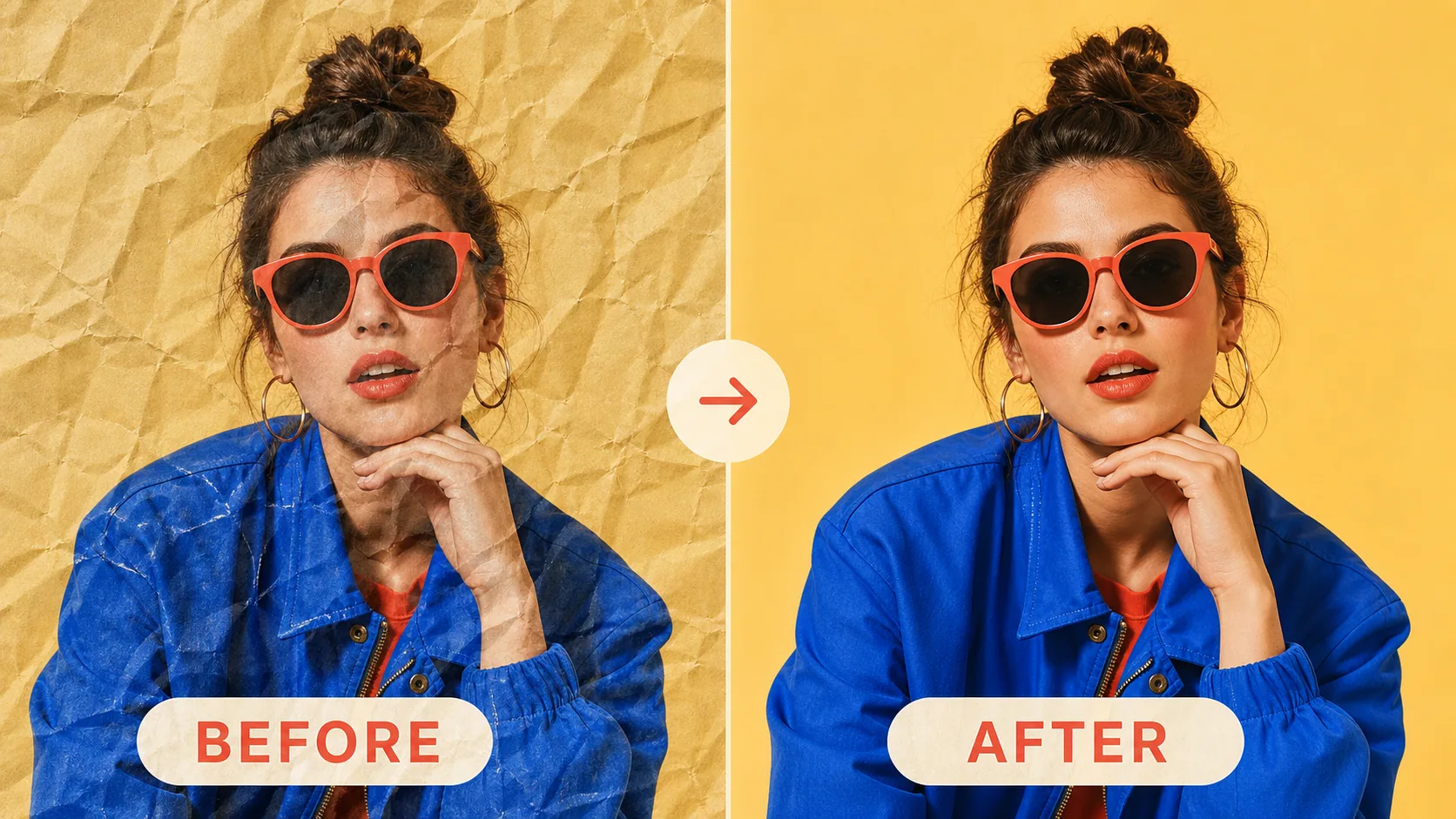
The instruction is built in: remove every crease, fold line, wrinkle and crumple shadow, and keep the colours and the paper tone. You only upload.
The model is told to rebuild text, signatures and stamps exactly and never to invent them. In our tests every name, date and handwritten line came through; still read them against the original.
The page opens on Grok Imagine, which a free account can use at no cost each day. Nano Banana 2, Seedream, GPT Image 2 and Vormly Pro are one click away if a crease survives.
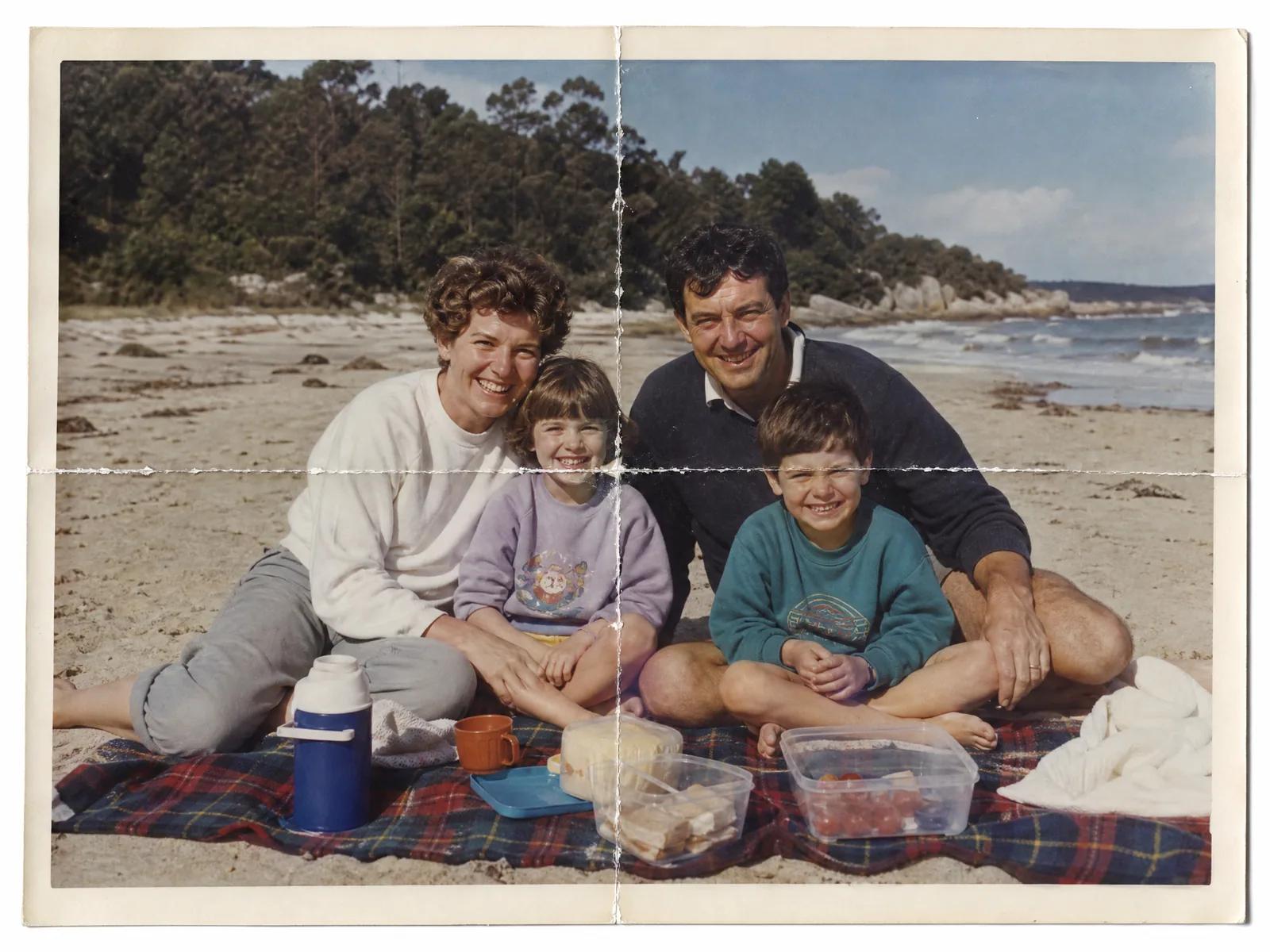 Creased scan
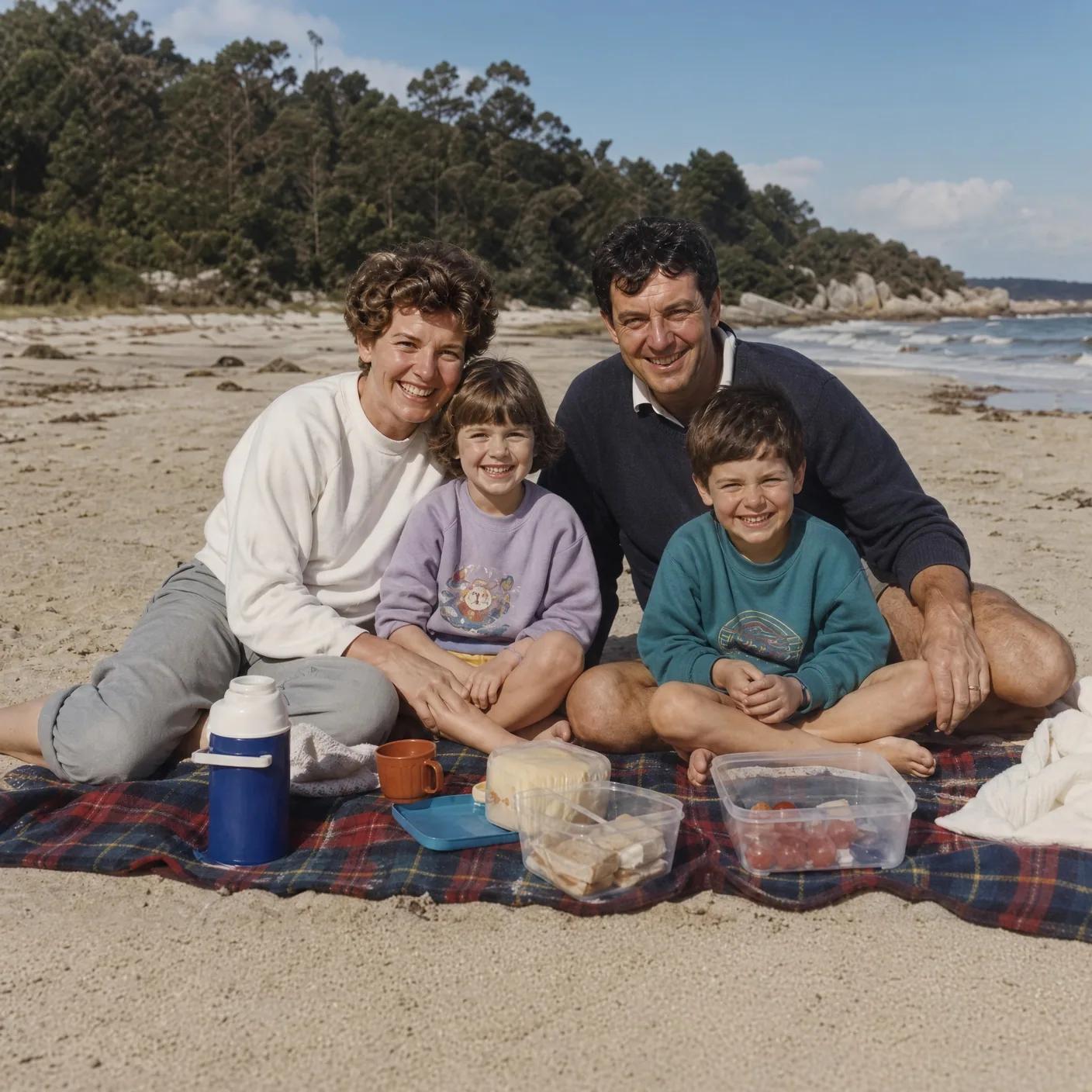 Restored
Fold lines through the middle of a print, with the colour worn off along them. The restore takes the lines out and keeps the faces. It also framed this one tighter than the scan and dropped the white border, so keep your original if the border matters.
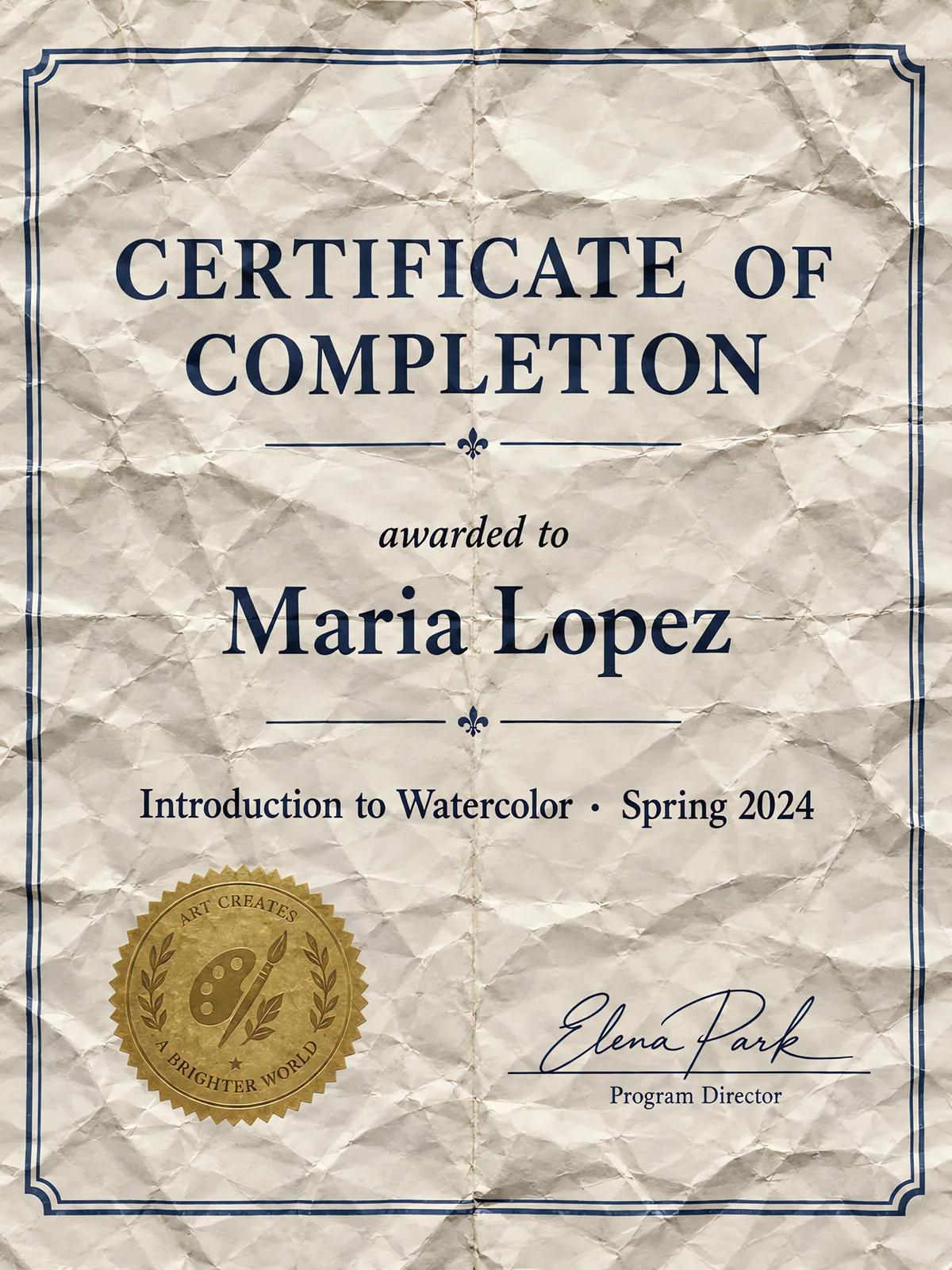 Crumpled scan
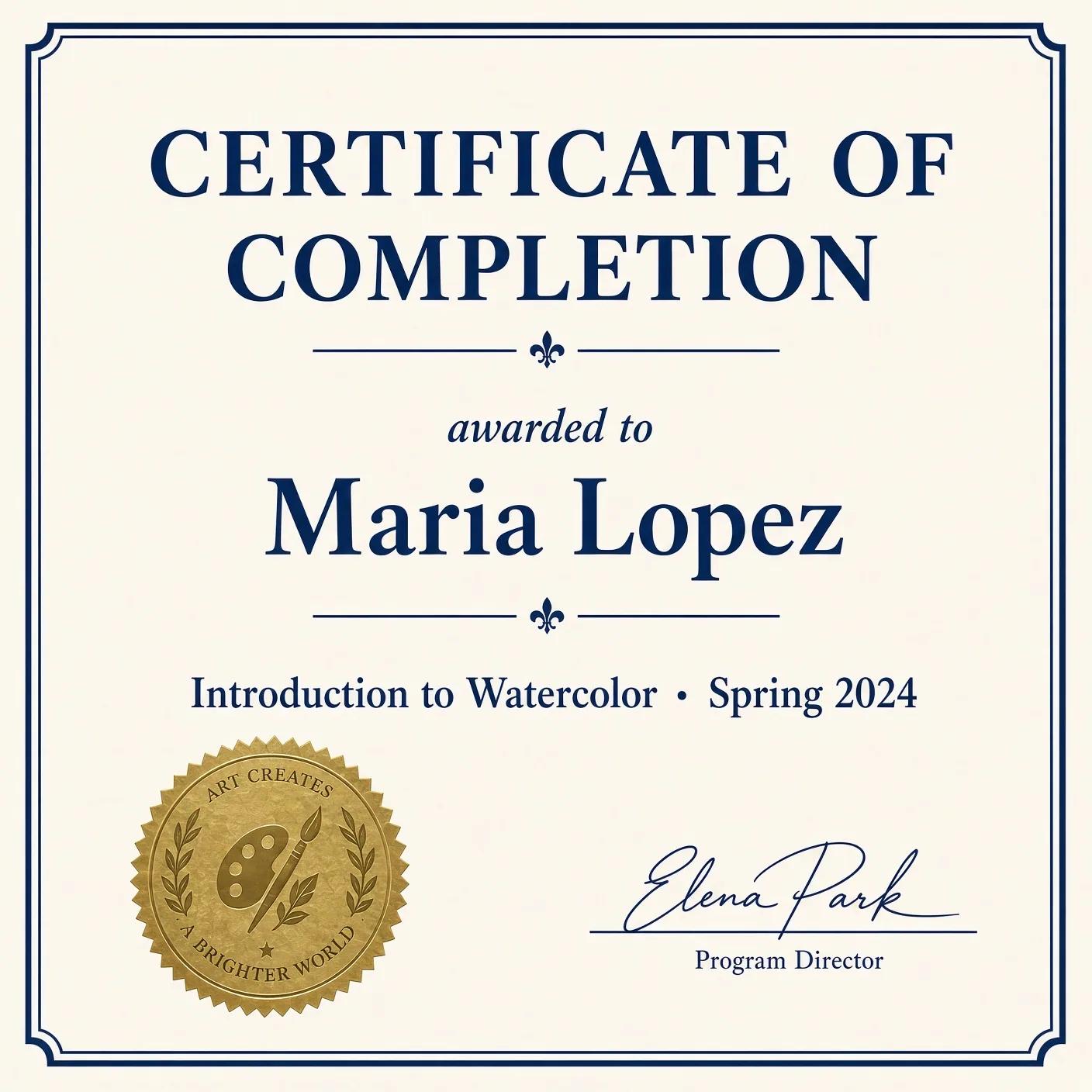 Restored
A page crushed into a ball and flattened again: wrinkles and grey shadows everywhere. Every word, the name, the date, the seal and the signature came back as they were.
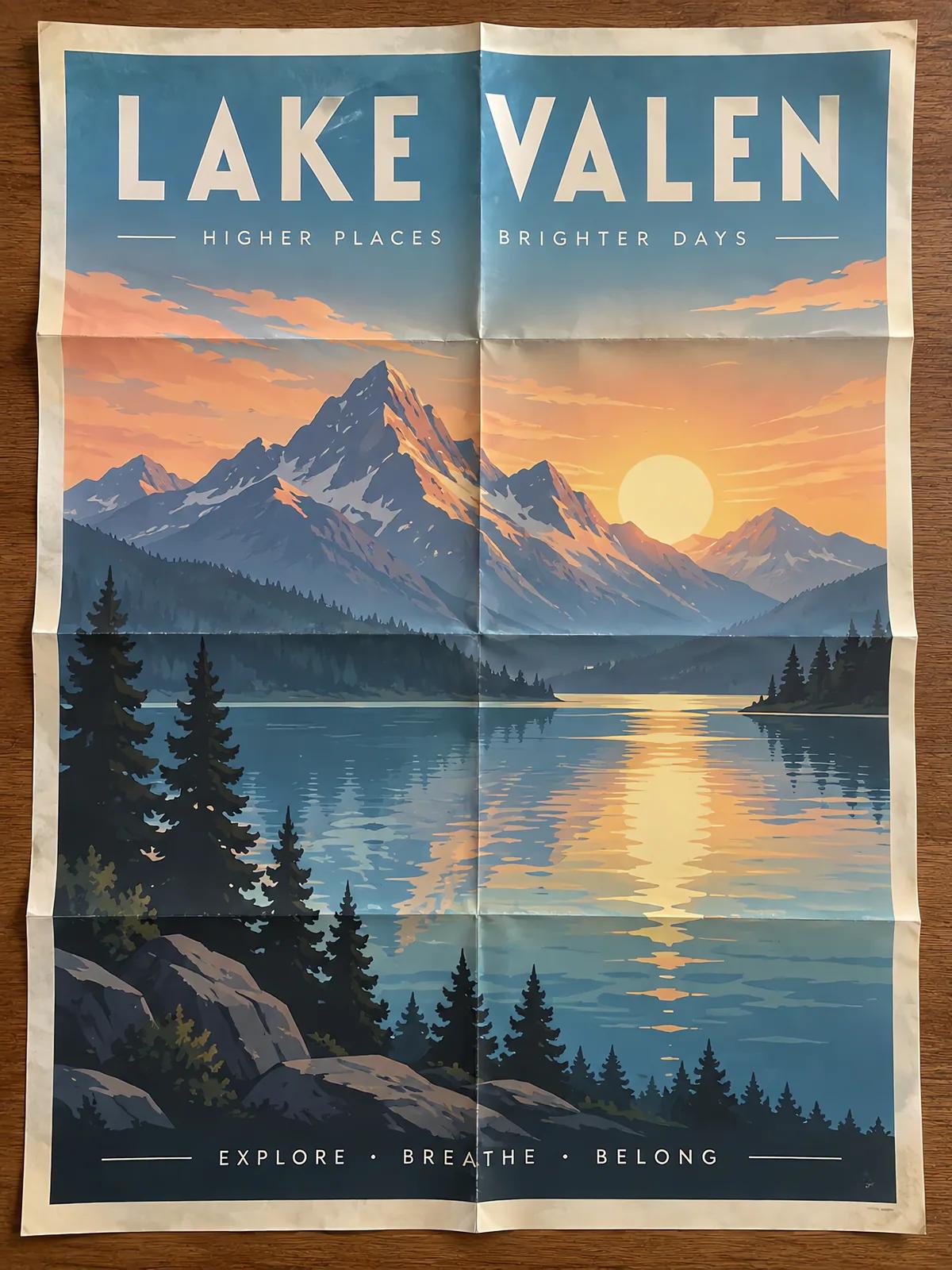 Folded poster
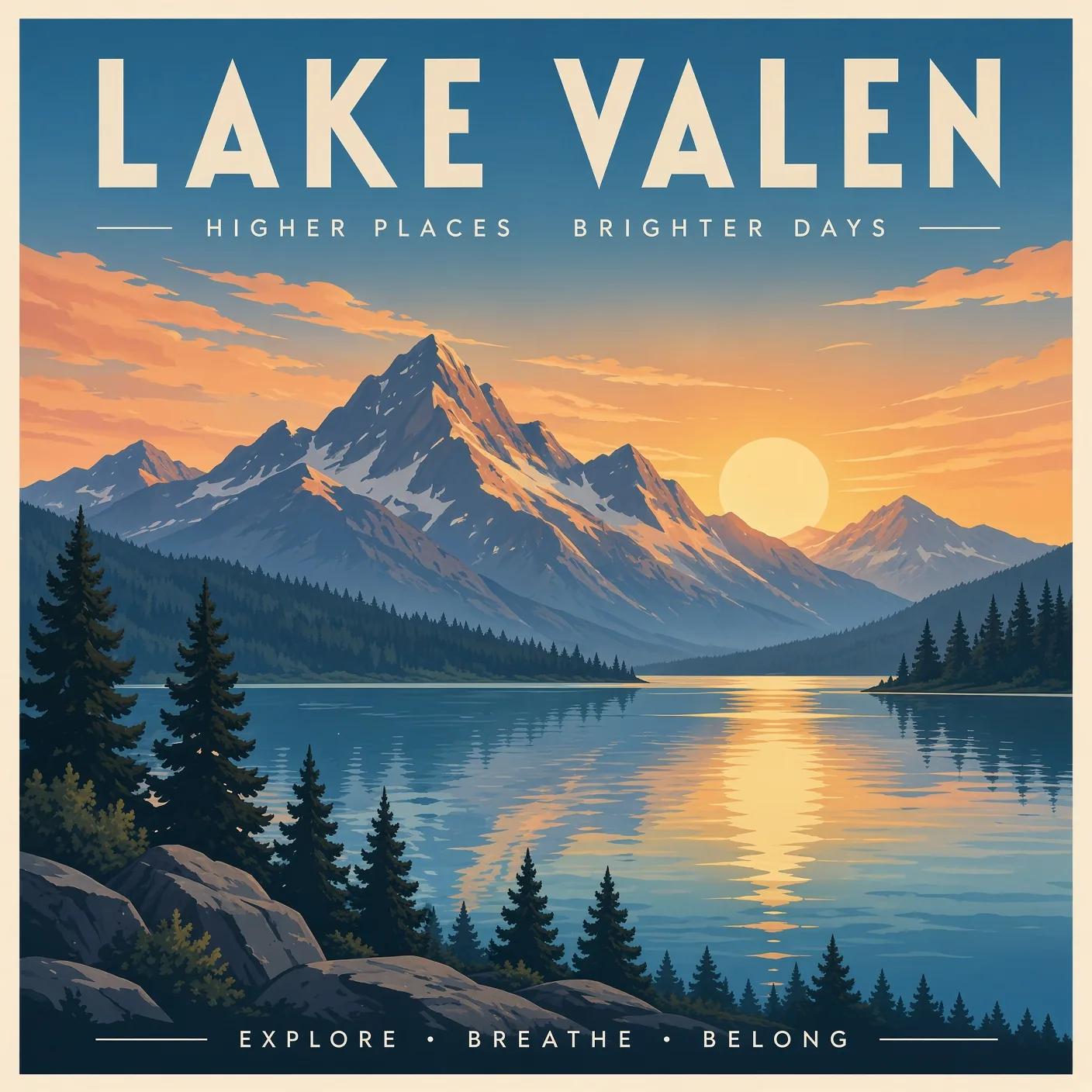 Restored
A grid of fold lines from being mailed in eighths. Photograph it straight on, and the poster comes back flat with its title and tagline intact; the table around it is left out.
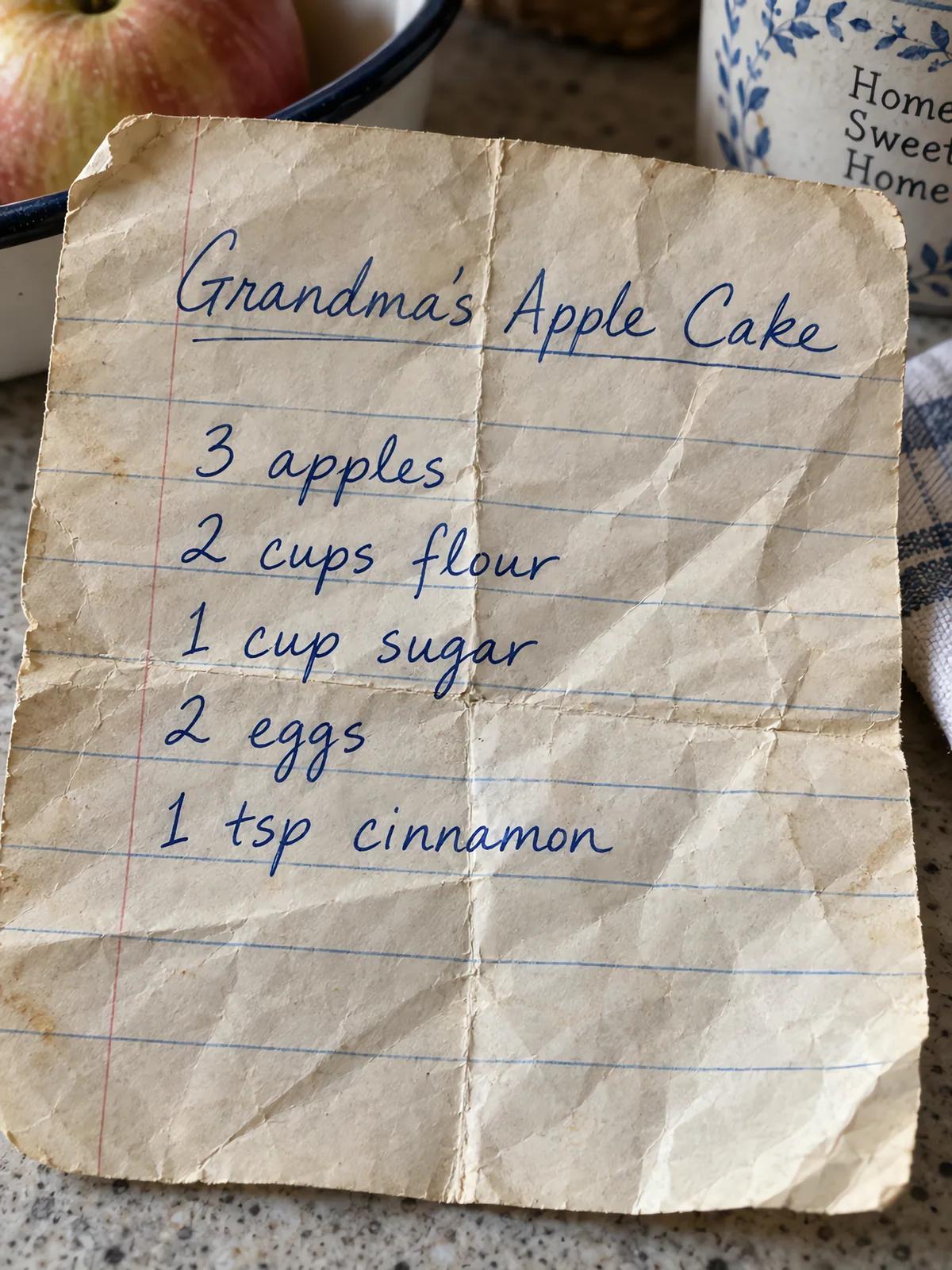 Crumpled card
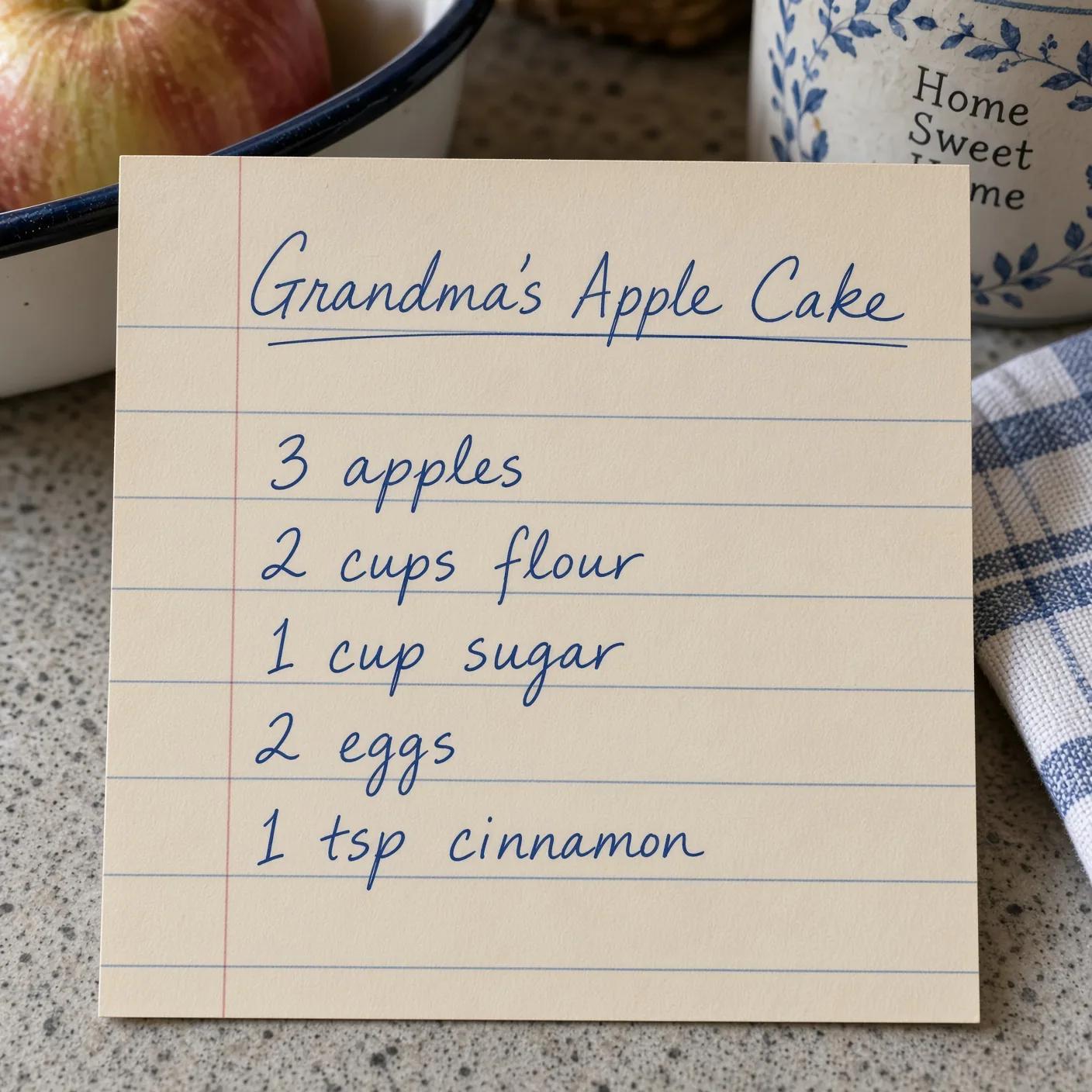 Restored
Handwriting is the hard case, because a model that guesses a word writes a different one. On this recipe card all five lines survived letter for letter.
A flatbed scan is best. A phone photo works too: straight on, in even light, with no glare on glossy prints.
Drop in a PNG, JPG or WebP up to 9MB; an iPhone photo in HEIC converts with HEIC to JPG first. There is nothing to write.
The cost shows on the button first. If a crease survives, run it again on another model.
Read names, dates and numbers against the original, then download the flat copy. To print it larger, enlarge it with Upscale Image.
Scan it, or photograph it flat and straight on in even light, then upload it here and select Restore. The instructions to remove every crease, fold line and crumple shadow are built in, so there is nothing to write.
Yes. The page opens on Grok Imagine, which a free account can use at no cost each day, and every account also gets free daily credits for the other models. Generating needs a free account.
No. In Photoshop you would clone and heal along every fold by hand. Here the model redraws the page without them in one step, and you can run it again on another model if a crease survives.
It is told to keep every character and the layout exactly as they are and to rebuild only what a fold covers. Read names, dates and numbers against the original anyway before you use the copy: a restored image is a cleaner picture of a document, not a certified one.
Uploads are scaled to about 1,000 pixels on the long side before the model sees them, so a photo, a certificate or a poster comes back clean, but very small print on a dense page can soften. To enlarge the result afterwards, use Upscale Image.
No, it fixes the digital copy. The original keeps its creases; you download a flat version to print, frame or keep.
Yes, anything printed or written on paper. Photograph it straight on so the folds are not also a perspective problem, and keep glare off glossy prints, because a reflection can read as damage.
It removes wrinkles in the paper, not in a face, and not objects like power lines. To remove one thing from a picture, select it in the AI Image Editor and describe the fix.
Its instructions are written for creases, folds and crumples. For a tear, a stain or a missing piece, try Image to Image with an instruction that names the damage, or select the spot in the AI Image Editor.
Yes. Restored scans are saved privately to your account and do not appear in Explore unless you publish one yourself. Your upload is used only to run the restore.
Only when you download on a free account: the file gets a small Vormly mark in the corner. Paid plans download the clean image.
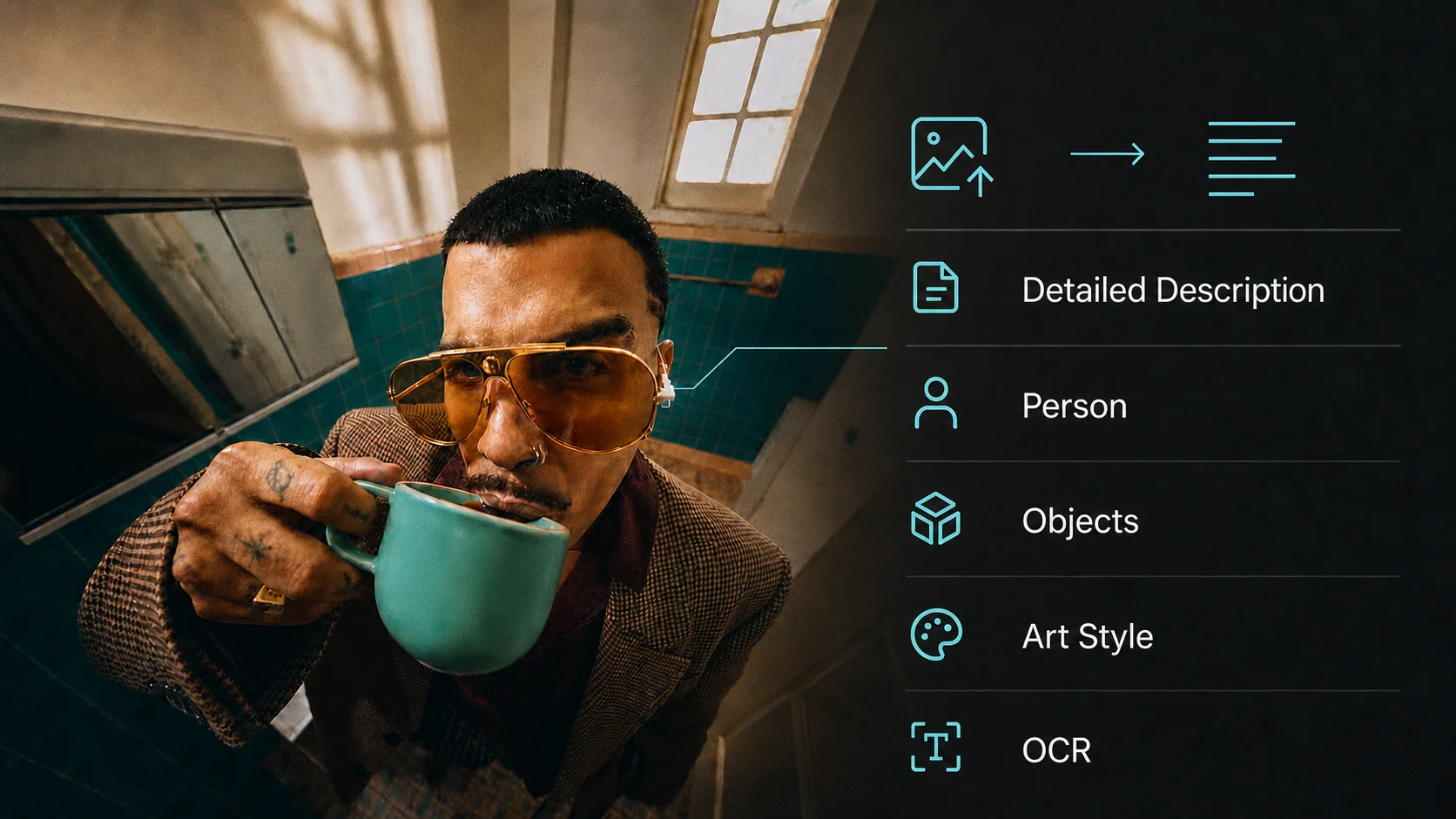
Restored a document? Extract its text with OCR or get a full description of the scanned content.
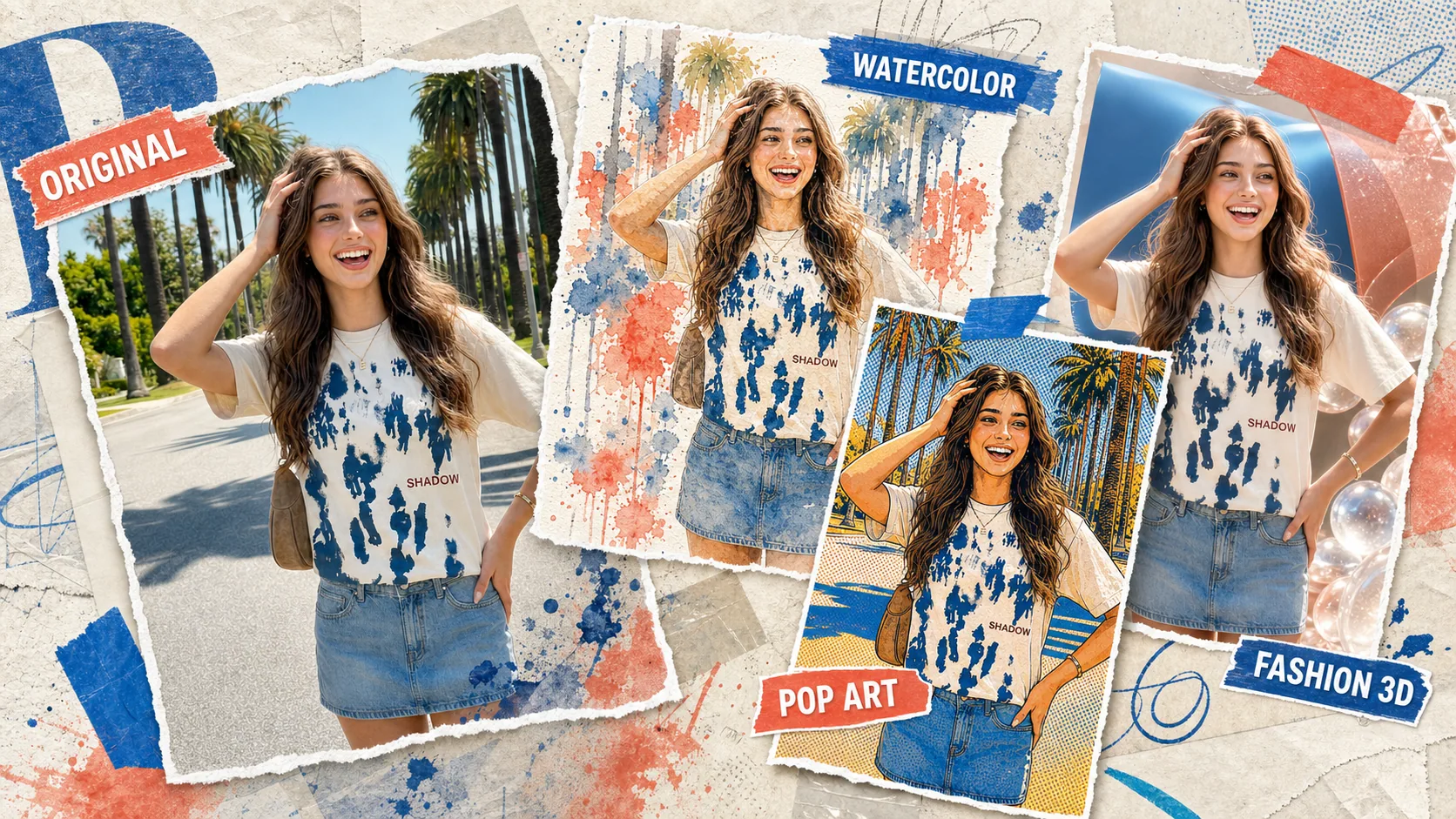
Document restored? Give old photos and artwork a fresh look with AI-powered style transfer.
Digitizing artwork or vintage prints? Turn the restored image into a reusable AI prompt.
This tool never touches the paper, and for a treasured original that is the point.
You get a flat digital copy to print, frame or share, and the original stays exactly as it was. For a treasured photo with minor damage, that is what the Library of Congress suggests: leave the object alone and look after how it is stored.
“If the item has collector's value, the damage is minor, and is infrequently handled, consider leaving it as-is and focusing on improving storage conditions.”