

Right-click any image on any website and get a detailed AI generation prompt — without downloading the image or leaving the page.
The web tool is free and unlimited today — the extension brings it to every page you browse.
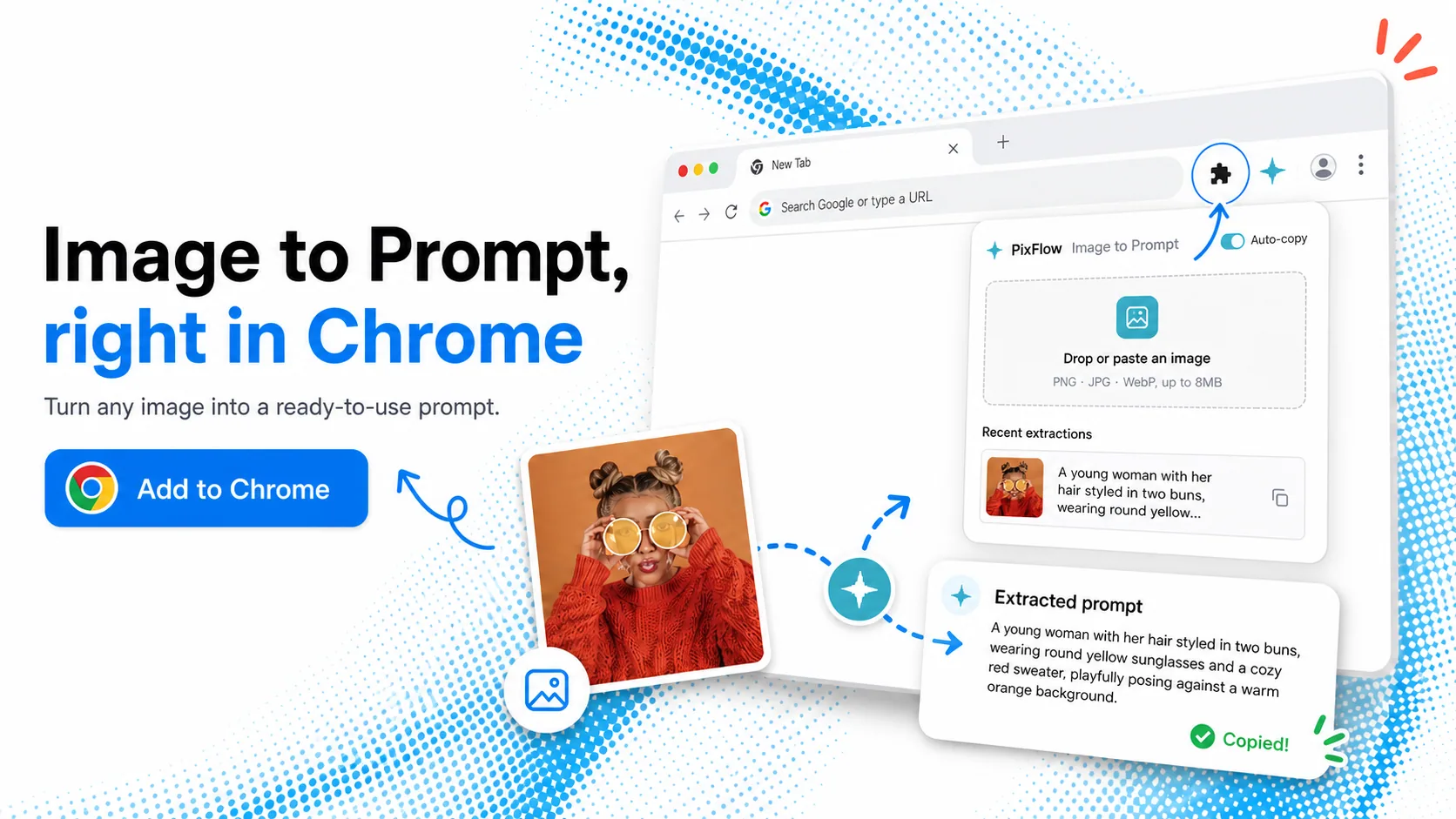
Today, extracting a prompt from an image you found online means saving it, opening a converter, uploading, and waiting. The Vormly extension collapses all of that into one right-click. See an image you love on Pinterest, ArtStation, X, or a random blog? Right-click, extract, and the prompt lands in your clipboard — ready for Midjourney, Stable Diffusion, or GPT Image.
No downloads, no tab switching — extract the prompt directly from the image on the page you're reading.
Same as the web tool: no daily cap, no sign-up, nothing held back for a paid plan.
The extension only touches the image you right-click. No browsing history, no page content, no personal data collected.
Right-click, choose, paste
Pinterest, ArtStation, Behance, X, Reddit, image search results — the extension works on every site.
Choose "Extract prompt with Vormly" from the context menu. The image is analyzed in place.
A detailed General or Midjourney prompt is copied to your clipboard, ready for any AI image generator.
A plain-language prompt for GPT Image, Nano Banana, Flux and Stable Diffusion, plus a Midjourney one with its parameters.
It reads the image the same way the web tool does, so the prompt lands in your clipboard while you are still looking at the picture.
Photos, digital art, anime, 3D renders, UI screenshots — if you can right-click it, you can extract it.
The prompt is copied for you. Paste it into Midjourney's /imagine or your Stable Diffusion setup.
Only the image you click is sent for analysis, then immediately discarded. Nothing else leaves your browser.
Anything that installs from the Chrome Web Store works — you do not need Chrome itself.
Everything about the Image to Prompt browser extension.
A free prompt extractor that lives in your browser's right-click menu. When you find an image you want to recreate, on Pinterest, a portfolio or an image search, choose "Extract prompt with Vormly" and a General prompt or a Midjourney prompt is copied to your clipboard.
It is live on the Chrome Web Store — search for "Vormly AI — Image to Prompt" or use the Add to Chrome button on this page. Installation takes one click and needs no account. The full Image to Prompt tool also remains free on the web if you would rather not install anything.
Yes. Like the web version of Image to Prompt, the extension is free to use with no daily conversion cap and no sign-up.
Chrome, plus the Chromium-based browsers that install from the Chrome Web Store — Edge, Brave, and Arc. Firefox support is planned based on demand.
Use the free web tool: open Vormly's Image to Prompt page, upload or paste your image, and the AI returns a detailed prompt in seconds. It supports batch uploads and works with GPT Image, Nano Banana, Midjourney, Flux, and Stable Diffusion.
No. The extension acts only on the specific image you point it at, sending that one image for analysis and returning the prompt. No browsing history, page content, or personal data is collected or stored.
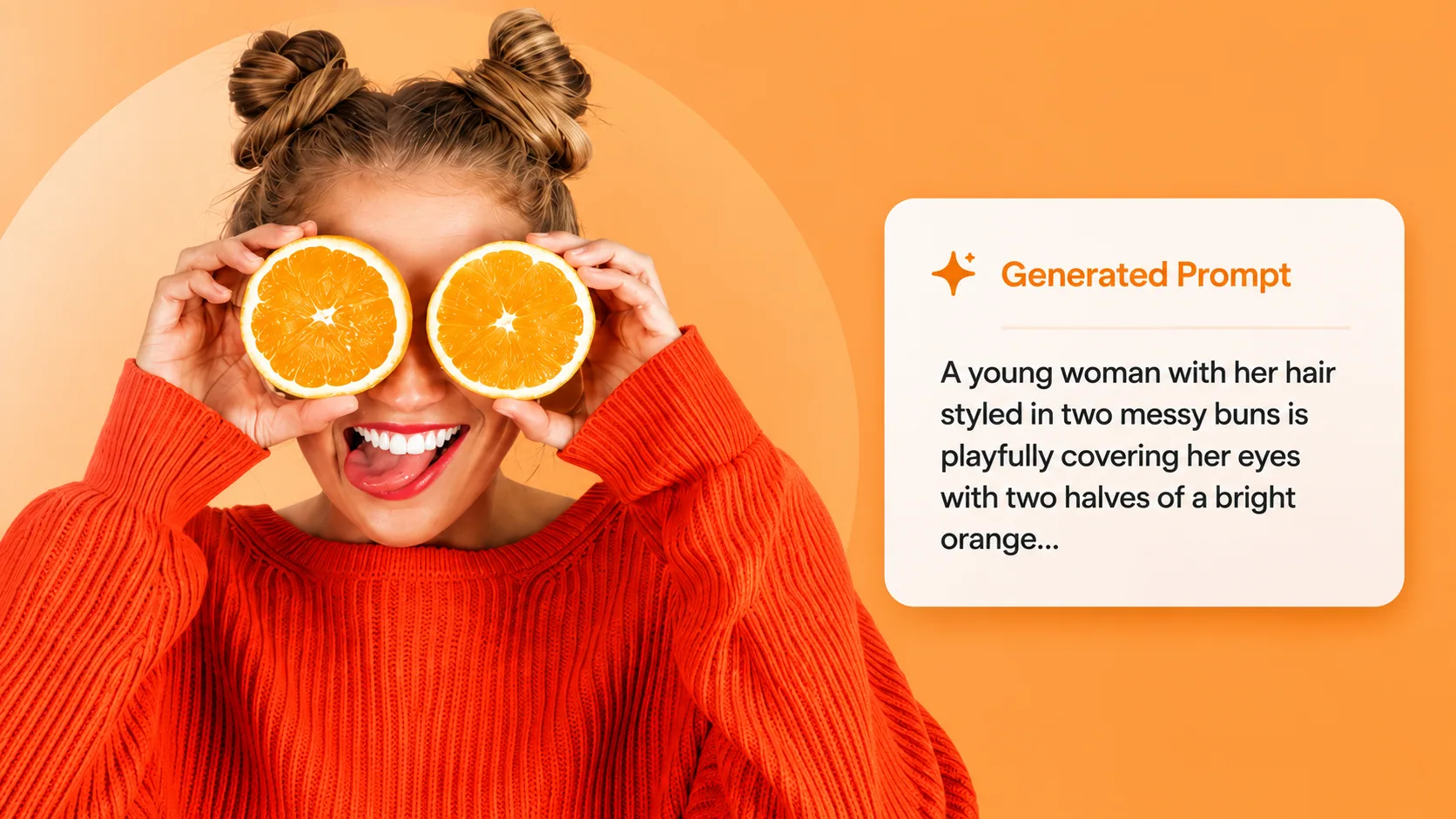
Don't want to wait for the extension? The full web tool is free and unlimited — upload any image and get your prompt now.
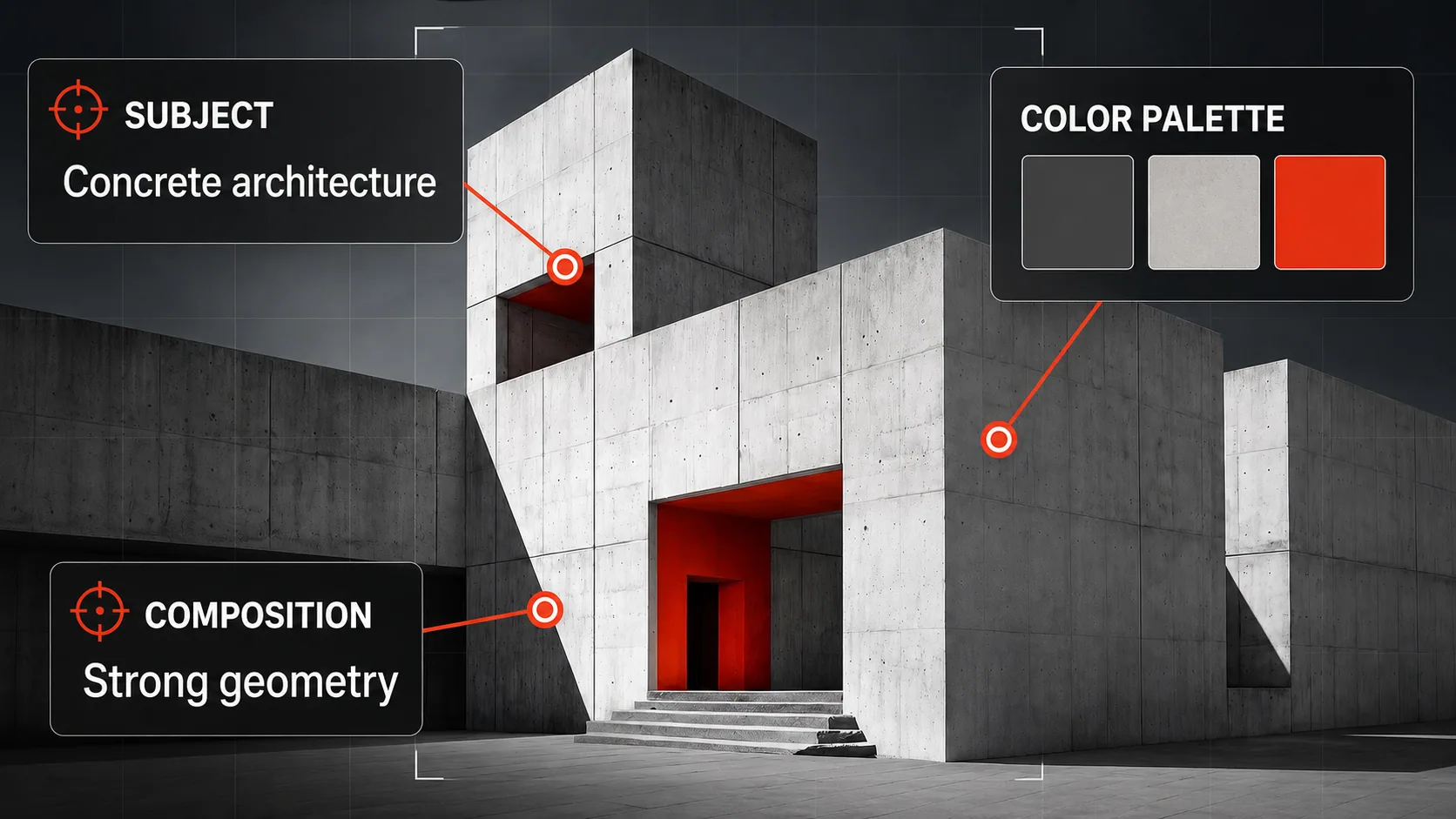
Want the colors and composition instead of a prompt? Get the palette as hex codes and how the image is lit and framed.
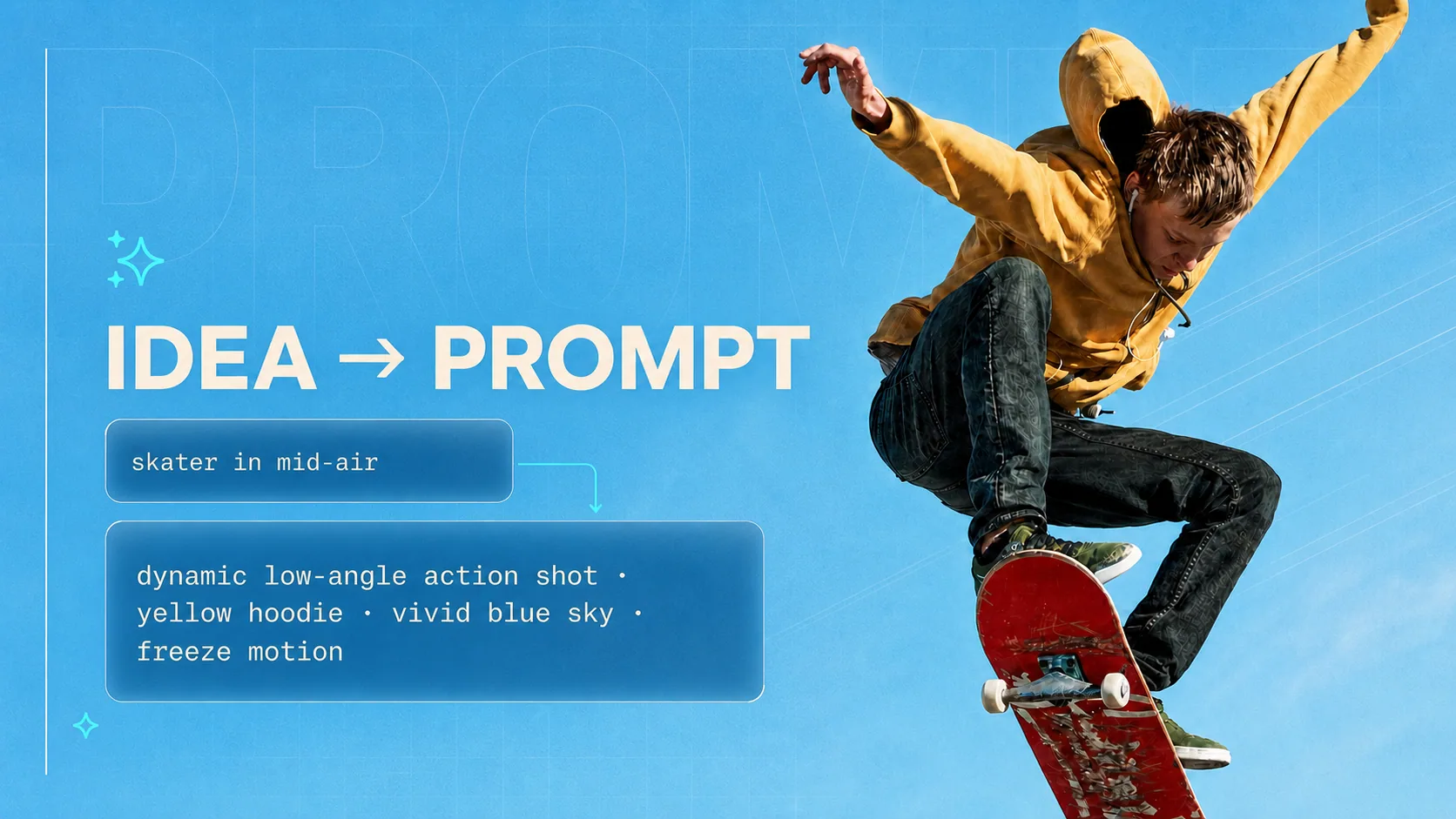
Starting from an idea instead of an image? Generate optimized prompts for any AI model from a simple sentence.
Free, and there is nothing to sign up for. Prefer to stay on the web? The same prompts are a page away.
The extension only touches the image you right-click. Read the privacy policy.