Describe a scene or add an image and get a 5 to 15 second clip with clean camera work, for less than most models charge.
65 credits for 5 seconds and 195 for 15, which makes PixVerse one of the cheapest ways to get a 15-second clip.
Crane shots, tracking shots and reveals come out smooth, and a clip can cut between several shots when you list them.
Start a clip on one image, move between two, or give up to seven images of a person or product to build the scene from.
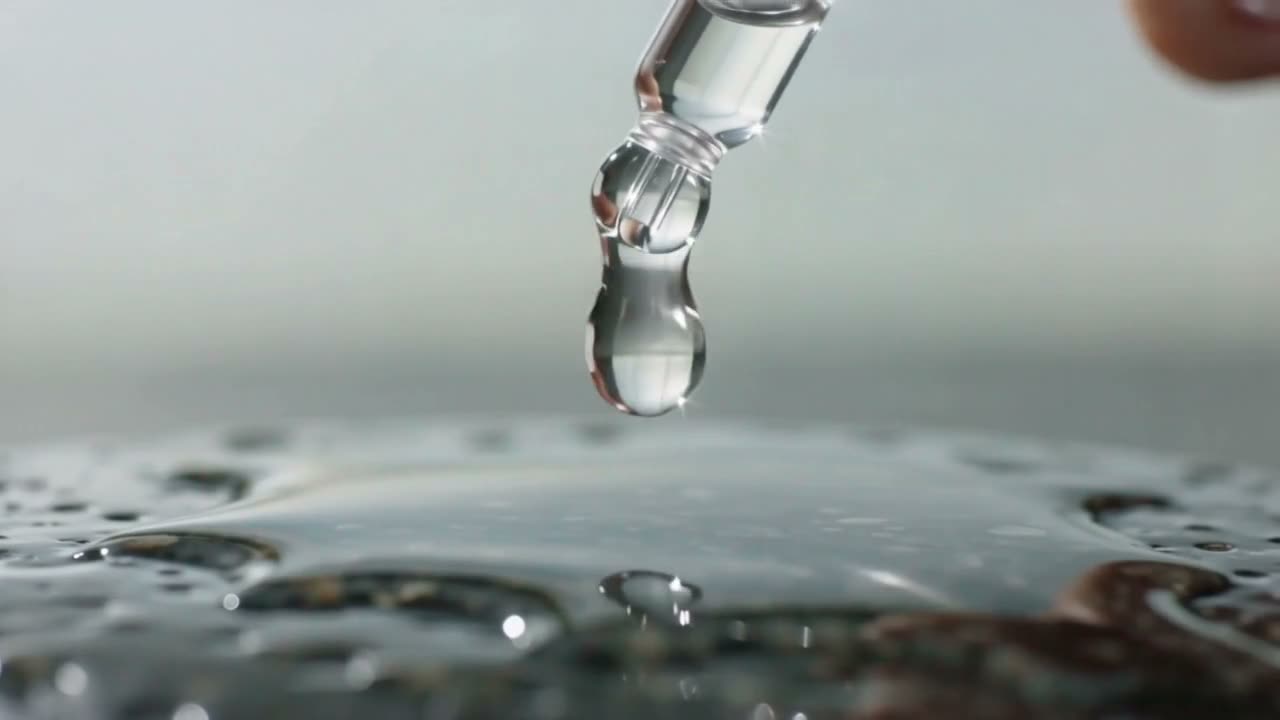
A skincare advert in three shots: a frosted glass bottle rotating on wet stone, a drop of serum falling and landing in slow motion, then a woman's hand lifting the bottle away from camera. Clean bright product lighting, soft shadows, consistent look across all three shots, no text, no logos.
List the shots and PixVerse cuts between them: the bottle turning on wet stone, the drop landing in slow motion, the hand lifting it away.
A single crane shot: the camera starts tight on a chessboard mid-game on a stone table, then rises and pulls back to reveal a walled garden, then a whole monastery courtyard with monks crossing it. One continuous move, wide to very wide, smooth acceleration, late afternoon light, shallow to deep focus.
One crane move from a chessboard out to the whole monastery courtyard: the shot you would need a crane and a permit for.
A parkour runner sprints along a rooftop, vaults a low wall, drops to a lower roof and rolls back to his feet without breaking stride, camera running with him. Real weight and momentum in every landing, dust kicking up, city skyline behind, hard afternoon sun.
A parkour runner vaults a wall and rolls back to his feet without breaking stride. The landings are where an action clip either has weight or gives itself away.
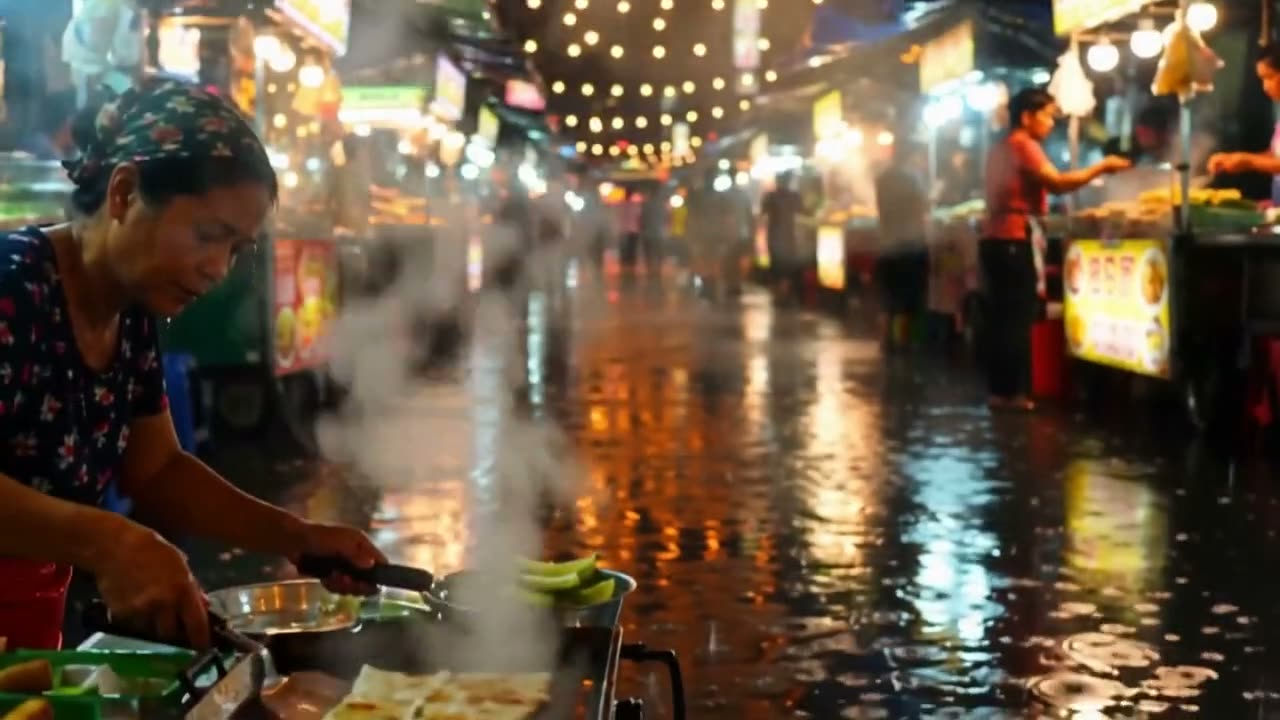
A night market in monsoon rain: strings of bulbs overhead, steam rising off griddles, rain bouncing off tarpaulins, reflections of red and yellow signage in the wet street. Slow tracking shot down the middle of the market, rich saturated colour, atmospheric, no readable text.
A night market in the rain: bulbs overhead, steam off the griddles, colour in the wet street. A slow track like this is the opener or background a post needs.
Say what is on screen, what moves and how the camera follows. List shots in order for a clip that cuts.
One image starts the clip on it, two make a transition from the first to the second, and more are used as references for a person or product.
5, 8, 10 or 15 seconds, in 16:9, 9:16, 1:1, 4:3 or 3:4.
The cost shows on the button before you click. The clip opens in Create and downloads as an MP4.
The ways this page starts a PixVerse clip, and the camera work it is known for, in PixVerse's words.
PixVerse V6 is good at camera moves: tracking shots, crane shots and reveals come out smooth. PixVerse names camera work as one of the main improvements in V6.
“Camera movements — tracking, perspective shifts, environmental reveals — are rendered with greater accuracy and fewer artifacts than previous releases.”Add two images and PixVerse makes a clip that moves from the first to the second. It is PixVerse's own first-and-last-frame mode, which this page calls directly.
“The API will generate a video that smoothly transitions between these two points, creating a surprising and visually appealing sequence.”Add several pictures of a person, a product or a background and PixVerse combines them into one scene; PixVerse calls this Fusion. Here it takes up to seven.
“These reference images can include subjects and backgrounds, and you can use prompts to help compose them naturally into a coherent scene.”PixVerse is an AI video model and app. PixVerse V6, the version on this page, makes 5 to 15 second clips from a prompt or from images, and is known for clean camera work at a low price.
You can try it free. Start a 3-day free trial and you get 200 credits, enough for three 5-second PixVerse clips (65 credits each). Starting the trial takes a card but costs nothing today; we email you before it ends, and if you do not cancel, the plan you picked renews at its normal price. The one video model a free account can use at no cost is Grok Video.
65 credits for 5 seconds, 105 for 8, 130 for 10 and 195 for 15. The Generate button shows the cost before you click.
Yes. PixVerse V6 makes the sound with the picture, and a clip that cuts between shots keeps its soundtrack running through the cuts. Describe the sounds you want in the prompt.
5, 8, 10 or 15 seconds in one clip. There is no extend button here; for a longer video, make it scene by scene and join the clips in a video editor.
Yes. Add an image and the clip starts on it. Add two and PixVerse makes a transition from the first to the second, the same idea as First and Last Frame.
No. The PixVerse app's one-tap effects (earth zoom, hugs and so on) are not offered here. You get the V6 model itself: describe the shot, or start from your own image.
Name the camera move as well as the subject: "a single crane shot, starting tight on a chessboard and rising to reveal the courtyard". For an ad, list the shots in order. Add the light and mood at the end.
Downloads during the free trial and on paid plans are clean MP4s with no watermark. Downloads on a free account carry a small Vormly watermark.
Yes. Clips you make with PixVerse here are yours to use in ads, client work, YouTube videos and social posts, with no credit to Vormly needed. New clips are public by default and can appear in Explore with their prompt; on a paid plan you can make them private. A real brand or a famous person's likeness in your prompt is not cleared just because a model made the clip.