

PNG · JPG · WebP
or drop / paste an image
Full breakdown of subject, setting, colors, lighting, mood, and composition
Your description will appear here
Upload an image, pick a mode, and the text renders on this canvas — ready to copy.
Describe this image, describe the picture, or ask anything about it — in detail or briefly, identify objects, analyze art style, extract text (OCR), in 19 languages.
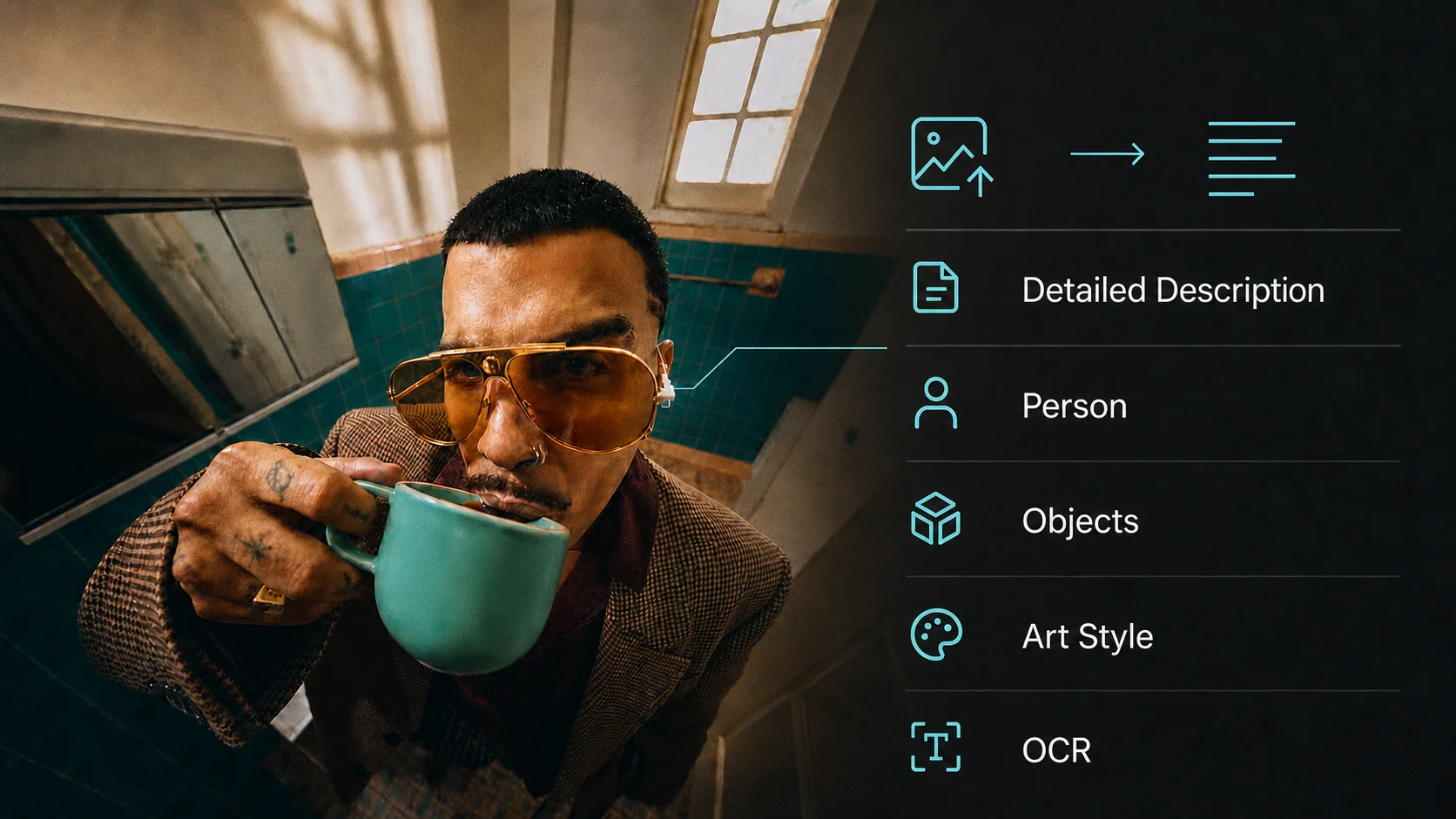
An AI image describer converts pictures into text. Upload a photo, artwork, screenshot, or scanned document and the AI explains what it sees — the subject, the setting, the style, the objects, even the exact text printed inside the image. Use it for alt text, content cataloging, research, accessibility, or simply to understand an unfamiliar image.
Describe 8 images a day without an account. Signed in, each description is 1 credit.
Beyond fixed descriptions — type any question about your image and get a direct, specific answer.
Your image is analyzed in memory and immediately discarded. Never stored, never used for training.
Pick the mode that matches your task — each one uses a specialized analysis strategy.
A comprehensive breakdown covering the subject, setting, colors, lighting, mood, composition, and fine details. Perfect for alt text, archiving, and accessibility.
One or two sentences that capture the essence — ideal for image captions, quick cataloging, and file naming.
Detailed, respectful description of appearance, clothing, pose, and expression. Never attempts to identify who the person is.
A grouped inventory of every visible object with color, material, and state — foreground to background, nothing missed.
Medium, technique, art movement, palette, and the artists a work evokes. Great for studying references and building style vocabularies.
Verbatim transcription of every piece of text in the image — signs, labels, documents, screenshots — with location notes.
“How many people are in this photo?” “What breed is the dog?” “What does the sign say?” — switch to question mode and use the AI as your visual assistant. It answers based strictly on what's visible in the picture.
Three steps from picture to text
Drag and drop a PNG, JPG, or WebP file — or paste directly from your clipboard. Photos, artwork, screenshots, and scans all work.
Choose from seven description modes and 19 output languages. Ask a custom question if you need something specific.
Get the result in seconds, copy it with one click, and use it anywhere — alt text, catalogs, captions, or documents.
Everything you need to know about describing images with AI.
Drop the image in and the describer reads it straight away — no button to hunt for, no account. Pick Detailed when you want the full scene (subject, setting, style, mood, notable objects) or Brief when a caption-length line is enough. If you had a specific question in mind, switch to Ask and type it: the describer answers about that picture rather than describing it generically.
An AI image describer is a tool that converts pictures into text. It uses a vision AI model to analyze your uploaded image and explain what it sees — the main subject, setting, colors, objects, artistic style, and even the exact text printed inside the image. It's useful for alt text, accessibility, content cataloging, research, and quickly understanding unfamiliar images.
Upload your image and the describer works as an image description generator, writing a clear, structured description you can use as a caption, alt text, or design annotation. It follows the object–action–context approach recommended for accessible image descriptions — naming the main subject, what's happening, and the surrounding context — so the result reads well for sighted viewers and screen-reader users alike. Pick the Detailed mode for rich descriptions or Brief mode for a short caption.
Without an account you can describe 8 images a day for free, no card needed. After that, log in and each description costs 1 credit (refunded if it fails).
Seven modes: Describe in Detail (comprehensive breakdown), Describe Briefly (1-2 sentence summary), Describe the Person (appearance, clothing, pose), Recognize Objects (grouped inventory), Analyze Art Style (medium, technique, influences), Extract Text (verbatim OCR), and Ask a Question (custom visual Q&A).
Yes. Switch to "Ask a Question" mode and type anything — "How many people are in this photo?", "What does the sign say?", "What breed is the dog?" — and the AI answers based strictly on what is visible in the image.
Yes. The Extract Text mode transcribes every piece of visible text verbatim — signs, labels, documents, screenshots, watermarks — preserving spelling and capitalization, with a note about where each text block appears in the image.
Six output languages: English, Chinese (简体中文), Japanese, Korean, Spanish, and French. In OCR mode, extracted text always stays in its original language while notes are written in your chosen language.
Image to Prompt produces a generation prompt — text formatted for AI image models like Midjourney or Stable Diffusion to recreate the image. The Image Describer produces human-readable text: descriptions, object lists, OCR transcripts, and answers to questions. Use Describe Image to understand a picture; use Image to Prompt to regenerate one.
No. Your image is analyzed in memory and discarded immediately after the description is generated. It is never saved, shared, or used to train AI models.
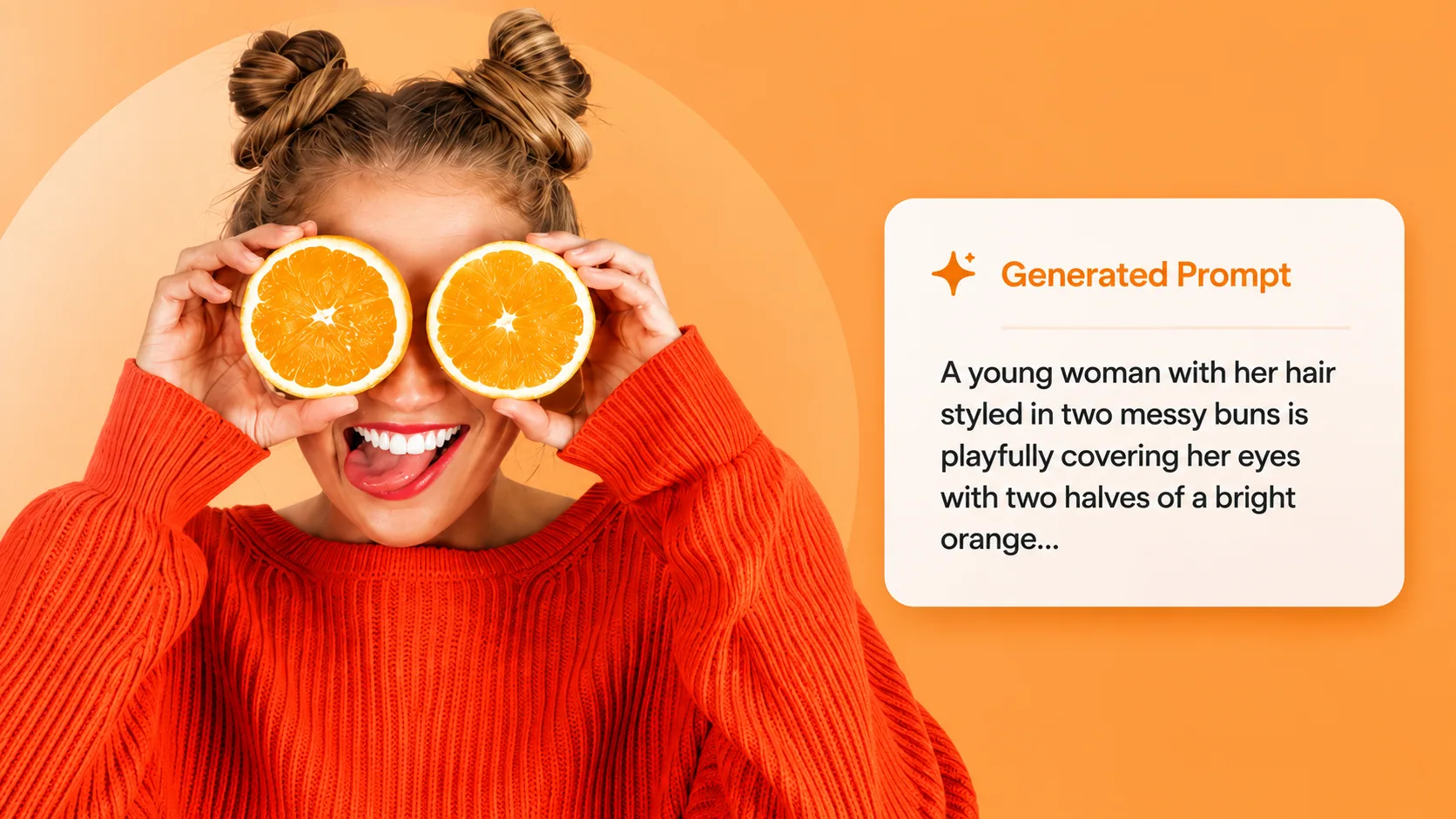
Want to recreate the image with AI instead of just describing it? Extract a generation-ready prompt for Midjourney, SD, and GPT Image.
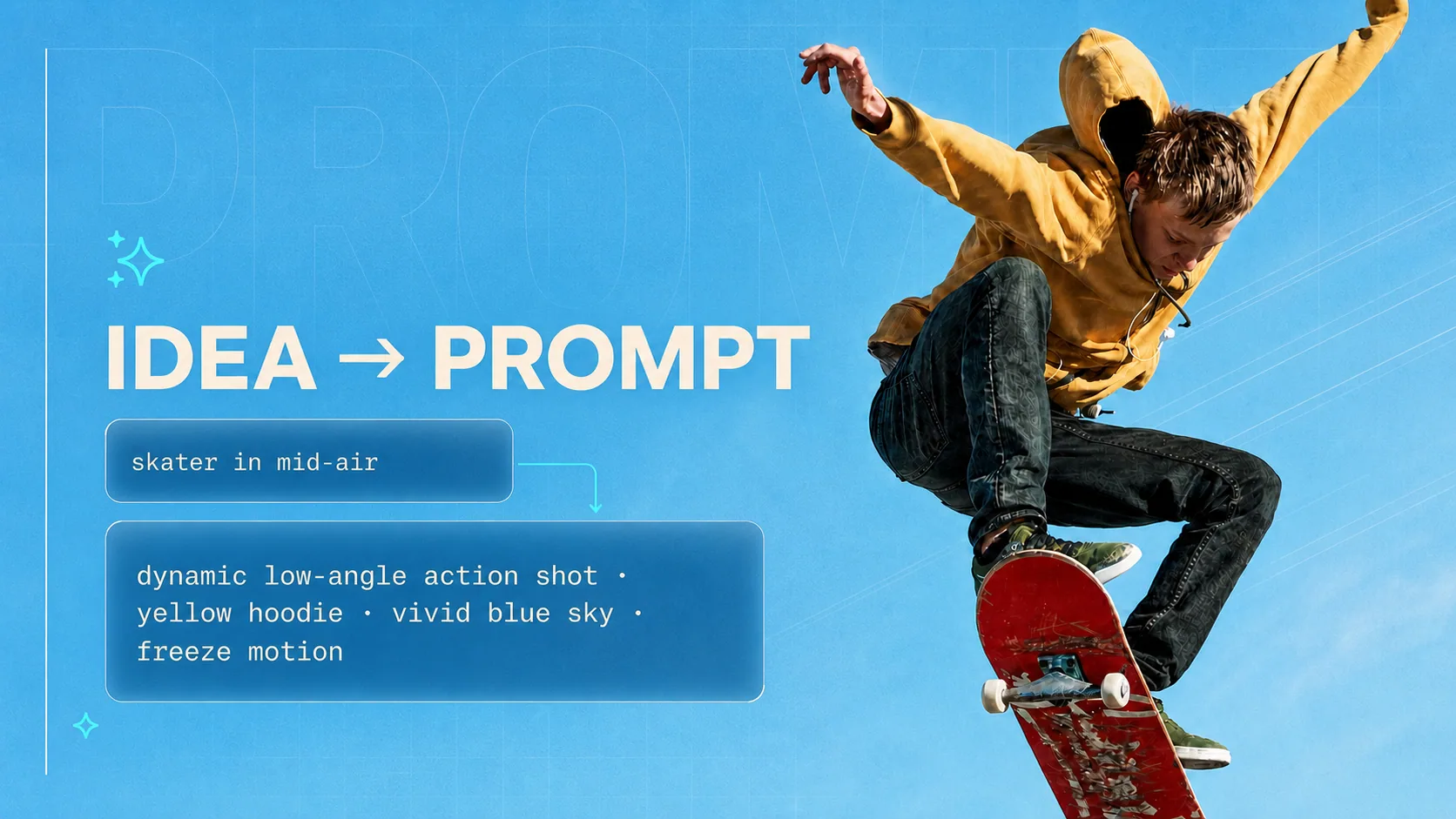
Turn the description into something new — generate optimized prompts for any AI model from a simple idea.

Only care what they're wearing? Get a garment-by-garment breakdown, the named style, and a paragraph ready for a character card.
8 free descriptions a day without signing up — then 1 credit each once you log in.