Free
SD 1.5 · SDXL · 3.5
Free
SD 1.5 · SDXL · 3.5
Your prompt
Basic idea is enough
Target model
tunes the prompt format
SD 3.5 uses natural-language prompts (T5) — no tag weights or quality-tag spam.
Output language
Your enhanced prompt will appear here
Positive prompt, negative prompt, and recommended settings — all copy-ready.
Before → After
"a beautiful sunset over the ocean"
masterpiece, best quality, highly detailed, a breathtaking sunset over a vast ocean, golden hour lighting, dramatic clouds with warm orange and purple hues, volumetric rays, cinematic composition, photorealistic, 8k uhd, dslr
+15 quality tags+ negative prompt
100% Automatic · Free
AI Stable Diffusion Image Prompt Enhancer
Type a basic idea and get an optimized SD image prompt — quality tags, negative prompt, and recommended settings included.
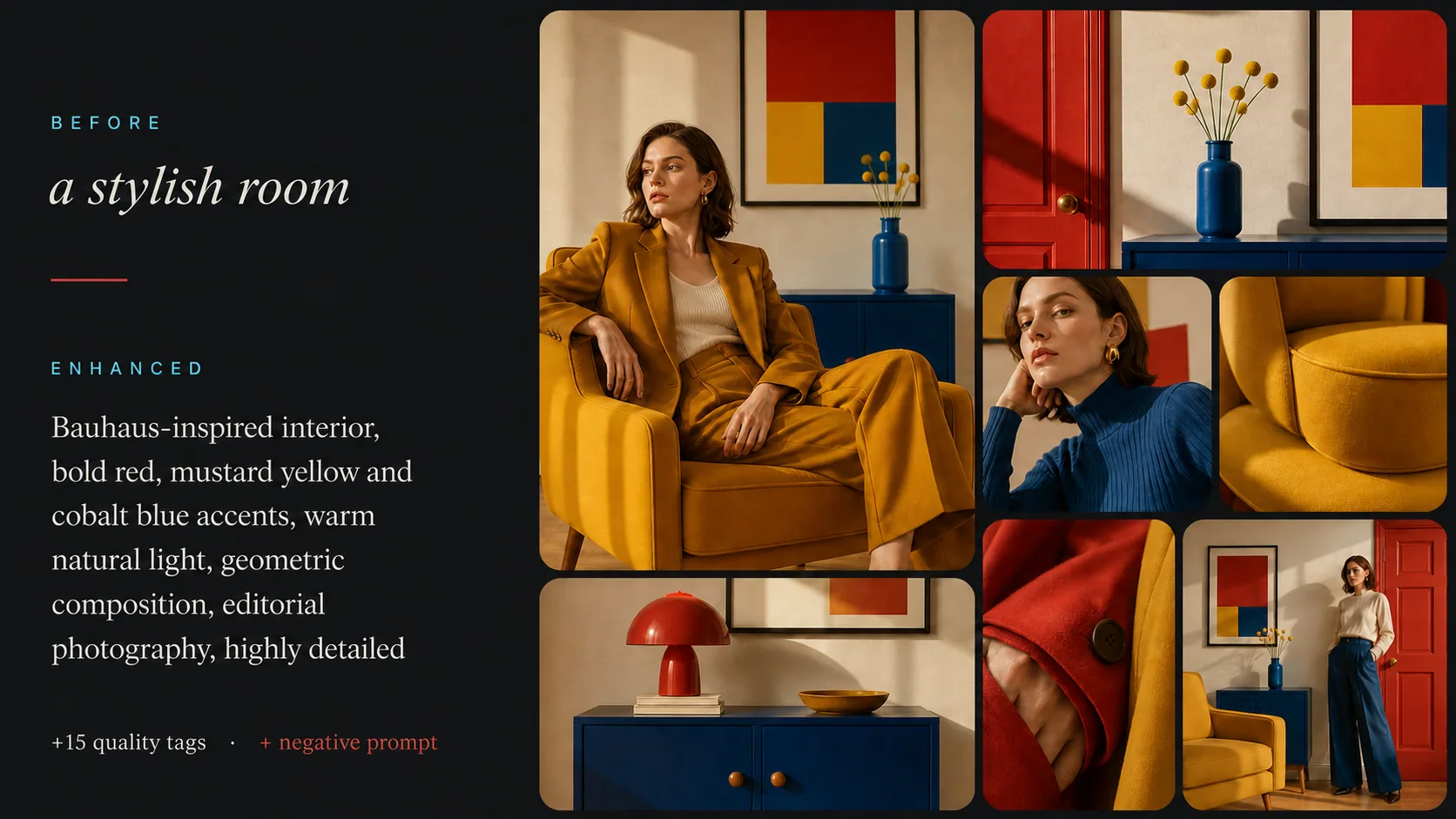
What Is an AI Stable Diffusion Image Prompt Enhancer?
Transform basic ideas into optimized SD prompts
A Stable Diffusion prompt enhancer takes your simple text description and converts it into a properly structured prompt with quality tags, lighting specifications, art style keywords, and negative prompts — all optimized for the best possible image generation results.
Quality Boosters
Automatically adds masterpiece, best quality, highly detailed, and other proven quality tags
Style & Lighting
Specifies art styles, rendering techniques, camera angles, and lighting conditions
Negative Prompts
Generates matching negative prompts to avoid common artifacts like extra fingers, blurry, low quality
How the SD Prompt Enhancer Works
Three simple steps to perfect Stable Diffusion prompts
01
Enter Your Idea
Type a basic description of what you want to generate. Even a few words work — 'sunset over ocean' or 'cyberpunk cityscape'.
02
AI Enhancement
Our AI analyzes your concept and adds quality tags, style keywords, lighting details, and generates negative prompts.
03
Copy & Generate
Copy the enhanced positive and negative prompts along with recommended settings directly into your Stable Diffusion workflow.
Support
Frequently Asked Questions
Everything you need to know about Stable Diffusion prompt optimization.
It takes your basic text description and converts it into an optimized Stable Diffusion prompt with quality tags (masterpiece, best quality), style specifications, lighting details, emphasis syntax, and a matching negative prompt to avoid common generation artifacts.
More Free AI Tools
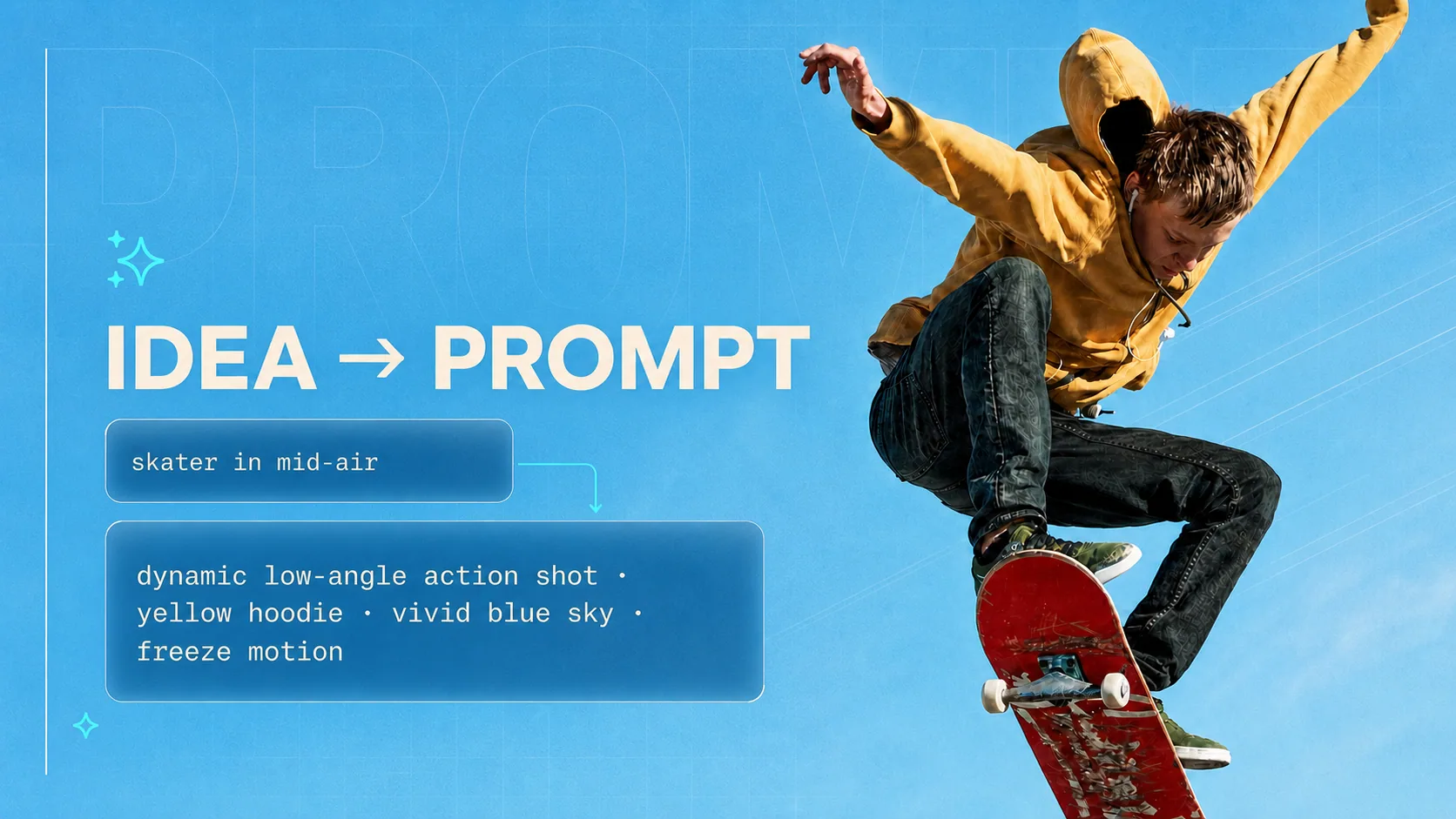
AI Prompt Generator
Starting from zero? Generate a complete prompt for Midjourney, Stable Diffusion, DALL-E, ChatGPT and Claude.
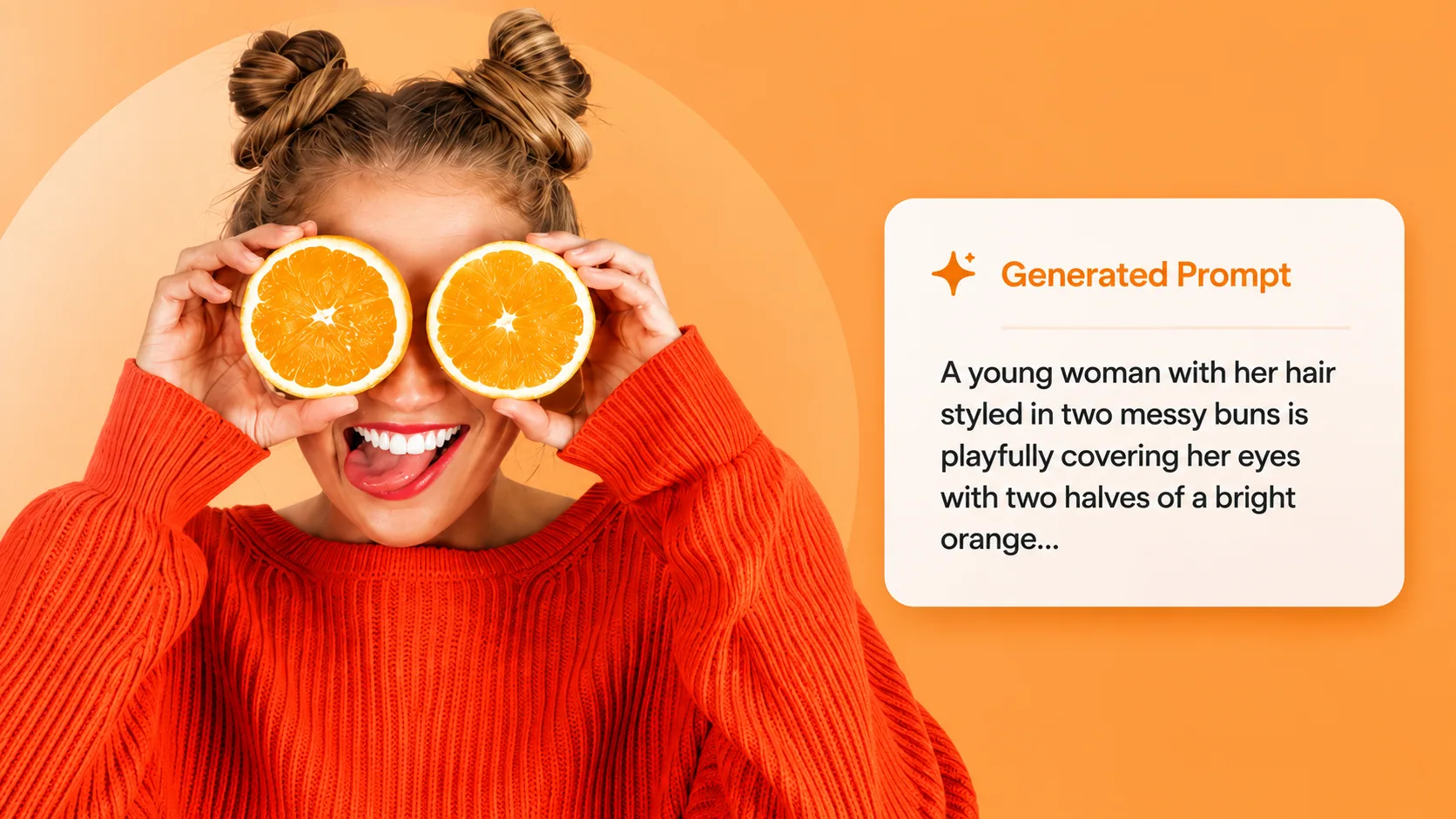
Image to Prompt
Have a reference image? Reverse it into a prompt, then enhance it here for Stable Diffusion.
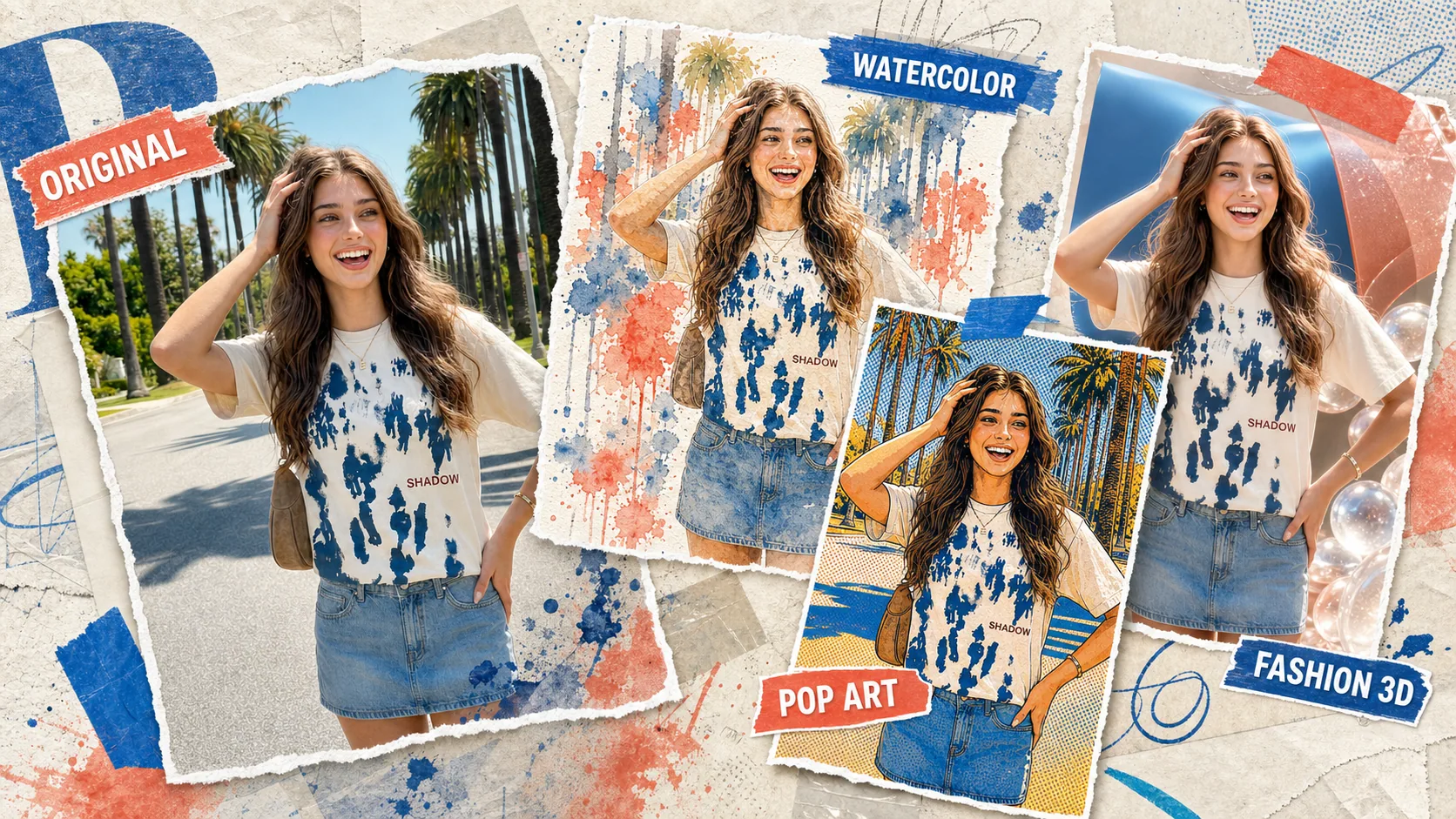
AI Image Remix
Skip the local setup — run your enhanced prompt directly in Vormly's AI image generator.
Enhance Your Prompts Now
Turn simple ideas into perfectly optimized Stable Diffusion prompts in seconds.