Your image
What should change
optional
Settings
Your results will appear here
Upload an image on the left and describe the change — every version lands on this canvas next to the last one.
Image to Image
Image to image, guided by your words
Upload a picture, say what should change, and the model rebuilds it — style, setting, lighting or subject.
Why use Vormly for image to image
Your image stays the subject
The upload is a reference, not a starting canvas — models keep the subject recognisable while rebuilding style, light and setting around it.
Models that actually read images
Only image-capable models are offered here. Text-only ones are filtered out, so nothing silently ignores your upload.
Iterate without re-uploading
Change the prompt and generate again — the reference stays put, and every attempt lands beside the previous one for comparison.
How image to image works
Three steps, no setup
01
Upload
Drop a photo, paste from your clipboard, or pick one from your assets.
02
Say what changes
Describe the new style or setting — or click an example to start.
03
Generate
The new version lands on the canvas; keep going until it's right.
Support
Frequently asked questions
You upload a picture and describe what should change. The model reads your image as a reference and generates a new one — keeping the subject recognisable while rebuilding style, lighting, setting or mood around it.
More Free AI Tools
Text to Image
Text to Image
No reference photo? Generate the whole picture from a written description.
Image Editor
Image Editor
Need to change one region and keep the rest untouched? Brush or box-select it in the editor.
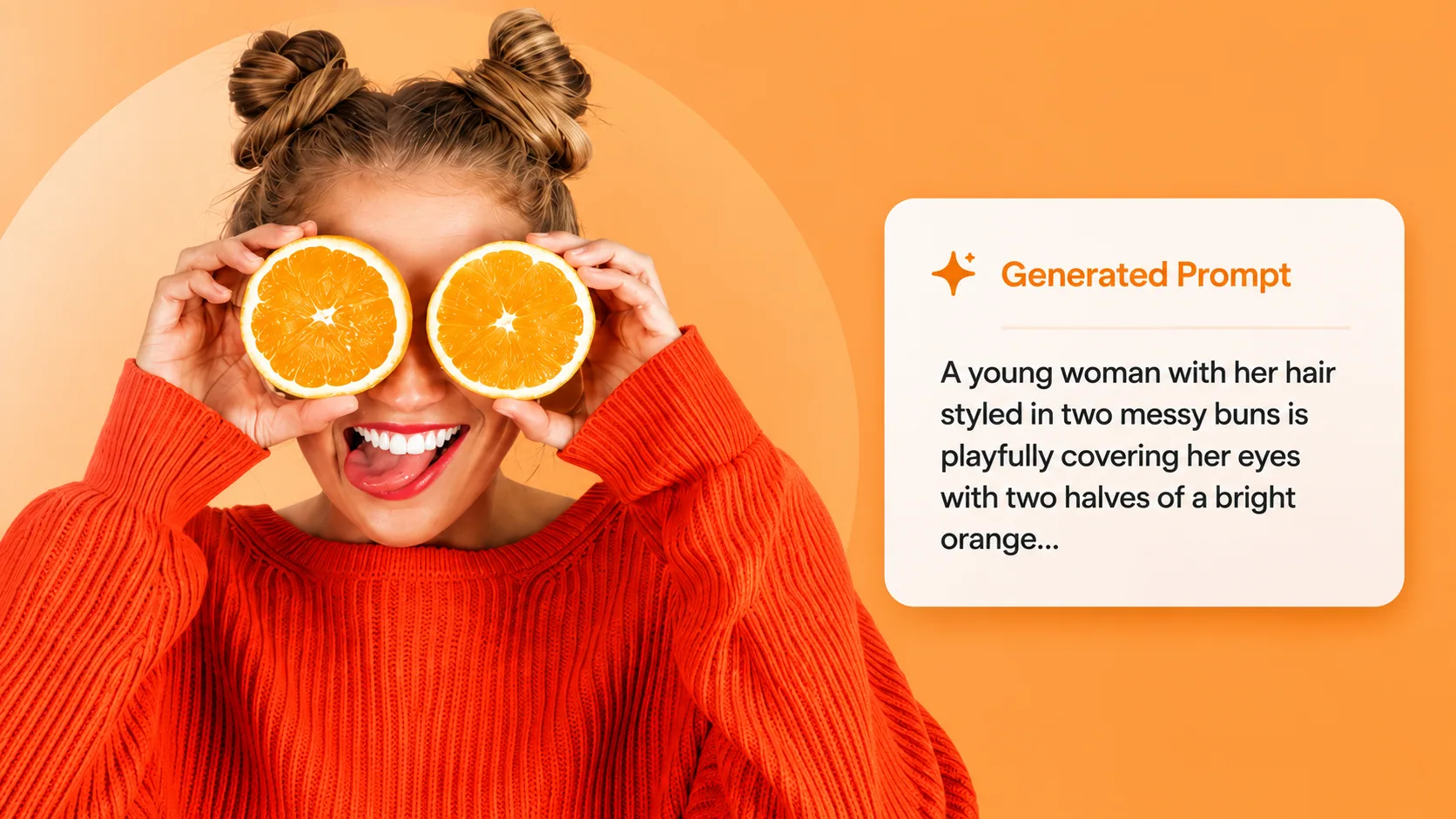
Image to Prompt
Reverse an image into the prompt that would make it, then reuse those words here.